Microsoft released ten new desktop backgrounds to mark twelve years of the Windows Insider Program. Users can access these free images via email or direct download links.
Key points
- Microsoft released ten new wallpapers to celebrate the 12th anniversary of the Windows Insider Program.
- The images feature color variants including blue, white, green, orange, and purple, plus dark-theme options.
- Design inspiration comes from the standard Windows 11 Bloom background and recent Surface device aesthetics.
Microsoft distributed a set of ten new desktop wallpapers to participants in the Windows Insider Program. The release marks twelve years since the program launched, offering users free visual assets inspired by the company’s current design language.
What happened
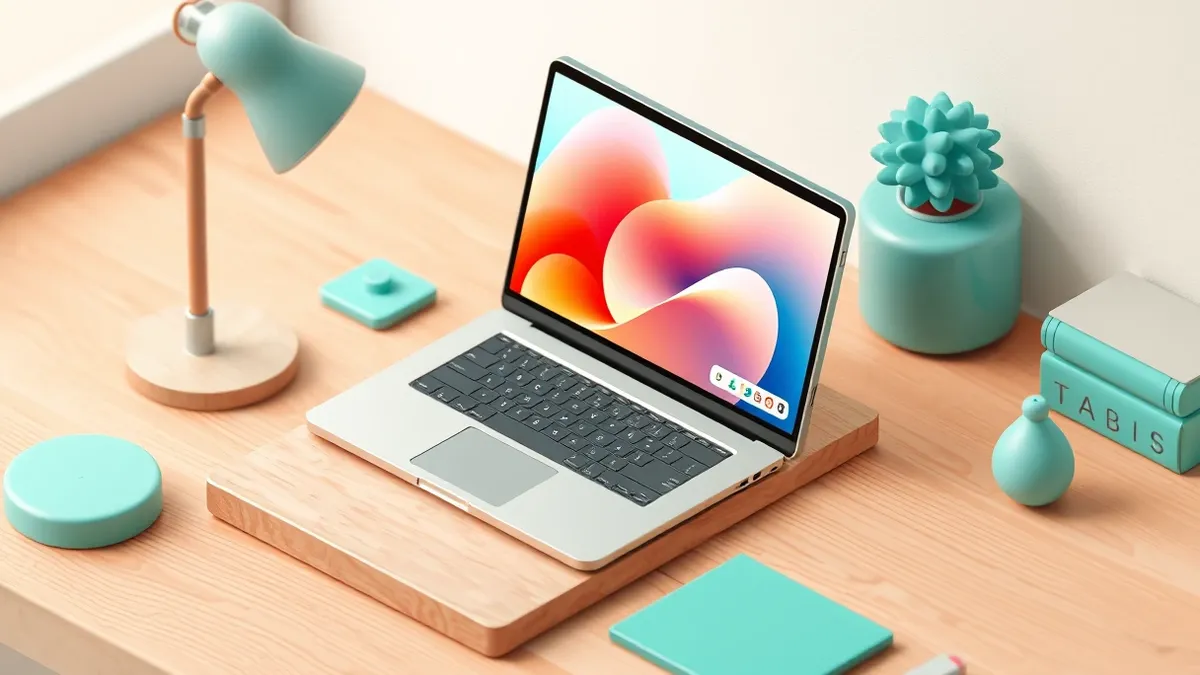
According to Windows Central, Microsoft celebrated the 12th anniversary of the Windows Insider Program by sharing special wallpapers with participants. The images are reminiscent of the Windows 11 Bloom background that ships with the operating system. Microsoft provided a direct download link for all ten wallpapers. Insiders also received the images via email from Microsoft. The collection includes blue, white, green, orange, and purple variants. There are also several dark-theme wallpapers included in the set. Microsoft stated the designs were inspired by the program’s history and the latest Surface design aesthetic.
View the original post on X
View the original post on X
The company thanked Insiders for their feedback and participation over the last decade. Windows Central noted that the program has shifted in structure over its twelve-year history. Recent changes include more frequent Insider builds and significant upgrades being tested. Microsoft also held in-person meetups this year in cities including Seattle, New York, Hyderabad, Taipei, San Francisco, and London. As Crypt Weekly reported on 2026-10-15, Microsoft continues to expand its hardware ecosystem with new Arm-based chips for Windows laptops. These wallpapers serve as a small gesture of appreciation to the community.
Why it matters
Community engagement is vital for software development. Early testers provide feedback that shapes final product features. When users feel valued, they remain active participants. This sustained involvement helps vendors identify issues before public release. Visual rewards like wallpapers acknowledge user contribution. They reinforce the relationship between developers and testers.
Ignored communities often disengage from testing programs. This disengagement reduces the volume of feedback available to engineers. Reduced feedback can lead to fewer improvements in public releases. Maintaining active communication helps retain skilled testers. It ensures diverse perspectives are considered during development. Companies benefit from keeping their beta communities motivated and involved.
Why it matters
Teams usually monitor community sentiment to gauge program health. Check whether your testing feedback is being acknowledged by the vendor. Look for signs of active development cycles and regular updates. Engage with other testers to share experiences and findings. Participate in official events when available to build connections. Provide constructive criticism to help improve the software. Stay informed about program changes that might affect your role. Understand that your contributions help shape the final product for millions.
What to do and how to stay safe: Microsoft
- Check your email inbox for the official message from Microsoft containing the wallpaper links.
- Visit the direct download page provided by Microsoft to access the full set of images.
- Verify that the downloaded files are safe before installing them on your system.
- Explore the different color and dark-theme options to find a background that suits your preference.
Step-by-step guide: What is password policies and how they protect systems
General security guidance from the Crypt Weekly newsroom. It is not confirmed advice from the organisations named in this story.
Frequently asked questions
How can I get the new Windows Insider wallpapers?
You can download them via the direct link provided by Microsoft or through an email sent to Insiders.
What colors are available in the new wallpaper set?
The set includes blue, white, green, orange, and purple variants, as well as dark-theme options.
What inspired the design of these wallpapers?
The designs are inspired by the Windows 11 Bloom background and the latest Surface design aesthetic.