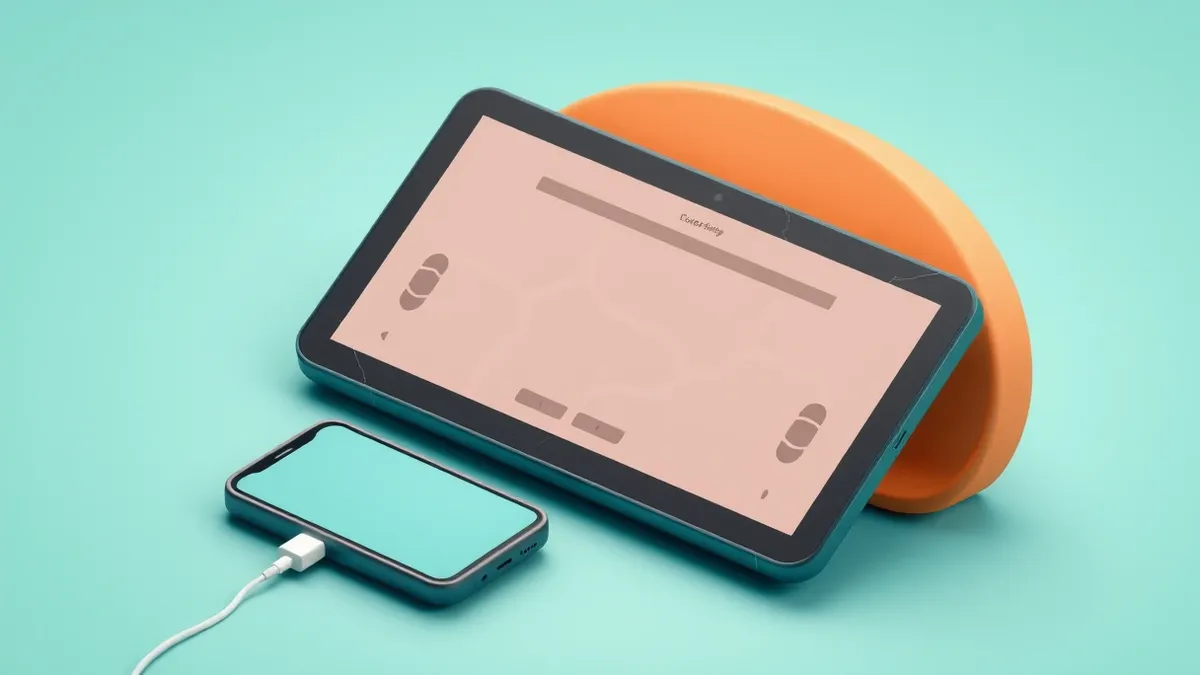
Third-party apps allow Android phones to project their interface to tablets, turning old hardware into a simplified dashboard.
Key points
- Android Auto can run on tablets using third-party receiver apps like Open Headunit.
- A wired USB connection is required between the phone and the tablet for this setup.
- This method repurposes older hardware for a simplified, phone-centric user interface.
Users can project their Android phone’s interface onto a tablet using third-party applications, effectively turning the tablet into a dashboard display. This setup allows for a simplified view of maps, music, and messages without needing a vehicle.
What happened
Third-party applications enable Android Auto to function on tablets, according to Engadget. These apps act as receivers, allowing a phone to project its interface to a separate screen. Users need an Android phone running version 11 or newer and a spare tablet. The phone performs the processing, which benefits older tablets with limited performance capabilities.
One popular option is Open Headunit, available for $3.99 on Google Play. Another is Headunit Reloaded, priced at $4.99. Both apps require a data-capable USB cable to connect the devices. An OTG adapter may be necessary if the tablet lacks a standard USB port. This setup works without a car, placing the screen on a desk or counter.
Why it matters
This configuration separates the processing power from the display hardware. The phone handles the computation while the tablet serves merely as a visual output device. This architecture allows older, slower tablets to remain useful by offloading the heavy processing tasks to the connected smartphone. It demonstrates how software receivers can repurpose hardware that no longer meets modern app performance standards.
Why it matters
Teams usually evaluate how software interfaces adapt to different hardware constraints. Check whether the primary device meets the minimum operating system requirements before attempting such a setup. Ensure that the connection method supports data transfer, as power-only cables will not work. This approach highlights the flexibility of modern mobile operating systems in non-standard environments.
The fix
- Install a receiver app like Open Headunit on the tablet.
- Connect the phone and tablet via a USB cable.
- Select Android Auto in the phone’s USB settings.
- Grant permissions on both devices to establish the connection.
What to do and how to stay safe: Android Auto
- Verify your phone is running Android 11 or newer before attempting this setup.
- Ensure you have a data-capable USB cable and an OTG adapter if your tablet requires it.
- Check that your tablet can run the specific receiver application, such as Open Headunit.
- Be aware that Self-Mode may require developer settings to be enabled on newer Android Auto versions.
Step-by-step guide: What is password policies and how they protect systems
General security guidance from the Crypt Weekly newsroom. It is not confirmed advice from the organisations named in this story.
Frequently asked questions
Can I use Android Auto on a tablet without a car?
Yes, third-party apps like Open Headunit allow you to use Android Auto on a tablet for desk use.
What equipment do I need for this setup?
You need an Android phone running version 11+, a spare tablet, and a USB cable.
Do older tablets work with this method?
Yes, because the phone does the processing, older tablets with weaker hardware can still function as displays.