The new battery-powered amplifier supports guitar, voice, and synth inputs with Bluetooth audio streaming and multi-unit stereo linking capabilities.
Key points
- The EP-35 features line-in, guitar, and XLR inputs with phantom power support.
- Users can stream audio via Bluetooth and link multiple units using Auracast.
- Effects are controlled by style-based presets rather than individual parameter knobs.
Teenage Engineering released the EP-35, a battery-powered instrument amplifier. The device supports multiple input types and includes built-in audio effects.
What happened
According to The Verge, Teenage Engineering launched the EP-35 as a multi-input, battery-powered amplifier for instruments and vocals. The unit includes a line-in port, a standard 1/4-inch input for guitars, and an XLR connector that provides phantom power for compatible microphones. This configuration allows musicians to connect synthesizers, stringed instruments, or vocal equipment directly to the device without external power sources for the amp itself.
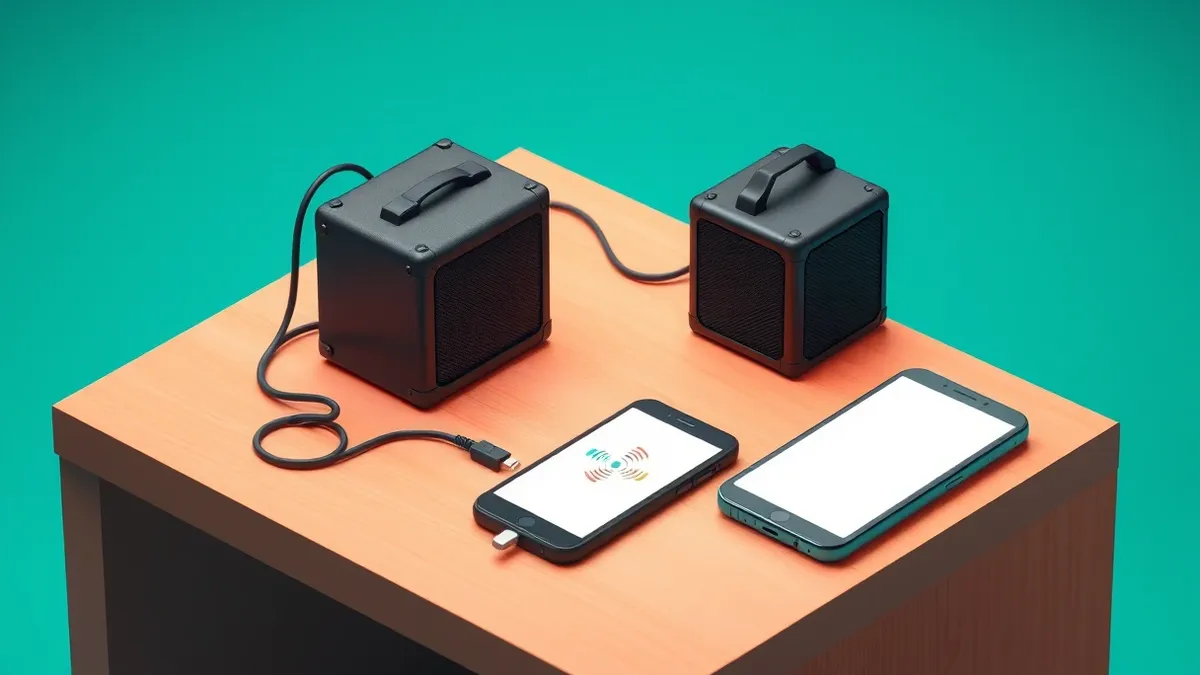
The hardware supports wireless audio transmission through Bluetooth connectivity. Users can stream music directly to the speaker from compatible devices. The Verge reported that the amp also utilizes Auracast technology, enabling multiple EP-35 units to connect together. When paired in a stereo setup, tilting a specific unit to the left or right automatically assigns it to the corresponding audio channel, simplifying the physical setup process for stereo monitoring.
Audio processing relies on separate effect channels for guitar and vocals. Instead of adjusting individual parameters like delay time or reverb decay, users select style-based presets. Options include “blues,” “indie,” or “twang” for guitar, and “radio” or “robo choir” for vocals. A single knob controls the intensity of the selected preset, limiting granular control over the sound design in favor of simplified operation.
Why it matters
Modern audio hardware increasingly integrates wireless protocols to reduce cable clutter. Bluetooth streaming allows for quick playback of backing tracks or reference material. Auracast enables spatial audio setups without complex wiring, which is useful for live performance or practice spaces. Preset-based effects simplify the learning curve for beginners who may be intimidated by complex signal chains. However, this approach reduces creative flexibility for advanced users who prefer custom signal routing and precise parameter adjustment. Understanding these trade-offs helps buyers choose between convenience and control.
The fix
- Check your device's Bluetooth compatibility before attempting to stream audio to the EP-35.
- Ensure microphones are compatible with the provided phantom power levels to prevent damage.
- Verify that Auracast is supported by your operating system if you plan to link multiple units.
- Read the user manual to understand the limitations of the preset-based effects system.
Why it matters
When evaluating new audio equipment, consider how connectivity options impact your workflow. Wireless features offer mobility but may introduce latency or connection stability issues. Preset-driven interfaces speed up setup times but restrict detailed sound sculpting. Users should assess whether the convenience of integrated features outweighs the loss of granular control. It is also important to verify that wireless standards like Auracast are supported by your existing ecosystem to fully utilize multi-unit capabilities.
What to do and how to stay safe: Teenage Engineering
- Verify Bluetooth compatibility with your preferred audio source devices before purchase.
- Confirm that your microphones work correctly with the unit's phantom power supply.
- Test Auracast connectivity with multiple units if you plan to use stereo pairing.
- Review the available effect presets to ensure they meet your creative needs.
Step-by-step guide: What is password policies and how they protect systems
General security guidance from the Crypt Weekly newsroom. It is not confirmed advice from the organisations named in this story.
Frequently asked questions
Can I use the EP-35 with a microphone that needs phantom power?
Yes, the XLR input on the back of the unit provides phantom power for compatible microphones.
How do I control the effects on the EP-35?
You select style-based presets like "blues" or "radio" and adjust the intensity with a single knob.
Can I connect multiple EP-35 units together?
Yes, you can link multiple units over Bluetooth using Auracast technology for stereo pairing.