
Blocking known bad packages is insufficient because attackers publish new malicious code daily, requiring verification of every dependency before it runs.
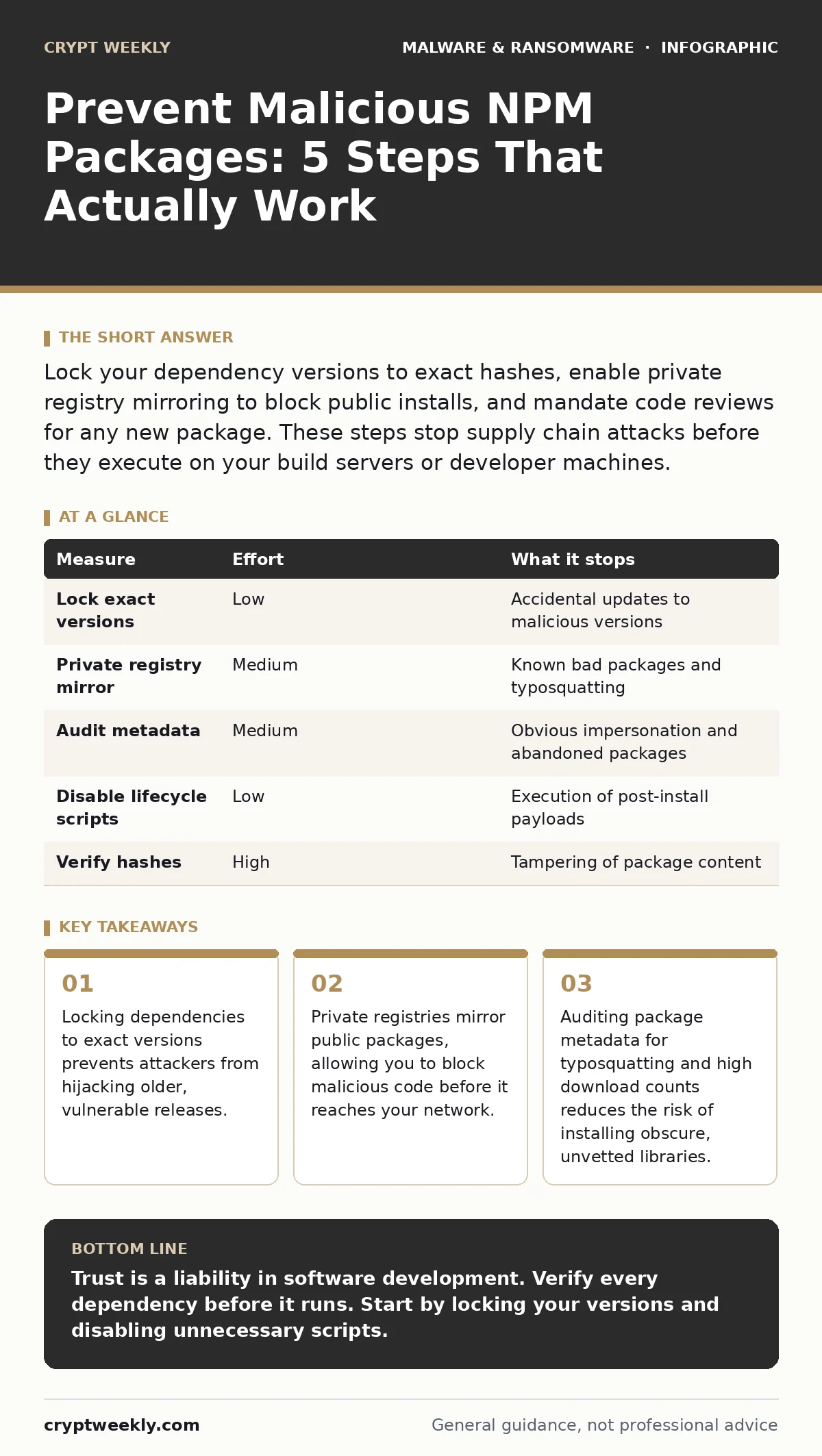
Lock your dependency versions to exact hashes, enable private registry mirroring to block public installs, and mandate code reviews for any new package. These steps stop supply chain attacks before they execute on your build servers or developer machines.
The Supply Chain Trap
You trust the code you write. You should not trust the code you import. The npm registry is a massive repository of open-source software, but it is also a hunting ground for attackers. They publish packages that look legitimate but contain hidden instructions. These instructions can steal credentials, encrypt files, or create backdoors.
This is a supply chain attack. Instead of breaking into your server directly, the attacker compromises a tool you already use. When you run npm install, you are executing code from strangers. The risk is not just in your direct dependencies. It is in the dependencies of your dependencies. This creates a deep web of trust that is nearly impossible to verify manually.
Why Scanning Fails
Many teams believe that running a scanner before deployment is enough. This is a dangerous misconception. Scanners compare your packages against a database of known vulnerabilities. If an attacker publishes a new malicious package, it is not in the database yet. It is "day-zero" malware.
A package can be clean when you scan it. An attacker can then update the package with malicious code. If your project uses a flexible version range, like ^1.0.0, your next build might pull the poisoned update. The scanner sees the same package name and assumes it is safe. The damage happens between the scan and the build.
Lock Exact Versions
The first line of defense is removing flexibility from your dependencies. You must pin every package to a specific version. This is usually handled by a lock file, such as package-lock.json or yarn.lock. This file records the exact tree of dependencies used in your last successful build.
Without a lock file, your build system interprets version ranges. A range allows the registry to serve any version that fits the criteria. This gives attackers a window of opportunity. They can publish a malicious version that fits your range. By locking the version, you ensure that only the exact code you have tested is installed.
Check your lock file into version control. Treat it with the same care as your source code. If a lock file changes unexpectedly, investigate why. An unexplained change often signals that a dependency has been updated, possibly to a malicious version. This simple step stops the "left-pad" scenario, where a removed or compromised package breaks your entire application.
Mirror to a Private Registry
Locking versions helps, but it does not stop you from installing a package that was malicious from the start. The next step is to intercept the installation process. You do this by using a private registry proxy or mirror.
A private registry sits between your developers and the public npm registry. When a developer requests a package, the proxy fetches it from the public source and caches it locally. Your team then installs from your private cache. This gives you control over what enters your environment.
You can configure the private registry to block specific packages. You can also require that all packages pass a security gate before they are cached. If a package fails the gate, it is never available to your developers. This prevents accidental installation of known bad packages. It also allows you to audit new packages before they are widely distributed.
Audit Metadata for Red Flags
Not all malicious packages are new. Some are old packages that have been abandoned. Attackers can take over these packages if the original maintainer loses access to their account. They then update the package with malicious code.
You must audit the metadata of every package you use. Look for typosquatting. This is when an attacker registers a package name that looks similar to a popular one. For example, a package named requset instead of request. Developers often copy and paste names, missing the typo.
Check the download count. A package with zero downloads is suspicious. Why would you use a library that no one else trusts? Check the maintainer’s history. Are there other packages from the same author? Do they have a professional profile? These signals help you identify low-effort attacks.
Restrict Execution Privileges
Even if a malicious package gets through, you can limit what it can do. This is where application allowlisting comes in. You configure your build servers to only run scripts from approved sources.
npm packages can include lifecycle scripts. These are commands that run during installation or build. A malicious package might use a postinstall script to execute code on your machine. By default, these scripts run with the permissions of the user installing the package.
You can disable these scripts entirely. Most packages do not need them. If a package requires a script to function, you must evaluate the risk. Is it worth letting it run? In many cases, you can find an alternative package that does not require scripts. This reduces the attack surface. If the script cannot run, the payload cannot execute.
Verify with Hashes
The ultimate verification is the cryptographic hash. A hash is a unique fingerprint of the file content. If even one bit of the file changes, the hash changes completely.
You can store the expected hash of every dependency in a secure location. Before installation, you verify that the downloaded file matches the stored hash. If it does not, the installation fails. This proves that the file has not been tampered with.
This method is robust but requires significant effort. You must update the hashes whenever you update a dependency. For large projects, this can be cumbersome. However, for critical components, it is worth the effort. It provides mathematical proof that the code is exactly what you expect.
| Measure | Effort | What it stops |
|---|---|---|
| Lock exact versions | Low | Accidental updates to malicious versions |
| Private registry mirror | Medium | Known bad packages and typosquatting |
| Audit metadata | Medium | Obvious impersonation and abandoned packages |
| Disable lifecycle scripts | Low | Execution of post-install payloads |
| Verify hashes | High | Tampering of package content |
What Does Not Work
Some measures are popular but ineffective on their own. Using a "trusted" registry is not enough. Even official registries are targeted. Using two-factor authentication for your npm account helps, but it does not stop an attacker from publishing a new, malicious package under a different name.
Relying on community reports is too slow. By the time a package is flagged, it may have been installed thousands of times. You must assume that any package can be malicious. You must verify it yourself.
Checklist for Today
- Ensure your lock file is committed to version control and never ignored.
- Configure your build system to reject packages with high-risk lifecycle scripts.
- Review your top ten dependencies for typosquatting and maintainer activity.
Key takeaways
- Locking dependencies to exact versions prevents attackers from hijacking older, vulnerable releases.
- Private registries mirror public packages, allowing you to block malicious code before it reaches your network.
- Auditing package metadata for typosquatting and high download counts reduces the risk of installing obscure, unvetted libraries.
Trust is a liability in software development. Verify every dependency before it runs. Start by locking your versions and disabling unnecessary scripts.
Frequently asked questions
How do I know if a package is typosquatted?
Check the spelling against the official package. Look for missing letters, extra characters, or swapped words. If the package has low downloads, be suspicious.
Can I disable all npm scripts safely?
Most packages do not need scripts. You can disable them and test your build. If a package fails, find an alternative or manually verify the script.
What is a private registry proxy?
It is a server that caches public packages. It sits between your network and the public internet, allowing you to control what is installed.
Does two-factor authentication stop supply chain attacks?
No. It protects your account from being hijacked. It does not stop attackers from creating new, malicious packages under different accounts.
How this guide was produced: written by the Crypt Weekly editorial team with AI assistance, checked against the public references listed below, and reviewed when the facts change. See our editorial policy or report an error.