
Browser isolation stops malware execution by rendering web pages in a remote container, keeping dangerous code away from local workstations entirely.
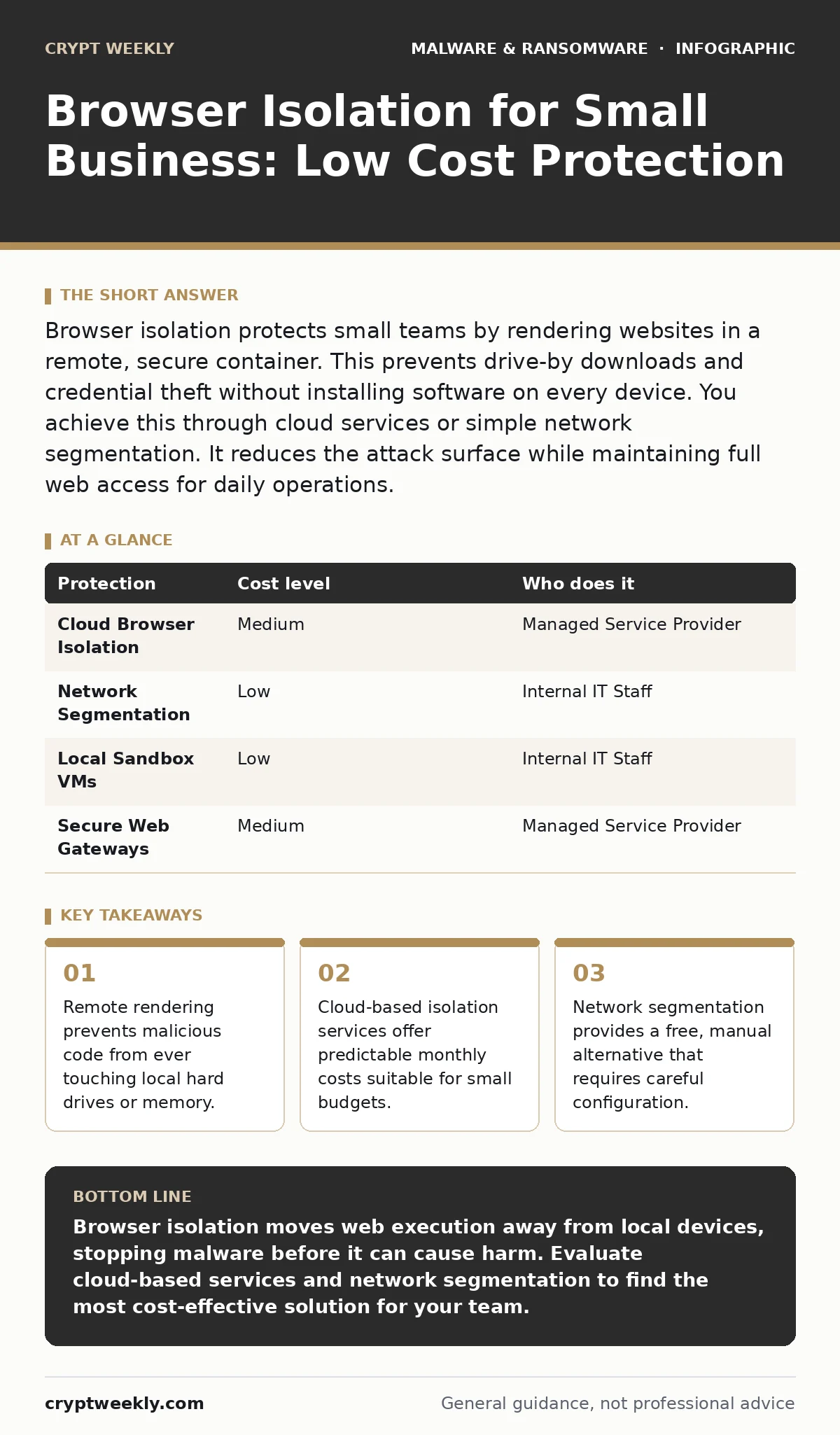
Browser isolation protects small teams by rendering websites in a remote, secure container. This prevents drive-by downloads and credential theft without installing software on every device. You achieve this through cloud services or simple network segmentation. It reduces the attack surface while maintaining full web access for daily operations.
How Browser Isolation Protects Small Teams
Browser isolation separates the web browser from the operating system. Traditional security relies on antivirus software to detect threats after they land on a device. This approach fails against zero-day exploits and fileless malware. Browser isolation changes the model by moving the execution environment away from the user's computer. The user interacts with a video stream or a rendered image of the webpage. The actual code runs on a remote server or in a sandbox.
If the webpage contains malware, it infects the container, not the workstation. This method stops ransomware, keyloggers, and drive-by downloads before they can access local data. Small businesses benefit because they often lack dedicated security staff to monitor endpoints constantly. This technology reduces the need for complex endpoint detection and response tools. It simplifies the security posture by removing the browser as a primary attack vector.
| Protection | Cost level | Who does it |
|---|---|---|
| Cloud Browser Isolation | Medium | Managed Service Provider |
| Network Segmentation | Low | Internal IT Staff |
| Local Sandbox VMs | Low | Internal IT Staff |
| Secure Web Gateways | Medium | Managed Service Provider |
Affordable Implementation Strategies
Small businesses often assume browser isolation requires expensive enterprise licenses. This assumption is incorrect. Several affordable methods exist that provide significant protection without breaking the budget. Cloud-based browser isolation services charge per user per month. This predictable cost fits well into small business operational expenses. These services handle all maintenance, updates, and scaling. You simply configure the DNS or proxy settings to redirect traffic.
Another option is network segmentation. You place internet-facing devices on a separate virtual local area network. This limits the blast radius if a device is compromised. It does not stop the initial infection but prevents lateral movement. This approach costs nothing if you already have a managed switch. You can also use local virtual machines for high-risk browsing. This requires technical skill to maintain but uses existing hardware resources.
What to Delegate to Providers
Do not attempt to manage complex isolation infrastructure internally if you lack specialized staff. Small teams should delegate the heavy lifting to managed service providers. These providers maintain the remote containers, apply security patches, and monitor for anomalies. You focus on policy and user training while they handle the technical implementation. Look for providers who offer clear reporting on blocked threats and user activity.
This transparency helps you understand your risk profile without needing deep technical expertise. Delegating this function also ensures 24/7 monitoring. Internal IT staff usually work standard business hours. Automated systems and external experts provide continuous protection. This reduces the risk of delayed response to emerging threats. It also frees your internal team to focus on core business operations rather than constant security tuning.
Integration with Existing Security
Browser isolation works best when combined with other security measures. It is not a standalone solution for all cyber risks. You must integrate it with your existing email security and identity management systems. Multi-factor authentication remains critical for protecting accounts even if the browser is isolated. Without multi-factor authentication, attackers can still compromise credentials through social engineering.
You should also review your macro security settings to prevent Office document attacks. These attacks often bypass browser protections by targeting local applications. Combining browser isolation with strict macro policies creates a layered defense. This approach addresses both web-based and document-based threats. It ensures that even if one layer fails, others remain in place. This redundancy is vital for small businesses with limited recovery resources.
Performance and User Experience
Users often complain about latency when using remote browser isolation. The video stream or rendered image adds slight delay to page loading. This delay is usually minimal with modern cloud services. However, it can affect users who rely on real-time web applications. You must test critical business applications before full deployment. Some applications may not render correctly in an isolated environment.
These exceptions require careful configuration to ensure functionality. You can allow specific trusted sites to bypass isolation if necessary. This trade-off between security and usability must be managed carefully. Communicate the benefits of isolation to your team. Explain that the slight delay prevents serious security incidents. Most users adapt quickly once they understand the value. Regular feedback helps you fine-tune the settings for optimal performance.
See also: Prevent Browser Hijackers: Stop Search Redirections for Good · Macro Security Settings: Real Protection or False Sense of Safety
Common Misconfigurations
Improper setup can render browser isolation ineffective. A common mistake is failing to redirect all HTTP and HTTPS traffic. If some traffic bypasses the isolation container, attackers can exploit those gaps. You must ensure your DNS or proxy settings cover all web requests. Another error is allowing clipboard sharing by default. This feature lets users copy text from the isolated browser to their local machine.
While convenient, it can leak sensitive data or inject malicious scripts. Disable clipboard sharing unless it is strictly required for business operations. If you enable it, monitor usage closely for anomalies. Regularly review the configuration to ensure it aligns with current security policies. Technology changes rapidly, and settings that were safe last year may not be secure today. Stay updated with provider recommendations and industry best practices.
Evaluating Provider Capabilities
Not all browser isolation services are equal. You must evaluate providers based on specific criteria relevant to your needs. Ask about their data retention policies and compliance certifications. Ensure they meet any regulatory requirements your industry demands. Inquire about their incident response procedures. How quickly do they notify you of a breach in their infrastructure? What support do they provide during an active attack?
You should also check their integration capabilities with your existing tools. Seamless integration reduces administrative overhead and improves security effectiveness. Request a trial period to test the service with your specific use cases. Verify that critical applications work correctly and that performance meets your expectations. This due diligence prevents costly mistakes and ensures a smooth deployment.
Long-Term Maintenance
Security is an ongoing process, not a one-time setup. You must regularly review and update your browser isolation policies. As your business grows and changes, your security needs will evolve. New applications may require different configurations. New threats may emerge that require updated protection methods. Schedule quarterly reviews of your security posture. Involve both IT staff and business leaders in these discussions.
This ensures that security measures support business goals rather than hindering them. Keep documentation up to date with current configurations and procedures. This helps new staff members understand the security framework. It also aids in troubleshooting and incident response. Consistent maintenance ensures that your browser isolation remains effective over time. It protects your small business from evolving cyber threats without requiring constant reinvestment.
Key takeaways
- Remote rendering prevents malicious code from ever touching local hard drives or memory.
- Cloud-based isolation services offer predictable monthly costs suitable for small budgets.
- Network segmentation provides a free, manual alternative that requires careful configuration.
Browser isolation moves web execution away from local devices, stopping malware before it can cause harm. Evaluate cloud-based services and network segmentation to find the most cost-effective solution for your team.
Frequently asked questions
Does browser isolation slow down internet browsing?
Yes, it adds slight latency because pages render remotely. Most users notice minimal impact, but real-time applications may feel sluggish. Test critical apps before full deployment.
Can browser isolation stop all types of cyber attacks?
No, it primarily stops web-based threats like drive-by downloads and phishing. It does not protect against email attachments or social engineering that bypass the browser. Combine it with other security measures.
How much does browser isolation cost for a small team?
Cloud services typically charge per user per month. Costs vary by provider and features. Network segmentation is free but requires technical setup. Local virtual machines use existing hardware.
Do I still need antivirus software with browser isolation?
Yes, you still need endpoint protection. Browser isolation only secures the web browser. Other applications and downloaded files can still contain malware. Layered security provides the best protection.
How this guide was produced: written by the Crypt Weekly editorial team with AI assistance, checked against the public references listed below, and reviewed when the facts change. See our editorial policy or report an error.