
Disabling macros blocks initial execution but fails to stop attackers who use other delivery methods or who trick users into enabling them manually.
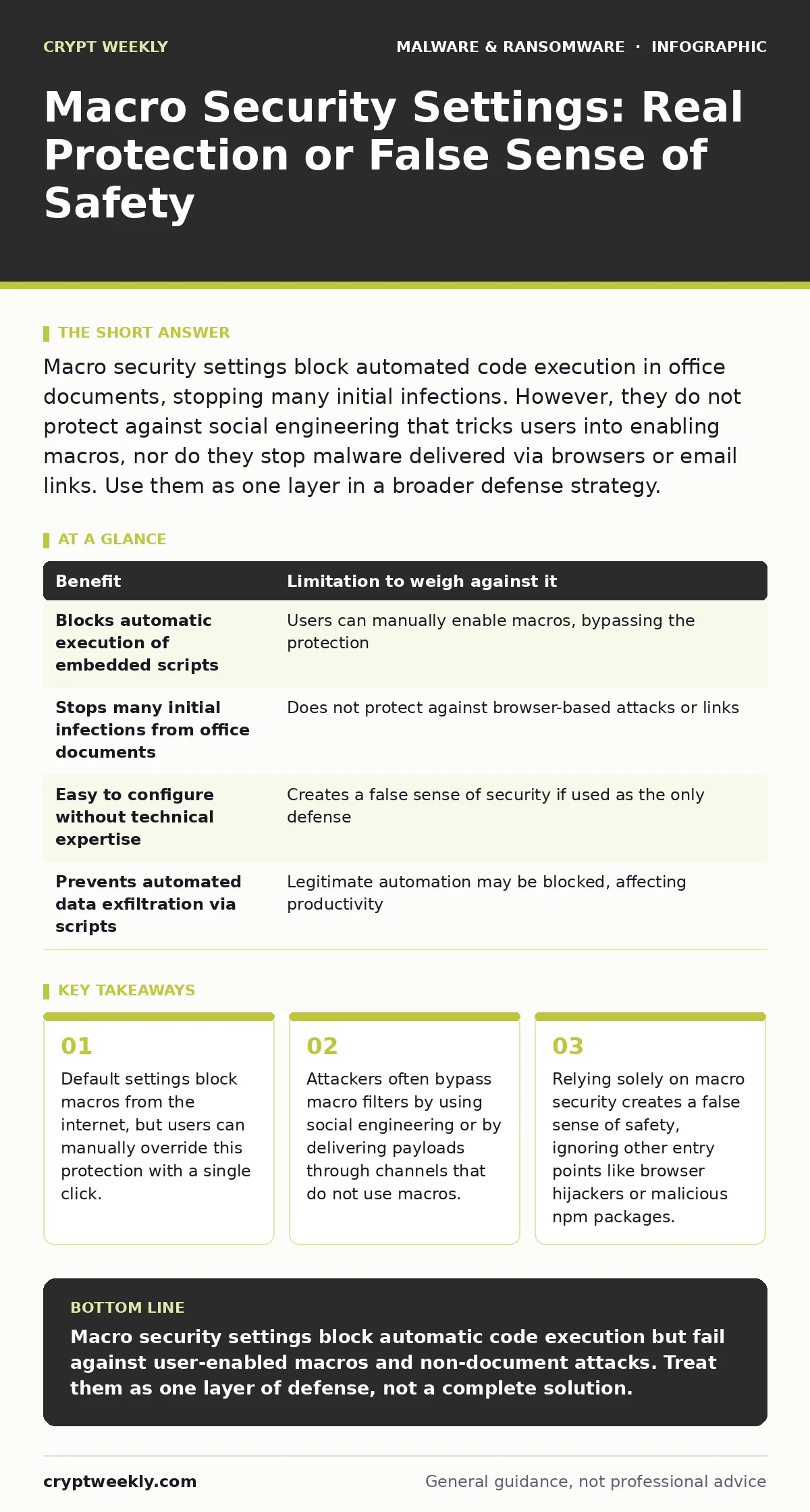
Macro security settings block automated code execution in office documents, stopping many initial infections. However, they do not protect against social engineering that tricks users into enabling macros, nor do they stop malware delivered via browsers or email links. Use them as one layer in a broader defense strategy.
The Mechanism Behind Macro Blocking
Office applications allow documents to contain embedded scripts known as macros. These scripts automate tasks, such as formatting text or calculating data. The security setting you adjust determines whether these scripts run automatically when you open a file. By default, modern office suites block macros that arrive from the internet or other untrusted locations. This prevents the automatic execution of malicious code hidden inside a document.
When you change these settings, you alter the trust model of the application. You are deciding whether the application should trust the content of a file without your explicit permission. Most users never need to enable macros for their daily work. The default restriction stops the majority of automated attacks that rely on immediate code execution upon file opening.
The Social Engineering Loophole
The primary weakness in macro security is not technical; it is human. Malware authors know that blocking automatic execution is standard practice. They design their attacks to account for this barrier. Instead of relying on automatic execution, they craft messages that urge you to enable macros manually. The message might claim the document is unreadable without enabling content or that it contains urgent financial data.
This technique exploits your desire to complete a task. You see a warning, read the persuasive text, and click the button to enable content. Once you click, the security setting is bypassed for that session. The malware then executes. No technical flaw in the software allowed this; your intentional action did. This is why macro security is often described as a policy control rather than a technical barrier.
Limitations Beyond the Office Suite
Macro security settings only apply to files opened within office applications. They offer no protection against other common attack vectors. If an attacker sends you a link to a compromised website, your browser will load the page regardless of your macro settings. The site may then deliver malware through drive-by downloads or exploit browser vulnerabilities. This is why understanding the full ransomware attack chain is necessary for defense.
Similarly, if you install software from an unverified source, that software may contain logic bombs or other malicious components. These do not run as macros in a document; they run as executable programs. Your macro settings remain idle while the infection occurs. Relying on macro security while ignoring other entry points leaves significant gaps in your defense. You must also consider threats like malicious npm packages if you are a developer, as these can compromise systems without ever touching a document.
The False Sense of Security
When users focus heavily on macro settings, they often neglect other critical defenses. They may assume that because their office software is configured correctly, they are safe. This assumption leads to complacency. Attackers easily shift tactics when they know a target is focused on one specific vector. They may use phishing emails with malicious links instead of attachments.
This shift in tactics means that strengthening macro security alone does not reduce your overall risk significantly. It only removes one specific path for attackers. To effectively reduce risk, you must address the underlying behaviors that allow attackers to succeed. This includes verifying the source of all communications and maintaining up-to-date systems. Antivirus software can detect known threats, but it cannot stop a user from enabling a macro in a legitimate-looking document.
Trade-Offs in Enterprise Environments
In large organizations, administrators often enforce strict macro policies. They disable all macros to prevent users from accidentally enabling malicious content. This approach maximizes security but introduces operational friction. Legitimate users who rely on automated reports or specialized templates may find their work hindered. They cannot run necessary scripts, leading to delays and frustration.
Administrators must balance security with productivity. They may create allow-lists for trusted documents or use application whitelisting to control which scripts can run. This requires significant maintenance and expertise. For individual users, this trade-off is less relevant. You can simply avoid using macros altogether. If you do not use macros for work, there is no productivity loss in keeping them disabled.
| Benefit | Limitation to weigh against it |
|---|---|
| Blocks automatic execution of embedded scripts | Users can manually enable macros, bypassing the protection |
| Stops many initial infections from office documents | Does not protect against browser-based attacks or links |
| Easy to configure without technical expertise | Creates a false sense of security if used as the only defense |
| Prevents automated data exfiltration via scripts | Legitimate automation may be blocked, affecting productivity |
See also: Prevent Browser Hijackers: Stop Search Redirections for Good · 7 Mistakes That Leave You Open to Malware Droppers and Loaders
When It Is Worth It
Configuring macro security is worth it if you frequently open documents from unknown sources. This includes attachments from email, files downloaded from the web, or documents received from external partners. In these cases, the risk of encountering a malicious file is higher. The default blocking setting acts as a critical checkpoint. It stops the malware before it can execute, giving you a chance to inspect the file or delete it.
It is also worth it if you work in an environment where sensitive data is processed. Preventing the initial execution of malware can stop data theft or encryption. Even if you eventually enable a macro, the delay allows other security tools to scan the file. This adds a layer of defense in depth. However, this measure must be part of a broader strategy that includes ransomware backups and regular system updates.
When It Is Not Worth It
Adjusting macro security settings is not worth it if you only open documents from trusted, internal sources. If your organization uses a secure document management system and all files are scanned before distribution, the risk is minimal. In this case, the default settings are sufficient. You do not need to tweak advanced options or create complex exceptions.
It is also not worth it if you believe it solves your security problems. If you think disabling macros protects you from all malware, you are mistaken. This belief leads to neglecting other vital practices, such as recognizing social engineering or using strong authentication. You must understand that macro security is a single component. It does not replace the need for a comprehensive ransomware recovery plan or awareness of other threats like browser hijackers.
Key takeaways
- Default settings block macros from the internet, but users can manually override this protection with a single click.
- Attackers often bypass macro filters by using social engineering or by delivering payloads through channels that do not use macros.
- Relying solely on macro security creates a false sense of safety, ignoring other entry points like browser hijackers or malicious npm packages.
Macro security settings block automatic code execution but fail against user-enabled macros and non-document attacks. Treat them as one layer of defense, not a complete solution.
Frequently asked questions
Can I trust a document if it has no visible macros?
No. Attackers can hide macros in ways that are not immediately visible to the user. Always check the file properties and the source of the document.
Do macro settings protect against viruses in emails?
Only if the virus is embedded in an office document attachment. Emails with links or other file types are not protected by macro settings.
Should I disable macros entirely?
For most users, yes. The default setting that blocks all macros with notification is sufficient. You can enable them manually if absolutely necessary.
How do I know if a macro is malicious?
You often cannot tell by looking at the code. Malicious macros are obfuscated to hide their intent. Trust the source, not the content.
How this guide was produced: written by the Crypt Weekly editorial team with AI assistance, checked against the public references listed below, and reviewed when the facts change. See our editorial policy or report an error.