
Recovery plans often fail because teams ignore hidden dependencies and test restores on incomplete data sets, not because the encryption was too strong.
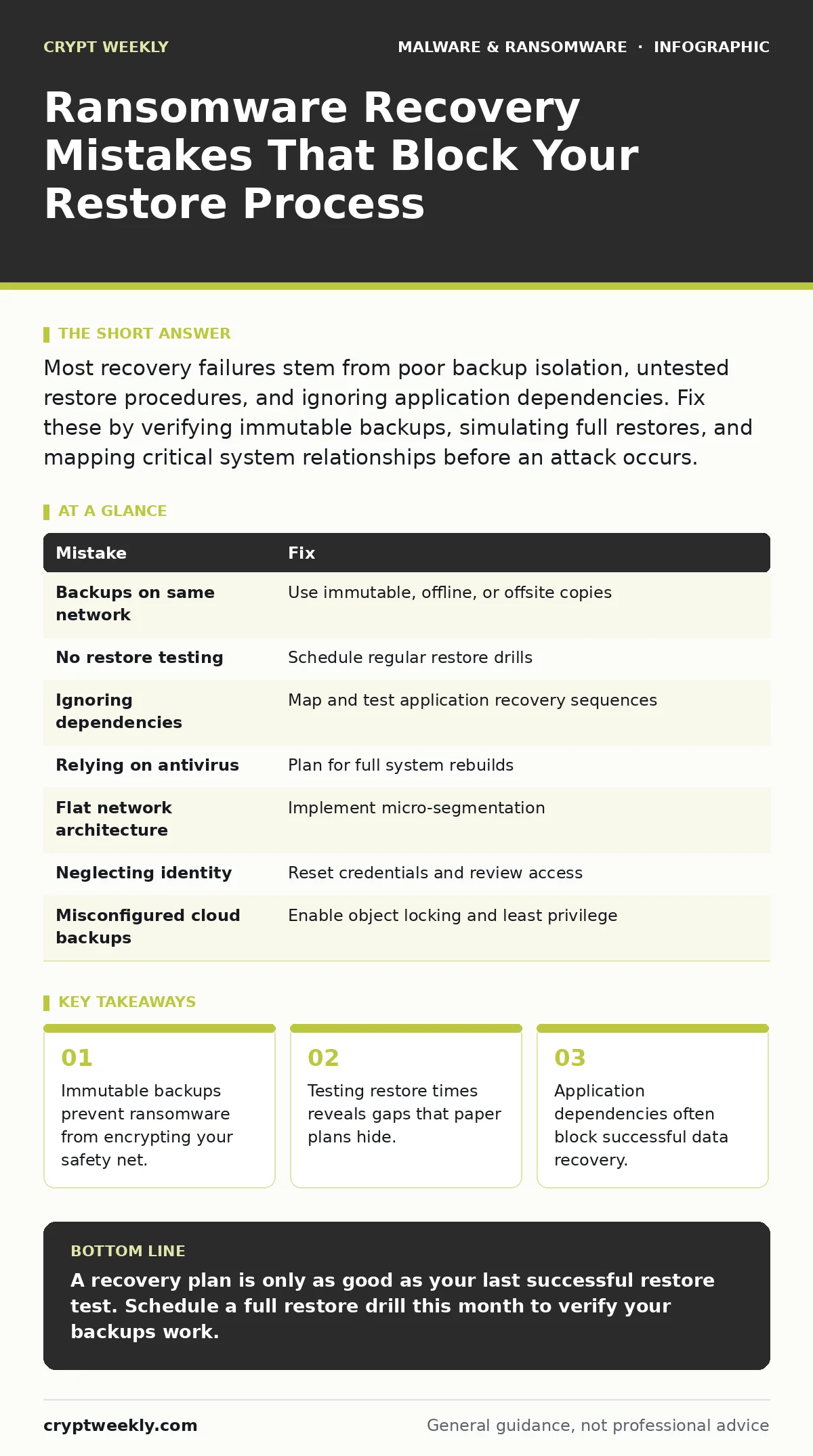
Most recovery failures stem from poor backup isolation, untested restore procedures, and ignoring application dependencies. Fix these by verifying immutable backups, simulating full restores, and mapping critical system relationships before an attack occurs.
Mistake 1: Storing Backups on the Same Network as Production
Many organizations treat backups as a compliance checkbox rather than a recovery asset. They store backup data on the same network segment as live servers, connected via the same switches and firewalls.
Why it hurts: Ransomware spreads laterally through network shares and administrative credentials. If your backup server is reachable from an infected workstation, the malware will encrypt the backups alongside the primary data. You lose both the source and the copy. This renders your recovery strategy useless without paying the attacker.
The fix: Implement the three-two-one backup rule with an immutable third copy. Store one copy on the primary system, one on a local offline device, and one offsite or in the cloud. The offsite copy must be immutable, meaning it cannot be altered or deleted for a set period. This prevents ransomware from modifying the backup even if it gains access. See our guide on ransomware backups for implementation details.
Mistake 2: Never Testing the Restore Process
Teams often verify that backups are creating successfully but never attempt to restore data from them. They assume that because the backup job completed without error, the data is usable.
Why it hurts: Backup integrity does not guarantee restore viability. Corruption can occur silently during the backup process. More commonly, the restore procedure itself is flawed. You may find that the restoration tool is incompatible with the current operating system version or that the data structure has changed since the backup was taken. You will discover this only when under pressure.
The fix: Schedule regular restore drills. Pick a random sample of files and entire systems, then restore them to an isolated environment. Measure how long it takes to recover. Document the steps required. Update your procedures if the restore fails or takes longer than your recovery time objective allows.
Mistake 3: Ignoring Application Dependencies
Recovery plans often focus on restoring files and databases while ignoring the applications that depend on them. Teams restore a database server but forget to restore the web server that connects to it.
Why it hurts: Modern applications are interconnected. A database is useless without the application layer that queries it. Restoring data in the wrong order or to the wrong version of the application can cause corruption or failure to start. You may have your data but no way to access it, extending downtime significantly.
The fix: Map your application dependencies before an incident. Identify which servers talk to which databases and which services depend on which APIs. Create a recovery sequence that respects these dependencies. Restore foundational services first, then dependent applications. Test this sequence during your drills.
Mistake 4: Relying on Antivirus for Recovery
Some organizations assume that antivirus software will detect and remove ransomware, allowing them to simply restart their systems. They integrate antivirus alerts into their incident response but do not plan for total system compromise.
Why it hurts: Antivirus software is a preventive control, not a recovery tool. It may detect known ransomware variants, but new strains often bypass signature-based detection. Even if the antivirus removes the malware, the encrypted files remain encrypted. You cannot decrypt data without the key. Relying on antivirus gives a false sense of security and delays the activation of your backup restore process.
The fix: Treat ransomware as a total loss of affected systems. Assume the endpoint is compromised and must be rebuilt from scratch. Do not attempt to clean and reuse infected machines. Reinstall the operating system and restore data from clean backups. This approach is slower but ensures no remnants of the malware remain.
Mistake 5: Failing to Isolate Network Segments
Flat networks allow unrestricted communication between all devices. When one device is infected, the ransomware can scan and attack every other device on the network without restriction.
Why it hurts: Without segmentation, the blast radius of an infection is the entire network. Ransomware can spread to backup servers, management consoles, and critical infrastructure before anyone notices. This rapid spread overwhelms response teams and limits the scope of what can be saved. You lose control of the environment before you can contain the threat.
The fix: Implement micro-segmentation. Divide your network into smaller zones based on function and sensitivity. Restrict traffic between zones using firewalls and access control lists. Only allow necessary communication. This limits lateral movement and gives you time to detect and respond to infections in one segment before they spread.
See also: Browser Isolation for Small Business: Low Cost Protection · 7 Mistakes That Leave You Open to Malware Droppers and Loaders
Mistake 6: Overlooking Identity and Access Management
Recovery plans often focus on data and infrastructure but neglect user accounts and permissions. Teams restore systems but forget to reset credentials or review administrative access.
Why it hurts: Ransomware attackers often compromise administrator accounts to move laterally. If you restore systems without resetting these credentials, the attacker may still have access. They can re-infect the systems immediately after recovery. You undo all your hard work by leaving the front door open.
The fix: Include identity recovery in your plan. Force password resets for all privileged accounts after an incident. Review and revoke unnecessary administrative permissions. Implement multi-factor authentication for all remote access and administrative tasks. This adds a layer of protection that makes it harder for attackers to regain access.
Mistake 7: Assuming Cloud Storage is Automatically Safe
Many teams move backups to the cloud and assume they are safe from on-premises threats. They do not configure proper access controls or versioning in the cloud environment.
Why it hurts: Cloud storage is subject to the same risks if misconfigured. Attackers with stolen cloud credentials can delete or encrypt cloud backups. Without versioning or object locking, there is no way to recover previous states. The convenience of the cloud does not equal security.
The fix: Enable object locking and versioning on cloud storage buckets. Restrict access to cloud backup accounts using least privilege principles. Use separate credentials for backup management that are not shared with daily operations. Monitor cloud access logs for unusual activity.
| Mistake | Fix |
|---|---|
| Backups on same network | Use immutable, offline, or offsite copies |
| No restore testing | Schedule regular restore drills |
| Ignoring dependencies | Map and test application recovery sequences |
| Relying on antivirus | Plan for full system rebuilds |
| Flat network architecture | Implement micro-segmentation |
| Neglecting identity | Reset credentials and review access |
| Misconfigured cloud backups | Enable object locking and least privilege |
Key takeaways
- Immutable backups prevent ransomware from encrypting your safety net.
- Testing restore times reveals gaps that paper plans hide.
- Application dependencies often block successful data recovery.
A recovery plan is only as good as your last successful restore test. Schedule a full restore drill this month to verify your backups work.
Frequently asked questions
How often should I test my ransomware recovery plan?
Test at least quarterly. More frequent testing is better if your infrastructure changes often.
Can I recover encrypted files without paying the ransom?
No. Encryption is mathematically strong. Without the key, the data is unrecoverable.
Does application allowlisting help with recovery?
Yes. It prevents unauthorized executables from running, limiting initial infection. See our guide on application allowlisting.
What if my backups are also encrypted?
You must rebuild from scratch using clean media and source code. Ensure you have offline copies to avoid this.
How this guide was produced: written by the Crypt Weekly editorial team with AI assistance, checked against the public references listed below, and reviewed when the facts change. See our editorial policy or report an error.