
Compromised software updates can bypass your perimeter defenses entirely, making verification of code signatures the primary defense against silent infiltration.
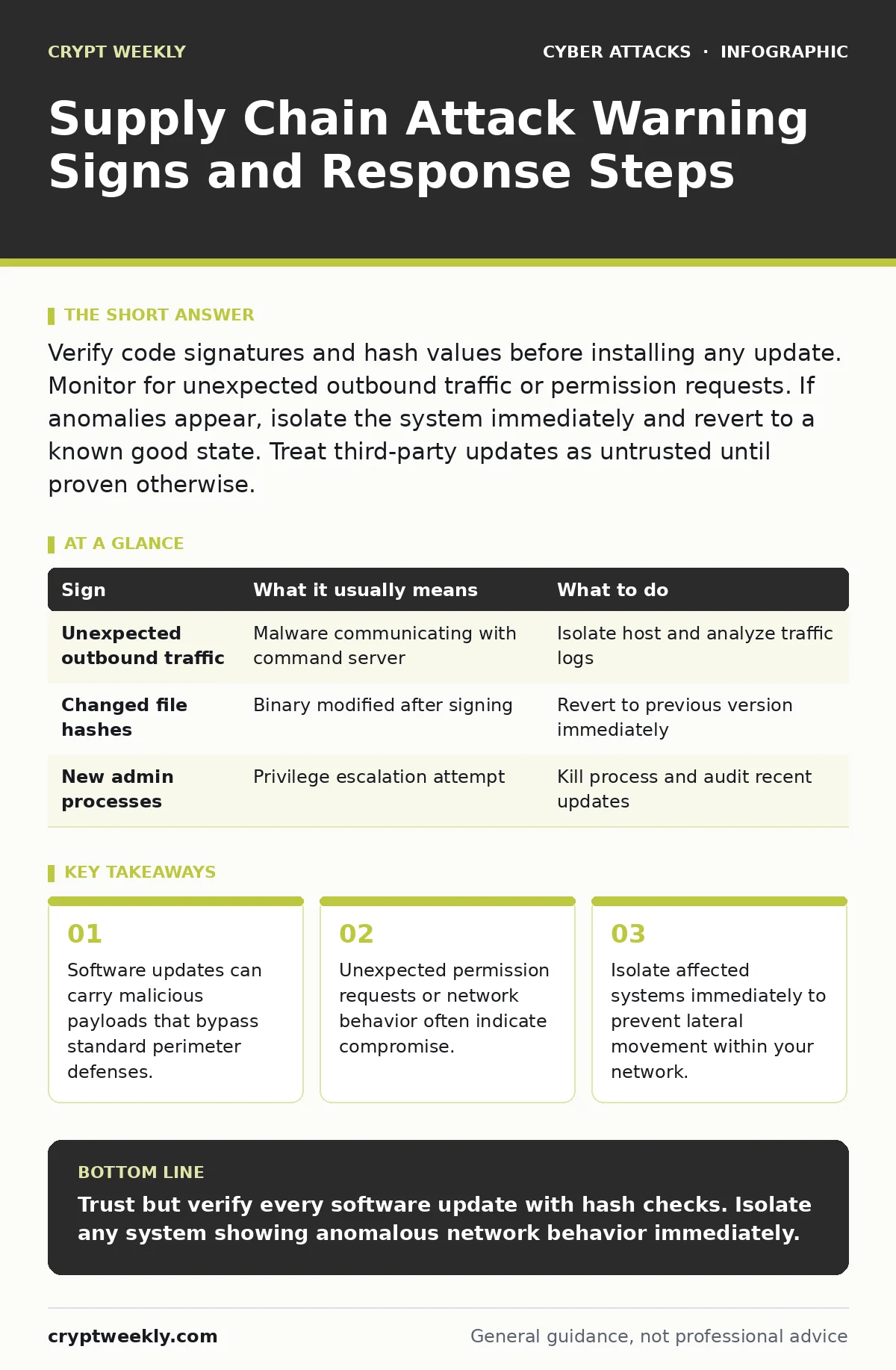
Verify code signatures and hash values before installing any update. Monitor for unexpected outbound traffic or permission requests. If anomalies appear, isolate the system immediately and revert to a known good state. Treat third-party updates as untrusted until proven otherwise.
The Illusion of Trusted Updates
You install a software update from a vendor you trust. The digital signature is valid. The download source is official. Yet the installation introduces a backdoor. This is the core mechanic of a supply chain attack. Attackers compromise the build environment or the distribution pipeline, not your specific machine. They insert malicious code before it reaches you. You cannot detect this by checking the sender's email address or the URL. The legitimacy of the source is irrelevant if the source itself has been compromised. This method allows attackers to reach thousands of victims with a single compromise.
Immediate Indicators of Compromise
Some signs appear quickly after installation. The most obvious is a change in system behavior. Applications may run slower or crash unexpectedly. New processes appear in your task manager that you did not initiate. Look for unexpected network connections. Legitimate applications usually connect to known endpoints. If a text editor suddenly tries to reach an unknown server in another country, that is a red flag. Pay attention to permission requests. If a utility asks for administrative privileges it did not need before, stop the process. These requests often signal an attempt to escalate privileges.
Subtle Signs That Slip Past Detection
Many supply chain attacks are designed to remain invisible. The malicious code may only activate under specific conditions. It might wait for a particular command or a certain date. This delays detection and gives the attacker time to move laterally. Another subtle sign is a change in file hashes. Even if the file name and version number are correct, the underlying data may have changed. If you do not verify cryptographic hashes, you will not see this change. The file looks identical but behaves differently. This is why relying on file names is insufficient. You must verify the integrity of the binary itself.
The Role of Dependency Confusion
Modern software relies on many third-party libraries. Attackers exploit this by uploading malicious packages to public repositories. They use names that conflict with internal private packages. If your build system checks the public registry first, it may pull the malicious version. This is known as dependency confusion. The package looks legitimate because it shares a name with an internal tool. It passes standard security checks because it is signed by a valid public key. You only notice when the application starts behaving strangely or when sensitive data begins to leak.
| Sign | What it usually means | What to do |
|---|---|---|
| Unexpected outbound traffic | Malware communicating with command server | Isolate host and analyze traffic logs |
| Changed file hashes | Binary modified after signing | Revert to previous version immediately |
| New admin processes | Privilege escalation attempt | Kill process and audit recent updates |
Verification Beyond Signatures
Digital signatures prove who signed the code, not that the code is safe. If the signer is compromised, the signature is valid but the payload is malicious. You must combine signature verification with hash verification. Calculate the hash of the downloaded file and compare it to the hash published by the vendor. If they differ, do not install it. Additionally, check the version history. If a minor update introduces significant new dependencies, investigate further. Sudden changes in code structure often indicate injection. This step adds friction but prevents silent compromise.
Responding to Suspected Compromise
When you suspect a supply chain attack, speed matters. Do not attempt to clean the system. Malware often hides deeply in system files or boot sectors. The safest action is to isolate the machine from the network. Disconnect it from Wi-Fi and Ethernet. This stops data exfiltration and prevents lateral movement. Then, wipe the system and restore from a known good backup. Investigate the source of the compromised package. Report the issue to the vendor. Check if other systems in your environment installed the same package. Assume the breach is widespread until proven otherwise.
Building Resilience Against Future Attacks
You cannot control the security of your vendors. You can only control how you accept their software. Implement a policy of least privilege. Applications should only have the permissions they strictly need. Use application whitelisting to prevent unauthorized executables from running. Monitor your network for anomalous behavior. Establish baseline traffic patterns so deviations stand out. Regularly update your software, but verify every update. Do not automate installations without human verification.
This balance between automation and scrutiny reduces risk. For more on securing your endpoints, review our guide on firewalls. To understand how attackers move once inside, read about account takeover. If you suspect credential theft during an incident, refer to payment verification procedures. These practices create layers of defense that slow down attackers and increase your chances of detection.
Key takeaways
- Software updates can carry malicious payloads that bypass standard perimeter defenses.
- Unexpected permission requests or network behavior often indicate compromise.
- Isolate affected systems immediately to prevent lateral movement within your network.
Trust but verify every software update with hash checks. Isolate any system showing anomalous network behavior immediately.
Frequently asked questions
Can antivirus software detect supply chain attacks?
Standard antivirus may miss these attacks because the malware is signed by a trusted vendor. Heuristic detection helps but is not foolproof.
How do I verify a software hash?
Use a cryptographic hashing tool to generate a hash of the downloaded file and compare it to the vendor's published hash.
Should I stop using third-party libraries?
No, but you should monitor them closely and use dependency scanning tools to detect known vulnerabilities and malicious packages.
What is the difference between phishing and supply chain attacks?
Phishing targets individuals to steal credentials. Supply chain attacks compromise software distribution to infect many users at once.
How this guide was produced: written by the Crypt Weekly editorial team with AI assistance, checked against the public references listed below, and reviewed when the facts change. See our editorial policy or report an error.