
Most monitoring tools alert on noise, not threats, so you must filter traffic by behavior rather than volume to spot silent exfiltration.
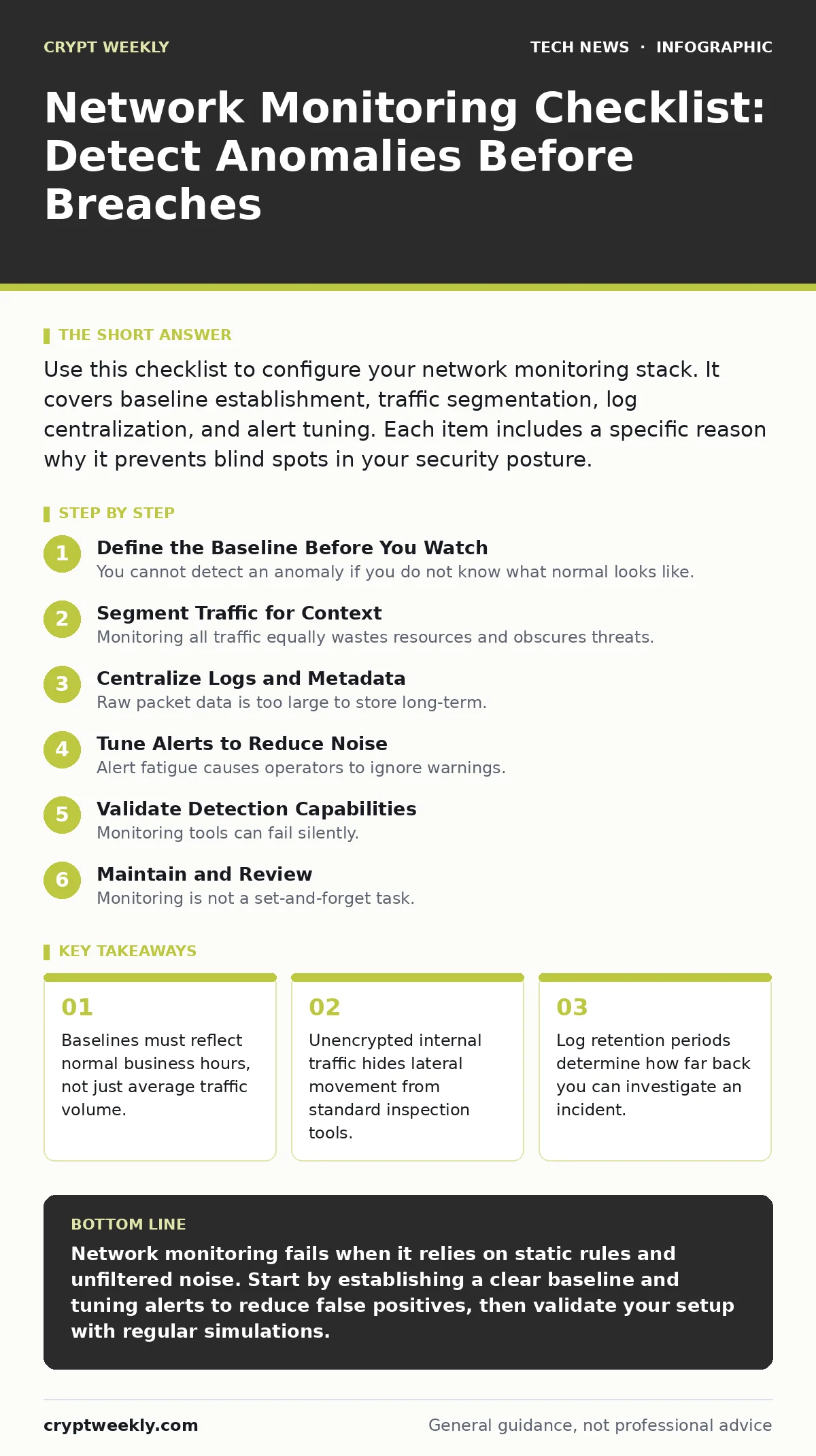
Use this checklist to configure your network monitoring stack. It covers baseline establishment, traffic segmentation, log centralization, and alert tuning. Each item includes a specific reason why it prevents blind spots in your security posture.
Define the Baseline Before You Watch
You cannot detect an anomaly if you do not know what normal looks like. Most teams start monitoring immediately after deployment. This creates a noisy environment where every heartbeat triggers an alert. You must first observe the network for a quiet period. Record traffic patterns, protocol usage, and connection frequencies. This data becomes your reference point. Without it, you are guessing.
- Establish a traffic baseline: Defines what normal activity looks like so deviations stand out.
- Map critical assets: Identifies which devices require higher fidelity monitoring than others.
- Document authorized protocols: Lists allowed communication methods to flag unexpected protocols.
Segment Traffic for Context
Monitoring all traffic equally wastes resources and obscures threats. You need to separate critical systems from general user traffic. This allows you to apply stricter rules to sensitive areas. Imagine a database server communicating with a personal email account. This is rare and suspicious. If you mix this with general web browsing, the signal gets lost. Segmentation lets you tune sensitivity per zone.
- Isolate critical infrastructure: Protects high-value targets with stricter monitoring rules.
- Tag traffic by application: Helps you distinguish between business tools and personal use.
- Monitor east-west traffic: Catches lateral movement between internal servers that perimeter tools miss.
Consider how firmware updates affect device behavior. A router rebooting for an update looks like a crash if not tagged. Proper segmentation includes lifecycle events. This prevents false positives from routine maintenance. You also gain visibility into data center security boundaries. Internal traffic often bypasses external firewalls. Monitoring inside the wire is just as important as monitoring the edge.
Centralize Logs and Metadata
Raw packet data is too large to store long-term. You need to extract metadata and send it to a central repository. This allows for correlation across different parts of the network. A login failure on a web server might seem minor. Combined with a failed SSH attempt on a database, it indicates a brute-force campaign. Centralization enables this cross-referencing. It also protects against log tampering on individual hosts.
- Aggregate logs centrally: Correlates events across multiple systems to reveal attack patterns.
- Standardize time synchronization: Ensures events from different devices align correctly in time.
- Secure log integrity: Prevents attackers from deleting evidence after a breach.
Time drift is a silent killer of forensic analysis. If your servers are out of sync by even a few seconds, the timeline of an attack becomes unreliable. Use Network Time Protocol to keep clocks aligned. This small step ensures your investigation remains accurate. It also supports certificate management audits. Certificate expirations logged at wrong times can cause service outages.
Tune Alerts to Reduce Noise
Alert fatigue causes operators to ignore warnings. You will eventually miss a real threat if you are drowning in false positives. You must tune your rules to ignore known benign behavior. This requires constant refinement. Start with broad rules and narrow them down. Document every change you make. This creates an audit trail for your monitoring logic. It also helps new team members understand why certain alerts are suppressed.
- Suppress known false positives: Reduces noise so operators focus on real threats.
- Set alert thresholds dynamically: Adjusts sensitivity based on current traffic levels.
- Document rule changes: Provides context for why specific alerts are enabled or disabled.
Consider the impact of API security on your monitoring. APIs generate high volumes of small requests. A standard threshold might flag this as a denial-of-service attack. You need specific rules for API traffic. This prevents legitimate business processes from triggering security alarms. It also ensures that malicious API calls are caught.
Validate Detection Capabilities
Monitoring tools can fail silently. You must test them regularly to ensure they work. This is not just about checking if the software is running. You need to simulate attacks and verify detection. This validates your rules and your response procedures. It also reveals gaps in your coverage. A tool might be configured correctly but still miss a specific technique. Regular testing keeps your monitoring effective.
- Run controlled breach simulations: Verifies that your tools detect known attack techniques.
- Test log ingestion pipelines: Ensures all expected logs reach the central repository.
- Review alert response times: Measures how quickly your team reacts to detected events.
Imagine a scenario where an attacker uses a slow-and-low data exfiltration technique. Standard volume-based alerts might miss this. Your simulation should include low-rate transfers. This tests the sensitivity of your anomaly detection. It also helps you refine Domain Name System monitoring. DNS tunneling often looks like normal queries. Specific tests reveal if your tools can spot the difference.
See also: tls handshake failed: why it happens and how to fix it
Maintain and Review
Monitoring is not a set-and-forget task. Networks change, and so do threats. You must review your monitoring setup regularly. This includes updating rules, checking for new vulnerabilities, and refining baselines. It also involves training your team on new detection methods. Stagnant monitoring becomes obsolete quickly. Active maintenance keeps your defense relevant. It ensures you are watching for what matters now, not what mattered years ago.
- Schedule quarterly rule reviews: Updates detection logic to match current threat trends.
- Audit user access to logs: Prevents unauthorized viewing of sensitive security data.
- Update asset inventory: Ensures new devices are included in monitoring scope.
Consider how video conferencing security impacts your network. These platforms use high-bandwidth protocols. They can mask other traffic if not properly monitored. Regular reviews ensure your rules account for modern communication tools. They also help you balance privacy and security. You need to monitor for threats without violating user privacy. This balance requires careful policy definition.
Key takeaways
- Baselines must reflect normal business hours, not just average traffic volume.
- Unencrypted internal traffic hides lateral movement from standard inspection tools.
- Log retention periods determine how far back you can investigate an incident.
Network monitoring fails when it relies on static rules and unfiltered noise. Start by establishing a clear baseline and tuning alerts to reduce false positives, then validate your setup with regular simulations.
Frequently asked questions
How often should I update my monitoring rules?
Update rules quarterly or whenever your infrastructure changes significantly.
What is the first step in setting up monitoring?
Establish a traffic baseline to define normal network behavior.
Do I need to monitor internal traffic?
Yes, internal traffic often contains lateral movement that perimeter tools miss.
How do I handle alert fatigue?
Suppress known false positives and tune thresholds to reduce noise.
How this guide was produced: written by the Crypt Weekly editorial team with AI assistance, checked against the public references listed below, and reviewed when the facts change. See our editorial policy or report an error.