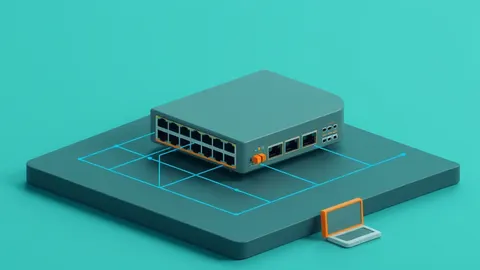
Network access control systems enforce policy before traffic enters your network, blocking devices that fail authentication or compliance checks.
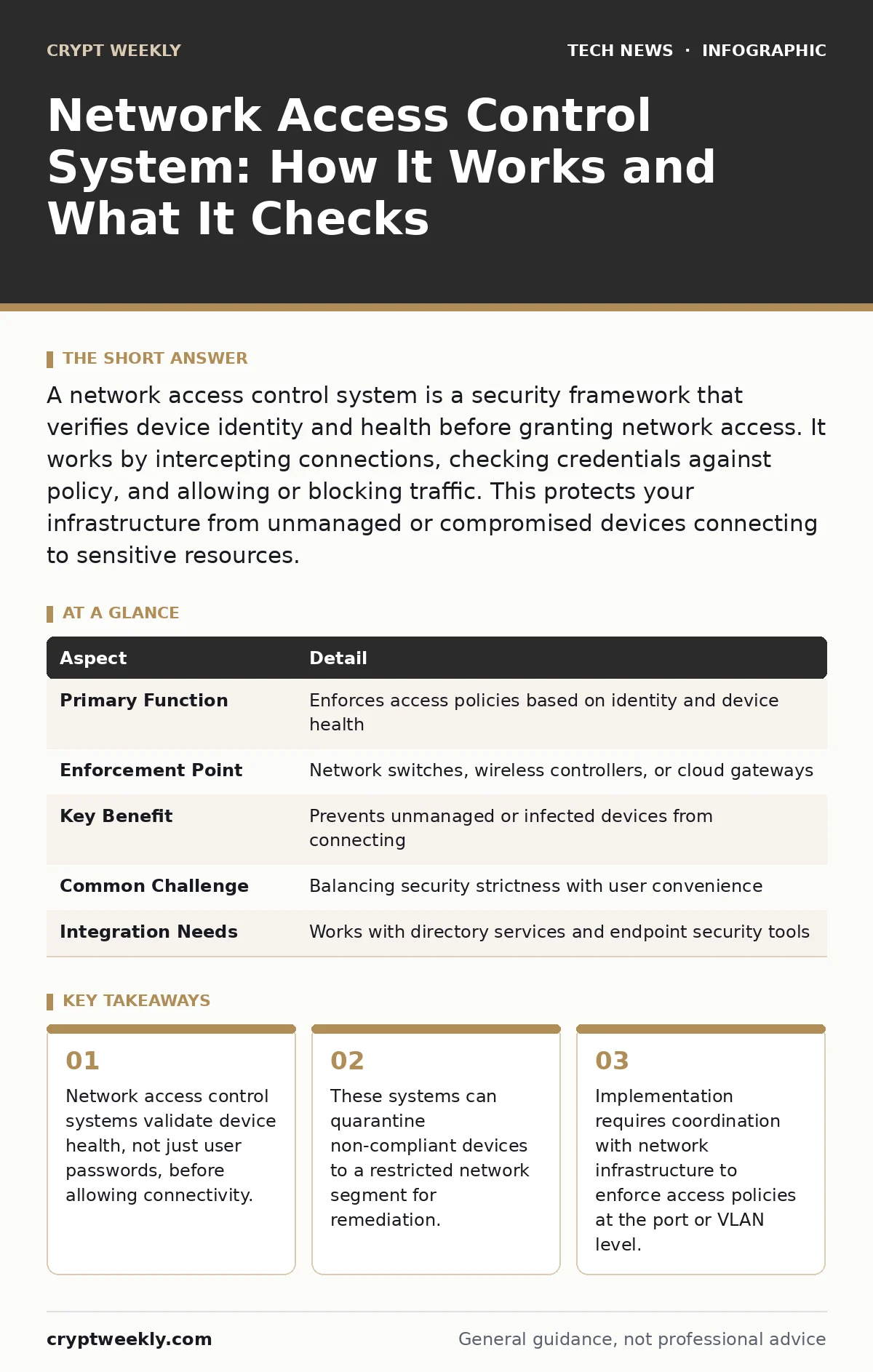
A network access control system is a security framework that verifies device identity and health before granting network access. It works by intercepting connections, checking credentials against policy, and allowing or blocking traffic. This protects your infrastructure from unmanaged or compromised devices connecting to sensitive resources.
What Is a Network Access Control System?
A network access control system is a security mechanism that manages and restricts device connectivity to your network. It ensures that only authorized and compliant devices can access network resources. Think of it as a digital bouncer at a club. The bouncer does not just check if you have a membership card.
The bouncer also checks if you are wearing shoes, if you are intoxicated, and if your attire meets the dress code. If you fail any check, you do not enter the main floor. You might be sent to a waiting area or turned away entirely. A network access control system performs this same function for computers, phones, and servers. It stops unauthorized entry before data can leak or malware can spread.
| Aspect | Detail |
|---|---|
| Primary Function | Enforces access policies based on identity and device health |
| Enforcement Point | Network switches, wireless controllers, or cloud gateways |
| Key Benefit | Prevents unmanaged or infected devices from connecting |
| Common Challenge | Balancing security strictness with user convenience |
| Integration Needs | Works with directory services and endpoint security tools |
How a Network Access Control System Works
The process begins when a device attempts to connect to the network. The network access control system intercepts this connection request. It does not allow the device to communicate freely with other systems yet. Instead, it places the device in a pre-authentication state. The system then collects information about the device. This includes the device’s MAC address, operating system type, and installed security software. The system compares this data against your defined policies.
These policies define what is allowed. For example, a policy might require that all laptops have antivirus software running and that the operating system is up to date. If the device meets all criteria, the system grants full access. If it fails, the system can block the connection entirely. Alternatively, it can place the device in a remediation network. This restricted network allows the device to download updates or patches but blocks access to sensitive data.
Imagine you bring a new laptop to work. You plug it into the wall. The network access control system detects the connection. It sees that your laptop lacks the latest security patches. Instead of letting you browse the internet or access company files, the system redirects your traffic. You can only reach a specific update server. Once you install the patches, the system re-evaluates your device. It then grants you full network access. This automated process happens in seconds. It requires no manual intervention from IT staff for every connection.
Who Does Network Access Control Affect?
Network access control affects everyone who connects to your organization’s infrastructure. This includes employees, contractors, and guests. Employees benefit from reduced risk of lateral movement by malware. If one employee’s device is compromised, the network access control system can isolate it. This prevents the attacker from moving to other systems. Contractors face stricter requirements. Their devices may not meet internal security standards.
The system ensures their devices are isolated from sensitive corporate data. Guests receive limited access. They can connect to the internet but cannot access internal resources. This separation protects your core operations. IT administrators manage the policies and exceptions. They must balance security with usability. If the system is too strict, users may become frustrated. If it is too loose, security gaps remain.
What People Usually Get Wrong
Many organizations believe that strong passwords are enough to secure network access. This is a common misconception. A network access control system checks more than just credentials. It verifies the device’s health. A user can have a strong password but still connect with an infected device. Without device health checks, malware can enter the network.
Another mistake is assuming that once a device is approved, it remains compliant. Devices change over time. Users install new software. Operating systems receive updates. Some updates may disable security features. A network access control system must continuously monitor devices. It should re-evaluate compliance at regular intervals. Static checks are insufficient for dynamic environments.
Implementing Effective Access Policies
Creating effective policies requires careful planning. You must define what constitutes a compliant device. This includes required software, patch levels, and configuration settings. You must also decide how to handle non-compliant devices. Blocking them entirely may disrupt work. Quarantining them allows for remediation. You should integrate your network access control system with your directory services.
This allows for centralized user management. You can tie access rights to user groups. For example, finance employees may need access to specific servers. Marketing employees may not. This granularity improves security. It ensures users only access what they need. This is known as least privilege. It reduces the attack surface.
See also: Network Monitoring Checklist: Detect Anomalies Before Breaches
Integration With Other Security Tools
A network access control system does not work in isolation. It integrates with other security tools to provide layered defense. For example, it can work with network monitoring tools. These tools provide visibility into traffic patterns. If the network access control system sees unusual activity, it can trigger alerts. It can also integrate with endpoint detection and response solutions. If an endpoint detects malware, it can notify the network access control system.
The system can then immediately isolate the device. This rapid response limits damage. You might also consider how virtual machines fit into your policy. Virtual machines often have different security profiles than physical devices. Your policies must account for these differences. Additionally, if you use public key cryptography for device authentication, ensure your network access control system supports it. This adds another layer of identity verification.
What To Do About Network Access Control
Start by auditing your current network access. Identify all devices that currently connect to your network. Determine which devices are managed and which are not. Define your compliance requirements. What software must be installed? What patch levels are acceptable? Choose a network access control system that fits your infrastructure.
Ensure it supports your existing authentication methods. Pilot the system with a small group of users. Test the policies. Adjust them based on feedback. Roll out the system gradually. Monitor for issues. Continuously refine your policies. Security is an ongoing process. It requires regular review and adjustment. Stay informed about new threats. Update your policies accordingly.
Common Challenges And Solutions
One challenge is handling bring-your-own-device policies. Personal devices may not meet security standards. You can create a separate guest network for these devices. This isolates them from corporate resources. Another challenge is legacy devices. Older devices may not support modern security protocols. You may need to create exceptions for these devices.
However, exceptions weaken security. Consider upgrading legacy devices when possible. User resistance is another hurdle. Users may find the checks annoying. Communicate the benefits clearly. Explain how the system protects them. Provide easy remediation paths. If a device is non-compliant, guide the user on how to fix it. Clear instructions reduce frustration.
Key takeaways
- Network access control systems validate device health, not just user passwords, before allowing connectivity.
- These systems can quarantine non-compliant devices to a restricted network segment for remediation.
- Implementation requires coordination with network infrastructure to enforce access policies at the port or VLAN level.
Frequently asked questions
Does a network access control system replace a firewall?
No, a network access control system complements a firewall. Firewalls filter traffic based on rules. Network access control verifies device identity and health before allowing any traffic. They serve different purposes in your security stack.
Can a network access control system block Wi-Fi access?
Yes, network access control systems can control access to both wired and wireless networks. They integrate with wireless controllers to enforce policies on Wi-Fi connections. This ensures consistent security across all connection types.
How does a network access control system handle IoT devices?
IoT devices often have limited security features. Network access control systems can segment IoT devices into their own network zone. This prevents them from accessing critical systems. It limits the damage if an IoT device is compromised.
Is a network access control system required for small businesses?
While not legally required in most places, it is highly recommended for small businesses. Small businesses are frequent targets for cyberattacks. A network access control system provides a cost-effective way to secure your network. It prevents unauthorized access and limits malware spread.
How this guide was produced: written by the Crypt Weekly editorial team with AI assistance, checked against the public references listed below, and reviewed when the facts change. See our editorial policy or report an error.