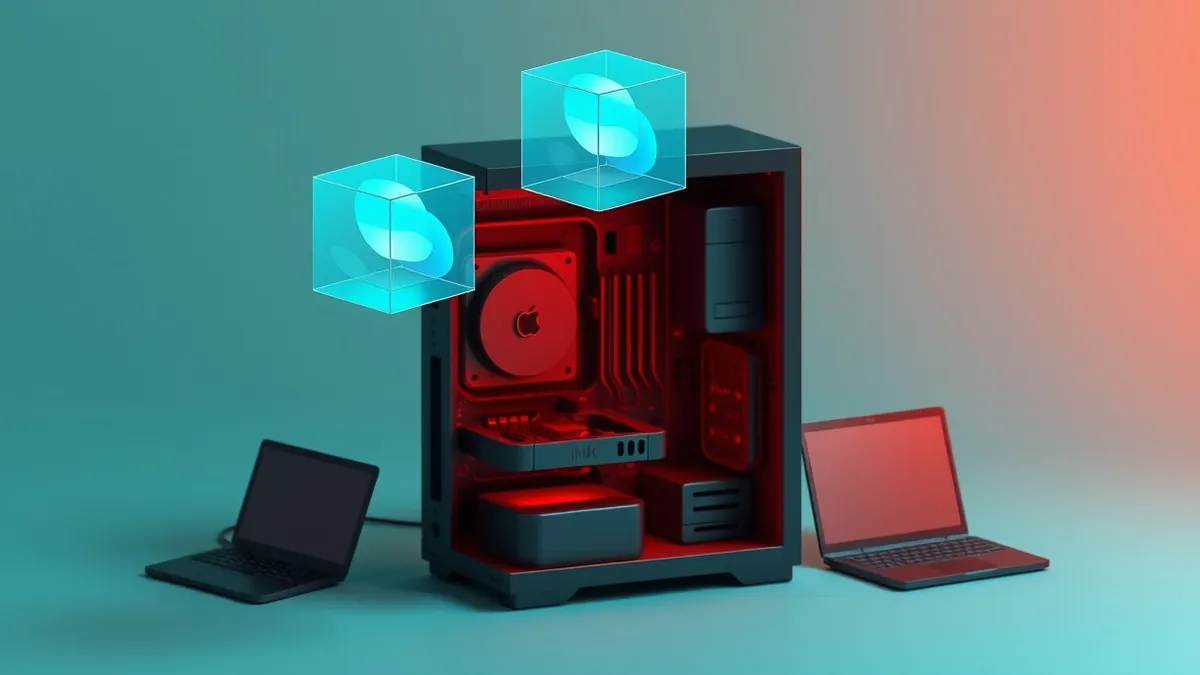
Virtual machines run separate operating systems on one physical computer by tricking software into thinking it controls the hardware directly.
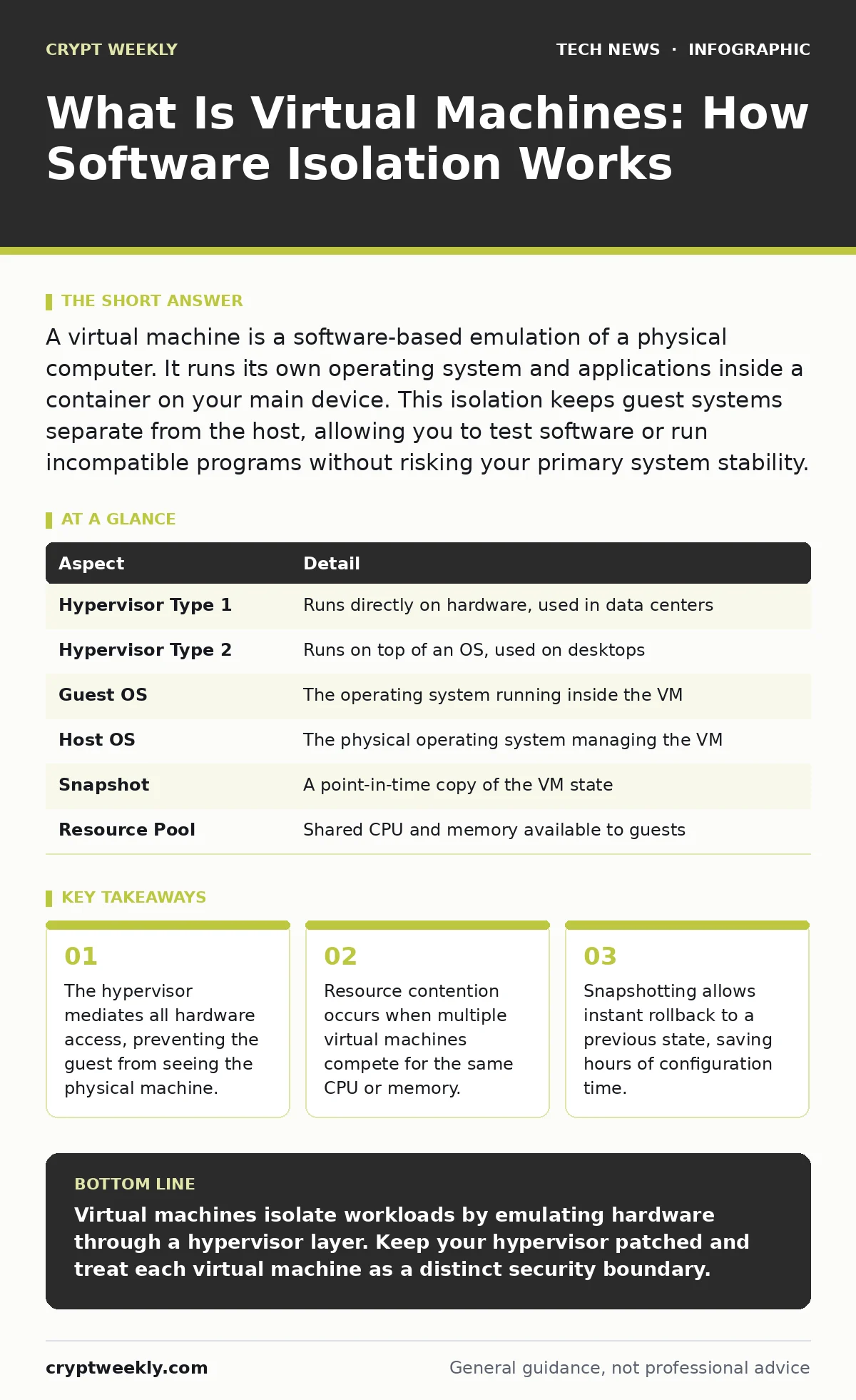
A virtual machine is a software-based emulation of a physical computer. It runs its own operating system and applications inside a container on your main device. This isolation keeps guest systems separate from the host, allowing you to test software or run incompatible programs without risking your primary system stability.
What is virtual machines
What is virtual machines refers to the technology that creates a software layer between the physical hardware and the operating system. This layer, called a hypervisor, allocates specific amounts of CPU, memory, and storage to each virtual instance. Each instance believes it is the only thing running on the machine. You can run Linux on a Windows computer or vice versa. The physical hardware remains unaware of the separate environments.
This abstraction allows a single server to host dozens of isolated systems. It turns one powerful computer into many smaller, independent ones. You control each virtual machine as if it were a distinct physical device. The isolation is strict by default. A crash in one virtual machine does not necessarily crash the others. This separation is the foundation of modern cloud computing and local development workflows.
How virtualization works in practice
The hypervisor sits directly on the hardware or on top of the host operating system. It intercepts every request the guest operating system makes to the hardware. When the guest tries to write to a disk, the hypervisor redirects that request to a file on the host. When the guest tries to access the network, the hypervisor translates the packet through the host’s network interface. This translation adds a small amount of overhead.
The guest operating system is unaware of this translation. It thinks it has direct control over the hardware. This illusion is called virtualization. The hypervisor manages the scheduling of CPU time slices. It ensures that one virtual machine does not starve another of processing power. Memory is allocated from the host’s physical RAM. If the host runs out of memory, performance degrades for all guests.
| Aspect | Detail |
|---|---|
| Hypervisor Type 1 | Runs directly on hardware, used in data centers |
| Hypervisor Type 2 | Runs on top of an OS, used on desktops |
| Guest OS | The operating system running inside the VM |
| Host OS | The physical operating system managing the VM |
| Snapshot | A point-in-time copy of the VM state |
| Resource Pool | Shared CPU and memory available to guests |
Who uses virtual machines
System administrators use virtual machines to consolidate servers. Instead of buying 10 physical servers for 10 different services, they buy 1 powerful server and run 10 virtual machines. This reduces electricity costs and physical space requirements. Developers use virtual machines to replicate production environments. They can test code in an environment that matches the live server exactly.
This prevents the "it works on my machine" problem. Security researchers use virtual machines to analyze malware safely. If the malware infects the virtual machine, it cannot escape to the host computer. This containment protects the researcher’s actual files and credentials. Students use virtual machines to learn new operating systems without reinstalling their main computer. They can break the virtual system and restore it instantly.
Common misconceptions about virtualization
Many people confuse virtual machines with containers. Containers share the host operating system kernel. They are lighter and faster but offer less isolation. A vulnerability in the container runtime can compromise the entire host. Virtual machines have their own kernel. This provides stronger security boundaries. Another common error is assuming virtual machines are free.
They consume real CPU cycles and RAM. Running too many virtual machines on underpowered hardware causes severe slowdowns. This is called resource contention. Users also mistake snapshots for backups. Snapshots store changes since the last point-in-time. If the snapshot file is corrupted, you lose everything since the base image. You still need traditional backups for data protection.
Security implications for your workflow
Virtual machines provide strong isolation, but they are not immune to attacks. A vulnerability in the hypervisor can allow a guest to escape its boundaries. This is called a VM escape. If successful, the attacker gains control of the host machine. This gives them access to all other virtual machines on that host. You must keep the hypervisor software updated. Unpatched hypervisors are a high-value target for attackers.
Network traffic between virtual machines often shares the same physical network adapter. Without proper configuration, one guest can sniff traffic from another. You must segment virtual networks carefully. Use virtual firewalls to restrict communication between guests. Treat each virtual machine as a distinct endpoint. Apply the same security standards as you would for physical devices.
See also: How the Domain Name System Works Without the Jargon
Managing resources and performance
Performance tuning is critical for virtual machines. You must allocate resources based on actual needs, not maximum capacity. Over-allocating CPU cores leads to context switching overhead. The hypervisor spends more time switching between tasks than executing them. Memory ballooning allows the hypervisor to reclaim unused memory from guests. This feature can cause sudden performance drops if the host needs memory urgently.
Disk I/O is often the bottleneck. Virtual disk files are just files on the host drive. If the host drive is slow, all virtual machines suffer. Use solid-state drives for the host storage. Place virtual disk files on separate physical drives if possible. This reduces contention and improves throughput. Monitor resource usage regularly. Adjust allocations as workloads change.
Best practices for daily operation
You should treat each virtual machine as a production asset. Apply operating system hardening techniques to every guest. Disable unnecessary services and close unused ports. This reduces the attack surface within the virtual environment. Keep guest operating systems updated. Patches fix vulnerabilities that could be exploited from inside the VM. Use snapshots before making major configuration changes.
This allows you to revert quickly if something goes wrong. Do not rely on snapshots for long-term storage. They grow in size over time and degrade performance. Delete old snapshots regularly. Archive important data to external storage. Document your virtual machine configurations. Record IP addresses, software versions, and purpose. This documentation helps you troubleshoot issues and maintain consistency.
Integrating with broader security frameworks
Virtual machines fit into larger security architectures. They can serve as isolated zones for high-risk activities. For example, you can run a mail server in a virtual machine with limited network access. If the server is compromised, the attacker cannot easily reach other systems. This aligns with the principle of least privilege. You can also use virtual machines for certificate management.
Run a dedicated virtual machine to handle TLS handshake processes. This isolates private keys from the main web server. If the web server is hacked, the attacker does not get the keys. This separation of duties enhances overall security. Virtual machines also help with IPv6 security testing. You can simulate different network configurations without affecting your physical setup. This allows you to validate security policies before deployment.
Key takeaways
- The hypervisor mediates all hardware access, preventing the guest from seeing the physical machine.
- Resource contention occurs when multiple virtual machines compete for the same CPU or memory.
- Snapshotting allows instant rollback to a previous state, saving hours of configuration time.
Virtual machines isolate workloads by emulating hardware through a hypervisor layer. Keep your hypervisor patched and treat each virtual machine as a distinct security boundary.
Frequently asked questions
Can a virus spread from a virtual machine to my main computer?
Yes, if the hypervisor has a vulnerability that allows VM escape or if you use shared folders with untrusted files.
Do I need a powerful computer to run virtual machines?
You need sufficient RAM and CPU cores, but modern processors handle virtualization efficiently even on mid-range devices.
What is the difference between a snapshot and a backup?
A snapshot captures the current state for quick rollback, while a backup copies data for long-term recovery and protection against corruption.
Can I run Windows and Linux on the same machine?
Yes, virtual machines allow you to run multiple operating systems simultaneously on a single physical computer.
How this guide was produced: written by the Crypt Weekly editorial team with AI assistance, checked against the public references listed below, and reviewed when the facts change. See our editorial policy or report an error.