
You will grasp how devices locate each other on the internet, distinguish between public and private addresses, and understand why your location data is often approximate.
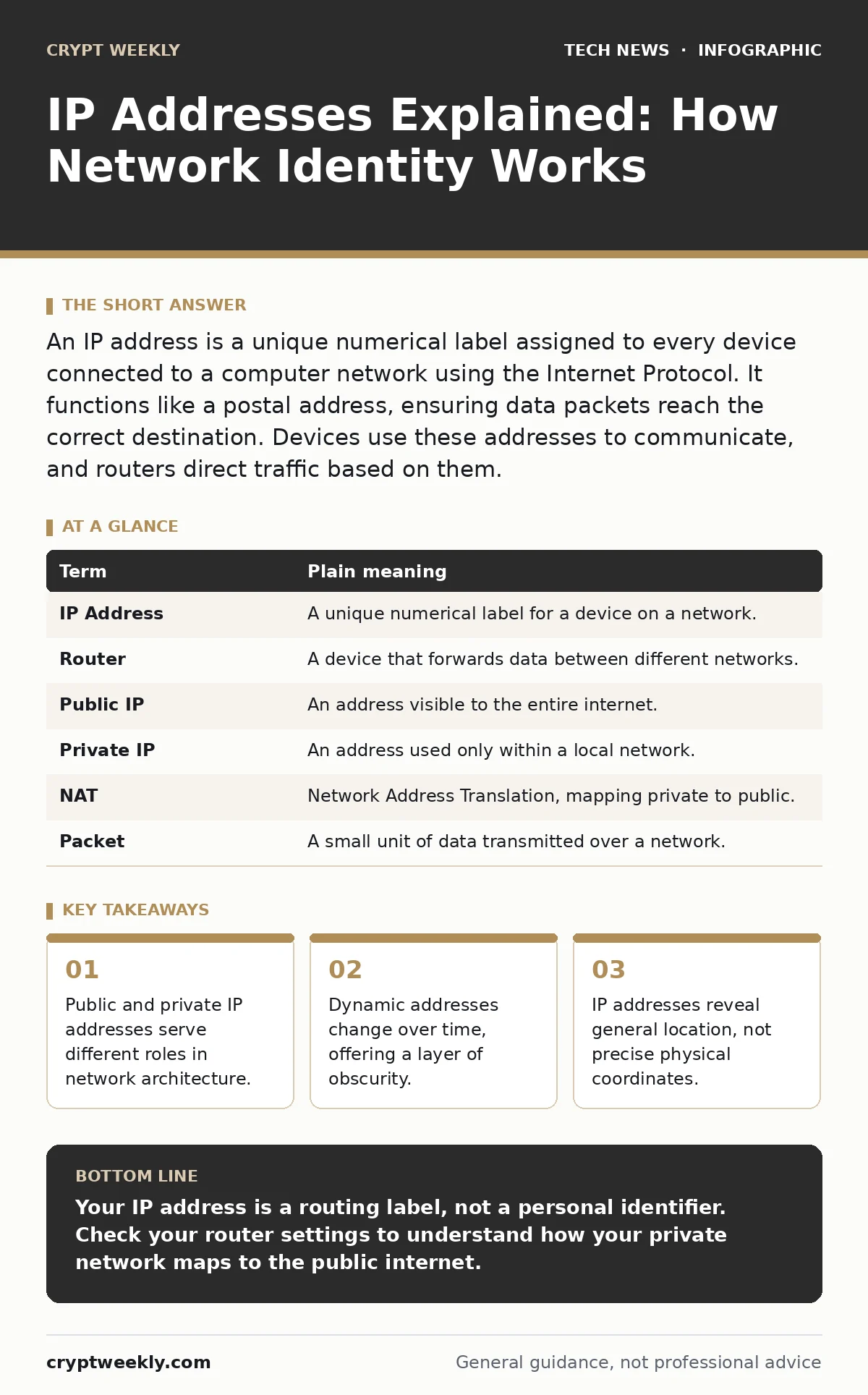
An IP address is a unique numerical label assigned to every device connected to a computer network using the Internet Protocol. It functions like a postal address, ensuring data packets reach the correct destination. Devices use these addresses to communicate, and routers direct traffic based on them.
The Postal Service Analogy
Imagine the internet is a massive postal system. Every device connected to this network needs a unique address to receive mail. This address is the IP address. Without it, data packets would drift aimlessly, never reaching their intended recipient. Just as a house needs a street name and number, a server needs an IP to be found.
The postal service uses sorting facilities to route letters. These facilities look at the destination address to decide which truck or plane should carry the mail next. In networking, routers perform this sorting. They read the destination IP address and forward the data to the next hop in the chain. This process repeats until the data reaches the final device.
Public Versus Private Addresses
Not all IP addresses are visible to the outside world. Your home router likely uses a private IP address scheme for internal devices. These addresses are reserved for local use and cannot be routed directly across the public internet. Think of them as internal mailroom extensions. They only matter inside your house.
The router itself holds a public IP address. This is the address the outside world sees when you visit a website. It is the main street address for your entire home network. When your laptop sends a request to a web server, it appears to come from the router’s public IP. The router remembers which internal device sent the request and forwards the reply correctly.
| Term | Plain meaning |
|---|---|
| IP Address | A unique numerical label for a device on a network. |
| Router | A device that forwards data between different networks. |
| Public IP | An address visible to the entire internet. |
| Private IP | An address used only within a local network. |
| NAT | Network Address Translation, mapping private to public. |
| Packet | A small unit of data transmitted over a network. |
The Hidden Cost of Translation
This system relies on Network Address Translation, or NAT. NAT allows many devices with private addresses to share one public address. It modifies the source and destination IP addresses in data packets as they pass through the router. This saves IPv4 addresses, of which there are a limited number. However, it adds complexity to troubleshooting.
If a connection fails, determining whether the issue lies with your device, your router, or the external server becomes harder. The router sits in the middle, translating addresses. This abstraction hides the true source of many errors. You might think your laptop is blocked, when the router’s firewall is actually dropping the packets.
Dynamic Assignments and Stability
Most home users receive a dynamic IP address from their internet service provider. This means the public IP address can change periodically. The provider assigns it from a pool of available addresses. When your router restarts or the lease expires, you might get a different number. This is standard practice for residential accounts.
Static IP addresses never change. Businesses usually require them to host servers or run remote access services. If your address changes, remote connections will fail until you update the configuration. Static IPs cost more because they consume a permanent slot in the provider’s pool. For most personal use, the dynamic nature is sufficient and adds a minor layer of security through obscurity.
Location Privacy Misconceptions
People often fear that an IP address reveals their exact home address. This is rarely true. An IP address usually points to the physical location of your internet service provider’s local office or cell tower. It tells a website which city or region you are in, but not your street. Law enforcement can subpoena your provider for exact location records, but casual websites cannot.
This limitation protects your physical privacy to some degree. However, it does not protect your identity. Your browser fingerprint, cookies, and login credentials identify you. Hiding your IP address does not make you anonymous if you log into your email account. The service provider knows who you are, regardless of the IP mask.
See also: What is Spyware and Malware: How They Steal Data and How to Stop Them
IPv4 Exhaustion and the Future
The original standard, IPv4, uses 32-bit numbers. We ran out of these addresses years ago. The solution is IPv6, which uses 128-bit numbers. This creates a virtually unlimited supply of addresses. Every device can have its own permanent public address.
The transition is slow because legacy systems still rely on IPv4. Most modern networks support both. Your router likely handles IPv6 traffic even if you do not notice it. This dual-stack approach ensures compatibility while gradually moving the world toward the new standard. You do not need to configure this; it happens automatically.
Try This Now
- Open your command prompt or terminal. Type the command to display your network configuration. Look for the line labeled "IPv4 Address" to see your private IP.
- Visit a website that displays your public IP address. Compare this number to the private IP you found in the previous step. They will be different.
- Restart your router. Wait for it to reconnect. Check the public IP address website again. Note if the number has changed, indicating a dynamic assignment.
Key takeaways
- Public and private IP addresses serve different roles in network architecture.
- Dynamic addresses change over time, offering a layer of obscurity.
- IP addresses reveal general location, not precise physical coordinates.
Your IP address is a routing label, not a personal identifier. Check your router settings to understand how your private network maps to the public internet.
Frequently asked questions
Can someone track my physical location using my IP address?
They can determine your general city or region based on the internet service provider’s location, but not your exact street address.
Why does my IP address change every few days?
Your internet provider likely assigns dynamic IP addresses from a shared pool to conserve available address space.
Is it safe to use a shared public IP address?
Yes, this is standard for home networks. The router manages the traffic, keeping internal devices hidden from direct external access.
Do I need to configure IPv6 on my devices?
No, modern operating systems and routers automatically handle IPv6 if your provider supports it.
How this guide was produced: written by the Crypt Weekly editorial team with AI assistance, checked against the public references listed below, and reviewed when the facts change. See our editorial policy or report an error.