
Modern smartphones isolate applications using sandboxing, yet local hardware access and wireless eavesdropping still bypass default defenses.
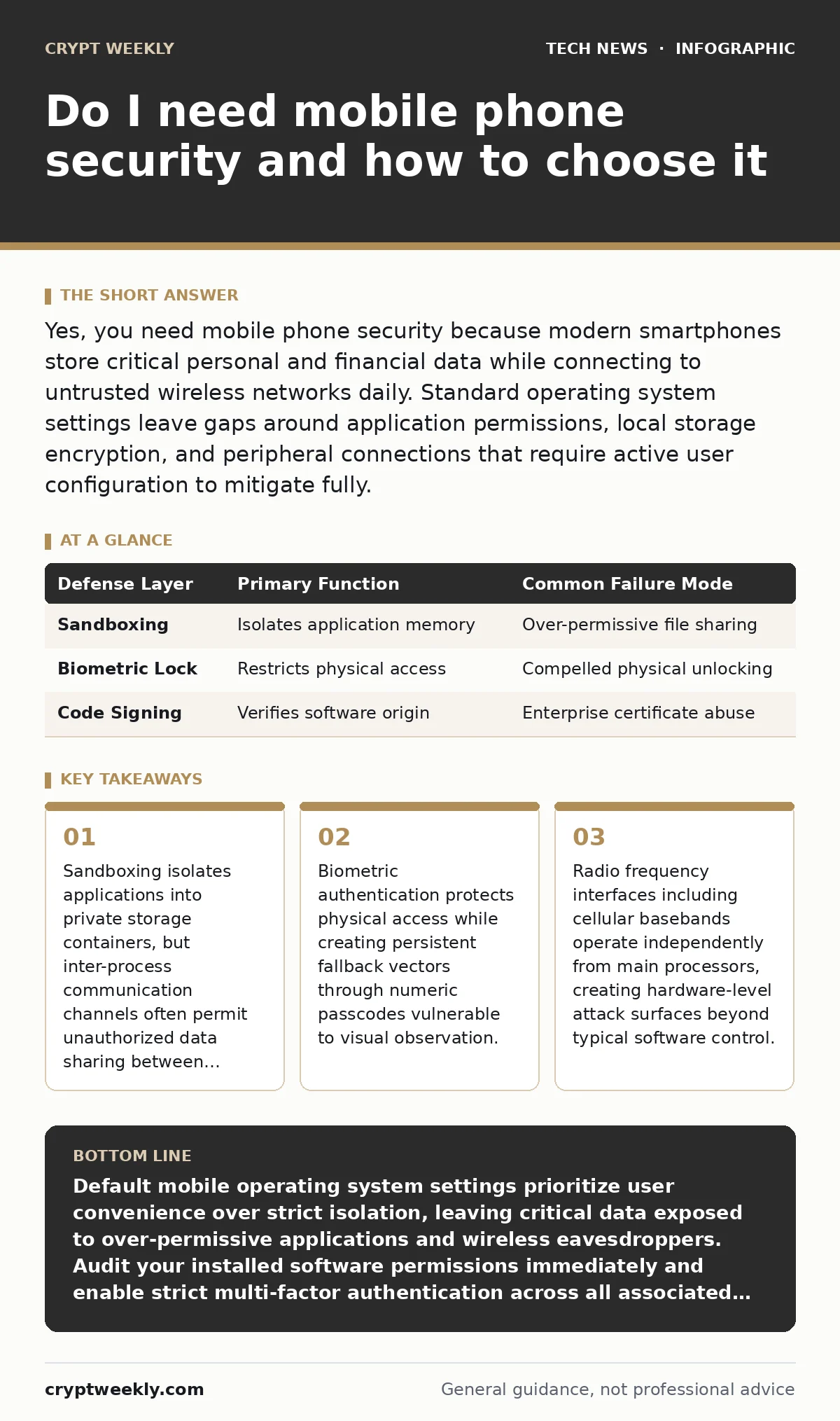
Yes, you need mobile phone security because modern smartphones store critical personal and financial data while connecting to untrusted wireless networks daily. Standard operating system settings leave gaps around application permissions, local storage encryption, and peripheral connections that require active user configuration to mitigate fully.
Do I need mobile phone security for everyday use?
You need mobile phone security for everyday use because pocket computers hold more sensitive credentials than most desktop workstations. Modern handsets contain location histories, biometric keys, and authentication tokens that grant access to cloud storage and financial accounts. Attackers target these devices not by breaking strong encryption math, but by tricking users into granting malicious applications broad filesystem permissions.
Mobile operating systems use sandboxing, a security mechanism that isolates running applications into separate memory spaces to prevent unauthorized data access. Sandboxing prevents a photo editing application from reading your banking records under normal conditions. This isolation breaks down when applications request unnecessary permissions or when operating system kernels contain unpatched memory corruption vulnerabilities.
| Defense Layer | Primary Function | Common Failure Mode |
|---|---|---|
| Sandboxing | Isolates application memory | Over-permissive file sharing |
| Biometric Lock | Restricts physical access | Compelled physical unlocking |
| Code Signing | Verifies software origin | Enterprise certificate abuse |
What actually threatens a modern smartphone?
Modern smartphones face threats primarily from malicious applications masquerading as utility tools and rogue wireless access points intercepting web traffic. Application stores vet submissions, yet malicious programs occasionally bypass automated checks by hiding malicious logic behind seemingly benign interfaces. These programs harvest contact lists, intercept text message verification codes, and drain cryptocurrency wallets without triggering operating system warnings.
Wireless interception represents another major vector when devices connect to public Wi-Fi networks without adequate encryption. Attackers deploy false base stations or rogue access points to degrade connection protocols, forcing devices onto unencrypted or downgrade-vulnerable channels. Understanding how devices negotiate connections requires familiarity with fundamentals discussed in our guide on IP addresses, as network identification forms the basis of traffic routing.
How does application permission creep compromise privacy?
Application permission creep compromises privacy by granting software continuous access to device sensors long after the initial utility has passed. A flashlight application requesting location tracking or microphone access exemplifies permission creep. Users often click accept during rapid installation flows without evaluating whether the requested resource relates to the core function of the program.
Revoking permissions inside system settings stops data collection immediately, but background services may still cache previously gathered telemetry. Developers sometimes bundle third-party software development kits that collect unique device identifiers and advertising tags for cross-site tracking. Maintaining privacy requires auditing installed software regularly and removing programs that demand capabilities outside their stated purpose.
Why do biometrics fail to stop determined attackers?
Biometrics fail to stop determined attackers because facial recognition and fingerprint scanners serve primarily as convenient alternatives to long passcodes rather than unbreakable barriers. Law enforcement agencies and sophisticated thieves can compel physical unlocking through coercion or leverage unconscious subjects. Furthermore, numeric passcodes used as fallbacks often consist of short sequences vulnerable to brute-force attacks or visual shoulder surfing.
Hardware secure elements store biometric templates locally inside dedicated cryptographic chips isolated from the main operating system. This hardware separation prevents software malware from stealing your raw fingerprint data directly from system memory. However, if an attacker forces your device into a reboot state, many operating systems require the alphanumeric passcode instead of biometrics, temporarily raising the security threshold.
Can mobile security bypass network-level threats?
Mobile security cannot bypass network-level threats entirely because endpoint hardening protects against local compromise rather than malicious transit infrastructure. When your device communicates across public cellular networks or untrusted routers, your data passes through intermediaries capable of packet inspection and traffic shaping. Securing transit data requires end-to-end encryption protocols that operate independently of the underlying carrier infrastructure.
Operating system hardening alone cannot secure data in transit if applications fail to validate server certificates properly. Developers sometimes disable certificate pinning to simplify debugging, inadvertently exposing users to adversary-in-the-middle interception. For a deeper understanding of how modern networks handle routing security, consult our separate guide on operating system hardening.
See also: What is Spyware and Malware: How They Steal Data and How to Stop Them
How do hardware vulnerabilities differ from software bugs?
Hardware vulnerabilities differ from software bugs because physical silicon flaws require physical replacement or microcode updates that consumers rarely install directly. Baseband processors manage radio communications independently from the main application processor, running proprietary firmware with a long history of remote exploitation vectors. These radio components process incoming packets before the operating system even registers the connection, making software firewalls ineffective against baseband-level compromises.
Component-level attacks exploit physical side channels, including power consumption fluctuations and electromagnetic radiation emitted during cryptographic operations. While typical users face low risk from sophisticated side-channel equipment, physical tampering remains a realistic threat for lost or stolen devices. Maintaining device integrity ultimately depends on combining physical custody practices with timely software updates.
What is the best recovery procedure after a suspected compromise?
The best recovery procedure after a suspected compromise involves immediate isolation, credential rotation, and a complete factory reset of the storage medium. Disconnecting the device from cellular and wireless networks prevents ongoing exfiltration of personal data while you prepare recovery actions. You must change all cloud, banking, and email passwords from a separate, trusted computer rather than the compromised handset.
Factory resets erase user partitions and overwrite storage blocks, though persistent firmware rootkits can occasionally survive standard wiping procedures. If you suspect hardware-level firmware modification, the safest course involves replacing the physical device entirely. To ensure your cloud backups do not reintroduce malicious configurations, review your synchronization settings before restoring applications to a clean slate.
Key takeaways
- Sandboxing isolates applications into private storage containers, but inter-process communication channels often permit unauthorized data sharing between installed programs.
- Biometric authentication protects physical access while creating persistent fallback vectors through numeric passcodes vulnerable to visual observation.
- Radio frequency interfaces including cellular basebands operate independently from main processors, creating hardware-level attack surfaces beyond typical software control.
Default mobile operating system settings prioritize user convenience over strict isolation, leaving critical data exposed to over-permissive applications and wireless eavesdroppers. Audit your installed software permissions immediately and enable strict multi-factor authentication across all associated cloud accounts.
Frequently asked questions
Do iPhones need antivirus apps?
iPhones do not need traditional antivirus apps because the strict application sandboxing model prevents security scanners from inspecting other running processes or system files.
Can someone hack my phone just by knowing my phone number?
Attackers can exploit signaling protocol vulnerabilities to intercept text messages and voice calls using only a phone number, though targeted exploits require specialized equipment.
Should I use a virtual private network on my mobile phone?
A virtual private network encrypts your transit traffic over untrusted Wi-Fi networks, but it does not protect against malicious applications running locally on your device.
Do mobile web browsers need extra security extensions?
Mobile web browsers handle extensions poorly compared to desktop counterparts, making it more effective to rely on built-in tracking protection and updated browser versions.
How this guide was produced: written by the Crypt Weekly editorial team with AI assistance, checked against the public references listed below, and reviewed when the facts change. See our editorial policy or report an error.