
Physical observation leaves digital footprints through unusual timing patterns and input anomalies that standard security logs rarely highlight without specific correlation rules.
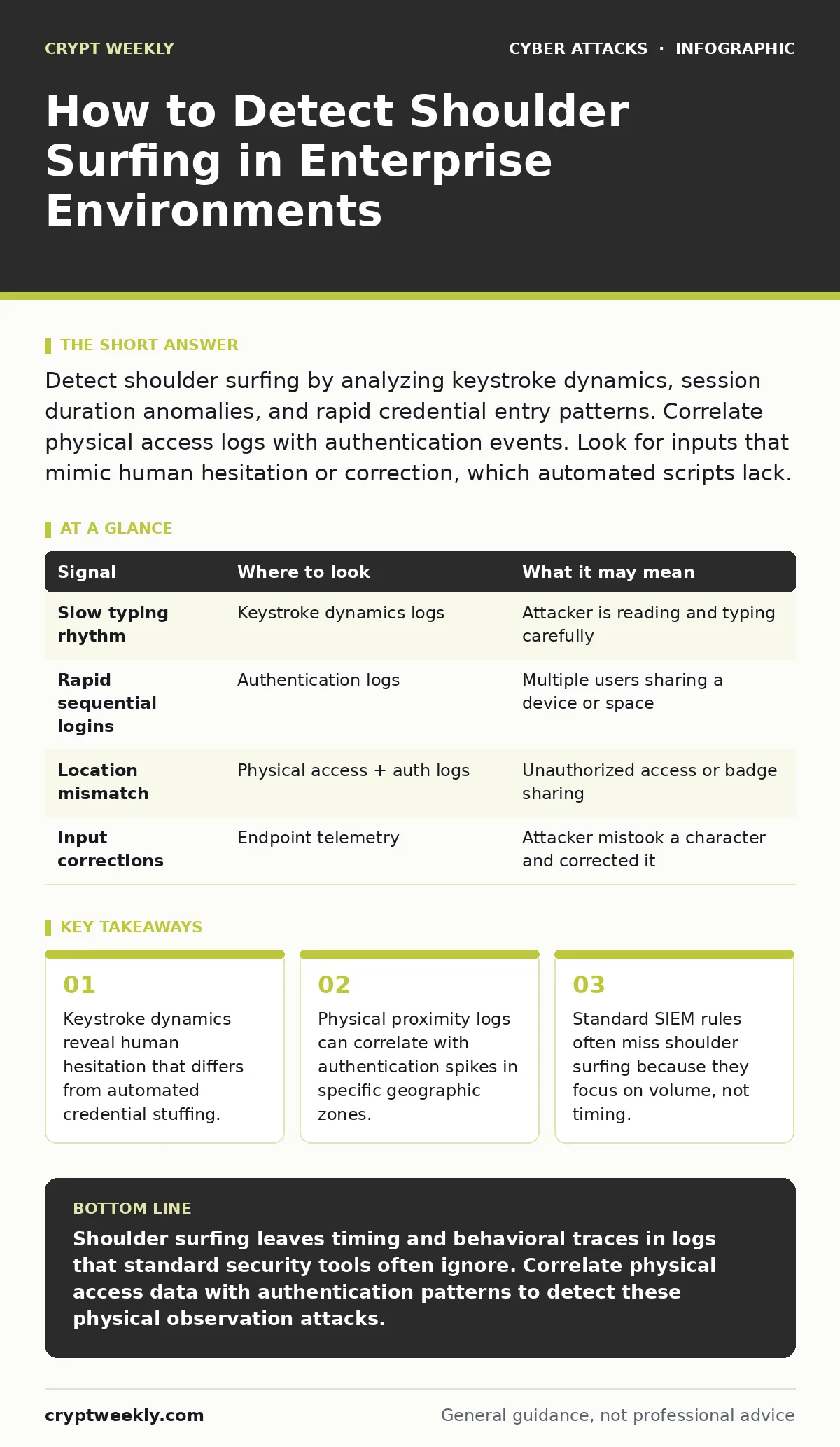
Detect shoulder surfing by analyzing keystroke dynamics, session duration anomalies, and rapid credential entry patterns. Correlate physical access logs with authentication events. Look for inputs that mimic human hesitation or correction, which automated scripts lack.
The Physics of Observation
Shoulder surfing occurs when an attacker observes a victim’s screen or keyboard to capture credentials or sensitive data. This is a physical attack vector that bypasses network encryption entirely. The attacker does not need to hack your firewall or exploit software vulnerabilities. They simply need line of sight.
This method relies on human error and environmental design. Open-plan offices, crowded transit hubs, and shared workspaces create natural opportunities for observation. The attacker may use a camera, a mirror, or their naked eye. The digital evidence of this attack is subtle because the credential itself is often valid. The system accepts the login, so no failed attempt alerts are generated.
Keystroke Dynamics as a Signal
Most authentication systems record when a login succeeds or fails. They rarely record how the input was entered. Keystroke dynamics measures the time between key presses and the duration each key is held. Humans have unique typing rhythms. An attacker watching a screen will type differently than the legitimate user.
If you implement keystroke analysis, you can detect anomalies in entry speed. A shoulder surfer often types slower due to concentration. They may also pause to check their notes or the victim’s screen. These micro-delays create a signature distinct from the user’s normal behavior. This data exists in advanced endpoint detection and response platforms but is often ignored.
Session Timing Anomalies
Look for authentication events that occur immediately after a user has been physically present in a high-risk area. Suppose a user logs into a sensitive system from a corporate laptop. Then, five minutes later, a second login occurs from the same device but with different input characteristics. This suggests someone else used the device while the user was distracted.
Check for rapid successive logins from the same IP address or device ID. If two accounts log in from the same machine within seconds, one user may be watching the other. This is common in shared environments where users sit side-by-side. The second user waits for the first to authenticate, then quickly enters their own credentials while the first user is unaware.
Physical Access Correlation
Digital logs must be compared with physical access records. Badge swipe data, elevator logs, and camera footage provide context for digital events. If a user’s account shows activity from a terminal in the lobby, but the user’s badge was not swiped there, investigate. The attacker may have used a stolen badge or followed the user inside.
This correlation requires integrating disparate systems. Security information and event management tools can ingest physical access data. You must map physical locations to network segments. A login from the guest Wi-Fi segment while the user’s badge shows they are in the server room is a red flag. The user cannot be in two places at once.
Visual Obfuscation Failure
Many users rely on privacy screens or password masking to prevent observation. These measures are often insufficient. A determined attacker can use a camera with a wide angle or a reflective surface. They may also observe the user’s shoulder movements or finger placement.
If users report seeing their cursor move or keys press when they are not typing, investigate for remote access tools. Shoulder surfing can be combined with remote control software. The attacker watches the screen and remotely inputs commands. This creates a hybrid attack that is difficult to attribute. Look for input events that do not match the user’s physical presence.
See also: Polymorphic Malware Prevention Checklist for Network Defenders · OAuth Consent Phishing: How Attackers Bypass Login Screens
Common Blind Spots in Detection
Most security teams focus on network traffic and malware. They overlook physical observation because it leaves no malware trace. The blind spot is the assumption that valid credentials mean legitimate access. A stolen password works exactly like a real one.
Another blind spot is the lack of context in logs. A successful login is usually marked as a positive event. It does not trigger alerts. You must create custom rules that look for patterns rather than single events. For example, flag logins that occur during unusual hours from a familiar device. This suggests the device was left unattended or observed.
| Signal | Where to look | What it may mean |
|---|---|---|
| Slow typing rhythm | Keystroke dynamics logs | Attacker is reading and typing carefully |
| Rapid sequential logins | Authentication logs | Multiple users sharing a device or space |
| Location mismatch | Physical access + auth logs | Unauthorized access or badge sharing |
| Input corrections | Endpoint telemetry | Attacker mistook a character and corrected it |
Behavioral Indicators
Watch for users who suddenly change their typing habits. If a user typically types quickly and accurately, but suddenly shows high error rates, they may be under pressure. An attacker standing behind them may be forcing them to type slowly or carefully. This stress manifests in the data.
Also, monitor for increased use of password managers. Users who feel watched may start using auto-fill to avoid typing. This change in behavior can be a signal. If you see a spike in auto-fill usage from a specific department, investigate the physical environment. They may be working in a crowded area without privacy screens.
Mitigation Through Design
Detection is only part of the solution. You must reduce the opportunity for observation. Privacy filters on monitors are a basic control. They limit the viewing angle so only the user can see the screen. This does not prevent an attacker from standing directly in front, but it reduces the angle.
Physical layout matters. Arrange desks so screens are not visible from walkways. Use partitions or blinds. Training users to recognize when they are being watched is also necessary. They should cover their keyboards when typing passwords. This simple action disrupts the attacker’s line of sight.
Integration with Other Vectors
Shoulder surfing is rarely an isolated incident. It is often the first step in a broader attack. The attacker may use the stolen credentials for account takeover. They might combine this with phishing to gain higher privileges. Understanding this context helps you prioritize alerts.
If you detect shoulder surfing, assume the credentials are compromised. Reset them immediately. Check for lateral movement. The attacker may have already accessed other systems. This approach aligns with the principle of least privilege. Limit what the attacker can do even if they have the password.
Key takeaways
- Keystroke dynamics reveal human hesitation that differs from automated credential stuffing.
- Physical proximity logs can correlate with authentication spikes in specific geographic zones.
- Standard SIEM rules often miss shoulder surfing because they focus on volume, not timing.
Shoulder surfing leaves timing and behavioral traces in logs that standard security tools often ignore. Correlate physical access data with authentication patterns to detect these physical observation attacks.
Frequently asked questions
Can shoulder surfing be detected without specialized software?
Yes, by analyzing timestamps and location data in standard logs. Look for rapid logins from the same device or unusual typing speeds if your system records them.
Does two-factor authentication prevent shoulder surfing?
It mitigates the risk. If the attacker only sees the password, they still need the second factor. However, if they also observe the second factor entry, it does not prevent the attack.
How do I distinguish between a slow typist and an attacker?
Compare the current session’s typing rhythm with the user’s historical baseline. A significant deviation in speed or error rate suggests a different person is typing.
Are privacy screens enough to stop shoulder surfing?
No. They reduce the viewing angle but do not prevent direct observation. Combine them with user training and physical workspace design for better protection.
How this guide was produced: written by the Crypt Weekly editorial team with AI assistance, checked against the public references listed below, and reviewed when the facts change. See our editorial policy or report an error.