
Polymorphic malware changes its code signature with every infection, rendering static signature-based detection ineffective against modern threats.
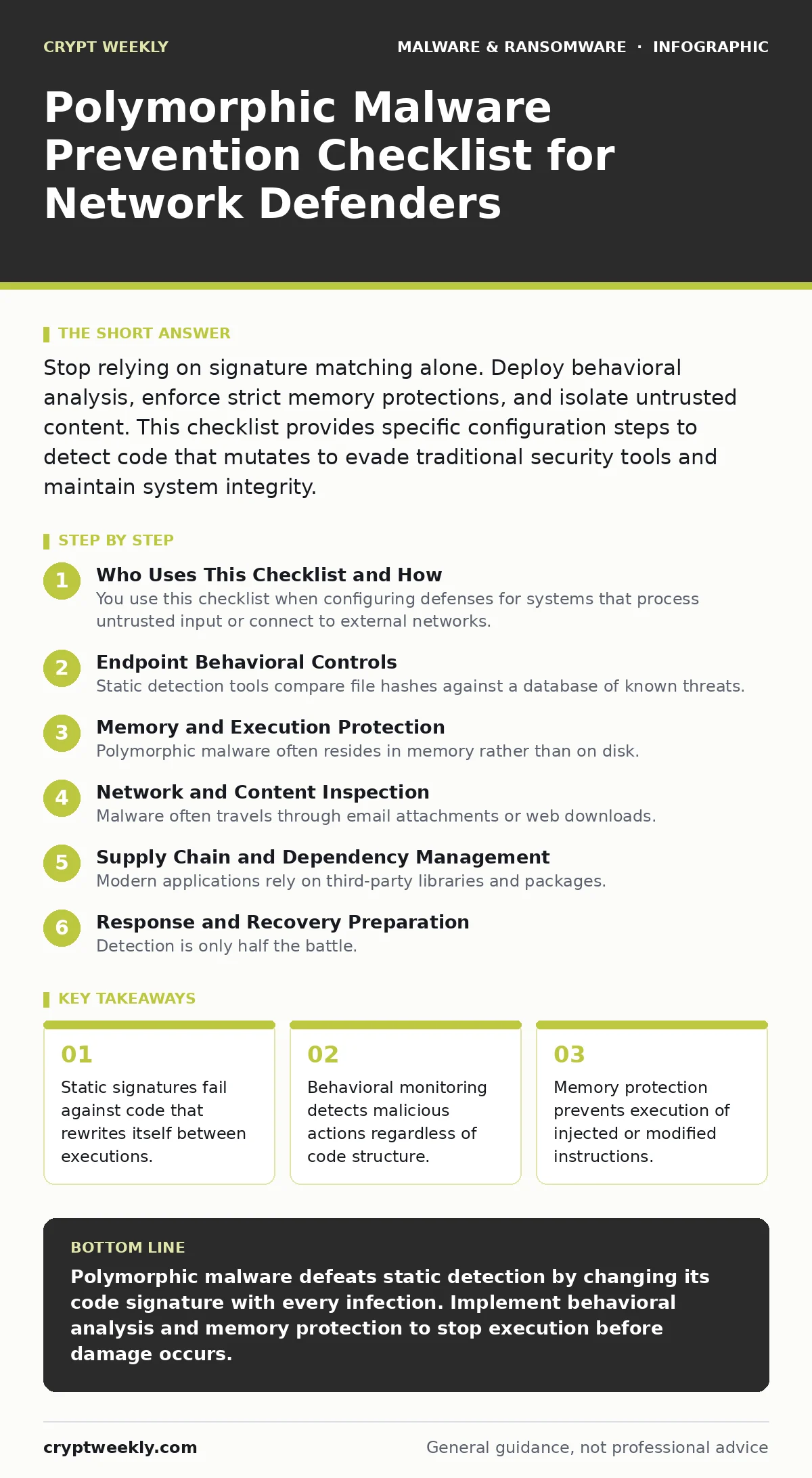
Stop relying on signature matching alone. Deploy behavioral analysis, enforce strict memory protections, and isolate untrusted content. This checklist provides specific configuration steps to detect code that mutates to evade traditional security tools and maintain system integrity.
Who Uses This Checklist and How
You use this checklist when configuring defenses for systems that process untrusted input or connect to external networks. Polymorphic malware alters its binary representation while preserving its underlying function. This mutation defeats tools that look for specific byte sequences. You need controls that inspect behavior rather than identity.
Apply these items to your endpoint security policies, network inspection rules, and application allow-listing configurations. Review the settings quarterly. Add new rules when you observe novel execution patterns. The goal is to create an environment where mutated code cannot execute without triggering a behavioral alarm.
Endpoint Behavioral Controls
Static detection tools compare file hashes against a database of known threats. Polymorphic engines generate unique hashes for every infection. You must shift focus to what the code does, not what it looks like.
- Enable heuristic analysis: This scans for suspicious code patterns that indicate malicious intent, catching variants that lack known signatures.
- Activate machine learning models: AI-driven tools recognize anomalous behavior patterns that deviate from normal system operations, identifying zero-day mutations.
- Configure process monitoring: Tracking parent-child process relationships reveals when a legitimate program spawns a suspicious child, a common tactic in polymorphic attacks.
- Enforce application allow-listing: Only permitting pre-approved executables blocks any mutated code that has not been explicitly trusted by your administrators.
These controls reduce the attack surface by assuming that any unknown executable is hostile. The trade-off is increased administrative overhead to manage the allow-list. You must balance security with usability to prevent users from bypassing controls.
Memory and Execution Protection
Polymorphic malware often resides in memory rather than on disk. It injects code into running processes to avoid file-based scanning. Protecting the memory space is critical for stopping execution before damage occurs.
- Enable Data Execution Prevention: This hardware and software feature marks memory pages as non-executable, preventing code injection attacks from running in data regions.
- Configure Address Space Layout Randomization: Randomizing memory addresses makes it difficult for malware to predict where to inject its payload, increasing the effort required for exploitation.
- Implement Control Flow Integrity: This technique ensures that program execution follows expected paths, blocking jumps to malicious code inserted by polymorphic engines.
- Disable unnecessary scripting engines: Reducing the number of interpreters available limits the environments where polymorphic scripts can execute and mutate.
Imagine a scenario where a user opens a document that contains a macro. If the macro engine is not restricted, the polymorphic code can execute in memory without ever touching the disk. Refer to our guide on macro security settings to understand how to restrict these execution contexts effectively.
Network and Content Inspection
Malware often travels through email attachments or web downloads. Network-level controls can intercept and analyze these files before they reach the endpoint. Polymorphic code may attempt to hide within encrypted traffic or complex file structures.
- Deploy sandboxing for untrusted files: Isolating file execution in a virtual environment allows you to observe behavior without risking production systems.
- Enforce TLS inspection: Decrypting and inspecting encrypted traffic reveals malware payloads that attempt to hide within secure channels, ensuring nothing bypasses security checks.
- Use file type validation: Checking that file headers match actual content prevents attackers from disguising executable code as benign document formats.
- Monitor for command and control traffic: Detecting unusual outbound connections helps identify systems that have been compromised by polymorphic agents seeking instructions.
Network inspection adds latency to data transfers. You must tune your rules to avoid blocking legitimate business traffic. The depth of inspection depends on your risk tolerance and the sensitivity of the data you handle.
Supply Chain and Dependency Management
Modern applications rely on third-party libraries and packages. Polymorphic malware can infiltrate these supply chains, embedding mutated code within trusted dependencies. You must verify the integrity of all external components.
- Verify package signatures: Ensuring that downloaded libraries are signed by verified authors prevents tampering during distribution.
- Audit dependency trees: Regularly reviewing all nested dependencies helps identify outdated or vulnerable components that could serve as entry points for mutated code.
- Isolate build environments: Keeping development and build systems separate from production networks limits the spread of compromised code during the software creation process.
Refer to our guide on malicious npm packages to see how attackers exploit package managers. You must apply similar scrutiny to all third-party code sources, including open-source repositories and private registries.
See also: 7 Mistakes That Leave You Open to Malware Droppers and Loaders · Sandboxing Misconceptions: What Static Analysis Actually Misses
Response and Recovery Preparation
Detection is only half the battle. You must be prepared to contain and recover from an infection. Polymorphic malware can spread rapidly, making swift response critical.
- Maintain offline backups: Keeping copies of critical data disconnected from the network ensures you can restore systems without paying ransoms or risking further infection.
- Document incident response steps: Clear procedures for isolating infected systems and analyzing memory dumps speed up containment and reduce dwell time.
- Conduct regular tabletop exercises: Simulating polymorphic attacks helps your team practice decision-making under pressure and identifies gaps in your detection logic.
See our guide on ransomware backups for detailed storage strategies. You should also review our guide on ransomware recovery plans to ensure your restoration process is tested and effective. Memory forensics techniques can help you analyze the remnants of polymorphic code after an incident.
Key takeaways
- Static signatures fail against code that rewrites itself between executions.
- Behavioral monitoring detects malicious actions regardless of code structure.
- Memory protection prevents execution of injected or modified instructions.
Polymorphic malware defeats static detection by changing its code signature with every infection. Implement behavioral analysis and memory protection to stop execution before damage occurs.
Frequently asked questions
How does polymorphic malware differ from metamorphic malware?
Polymorphic malware changes its encryption key and wrapper but keeps the same core code structure. Metamorphic malware rewrites its entire code logic while maintaining the same function, making it harder to detect through structural analysis.
Can firewalls stop polymorphic malware?
Firewalls can block known malicious IP addresses and ports. They cannot inspect the internal structure of encrypted or mutated code. You need deep packet inspection and sandboxing to detect polymorphic payloads hidden within allowed traffic.
Why is memory forensics important for polymorphic threats?
Polymorphic malware often operates entirely in memory to avoid leaving traces on disk. Memory forensics allows you to capture and analyze the active state of the malware, revealing its behavior and communication channels before it wipes its evidence.
Does browser isolation prevent polymorphic attacks?
Browser isolation runs web content in a remote, disposable environment. It prevents malicious code from executing on your local device. Refer to our guide on browser isolation to understand how this architecture blocks drive-by downloads and script-based attacks.
How this guide was produced: written by the Crypt Weekly editorial team with AI assistance, checked against the public references listed below, and reviewed when the facts change. See our editorial policy or report an error.