Volatile memory captures the active state of a system, revealing encrypted data and hidden processes that disk forensics cannot see, but it also destroys evidence upon acquisition if handled incorrectly.
Memory forensics analyzes the volatile RAM of a running system to catch malware that hides from disk scans. It reveals decrypted keys, hidden processes, and network connections. It is not a replacement for disk analysis, nor does it guarantee finding every threat. You must acquire the image correctly to preserve its forensic value.
Misreading: Memory Forensics Replaces Disk Forensics
Correct reading: Memory forensics and disk forensics serve different purposes. Disk forensics examines static files, logs, and the file system history. It shows what was installed, deleted, or modified over time. Memory forensics examines the volatile state of the system at a single moment. It shows what is currently running, what data is decrypted in RAM, and what network connections are active. You need both to understand a full attack. Relying only on memory misses the persistence mechanisms stored on disk. Relying only on disk misses the active decryption keys and hidden processes that never touch the storage drive.
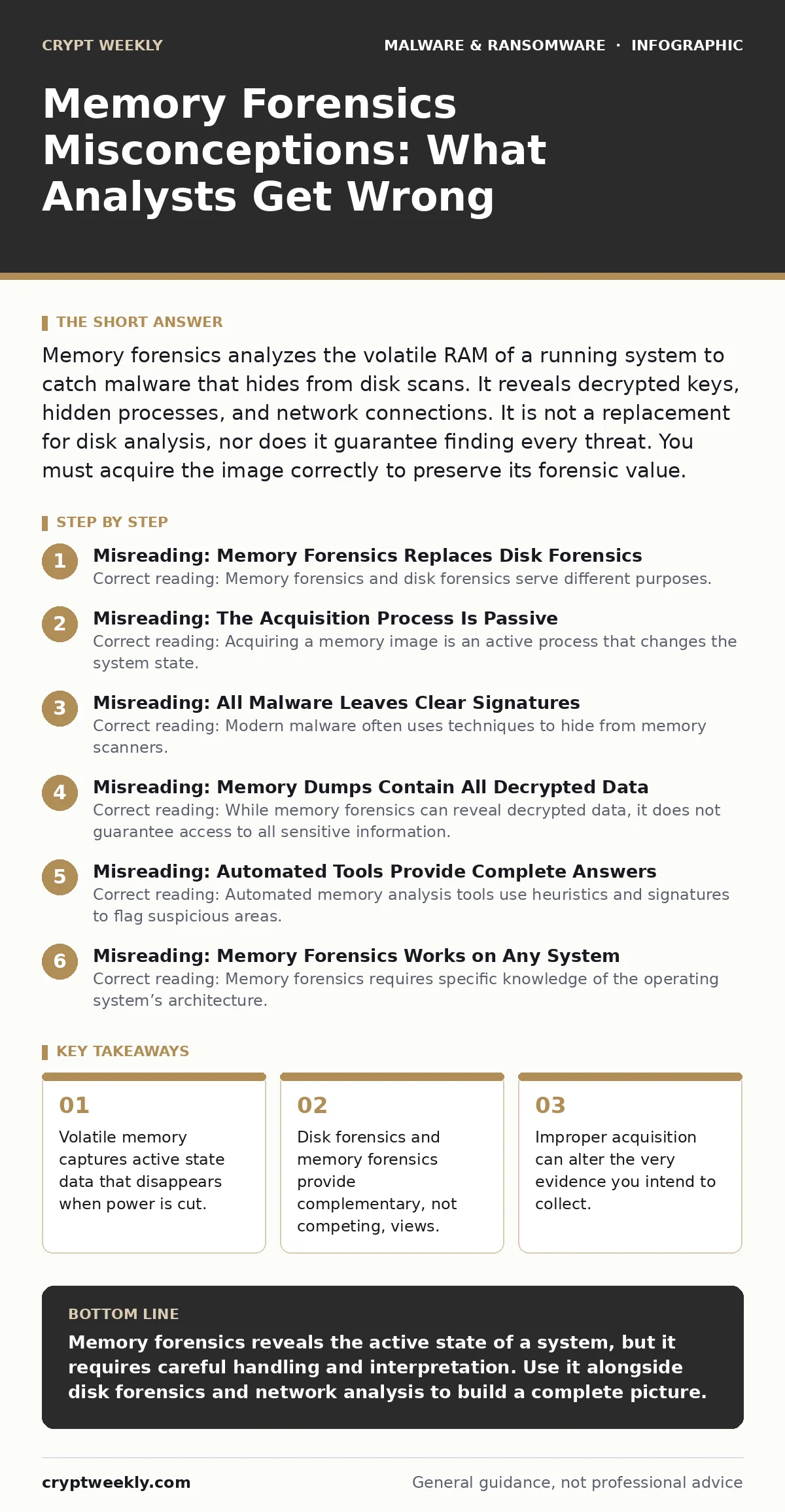
Misreading: The Acquisition Process Is Passive
Correct reading: Acquiring a memory image is an active process that changes the system state. When you inject a driver or run a collection script to capture RAM, you alter the memory contents. The act of reading memory can trigger anti-forensic measures in sophisticated malware. Some threats detect the presence of forensic tools and wipe their own memory pages. This means the image you capture may be incomplete or altered by the collection method itself. You must use trusted, minimal-footprint acquisition tools to reduce this interference. The evidence is fragile and disappears if the system loses power.
Misreading: All Malware Leaves Clear Signatures
Correct reading: Modern malware often uses techniques to hide from memory scanners. Process hollowing replaces the memory of a legitimate process with malicious code, making it look like a standard system service. Direct SysCall bypasses the standard operating system hooks that security tools monitor. These techniques leave few obvious indicators in the memory dump. You cannot rely on simple signature matching to find all threats. You must look for anomalies in process trees, unusual memory allocations, and inconsistencies between disk files and loaded modules. The absence of a known signature does not mean the system is clean.
Misreading: Memory Dumps Contain All Decrypted Data
Correct reading: While memory forensics can reveal decrypted data, it does not guarantee access to all sensitive information. Data may be encrypted before being written to memory, or it may be cleared from RAM immediately after use. Some applications use secure memory allocation methods that prevent simple string searches from finding passwords or keys. You might find fragments of data, but reconstructing the full context requires understanding the application’s memory management. Do not assume every password or encryption key is plainly visible in the dump. The presence of encrypted blobs is common, but their usability varies.
Misreading: Automated Tools Provide Complete Answers
Correct reading: Automated memory analysis tools use heuristics and signatures to flag suspicious areas. These tools can miss novel threats or misidentify legitimate software as malicious. They generate noise that requires manual verification. A tool might flag a process as suspicious because it uses an unusual API call, but that call could be part of normal application behavior. You must interpret the results manually. Understanding the operating system’s memory structures is necessary to distinguish between false positives and real threats. Automation speeds up the initial triage, but it does not replace human analysis.
See also: Ransomware Recovery Mistakes That Block Your Restore Process · Supply Chain Attack Warning Signs and Response Steps
Misreading: Memory Forensics Works on Any System
Correct reading: Memory forensics requires specific knowledge of the operating system’s architecture. Windows, Linux, and macOS manage memory differently. The structures used to track processes, threads, and network connections vary between versions and patches. A tool designed for Windows 10 may fail on Windows 11 or a specific Linux kernel. You must match your analysis framework to the exact OS version of the target system. Using the wrong profile leads to incorrect parsing and missed evidence. The complexity of modern operating systems means that generic approaches often fail.
Misreading: Memory Forensics Is Only for Incident Response
Correct reading: Memory forensics is valuable for proactive threat hunting and malware analysis. You can use it to study how malware behaves in a controlled environment. It helps identify the initial execution chain and the persistence mechanisms used by the attacker. This knowledge improves your detection rules and monitoring strategies. It is not just a reactive tool for after a breach. Integrating memory analysis into your regular security operations helps you understand the full lifecycle of threats. It complements other security measures like application allowlisting and sandboxing.
Misreading: Memory Forensics Guarantees Attribution
Correct reading: Memory forensics can reveal the tools and techniques used by an attacker, but it rarely provides definitive attribution. Attackers use common tools and open-source frameworks that are widely available. The presence of a specific malware variant does not prove who created it. It only proves that the variant was present on the system. Attribution requires combining memory evidence with other intelligence sources. Do not make claims about the attacker’s identity based solely on memory analysis. Focus on the technical indicators and the impact of the attack.
Key takeaways
- Volatile memory captures active state data that disappears when power is cut.
- Disk forensics and memory forensics provide complementary, not competing, views.
- Improper acquisition can alter the very evidence you intend to collect.
- Malware often clears its memory footprint after executing its payload.
Memory forensics reveals the active state of a system, but it requires careful handling and interpretation. Use it alongside disk forensics and network analysis to build a complete picture.
Frequently asked questions
Can memory forensics recover deleted files?
No, memory forensics captures volatile data currently in RAM. Deleted files are stored on disk. Disk forensics is required to recover deleted data, as memory does not retain file system history.
Is memory forensics legal?
The legality depends on your jurisdiction and authorization. You must have explicit permission to access and analyze the memory of a system. Unauthorized access is illegal in most regions. Consult legal counsel before performing forensic acquisitions.
How long does memory forensics take?
The time varies based on the size of the memory image and the complexity of the analysis. Automated tools can provide initial results quickly, but manual verification and deep analysis can take hours or days. It is not an instantaneous process.
Can I use memory forensics on a remote server?
Yes, but remote acquisition adds complexity. Network latency and bandwidth limitations can affect the integrity of the memory image. You must ensure the acquisition method is secure and does not alter the evidence. Remote tools must be carefully validated.
How this guide was produced: written by the Crypt Weekly editorial team with AI assistance, checked against the public references listed below, and reviewed when the facts change. See our editorial policy or report an error.