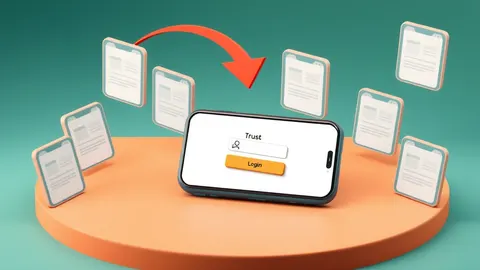
Attackers compromise official support accounts on social media to trick you into handing over credentials, bypassing your email filters entirely.
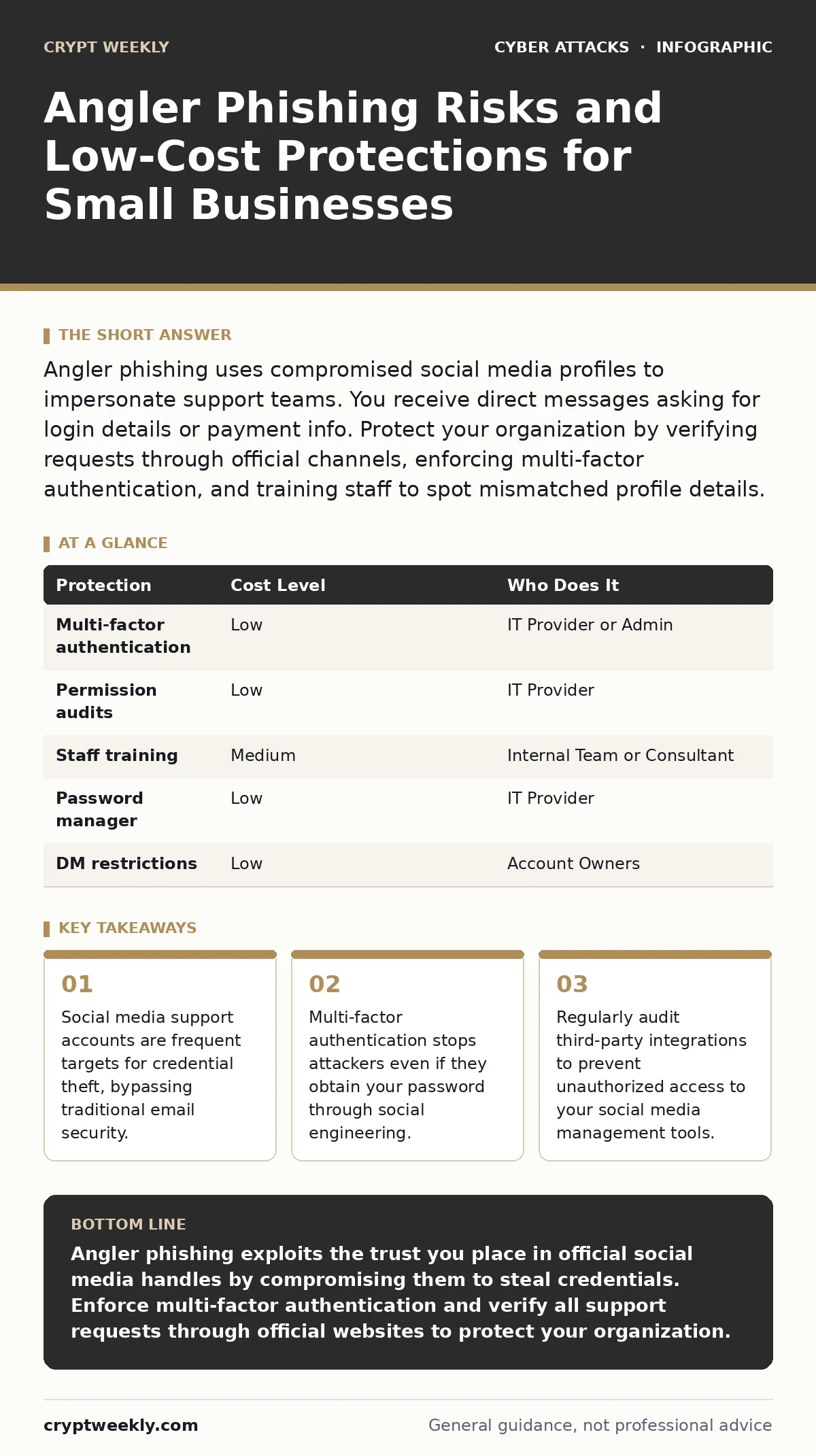
Angler phishing uses compromised social media profiles to impersonate support teams. You receive direct messages asking for login details or payment info. Protect your organization by verifying requests through official channels, enforcing multi-factor authentication, and training staff to spot mismatched profile details.
The Mechanics of Angler Phishing
Angler phishing differs from standard spam because it originates from trusted platforms. Attackers compromise legitimate support accounts used by banks, cloud providers, or software vendors. They do not send mass emails. Instead, they monitor public conversations where users complain about service issues.
When a user posts a problem, the attacker replies using the compromised official account. The reply contains a link to a fake support page. This page looks identical to the real vendor’s login portal. You enter your credentials, believing you are resolving a technical issue. The attacker captures those credentials in real time.
This method bypasses your email security filters. Your firewall does not block a direct message on a social platform. Your spam filter never sees the request. The trust you place in the brand’s official handle is the vulnerability.
Why Small Organizations Face Higher Exposure
Small organizations often share a single support email or social media account among multiple staff members. This shared access creates a weak link. If one employee falls for a phishing email, the attacker gains the credentials for the shared account. They can then use that account to contact other users.
You may lack dedicated security staff to monitor these channels. Large enterprises have teams that rotate passwords and monitor for unusual activity. Small teams often keep the same password for years. This persistence gives attackers time to exploit the account.
Additionally, small businesses often integrate third-party tools to manage social media. These integrations require permissions. If one tool is compromised, the attacker can post from your official account. This expands the attack surface beyond your internal network.
The Hidden Cost of Third-Party Integrations
Many companies use applications to schedule posts or analyze engagement. These applications connect to your social media profiles via APIs. An API is a set of rules that allows different software systems to communicate.
If you grant an application broad permissions, it can send messages on your behalf. Attackers target these applications because they offer a backdoor. They compromise the application provider, not your direct account. The application then sends phishing messages using your verified profile.
This creates a supply chain attack vector. You trust the application, and the application trusts the provider. A failure at any point compromises your reputation and security. You must review the permissions of every connected tool.
Consider the principle of least privilege. This principle states that a user or system should only have the access necessary to perform its function. If a scheduling tool does not need to send direct messages, revoke that permission. This limits the damage if the tool is breached.
Low-Cost Protections for Your Team
You do not need expensive software to mitigate this risk. Behavioral changes and basic configuration adjustments provide significant defense. Start by enforcing multi-factor authentication on all social media accounts. Multi-factor authentication requires a second form of verification, such as a code from a phone app, in addition to your password.
Even if an attacker obtains your password, they cannot log in without the second factor. This blocks the initial compromise. Use an authenticator app rather than SMS codes. SMS codes can be intercepted through SIM swapping. An app generates codes locally on your device, making them harder to steal.
Next, disable direct messages from strangers in your social media settings. This reduces the noise and limits the ability of attackers to initiate contact. It does not stop them from replying to public posts, but it adds a layer of friction.
What to Ask Your IT Provider
If you outsource your IT support, you must ensure they follow secure practices. Do not assume they are protecting your social media assets. Ask specific questions about their management of third-party integrations and account access.
- How do you manage passwords for shared social media accounts?
- Do you use a password manager that enforces unique, complex passwords?
- How frequently do you audit the permissions of connected applications?
- What is your process for revoking access when an employee leaves?
- Do you monitor for unusual login activity on these accounts?
Avoid providers who use shared static passwords. A password manager generates unique credentials for each service. This ensures that a breach in one service does not compromise others. Regular audits of permissions ensure that old tools do not retain unnecessary access.
See also: Social Engineering Risks and Protection for Small Businesses · Whaling Attacks: 6 Myths That Leave Executives Exposed
Training Staff to Spot the Trap
Your employees are the first line of defense. They need to recognize the signs of angler phishing. The most common sign is a sense of urgency. Attackers create fake deadlines to prevent you from thinking clearly.
Look for mismatched details. Check the profile picture carefully. Attackers often use slightly altered logos. Check the handle for subtle changes, such as an extra letter or a number. Legitimate support accounts rarely ask for credentials via direct message.
Teach your staff to verify requests through official channels. If a support account asks for verification, log in to the provider’s website directly. Do not click the link in the message. Navigate to the site yourself. This ensures you are on the genuine platform.
This habit protects you from account takeover attempts. Account takeover occurs when an attacker gains control of your login credentials. By verifying independently, you break the chain of deception.
Summary of Protection Measures
Implementing these steps reduces your exposure to angler phishing. The goal is to add friction for the attacker and reduce trust in unsolicited messages. Combine technical controls with user awareness for the best results.
| Protection | Cost Level | Who Does It |
|---|---|---|
| Multi-factor authentication | Low | IT Provider or Admin |
| Permission audits | Low | IT Provider |
| Staff training | Medium | Internal Team or Consultant |
| Password manager | Low | IT Provider |
| DM restrictions | Low | Account Owners |
These measures are not a silver bullet. They reduce the likelihood of success for an attacker. You must maintain them consistently. Regular reviews ensure that new risks are addressed promptly.
Key takeaways
- Social media support accounts are frequent targets for credential theft, bypassing traditional email security.
- Multi-factor authentication stops attackers even if they obtain your password through social engineering.
- Regularly audit third-party integrations to prevent unauthorized access to your social media management tools.
Angler phishing exploits the trust you place in official social media handles by compromising them to steal credentials. Enforce multi-factor authentication and verify all support requests through official websites to protect your organization.
Frequently asked questions
Can I block all direct messages to stop angler phishing?
You can restrict who can message you, but attackers may still reply to your public posts. Blocking messages entirely may hinder legitimate customer support interactions.
Does email filtering protect against angler phishing?
No, angler phishing occurs on social media platforms, bypassing email filters. You need separate security measures for social media accounts.
How do I know if my social media account is compromised?
Look for unauthorized posts, changed profile information, or login alerts from unknown devices. Check your account activity logs for suspicious access.
Is using a password manager enough to prevent this?
A password manager helps by ensuring unique passwords, but it does not stop attackers from stealing credentials if you enter them on a fake site. Multi-factor authentication is also required.
How this guide was produced: written by the Crypt Weekly editorial team with AI assistance, checked against the public references listed below, and reviewed when the facts change. See our editorial policy or report an error.