
Small businesses face targeted social engineering because attackers view them as isolated targets with fewer defensive layers than large corporations.
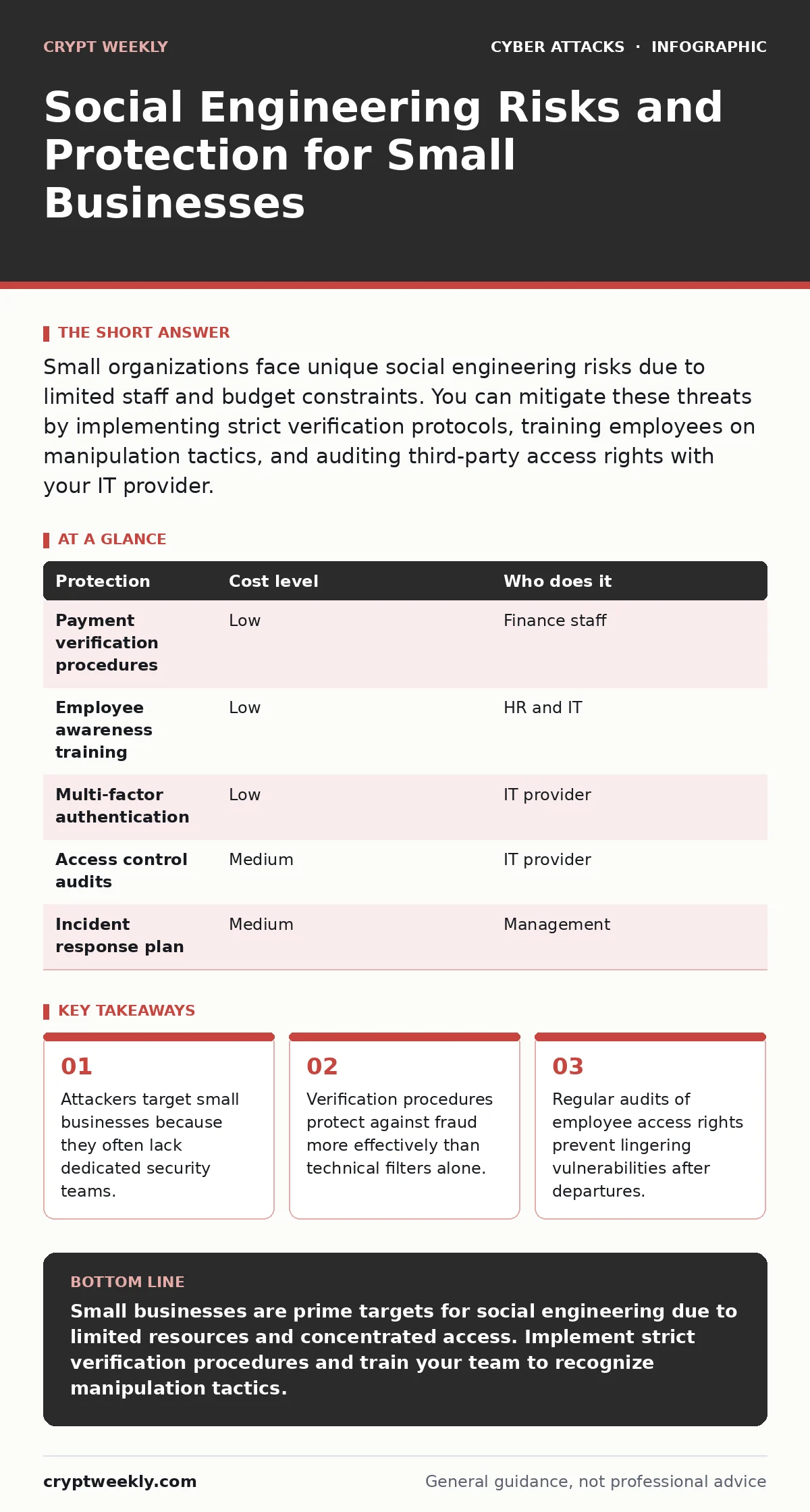
Small organizations face unique social engineering risks due to limited staff and budget constraints. You can mitigate these threats by implementing strict verification protocols, training employees on manipulation tactics, and auditing third-party access rights with your IT provider.
Why Small Organizations Face Unique Exposure
Small organizations operate with fewer people, which creates a single point of failure for security. In a large corporation, you have layers of defense. In a small team, one employee often handles finance, IT, and customer support. This concentration of power means an attacker only needs to trick one person to compromise the entire organization. Attackers recognize this dynamic and target small businesses specifically because the barrier to entry is lower. They know that small teams rarely have dedicated security analysts monitoring for unusual activity. The lack of specialized staff makes social engineering the path of least resistance.
The human element remains the weakest link in any security posture. Technical defenses like firewalls can block automated scans, but they cannot stop a phone call from someone claiming to be IT support. Social engineering exploits trust, urgency, and fear. These psychological triggers bypass logical thinking. When you feel pressured to act quickly, you skip verification steps. Small businesses are particularly vulnerable because they often prioritize speed and personal relationships over formal procedures. This cultural norm helps attackers succeed.
Understanding the Mechanics of Manipulation
Social engineering relies on manipulating human psychology rather than exploiting software bugs. Attackers use pretexting to create a false scenario. They might pose as a vendor, a government agent, or a colleague. The goal is to establish enough credibility to request sensitive information or access. Urgency is a key component. By creating a sense of emergency, the attacker reduces the time you have to think critically. Fear is another tool. Threats of legal action or account suspension push you to comply without asking questions.
Imagine an attacker calling your office and claiming to be from your internet service provider. They say your connection will be cut off in ten minutes unless you verify your account details. You feel rushed. You provide the password to save the connection. This is a classic social engineering attack. It works because it exploits your desire to maintain business continuity. The attacker uses the fear of disruption to bypass your natural caution. Understanding these psychological levers helps you recognize when someone is trying to manipulate you.
Low-Cost Protections for Limited Budgets
You do not need expensive software to defend against social engineering. The most effective protections are procedural. Implementing payment verification procedures requires zero cost but adds significant security. Require all financial transactions to be confirmed through a secondary channel. If an email requests a wire transfer, call the sender using a known phone number. This simple step stops most fraud attempts. It forces the attacker to maintain a consistent lie across two different communication channels, which is difficult and risky for them.
Training employees to recognize red flags is another low-cost measure. Teach your team to question unexpected requests for data or money. Encourage a culture where asking for clarification is rewarded, not punished. If an employee feels safe calling out a suspicious request, they are less likely to fall for a trick. Document these procedures clearly. Make them part of your onboarding process. Regular refreshers keep these habits sharp. These measures cost nothing but time and effort, yet they provide a strong first line of defense.
| Protection | Cost level | Who does it |
|---|---|---|
| Payment verification procedures | Low | Finance staff |
| Employee awareness training | Low | HR and IT |
| Multi-factor authentication | Low | IT provider |
| Access control audits | Medium | IT provider |
| Incident response plan | Medium | Management |
What to Ask an IT Provider
Your IT provider plays a critical role in your security posture. They manage your technical defenses and offer guidance on best practices. You need to ensure they understand the social engineering risks specific to your industry. Ask them how they monitor for unusual login patterns. Sudden logins from foreign locations or at odd hours can indicate account takeover. Your provider should have tools to detect these anomalies and alert you immediately. Do not assume they are doing this automatically. Confirm their monitoring capabilities.
You should also discuss supply chain attacks with your provider. Attackers often target smaller vendors to gain access to larger clients. Ask how they vet the software and services they recommend. Ensure they follow secure development practices. Request a copy of their incident response plan. You need to know what happens if their systems are compromised. This information helps you assess the risk they introduce to your own operations. Clear communication with your provider builds a stronger defense.
- How do you detect unusual login activity or potential account takeover attempts?
- What steps do you take to secure third-party vendor access to our systems?
- Can you provide a written policy on how you handle suspicious email or phone requests?
- How often do you audit user permissions to ensure former employees have no access?
- What is your process for responding to a suspected social engineering incident?
The Hidden Cost of Trusting Too Much
Over-reliance on technical tools creates a false sense of security. Firewalls and antivirus software are useful, but they do not protect against persuasion. If you believe your technology stops all threats, you become complacent. You stop verifying requests. You stop questioning anomalies. This complacency is dangerous. Attackers count on this mindset. They know that if they can bypass the human, the technology often cannot help. You must maintain a healthy skepticism. Trust, but verify. This principle applies to every interaction, whether digital or physical.
Consider the risk of shoulder surfing. This involves an attacker watching you type your password or PIN. It is a low-tech method that requires no hacking skills. If you work in a busy office or public space, you are vulnerable. Assume anyone nearby can see your screen. Cover your keyboard when entering sensitive data. Use privacy filters on your monitors. These simple physical habits complement your digital defenses. They address the human factor that technology cannot control. Ignoring these physical risks leaves a gap in your security.
See also: Browser Isolation for Small Business: Low Cost Protection · OAuth Consent Phishing: How Attackers Bypass Login Screens
Preventing Account Takeover and Data Loss
Account takeover occurs when an attacker gains access to your credentials. They can then impersonate you to steal data or launch further attacks. Multi-factor authentication is your best defense. It requires a second form of verification, such as a code from your phone, in addition to your password. Even if an attacker steals your password, they cannot access your account without the second factor. Implement this for all critical systems, especially email and financial platforms. Email is often the gateway to other accounts. Protecting it is paramount.
Be aware of angler phishing. This involves attackers posing as support agents on social media. They lure you to private messages, then trick you into revealing login details. They may claim to help with a technical issue. They build trust over time before asking for sensitive information. Educate your team to never share credentials in chat platforms. Direct them to official support channels. Verify the identity of anyone claiming to be support. This vigilance prevents attackers from using social media as a launching pad for fraud.
Building a Culture of Security Awareness
Security is not just an IT problem. It is a business responsibility. Every employee plays a role in protecting the organization. Create an environment where security is a shared value. Recognize employees who report suspicious activity. This positive reinforcement encourages others to do the same. Avoid blaming individuals for mistakes. Instead, focus on improving processes. A blame-free culture fosters openness and learning. It helps you identify weaknesses before attackers exploit them.
Regularly review and update your security policies. Threats evolve, and your defenses must evolve with them. Conduct tabletop exercises to simulate social engineering attacks. These drills help your team practice their responses in a safe environment. They reveal gaps in your procedures and training. Use these insights to refine your approach. Continuous improvement is key to staying ahead of attackers. Stay informed about new tactics and trends. Adapt your strategies accordingly.
Key takeaways
- Attackers target small businesses because they often lack dedicated security teams.
- Verification procedures protect against fraud more effectively than technical filters alone.
- Regular audits of employee access rights prevent lingering vulnerabilities after departures.
Small businesses are prime targets for social engineering due to limited resources and concentrated access. Implement strict verification procedures and train your team to recognize manipulation tactics.
Frequently asked questions
How do I verify if an email request is legitimate?
Contact the sender using a known phone number or secondary email address. Do not use contact information from the suspicious email. Confirm the request details verbally before taking any action.
What is the best way to protect against phone-based scams?
Establish a policy that all financial or data requests must be confirmed in writing. Never act on phone requests alone. Verify the caller's identity through independent means before providing any information.
Can multi-factor authentication stop all social engineering attacks?
No, it only protects account access. It does not prevent attackers from tricking you into revealing information or performing actions. You still need to verify requests and be skeptical of unexpected communications.
How often should I review employee access rights?
Review access rights whenever an employee changes roles or leaves the company. Conduct quarterly audits to ensure permissions align with current job responsibilities. Remove any unnecessary access immediately.
How this guide was produced: written by the Crypt Weekly editorial team with AI assistance, checked against the public references listed below, and reviewed when the facts change. See our editorial policy or report an error.