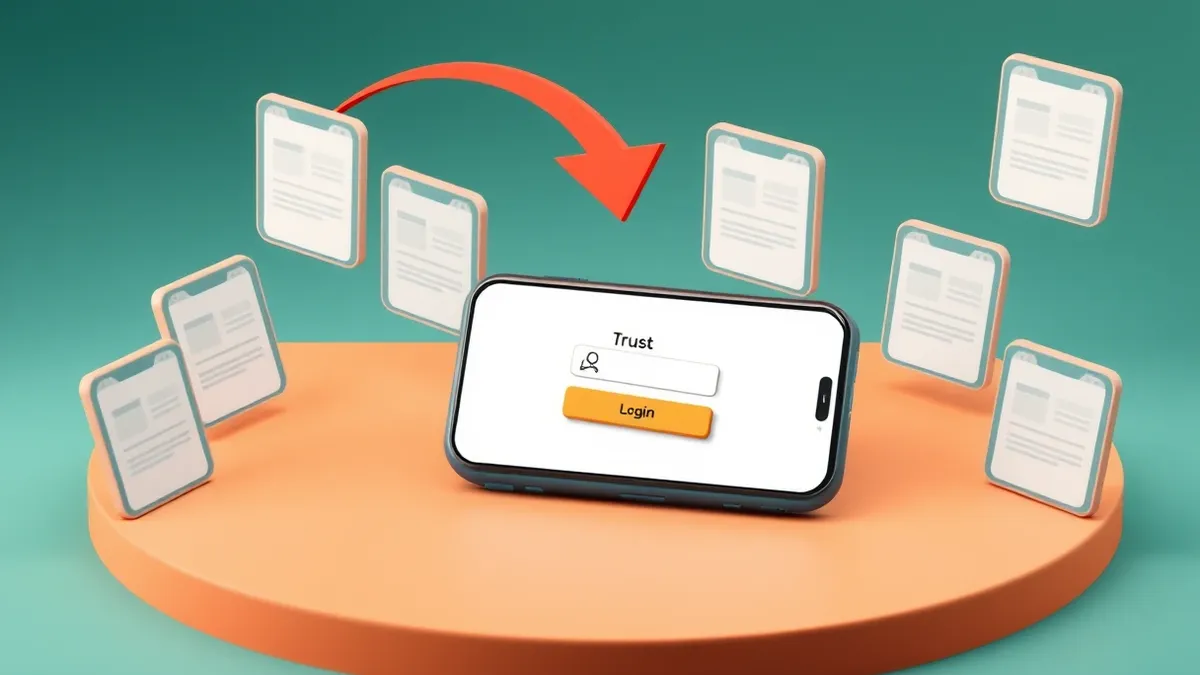
Attackers steal access tokens by tricking you into approving legitimate requests on fake pages that mirror real apps.
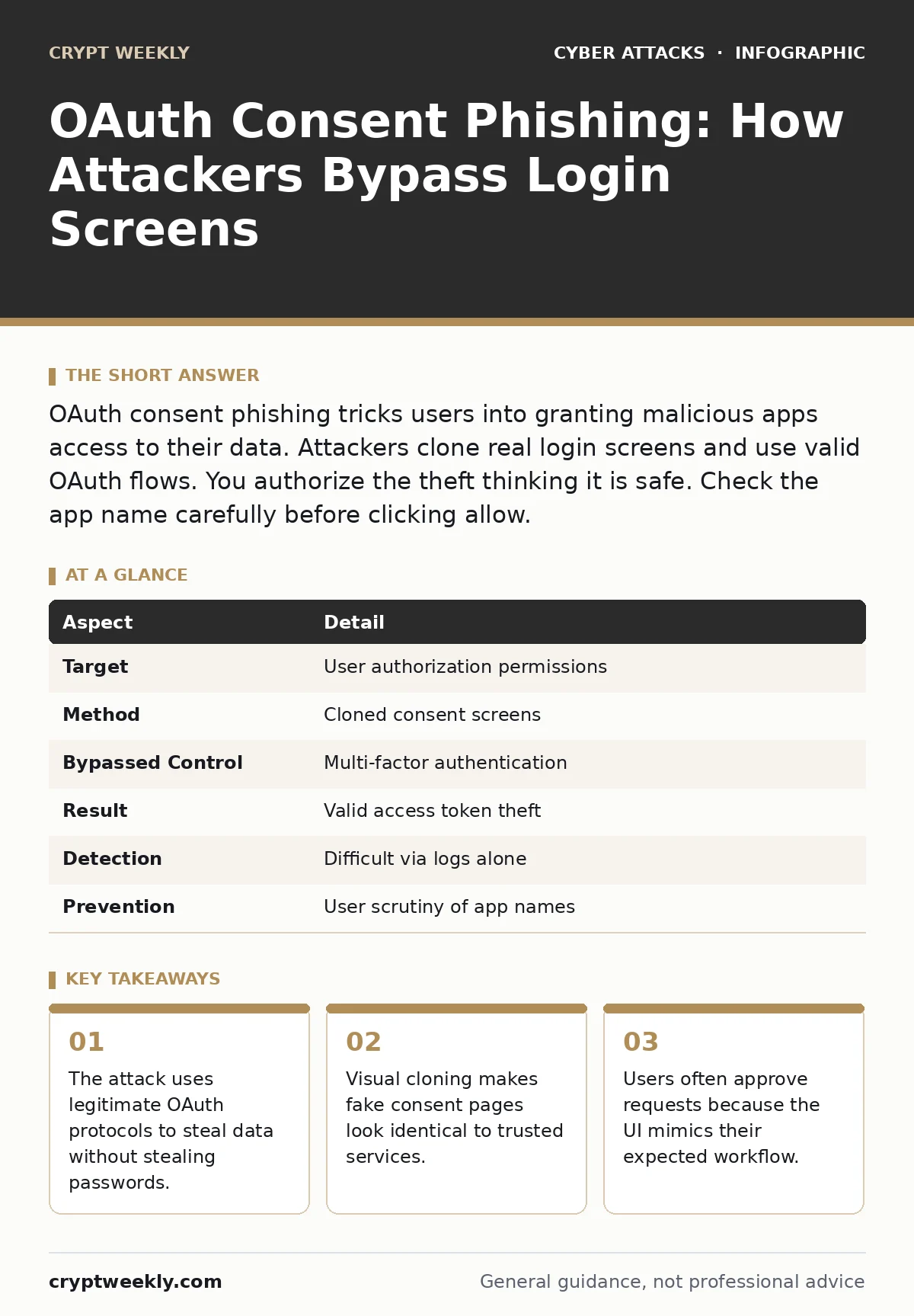
OAuth consent phishing tricks users into granting malicious apps access to their data. Attackers clone real login screens and use valid OAuth flows. You authorize the theft thinking it is safe. Check the app name carefully before clicking allow.
Imagine you log into your email to check a message. A popup asks if you allow a new app to read your contacts. You click allow because the logo looks correct. You just handed over your data to an attacker. This is not a password theft. It is a permission theft.
What is OAuth consent phishing?
OAuth consent phishing is an attack where adversaries trick users into granting malicious applications access to their accounts. The attacker does not need your password. They need your approval. The system records that you authorized the connection. The attacker then uses that authorization to read, write, or delete data.
This method bypasses traditional security checks. Most systems trust the OAuth token more than they trust the user interface. The protocol assumes that if a user sees a request and says yes, the request is safe. Attackers exploit this trust by manipulating what the user sees.
| Aspect | Detail |
|---|---|
| Target | User authorization permissions |
| Method | Cloned consent screens |
| Bypassed Control | Multi-factor authentication |
| Result | Valid access token theft |
| Detection | Difficult via logs alone |
| Prevention | User scrutiny of app names |
How the attack works step by step
The attacker starts by registering a legitimate application with the identity provider. This makes the OAuth request technically valid. The system accepts the request because the app ID is real. The attacker then creates a fake website. This site looks exactly like the service you use daily.
The attacker sends you a link to this fake site. The link leads to a login page that mirrors the real one. You enter your credentials. The site passes them to the real service to validate you. Once logged in, the fake site triggers an OAuth consent request. You see a screen asking for permission. The attacker has customized this screen. It asks for broad permissions, but the branding is familiar.
You click allow. The system issues an access token. This token grants the attacker the rights you just approved. The attacker now has a session that is indistinguishable from a legitimate user session. The attack succeeds because you performed the correct action on the wrong context.
Who gets targeted and why
Anyone with an account that uses OAuth can be targeted. Students, employees, and consumers are all at risk. Attackers focus on accounts with high value. These are accounts with sensitive data, financial links, or administrative rights.
The attack works well against mobile users. Mobile browsers often hide the URL bar. This makes it harder to verify the domain. The attack also works against desktop users who do not check the address. The social engineering component is key. The attacker relies on urgency or curiosity. You click because you want to see the content. You do not stop to check the technical details.
This method is effective because it avoids triggering password-based alerts. Many security systems monitor for failed login attempts. This attack involves successful logins. It generates positive signals. The system sees a user logging in and granting permission. It does not see an intrusion. It sees a user making a choice.
What people usually get wrong
Many users think that multi-factor authentication stops this attack. It does not. MFA protects your password. It does not protect your permissions. Once you pass MFA, you are authenticated. The OAuth flow then asks for authorization. If you grant access, MFA has already done its job. The attacker enters through the door you opened.
Another common mistake is trusting the browser address bar. Attackers use domain squats or lookalike domains. These domains are valid and secure. They have SSL certificates. The browser shows a padlock. The padlock only means the connection is encrypted. It does not mean the site is trustworthy. You can have a secure connection to a scam site.
Why logs fail to catch this
Security teams rely on logs to detect threats. OAuth consent phishing creates clean logs. The logs show a successful authentication. They show a user-initiated consent grant. There is no failed login. There is no impossible travel. The behavior looks normal.
The attacker uses a valid client ID. This ID belongs to a registered app. The app may be registered by the attacker or compromised. The system logs the app name and the permissions granted. If the app name is generic, the log entry is ambiguous. Security analysts may see "App X requested email access" and assume it is a real tool.
This blind spot allows the attack to persist. The attacker can harvest data for weeks. They rotate tokens or use the same token repeatedly. The account holder does not notice missing data immediately. They notice when the damage is done. This delay makes recovery difficult.
See also: Stop Server Cryptomining: 7 Configuration Mistakes That Invite Theft · Cryptomining Attacks on Exposed Servers: Detection and Defense
How to spot the phishing attempt
You must check the application name in the consent window. This is the most reliable indicator. The consent window lists the app requesting access. If you do not recognize the app, stop. Do not click allow. Close the window.
Check the domain in the address bar. Look for subtle differences. Attackers use common typos or extra characters. Compare the URL to the known service URL. If it does not match exactly, it is a fake. On mobile devices, look for the URL field. Tap it to see the full domain.
Steps to protect yourself and your org
Organizations should enforce strict consent policies. Limit which apps can request access. Require approval for new app integrations. Monitor for unusual consent patterns. Look for grants to unknown apps. Revoke access for apps you do not use.
Users should practice caution. Treat every consent request as suspicious. Verify the source of the link. Do not click links in emails or messages without verifying. If you are unsure, go directly to the service website. Do not use the link provided in the message.
This approach reduces the attack surface. It forces the attacker to find another way. It also limits the damage if a grant is made. Regularly audit your connected apps. Remove old or unused connections. This removes stale tokens that attackers might use.
Related threats to watch
This attack is a form of social engineering. It relies on psychological manipulation rather than technical exploits. It shares traits with account takeover. Both methods result in unauthorized access. Both bypass password protections. Understanding OAuth consent phishing helps you defend against similar schemes.
Attackers often combine this with supply chain attacks. They compromise a trusted app to gain wider access. This makes the phishing harder to detect. The app name is familiar. The permissions seem reasonable. You must stay alert for any change in behavior or unexpected requests.
Key takeaways
- The attack uses legitimate OAuth protocols to steal data without stealing passwords.
- Visual cloning makes fake consent pages look identical to trusted services.
- Users often approve requests because the UI mimics their expected workflow.
Frequently asked questions
Can OAuth consent phishing bypass 2FA?
Yes, because the attack occurs after authentication. Multi-factor authentication verifies your identity, but it does not validate the consent decision.
How do I revoke a compromised app?
Go to your account security settings, find connected apps, and remove the unknown application. This invalidates its access tokens immediately.
Is this attack legal?
No, unauthorized access to computer systems and data theft is illegal in most jurisdictions, regardless of the method used.
Does using a password manager help?
Password managers protect credentials but do not prevent you from clicking allow on a consent screen. You must still verify the app name.
How this guide was produced: written by the Crypt Weekly editorial team with AI assistance, checked against the public references listed below, and reviewed when the facts change. See our editorial policy or report an error.