
Exposed servers often suffer silent resource theft because default configurations leave administrative ports open to the entire internet without restriction.
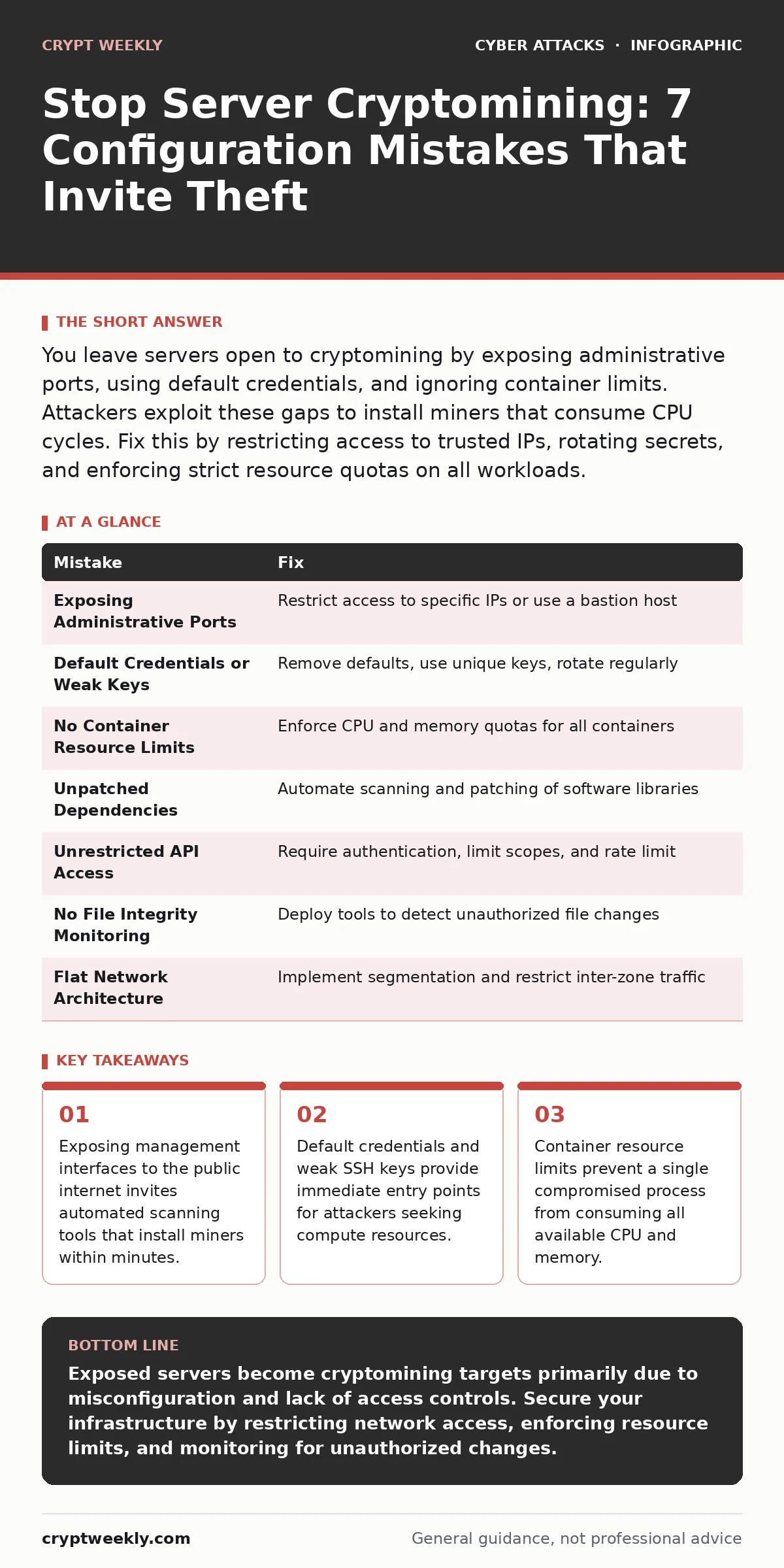
You leave servers open to cryptomining by exposing administrative ports, using default credentials, and ignoring container limits. Attackers exploit these gaps to install miners that consume CPU cycles. Fix this by restricting access to trusted IPs, rotating secrets, and enforcing strict resource quotas on all workloads.
Mistake 1: Exposing Administrative Ports to the Public Internet
Attackers scan the entire IPv4 address space for open ports. When you leave ports like 22, 3389, or 5900 exposed to 0.0.0.0/0, you invite every scanner in the world to test your defenses. This mistake turns your server into a low-hanging fruit for automated botnets. The consequence is immediate exploitation. Bots use known vulnerabilities or brute-force attempts to gain initial access. Once inside, they deploy cryptominers that run in the background. Your server performance degrades as the miner consumes processing power. The fix is to restrict access at the network level. Use firewall rules to allow connections only from specific IP addresses or ranges. If remote access is not required from the internet, block it entirely. Use a bastion host for administrative access instead of direct exposure.
Mistake 2: Relying on Default Credentials or Weak Keys
Many administrators install services and forget to change the initial usernames and passwords. Some use the same SSH key pair across multiple servers. This mistake creates a single point of failure. If one key or password is compromised, every server using it becomes accessible. The consequence is widespread unauthorized access. Attackers use credential stuffing attacks against these default accounts.
They gain root or administrator privileges without needing to exploit software vulnerabilities. The fix is to enforce strict identity management. Remove all default accounts immediately after installation. Generate unique cryptographic key pairs for each server. Store these keys securely using a dedicated secrets manager. Never share private keys or store them in configuration files that are publicly accessible. Rotate keys regularly to limit the window of exposure.
Mistake 3: Running Containers Without Resource Limits
Containers share the host kernel but run as isolated processes. Many deployments start containers without setting CPU or memory limits. This mistake assumes that applications will behave reasonably. In reality, a compromised container can spawn a cryptominer that consumes all available resources. The consequence is a denial of service for legitimate applications on the same host.
The miner hogs the CPU, causing other services to timeout or crash. The fix is to enforce strict resource quotas. Define maximum CPU shares and memory limits for every container. This prevents a single process from starving others. Monitor container behavior for sudden spikes in resource usage. Alert when a container exceeds its defined baseline. This containment strategy limits the blast radius of any compromise.
Mistake 4: Ignoring Unpatched Dependencies in Supply Chains
Your server runs software that depends on other libraries and modules. These dependencies form a supply chain. If you do not track updates for these components, you leave known vulnerabilities unpatched. This mistake exposes your system to attacks that exploit older code. The consequence is remote code execution. Attackers use public databases of vulnerabilities to find targets. They exploit unpatched libraries to execute arbitrary commands on your server.
These commands often install cryptominers or backdoors. The fix is to implement automated dependency scanning. Use tools that check your software against known vulnerability databases. Patch dependencies as soon as fixes are released. Consider using immutable infrastructure practices. Rebuild your server images frequently with updated packages rather than patching running systems. This reduces the window of exposure.
Mistake 5: Allowing Unrestricted API Access
Modern applications rely on APIs for communication. If you expose these APIs without proper authentication or rate limiting, you create an attack surface. This mistake allows anyone to interact with your server's functionality. The consequence is abuse of computational resources. Attackers can trigger expensive operations or data processing tasks repeatedly. They may also exploit API endpoints to upload malicious scripts.
These scripts can establish persistence and deploy miners. The fix is to implement strict API security controls. Require authentication for all endpoints. Use API keys with limited scopes and expiration dates. Implement rate limiting to prevent abuse. Monitor API traffic for unusual patterns. Block requests that originate from suspicious sources or exhibit malicious behavior. Treat API endpoints with the same security rigor as administrative interfaces.
See also: Social Engineering Risks and Protection for Small Businesses · Whaling Attacks: 6 Myths That Leave Executives Exposed
Mistake 6: Neglecting File Integrity Monitoring
Administrators often assume that if they do not change a file, it remains unchanged. This mistake ignores the possibility of unauthorized modifications. Attackers modify system binaries or configuration files to hide their presence. The consequence is undetected persistence. A cryptominer may replace a legitimate system process. The server appears to function normally, but resources are being stolen.
The fix is to deploy file integrity monitoring tools. These tools hash critical system files and configurations. They alert you when any unexpected changes occur. Compare current file states against known good baselines. Investigate any alerts immediately. This practice helps you detect intrusions before they cause significant damage. It also provides evidence for incident response and forensics.
Mistake 7: Overlooking Network Segmentation
Many servers operate in a flat network where any device can communicate with any other. This mistake allows lateral movement. If an attacker compromises one server, they can easily access others. The consequence is widespread infection. A cryptominer on one server can spread to others via shared credentials or vulnerabilities. The fix is to implement network segmentation.
Divide your network into smaller zones. Restrict traffic between zones based on the principle of least privilege. Only allow necessary communications. Use virtual local area networks or security groups to enforce these rules. This containment strategy limits the spread of malware. It ensures that a breach in one area does not compromise the entire infrastructure.
| Mistake | Fix |
|---|---|
| Exposing Administrative Ports | Restrict access to specific IPs or use a bastion host |
| Default Credentials or Weak Keys | Remove defaults, use unique keys, rotate regularly |
| No Container Resource Limits | Enforce CPU and memory quotas for all containers |
| Unpatched Dependencies | Automate scanning and patching of software libraries |
| Unrestricted API Access | Require authentication, limit scopes, and rate limit |
| No File Integrity Monitoring | Deploy tools to detect unauthorized file changes |
| Flat Network Architecture | Implement segmentation and restrict inter-zone traffic |
Key takeaways
- Exposing management interfaces to the public internet invites automated scanning tools that install miners within minutes.
- Default credentials and weak SSH keys provide immediate entry points for attackers seeking compute resources.
- Container resource limits prevent a single compromised process from consuming all available CPU and memory.
Exposed servers become cryptomining targets primarily due to misconfiguration and lack of access controls. Secure your infrastructure by restricting network access, enforcing resource limits, and monitoring for unauthorized changes.
Frequently asked questions
How can I tell if my server is being used for cryptomining?
Check for unusually high CPU or memory usage that does not correlate with your application's normal activity. Look for unknown processes running with high priority or network connections to known mining pools.
Does using a virtual private server prevent cryptomining attacks?
No, virtual private servers are still exposed to the internet if misconfigured. You must apply the same security hardening measures to VPS instances as you would to physical servers.
Can cryptomining damage my server hardware?
Prolonged high CPU usage can increase heat output, potentially shortening the lifespan of components. It also leads to higher energy costs and degraded performance for legitimate tasks.
How do I recover from a cryptomining infection?
Isolate the affected server from the network immediately. Analyze logs to determine the entry point. Rebuild the server from a clean image rather than attempting to clean the infected system, as attackers often leave backdoors.
How this guide was produced: written by the Crypt Weekly editorial team with AI assistance, checked against the public references listed below, and reviewed when the facts change. See our editorial policy or report an error.