Most critical vulnerabilities hide in transitive dependencies that your build tools do not explicitly list or track during standard development cycles.
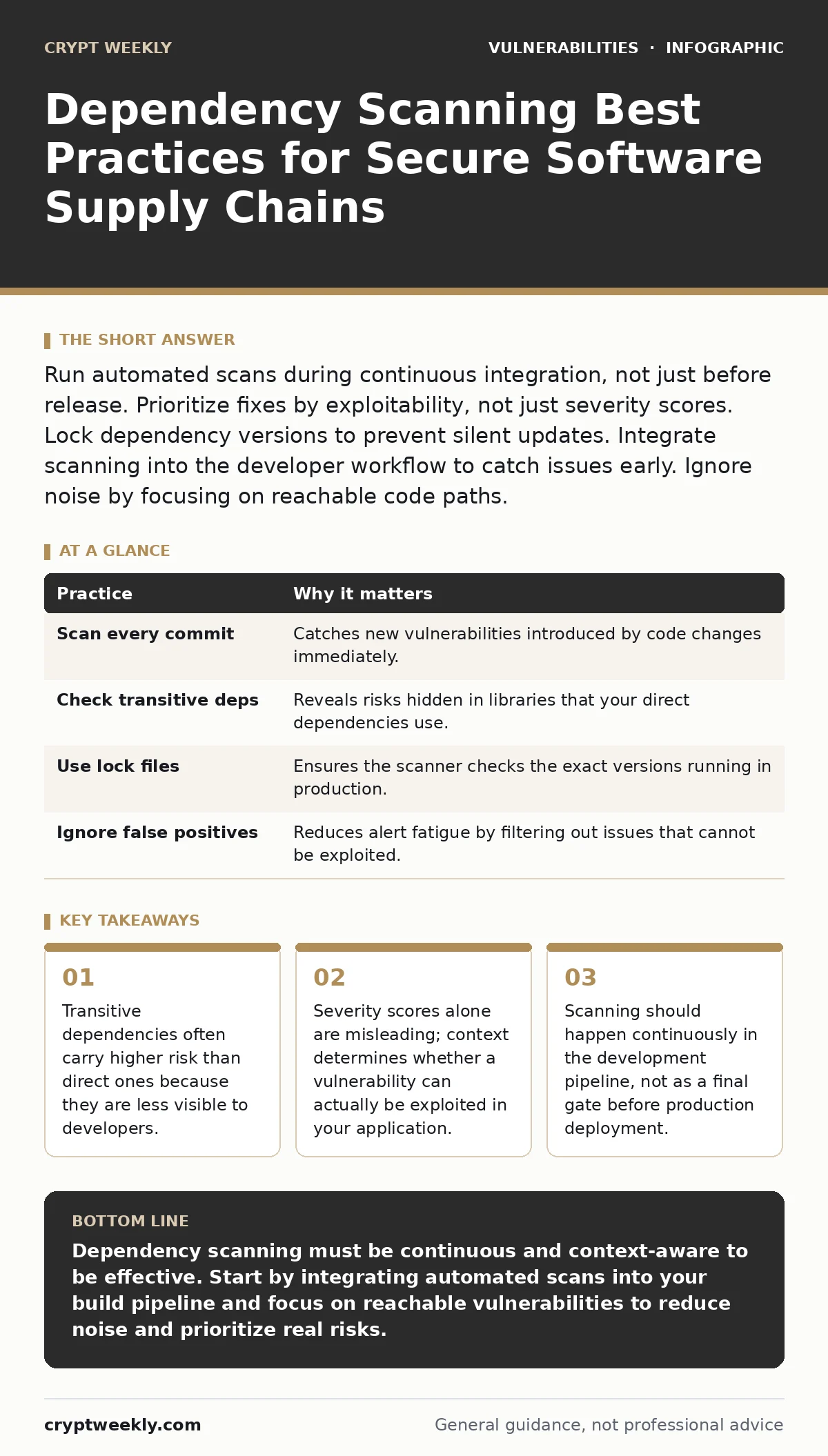
Run automated scans during continuous integration, not just before release. Prioritize fixes by exploitability, not just severity scores. Lock dependency versions to prevent silent updates. Integrate scanning into the developer workflow to catch issues early. Ignore noise by focusing on reachable code paths.
Understanding the Hidden Attack Surface
Software rarely exists in isolation. Every application relies on libraries, frameworks, and tools written by others. This collection of external code is your software supply chain. Attackers target these shared components because compromising one library can affect thousands of applications using it. You might think you are writing secure code, but your security posture depends heavily on the security of code you did not write. This reality mirrors the challenges seen in medical device vulnerabilities, where firmware updates and third-party components often introduce unexpected risks into critical systems.
The primary risk is not just the libraries you directly import. It is the libraries those libraries import. These are called transitive dependencies. If you use a logging framework, that framework might use a compression library, which might use a cryptographic library. You do not see the cryptographic library in your configuration file, but it runs in your process. If that deep dependency has a flaw, your application is exposed. You must understand the full tree of dependencies to understand your actual risk.
Integrating Scans Into the Build Pipeline
Running a scanner once a month is too late. Vulnerabilities are discovered daily. If you wait until the end of a sprint to check your dependencies, you may find that fixing the issue requires rewriting weeks of work. Instead, integrate dependency scanning into your continuous integration pipeline. Every time a developer commits code, the build process should check for known vulnerabilities.
This provides immediate feedback. If a new vulnerability is announced, the next build will fail or warn, alerting the team before the code reaches production. This approach aligns with the principles of emergency patch change management, where speed and automation reduce the window of exposure.
Automated checks remove the burden from individual developers to remember to run manual scans. The system enforces consistency. You define the policy in the pipeline configuration. The scanner reads the lock files or package manifests. It reports any matches against known vulnerability databases. This creates a record of what was checked and when. It also ensures that no code merges without passing the security baseline.
| Practice | Why it matters |
|---|---|
| Scan every commit | Catches new vulnerabilities introduced by code changes immediately. |
| Check transitive deps | Reveals risks hidden in libraries that your direct dependencies use. |
| Use lock files | Ensures the scanner checks the exact versions running in production. |
| Ignore false positives | Reduces alert fatigue by filtering out issues that cannot be exploited. |
Focusing on Reachable Code Paths
Not all vulnerable code is dangerous. A vulnerability exists in a library function, but that function might never be called by your application. This is the difference between a theoretical flaw and an actual exploit. Many scanners report every vulnerability found in every dependency, regardless of whether your code uses the affected function. This creates noise.
You waste time investigating issues that pose zero risk to your specific application. Context-aware scanning solves this problem. It analyzes your code to see if it actually calls the vulnerable function. This is similar to how researchers analyze side-channel attacks, where the theoretical possibility of an attack depends entirely on the specific implementation details and data flow.
Prioritizing reachable vulnerabilities saves time and resources. You fix the issues that an attacker can actually trigger. You defer or ignore the issues that are buried in unused parts of a library. This requires a scanner that can perform static analysis on your codebase, not just a simple database lookup. It maps your function calls to the library functions. If there is no path from your entry points to the vulnerable code, the risk is negligible.
1. Use context-aware scanning tools
Standard scanners list every CVE found in your dependency tree. Context-aware tools analyze your source code to determine if the vulnerable function is actually invoked. This reduces false positives significantly. You focus only on vulnerabilities that can be triggered by user input or application logic. This precision allows your team to fix real risks without getting bogged down in irrelevant alerts.
2. Map data flow to vulnerable functions
Even if a function is called, data must reach it in a specific way to cause harm. Trace how user input moves through your application. If the vulnerable function only processes internal system data that you control, the risk is lower. If it processes raw user input, the risk is high. This analysis helps you prioritize fixes based on actual exploitability rather than just the severity score assigned by the database.
3. Update dependencies regularly
Old versions of libraries often contain known vulnerabilities. Regular updates ensure you get security patches. However, do not update blindly. Test updates thoroughly to ensure they do not break your application. Lock your dependencies to specific versions to prevent silent updates that might introduce new issues. This balance between staying current and maintaining stability is key to secure dependency management.
Managing False Positives and Noise
Scanners are not perfect. They sometimes report vulnerabilities that do not exist in your specific version or configuration. This is a false positive. If you treat every alert as critical, your team will become desensitized. They will start ignoring alerts, including the real ones. This is called alert fatigue. You must manage noise by validating findings. Check if the vulnerability applies to your exact version of the library. Check if the vulnerable code is actually used. If it is a false positive, mark it as such in your security tool. This trains the tool and keeps your backlog clean.
Documenting false positives helps future investigations. When the same false positive appears again, you can quickly dismiss it. This builds trust in the scanning process. It also helps you understand the limitations of your tools. Some scanners are better at certain languages or frameworks than others. Knowing where your tools struggle helps you adjust your strategy.
Handling Transitive Dependency Risks
Transitive dependencies are the hardest to manage. You do not choose them directly. You inherit them from the libraries you do choose. This creates a hidden layer of risk. You might update a direct dependency, but it might pull in a new version of a transitive dependency that has a vulnerability. Or, an older transitive dependency might remain unchanged, keeping a known flaw in your application. You must monitor the entire tree, not just the top level.
Use tools that visualize the dependency tree. Identify which direct dependencies bring in the most transitive risks. Consider replacing direct dependencies that rely on poorly maintained libraries. Sometimes, the best fix is not to patch a transitive dependency, but to change the direct dependency that introduces it. This reduces the depth of your dependency tree and makes it easier to manage.
See also: How Bug Bounty Programs Work: Mechanisms, Limits and Behind-the-Scenes Reality
Reviewing Against Established Frameworks
Do not rely solely on automated tools. Human review is necessary to understand the context. Use established frameworks to guide your review process. The OWASP Top 10 provides a list of the most critical web application security risks. While it focuses on application code, it highlights the importance of secure configuration and dependency management. Use it as a checklist to ensure your scanning process covers all critical areas. Regularly review your scanning policies and update them based on new threats and best practices.
Balancing Security and Development Speed
Security scanning adds time to the development process. If it slows down releases too much, developers will bypass it. You must find a balance. Automate as much as possible. Use fast, lightweight scanners for initial checks. Use deeper, slower scanners for pre-release checks. Communicate the value of scanning to developers. Show them how it prevents production incidents. Make security part of the development culture, not a separate hurdle. This approach ensures that security does not become a bottleneck, but a enabler of reliable software delivery.
Verifying Fix Effectiveness
After you update a dependency, verify that the fix works. Do not assume that updating the version removes the vulnerability. Test your application thoroughly. Ensure that the update does not introduce new bugs or compatibility issues. Some vulnerabilities are complex and require more than just a version bump to fix. You might need to change how you use the library. Review the patch notes for the dependency. Understand what changed. This due diligence ensures that your remediation efforts are effective.
Key takeaways
- Transitive dependencies often carry higher risk than direct ones because they are less visible to developers.
- Severity scores alone are misleading; context determines whether a vulnerability can actually be exploited in your application.
- Scanning should happen continuously in the development pipeline, not as a final gate before production deployment.
Dependency scanning must be continuous and context-aware to be effective. Start by integrating automated scans into your build pipeline and focus on reachable vulnerabilities to reduce noise and prioritize real risks.
Frequently asked questions
How often should I run dependency scans?
Run scans every time code is committed or built. Continuous scanning ensures that new vulnerabilities are detected immediately, rather than waiting for a scheduled monthly check.
What is the difference between direct and transitive dependencies?
Direct dependencies are libraries you explicitly add to your project. Transitive dependencies are libraries that your direct dependencies require. Transitive dependencies are often hidden and carry significant risk.
Can I ignore low severity vulnerabilities?
You should not ignore any vulnerability without checking its context. A low severity score might be misleading if the vulnerable function is easily reachable and exploitable in your specific application.
How do I handle a vulnerability in a dependency that is no longer maintained?
If a dependency is unmaintained and has a vulnerability, you must replace it with a maintained alternative. You cannot patch it yourself reliably, so removing it from your stack is the safest option.
How this guide was produced: written by the Crypt Weekly editorial team with AI assistance, checked against the public references listed below, and reviewed when the facts change. See our editorial policy or report an error.