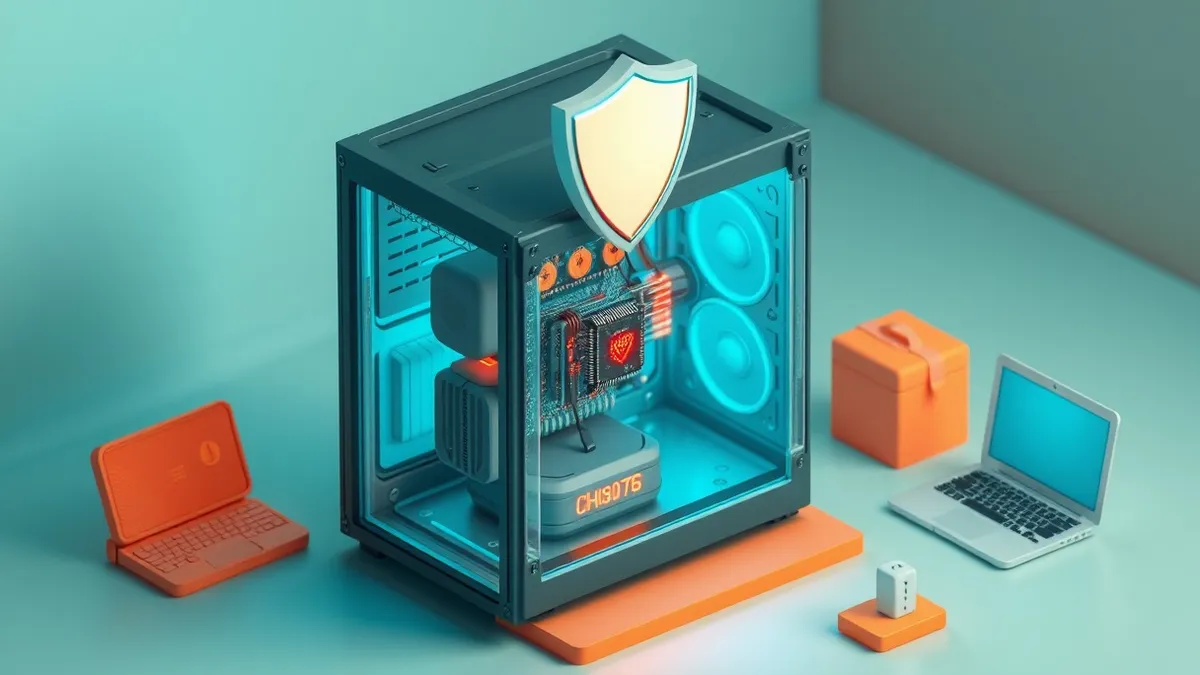
Firmware runs before the operating system loads, meaning a compromised boot process bypasses all higher-level security controls you have configured.
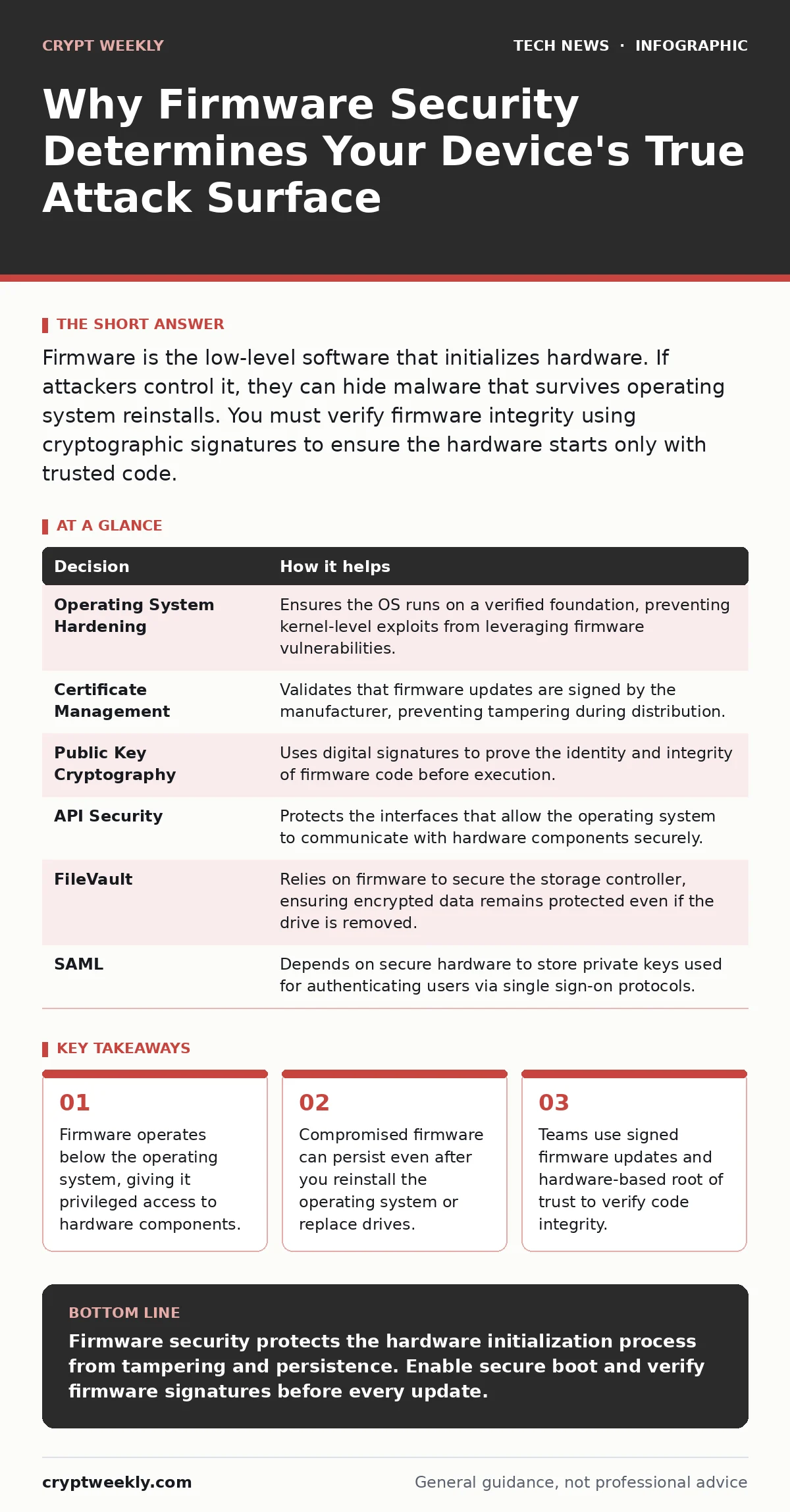
Firmware is the low-level software that initializes hardware. If attackers control it, they can hide malware that survives operating system reinstalls. You must verify firmware integrity using cryptographic signatures to ensure the hardware starts only with trusted code.
The Hidden Layer Beneath Your OS
You often think of security as something that lives within your operating system. Firewalls, antivirus software, and user permissions all operate at this level. But there is a deeper layer that runs before any of these tools load. This layer is firmware.
Firmware is specialized software permanently stored in non-volatile memory on hardware devices. It provides the most basic instructions for how a device should function. When you power on a computer, the firmware initializes the hardware components before handing control to the operating system.
Because it runs first, firmware has unrestricted access to the hardware. It can read memory, control network interfaces, and manage storage devices without asking the operating system for permission. This privilege makes it a high-value target for attackers who want deep, persistent access.
If an attacker compromises the firmware, they gain a foothold that is difficult to detect. Traditional security tools running in the operating system may not see the malicious code because it operates at a lower level. The malware can hide in plain sight, intercepting data or creating backdoors without triggering alerts.
Two Approaches to Hardware Trust
How teams handle firmware varies significantly based on their understanding of its risks. Some treat it as a static component that rarely changes, while others treat it as a dynamic attack surface requiring constant verification.
Team A assumes that because the firmware came from a vendor, it is safe. They focus their security efforts on the operating system and application layers. This approach leaves them vulnerable to attacks that target the initialization process.
Team B understands that trust must be established at the lowest level. They use hardware-based features to ensure that only authorized code runs during startup. This defense-in-depth strategy protects them even if their operating system is compromised later.
What Breaks When Firmware Fails
Without proper firmware security, your entire security stack becomes unreliable. The operating system relies on firmware to report hardware status and provide basic services. If that foundation is corrupted, the higher layers cannot function correctly.
One major issue is persistence. Malware installed in firmware survives operating system reinstalls. Users often think that wiping their drive and reinstalling Windows or Linux removes all threats. This is not true if the firmware itself is infected. The malware reloads itself every time the device starts.
Another problem is data interception. Firmware controls the network interface card. A compromised NIC can sniff network traffic before the operating system’s encryption layers engage. This means that even if you use strong encryption for your applications, the firmware can capture the data in plaintext as it leaves the hardware.
Performance degradation is also a symptom of firmware compromise. Malicious code running at this low level consumes resources that should go to your applications. You may notice slower boot times or reduced network throughput without understanding why. These subtle signs are often dismissed as hardware aging rather than security incidents.
Decisions Informed by Firmware Analysis
Security decisions at the operating system and application levels depend on the integrity of the firmware. You cannot make informed choices about other security controls if you do not know whether the hardware is trustworthy.
| Decision | How it helps |
|---|---|
| Operating System Hardening | Ensures the OS runs on a verified foundation, preventing kernel-level exploits from leveraging firmware vulnerabilities. |
| Certificate Management | Validates that firmware updates are signed by the manufacturer, preventing tampering during distribution. |
| Public Key Cryptography | Uses digital signatures to prove the identity and integrity of firmware code before execution. |
| API Security | Protects the interfaces that allow the operating system to communicate with hardware components securely. |
| FileVault | Relies on firmware to secure the storage controller, ensuring encrypted data remains protected even if the drive is removed. |
| SAML | Depends on secure hardware to store private keys used for authenticating users via single sign-on protocols. |
When you harden an operating system, you assume the underlying hardware is honest. If the firmware is compromised, those hardening measures are bypassed. The attacker can modify system calls before they reach the operating system.
Certificate management becomes critical for firmware updates. You must ensure that only signed updates are applied. This prevents attackers from injecting malicious code during the update process. Without this check, any network compromise could lead to a firmware takeover.
How Teams Implement Firmware Security
Securing firmware requires a combination of hardware features and rigorous processes. Teams start by enabling secure boot, a feature that checks the digital signature of each piece of software loaded during startup. If the signature is invalid, the system halts.
They also use measured boot, which records the cryptographic hash of each component loaded into memory. These measurements are stored in a trusted platform module, a dedicated microcontroller designed for cryptographic operations. Remote attestation allows a server to verify these measurements before granting access.
Regular firmware updates are necessary to patch vulnerabilities. However, teams must verify the authenticity of these updates. They compare the hash of the new firmware against a known good value provided by the vendor. This ensures that the update has not been tampered with in transit.
Access to firmware management interfaces is restricted. Only authorized administrators can change settings or apply updates. Strong authentication, such as multi-factor authentication, is required for these actions. This prevents attackers from gaining control even if they compromise an administrator account.
Teams also monitor for anomalous behavior. Unusual network traffic from a device or unexpected changes in boot time can indicate a firmware compromise. Automated tools can detect these deviations and alert security teams for further investigation.
The Cost of Ignoring the Base
Ignoring firmware security creates a false sense of safety. You may have strong passwords, firewalls, and encryption, but none of these matter if the hardware itself is compromised. The attacker operates below your defenses.
The hidden cost is the loss of trust in your entire environment. If one device has compromised firmware, you cannot trust any data that passed through it. This can lead to extensive forensic investigations and potential legal liabilities.
Recovery from a firmware compromise is difficult. It often requires physically accessing the device to reflash the firmware using a hardware programmer. In some cases, the device must be replaced entirely. This downtime and expense far exceed the cost of implementing proper firmware security measures.
Building a Trust Chain
Security is a chain, and firmware is the first link. If this link is weak, the entire chain breaks. You must establish a root of trust in hardware that cannot be easily tampered with.
This root of trust verifies the code that loads next. Each subsequent component verifies the one after it. This chain of trust continues until the operating system loads. If any link in the chain fails verification, the process stops.
Implementing this requires careful planning. You must inventory your hardware, enable secure features, and establish processes for verification and updates. It is not a one-time task but an ongoing discipline.
By securing firmware, you protect the foundation of your computing environment. You ensure that your higher-level security controls operate on a trustworthy base. This allows you to defend against sophisticated attacks that target the lowest levels of your infrastructure.
Key takeaways
- Firmware operates below the operating system, giving it privileged access to hardware components.
- Compromised firmware can persist even after you reinstall the operating system or replace drives.
- Teams use signed firmware updates and hardware-based root of trust to verify code integrity.
Firmware security protects the hardware initialization process from tampering and persistence. Enable secure boot and verify firmware signatures before every update.
Frequently asked questions
Can antivirus software detect firmware malware?
Most traditional antivirus software cannot detect firmware malware because it operates below the operating system layer where the antivirus runs.
What is the difference between BIOS and UEFI?
BIOS is the older firmware interface, while UEFI is the modern standard that supports larger drives and includes features like secure boot for better security.
How do I know if my firmware is compromised?
Signs include unusual boot times, unexpected network traffic, and system instability that persists after operating system reinstalls.
Is firmware security only for servers?
No, firmware security is critical for all devices, including laptops, routers, and IoT devices, as they all have firmware that can be exploited.
How this guide was produced: written by the Crypt Weekly editorial team with AI assistance, checked against the public references listed below, and reviewed when the facts change. See our editorial policy or report an error.