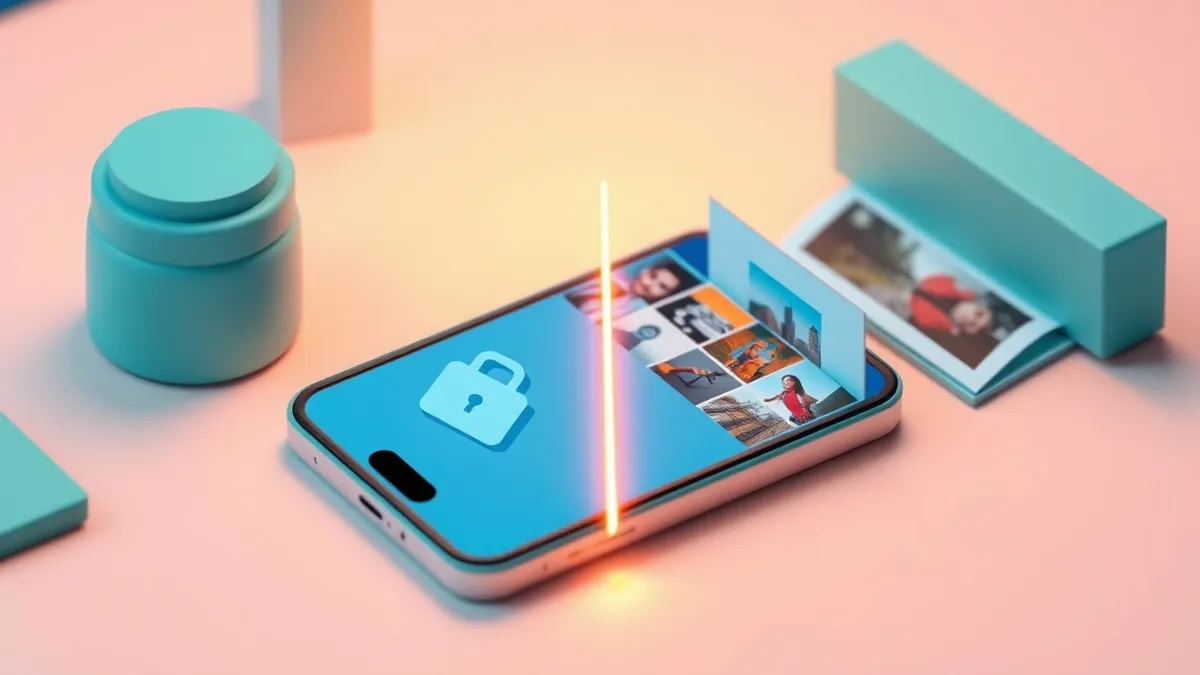
MDM policies enforce security rules on hardware, creating a boundary that protects corporate data while leaving your personal photos and messages completely private.
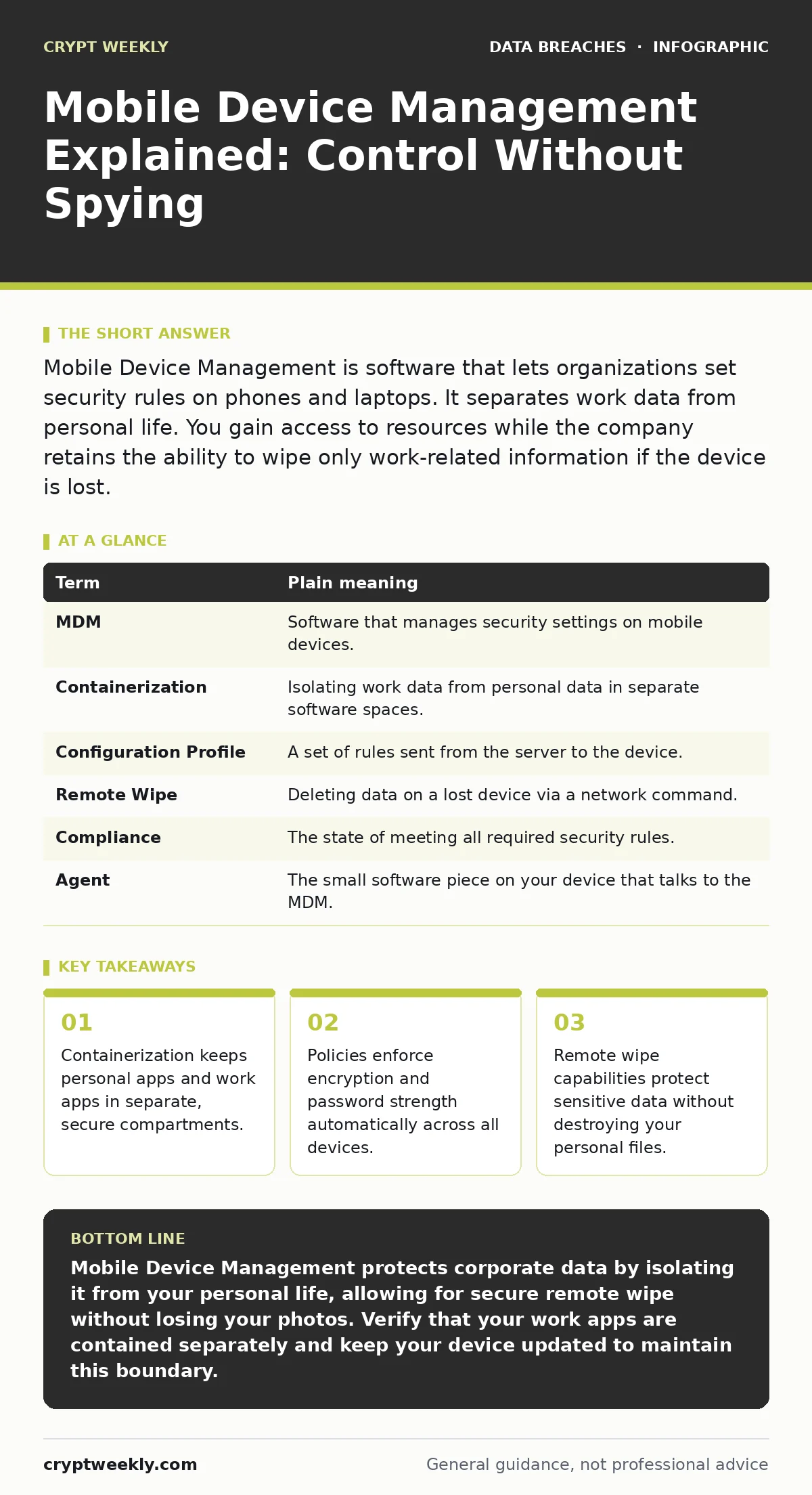
Mobile Device Management is software that lets organizations set security rules on phones and laptops. It separates work data from personal life. You gain access to resources while the company retains the ability to wipe only work-related information if the device is lost.
The Digital Leased Apartment
Imagine you rent a room in a shared house. The landlord owns the building and sets rules for the common areas. You pay for your private room. The landlord can change the locks on the front door or inspect the kitchen. They cannot, however, open your closet or read your diary. Mobile Device Management works exactly like this. The organization owns the "building" and the "common areas." You own the "room." The software enforces rules for the shared infrastructure while respecting the privacy of your personal space.
This analogy holds because modern MDM relies on containerization. Containerization creates a secure, isolated environment on your device. Work apps and data live inside this container. Personal apps, like games or social media, live outside it. The two sides do not mix. This separation is the foundation of trust in mobile security.
How Policies Enforce Security
An MDM server sends configuration profiles to your device. These profiles act like the house rules. They might require a passcode with a minimum length. They might force the device to encrypt its storage. Encryption scrambles data so it is unreadable without a key. If your phone is stolen, an encrypted drive is useless to a thief. The MDM checks compliance regularly. If your passcode is too weak, the device may lock you out of corporate resources until you fix it.
This automation removes human error. You do not need to remember to enable encryption. The system does it for you. This consistency is why large organizations prefer MDM over manual instructions. It ensures every device meets the same baseline standard.
The Privacy Boundary
A common fear is that the company can see your text messages or photos. In a properly configured system, this is not true. The MDM agent only monitors the work container. It cannot access your personal gallery or messages. It can, however, enforce that the device itself is secure. If the device is not encrypted, the MDM blocks access to work data. This protects the company, but it also protects you. If your phone is lost, your personal data is also encrypted.
There is a trade-off. To prove the device is secure, the MDM needs some visibility. It knows the device model, the operating system version, and whether encryption is active. It does not know what apps you installed for fun or who you called. Understanding this boundary helps you accept the software without paranoia.
When Things Go Wrong
Suppose you lose your phone. You report it to the IT department. They use the MDM to issue a remote wipe command. This is where the apartment analogy requires a slight adjustment. The landlord cannot enter your room. But they can change the locks on the front door. In MDM terms, they wipe the work container. Your personal photos, contacts, and apps remain untouched. Only the corporate email, documents, and apps inside the container are deleted.
This selective wipe is a critical feature. It prevents total data loss for the user. It also ensures the company recovers its intellectual property. Without this feature, companies might demand a full factory reset. That would erase everything, including your personal life. Containerization makes this distinction possible.
The Hidden Cost of Convenience
MDM makes security invisible, which is both a strength and a weakness. Because the rules are automatic, users often forget they exist. You might install a risky app on your personal partition. The MDM ignores it. But if that app has a vulnerability, it could theoretically affect the device's stability. While the work container is isolated, the underlying hardware is shared. A severely compromised device OS can still cause issues.
This is why keeping your device updated matters. The MDM can enforce updates, but it cannot fix a broken operating system. You must still pay attention to system prompts. Security is a shared responsibility. The MDM handles the policy; you handle the physical device.
See also: What Does Data Minimization Mean and How to Apply It · Anonymization vs De-identification: How to Choose the Right Data Strategy
Practical Steps for Beginners
You do not need to be an expert to understand your device's security posture. Start by observing how your work apps behave. Notice if they require a separate PIN. Check if your work email syncs differently than your personal email. These differences are signs of the container at work.
| Term | Plain meaning |
|---|---|
| MDM | Software that manages security settings on mobile devices. |
| Containerization | Isolating work data from personal data in separate software spaces. |
| Configuration Profile | A set of rules sent from the server to the device. |
| Remote Wipe | Deleting data on a lost device via a network command. |
| Compliance | The state of meeting all required security rules. |
| Agent | The small software piece on your device that talks to the MDM. |
- Verify that your work apps are in a separate folder or profile on your home screen.
- Ensure your device passcode meets the minimum complexity required by your organization.
- Test that you cannot copy work files directly into personal cloud storage.
Managing Access Over Time
Security is not a one-time setup. Permissions change as your role changes. If you switch teams, your access to certain data should change. This is where access reviews come in. Regular checks ensure you only have access to what you need. If you no longer need a specific app, it should be removed from your work container. This reduces the attack surface. Fewer apps mean fewer potential vulnerabilities.
Key takeaways
- Containerization keeps personal apps and work apps in separate, secure compartments.
- Policies enforce encryption and password strength automatically across all devices.
- Remote wipe capabilities protect sensitive data without destroying your personal files.
Mobile Device Management protects corporate data by isolating it from your personal life, allowing for secure remote wipe without losing your photos. Verify that your work apps are contained separately and keep your device updated to maintain this boundary.
Frequently asked questions
Can my employer see my personal photos?
No, standard MDM solutions only monitor the work container and cannot access personal media or messages stored outside that isolated environment.
Can I bypass MDM restrictions?
Attempting to bypass restrictions usually triggers a security alert and results in immediate loss of access to corporate resources.
How this guide was produced: written by the Crypt Weekly editorial team with AI assistance, checked against the public references listed below, and reviewed when the facts change. See our editorial policy or report an error.