
Most access reviews fail because they treat permissions as static labels rather than dynamic behaviors that accumulate privilege over time.
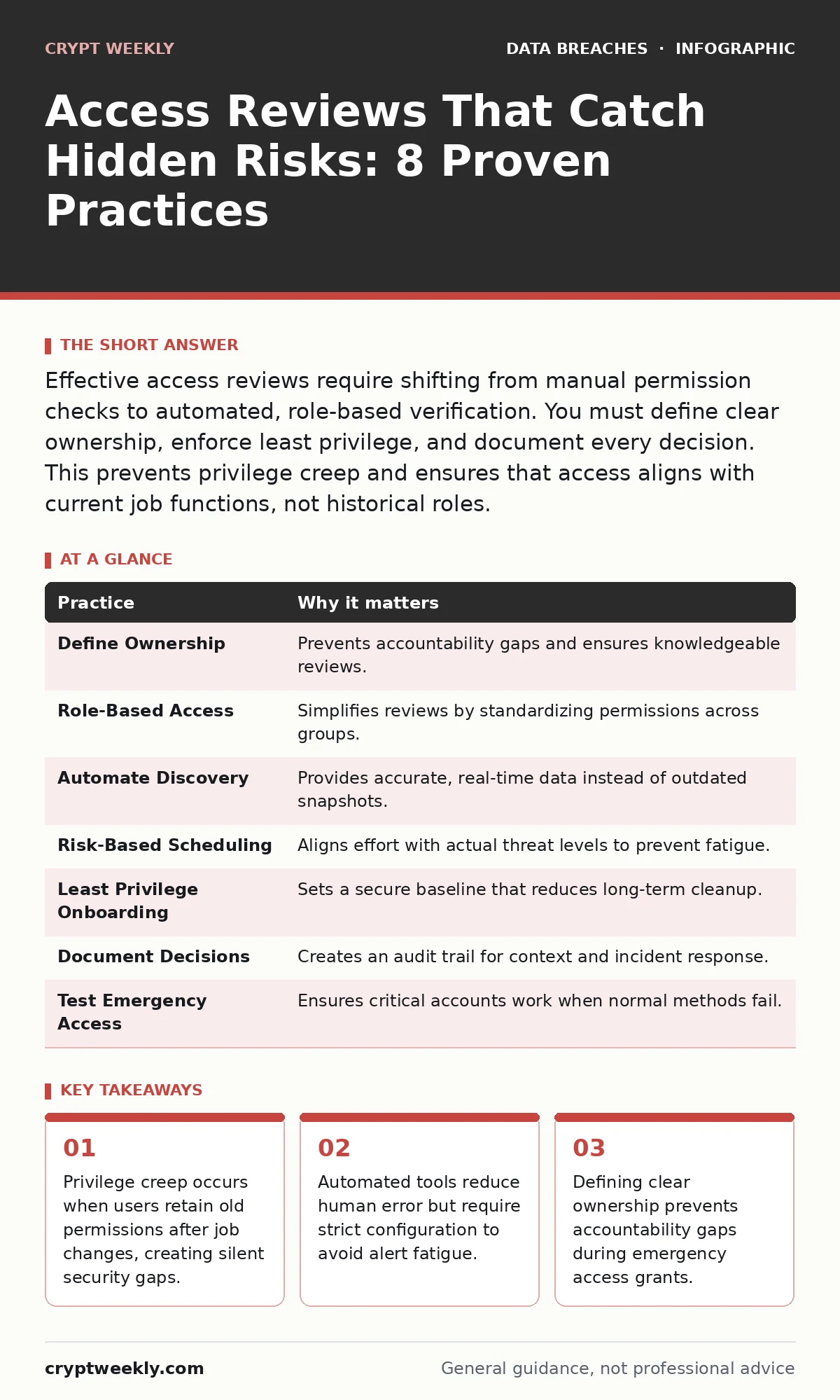
Effective access reviews require shifting from manual permission checks to automated, role-based verification. You must define clear ownership, enforce least privilege, and document every decision. This prevents privilege creep and ensures that access aligns with current job functions, not historical roles.
Define Ownership Before Granting Access
Access reviews fail when no single person is responsible for verifying permissions. If you ask a manager to review access for a department they do not directly supervise, they will approve everything out of habit. This creates a false sense of security while risks accumulate.
You must assign a specific owner for each system or dataset. This owner should be the person who understands the business value of the data, not just the technical administrator. They know who actually needs the data to do their job.
Implement Role-Based Access Control
Discretionary access control allows individual managers to grant permissions based on personal judgment. This leads to inconsistent permissions and makes reviews impossible to scale. Role-based access control assigns permissions to job roles rather than individuals.
When you use roles, you review the role definition instead of hundreds of individual accounts. If a role has too many permissions, you fix the role once. This change applies to everyone in that role. It reduces the surface area for error and makes the review process faster.
Imagine a developer who leaves the company. With role-based controls, you remove the developer role. All associated permissions vanish instantly. With discretionary controls, you must manually revoke each permission, increasing the chance of oversight.
Automate Permission Discovery
Manual lists of user permissions are always outdated. Systems change, integrations shift, and new applications deploy without notice. If you review a static spreadsheet, you are reviewing history, not current reality.
Automated tools scan your environment continuously. They map every user to every permission they currently hold. This includes hidden access granted through group nesting or service accounts. You cannot review what you cannot see.
This automation does not replace human judgment. It provides accurate data for the reviewer. You save time by focusing on anomalies rather than collecting data. The cost is the initial setup effort and the need to maintain the tool’s configuration.
Schedule Reviews Based on Risk, Not Calendars
A uniform quarterly review treats all systems as equal risk. This wastes time on low-impact systems while high-value assets go unchecked for months. You should adjust review frequency based on the sensitivity of the data and the size of the user base.
Critical systems containing sensitive data require monthly or even weekly reviews. Low-risk internal tools may only need annual checks. This approach aligns security effort with actual risk. It prevents reviewer fatigue, which leads to careless approvals.
Consider a system that stores customer payment data. A breach here has severe consequences. Reviewing it monthly ensures that any unauthorized access is caught quickly. A system for tracking office supply orders carries much lower risk.
Enforce Least Privilege During Onboarding
Users often start with excessive permissions to avoid initial friction. This habit sets a precedent for their entire tenure. When you grant more access than needed, you create a baseline of excess that is hard to remove later.
Define minimum viable permissions for each role. Verify these permissions before the user starts. This sets a clear expectation that access is a tool, not a right. It also simplifies the first access review, as the baseline is already tight.
This practice requires close collaboration between security and hiring managers. They must agree on what access is necessary for day one. This upfront investment prevents the costly cleanup of privilege creep later.
See also: How SAML Identity Assertions Secure Enterprise Access · Password Rotation: Why Forcing Changes Weakens Security
Document Every Approval and Rejection
Verbal approvals are invisible to auditors and future reviewers. If a permission was granted verbally, the next reviewer has no context. They must either trust the current state or revoke it, causing business disruption.
Record the reason for every access grant and removal. Use a structured comment field in your identity management system. Note the project name, the duration of access, and the business justification. This creates an audit trail that explains the "why" behind the access.
This documentation helps during incident response. If a breach occurs, you can trace who approved the compromised account’s access. It also helps reviewers understand temporary grants that may look suspicious without context.
Test Emergency Access Break-Glass Accounts
Emergency accounts bypass normal authentication controls. They are necessary for critical incidents but are prime targets for attackers. If these accounts are never used, they are often misconfigured or overlooked in reviews.
You must review break-glass accounts with the same rigor as user accounts. Check who has access to the credentials. Verify that logging is enabled for every use. Test the account periodically to ensure it still works.
Imagine a ransomware attack where normal login methods are blocked. You need the emergency account to function. If the password expired or the account was disabled during a routine cleanup, you are locked out. Regular testing prevents this failure.
Integrate Reviews with Identity Lifecycle Events
Access reviews should not exist in a vacuum. They must trigger automatically when identity events occur. Job changes, promotions, and terminations are high-risk moments for permission misalignment.
When an employee changes roles, revoke their old permissions immediately. Do not wait for the next quarterly review. This prevents privilege creep, where users accumulate permissions from past roles. It also reduces the workload during formal reviews.
This integration requires seamless data flow between HR systems and identity management tools. If the HR system updates a role, the identity system should trigger a review workflow. This automation ensures that access matches current reality.
| Practice | Why it matters |
|---|---|
| Define Ownership | Prevents accountability gaps and ensures knowledgeable reviews. |
| Role-Based Access | Simplifies reviews by standardizing permissions across groups. |
| Automate Discovery | Provides accurate, real-time data instead of outdated snapshots. |
| Risk-Based Scheduling | Aligns effort with actual threat levels to prevent fatigue. |
| Least Privilege Onboarding | Sets a secure baseline that reduces long-term cleanup. |
| Document Decisions | Creates an audit trail for context and incident response. |
| Test Emergency Access | Ensures critical accounts work when normal methods fail. |
| Integrate Lifecycle Events | Prevents privilege creep by syncing access with job changes. |
Balance Security with Usability
Overly restrictive access reviews frustrate users. They may seek workarounds, such as sharing credentials or using unauthorized tools. This behavior undermines security more than excessive access does.
You must communicate the reason for access restrictions. Explain how least privilege protects the organization and the user. Provide a clear, fast path for requesting additional access when needed.
This transparency builds trust. Users are more likely to comply with security policies if they understand the purpose. It also reduces the burden on support teams who handle access requests. See our guide on password rotation for more on balancing security with user experience.
Key takeaways
- Privilege creep occurs when users retain old permissions after job changes, creating silent security gaps.
- Automated tools reduce human error but require strict configuration to avoid alert fatigue.
- Defining clear ownership prevents accountability gaps during emergency access grants.
Frequently asked questions
How often should I conduct access reviews?
Frequency depends on risk. Critical systems need monthly reviews, while low-risk systems may only require annual checks. Align the schedule with the sensitivity of the data and the size of the user base.
Can automated tools replace human reviewers?
No. Automation provides data and flags anomalies, but humans must interpret the context. Tools cannot understand business nuances or approve temporary exceptions without human judgment.
What if a manager refuses to review access?
This is a governance failure. Define clear ownership beforehand and escalate non-compliance to senior leadership. Without accountable owners, the review process is meaningless.
How do I handle temporary access grants?
Set explicit expiration dates for all temporary access. Automate the removal of permissions when the date passes. Review these grants more frequently than permanent roles.
How this guide was produced: written by the Crypt Weekly editorial team with AI assistance, checked against the public references listed below, and reviewed when the facts change. See our editorial policy or report an error.