
Frequent password changes force users to choose weaker secrets and reuse them, creating larger attack surfaces for credential stuffing and phishing campaigns.
Mandatory password rotation fails because it encourages predictable patterns and weakens memory retention. Modern security relies on long, unique passphrases and multi-factor authentication. Stop forcing regular changes. Instead, detect compromised credentials and require updates only when evidence of a breach exists. This approach reduces user friction while maintaining higher security standards.
Misreading: Rotation Prevents Long-Term Credential Theft
Correct reading: Regular password changes do not stop an attacker who has already stolen your credentials. If a hacker captures your password through a phishing site or a keylogger, changing the password next month does not invalidate the stolen data. The attacker already possesses the secret. They can use it immediately or store it for later use.
Rotation assumes the threat is future discovery, not current possession. This assumption ignores how most breaches occur. Attackers steal credentials in real time. They do not wait for your next scheduled change. You must assume any password you type into a browser or app could be intercepted. Relying on rotation to mitigate this risk leaves you exposed to active sessions and cached credentials.
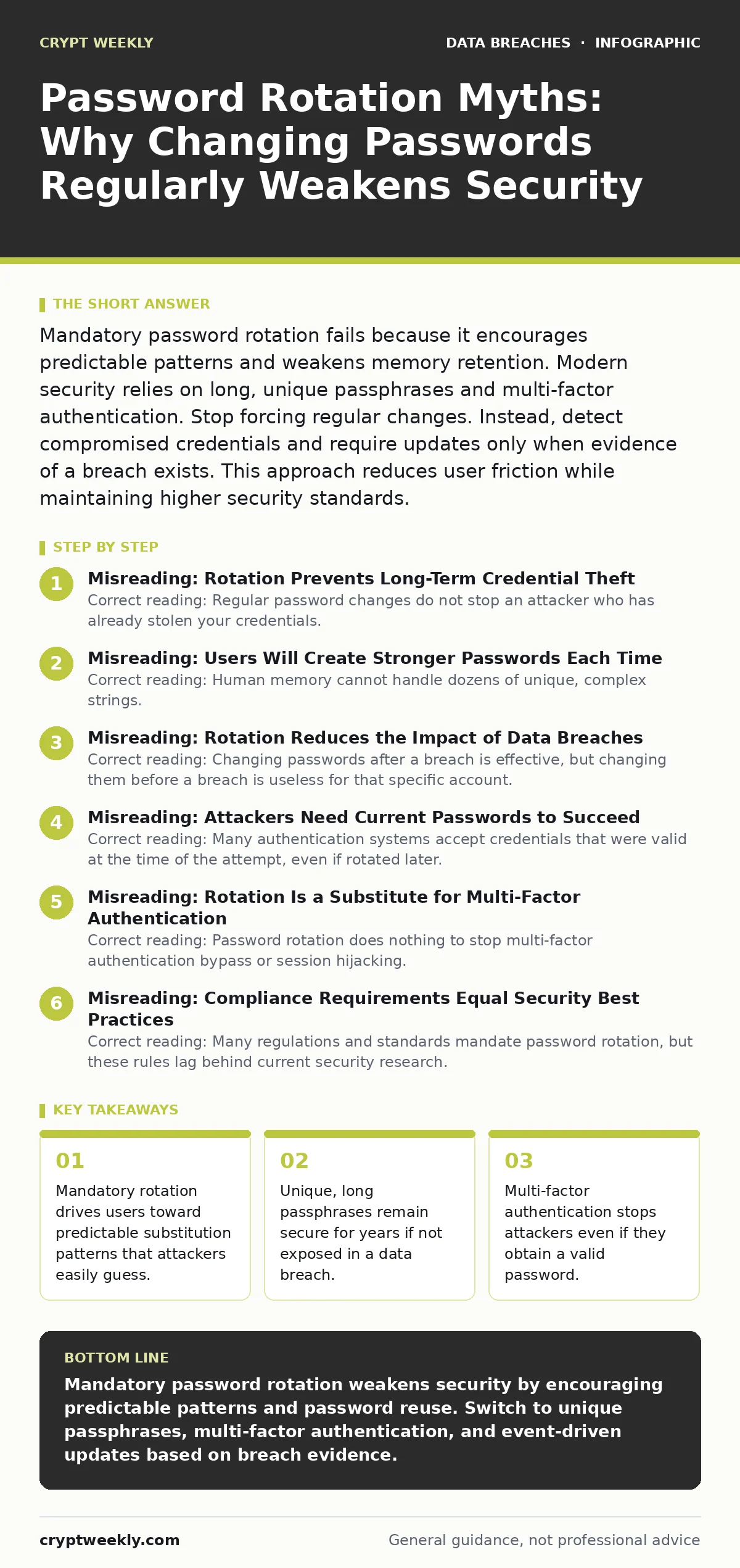
Misreading: Users Will Create Stronger Passwords Each Time
Correct reading: Human memory cannot handle dozens of unique, complex strings. When forced to change passwords frequently, users adopt predictable patterns. You might change "Password1" to "Password2" or "Summer2023" to "Winter2024". Attackers know these patterns. They test common substitutions against stolen databases.
This makes your new passwords easier to crack than the original. The requirement for complexity combined with frequent rotation creates a paradox. You need strength for security, but you need simplicity for memory. The result is weak passwords that satisfy the rule but fail the security goal. This behavioral consequence is a hidden cost of mandatory rotation policies.
Misreading: Rotation Reduces the Impact of Data Breaches
Correct reading: Changing passwords after a breach is effective, but changing them before a breach is useless for that specific account. If your email password was never exposed, rotating it does not improve its security. It only increases the chance you will reuse a password from another site. Reuse is the primary driver of account takeover.
When one site leaks data, attackers try those credentials on other services. If you rotated your email password last week, you likely used a similar variant for your banking site. The breach at the email provider now compromises your bank. Rotation encourages this cross-site correlation. It creates a web of related secrets that fall together.
Misreading: Attackers Need Current Passwords to Succeed
Correct reading: Many authentication systems accept credentials that were valid at the time of the attempt, even if rotated later. Some systems cache sessions or allow grace periods. More importantly, attackers often automate their attacks. They try thousands of stolen credential pairs in minutes. If they succeed before your next rotation date, the change is irrelevant.
The window of opportunity for the attacker is the time between the breach and your next forced change. Shortening this window via rotation does not help if the attacker acts immediately. The real protection is limiting the value of the password itself. This is where multi-factor authentication matters. It adds a second layer that rotation cannot address.
Misreading: Rotation Is a Substitute for Multi-Factor Authentication
Correct reading: Password rotation does nothing to stop multi-factor authentication bypass or session hijacking. An attacker with your password and your phone number can intercept SMS codes. An attacker with your session token can access your account without any password. Rotating the password does not invalidate the session token in many web applications.
You must log out explicitly to kill the session. Rotation assumes the password is the only key. It is not. The password is just the first step. Ignoring the other steps creates a false sense of security. You feel safe because you changed the password, but the attacker is still in. This misreading leads to neglecting more effective controls.
See also: What is the difference between cookies and sessions and how to secure them · What is password policies and how they protect systems
Misreading: Compliance Requirements Equal Security Best Practices
Correct reading: Many regulations and standards mandate password rotation, but these rules lag behind current security research. Compliance often prioritizes auditability over effectiveness. Checking a box that says "passwords changed every 90 days" satisfies the auditor. It does not satisfy the security goal. Following outdated rules can actively harm your security posture.
It trains users to ignore security prompts. It increases help desk costs for password resets. It drives shadow IT where users store passwords in insecure notes. You should distinguish between compliance requirements and security reality. Where they conflict, prioritize security and document the risk acceptance. This requires confidence and evidence.
Correct View: Event-Driven Credential Updates
Correct reading: The modern approach is event-driven. You change your password when there is evidence of compromise. This includes alerts from breach notification services, unusual login attempts, or reports of phishing. You do not change it on a calendar schedule. You use a password manager to generate and store long, unique passphrases for every account.
These passphrases are hard to guess and easy to manage. You enable multi-factor authentication on every account that supports it. This combination reduces the value of any single password. Even if stolen, it cannot be used without the second factor. This approach aligns security with actual risk. It stops fighting human nature and starts fighting attacker behavior.
Implementation Steps for Better Security
- Enable multi-factor authentication on all critical accounts. Use an authenticator app or hardware key, not SMS.
- Adopt a password manager to generate and store unique, long passphrases for every service.
- Remove mandatory password rotation policies from your security standards.
- Subscribe to breach notification services to monitor your email addresses and credentials.
- Change passwords immediately when a breach is confirmed for a specific service.
- Conduct access reviews periodically to ensure only active users have access. This complements credential management by removing stale accounts.
Key takeaways
- Mandatory rotation drives users toward predictable substitution patterns that attackers easily guess.
- Unique, long passphrases remain secure for years if not exposed in a data breach.
- Multi-factor authentication stops attackers even if they obtain a valid password.
- Continuous monitoring for stolen credentials replaces arbitrary time-based expiration schedules.
Mandatory password rotation weakens security by encouraging predictable patterns and password reuse. Switch to unique passphrases, multi-factor authentication, and event-driven updates based on breach evidence.
Frequently asked questions
How long should I keep a password if I never rotate it?
Keep it until you have evidence it was compromised. With a unique, long passphrase and multi-factor authentication, it can remain secure for years.
What do I do if a website forces me to change my password every 90 days?
Use a password manager to generate a new, unique passphrase each time. This removes the burden of memory and prevents pattern reuse.
Does rotating passwords help against ransomware?
No. Ransomware typically exploits unpatched software or stolen credentials. Rotating passwords does not patch software or stop credential theft at the moment it happens.
Should I still check for password reuse?
Yes. Reuse is the biggest risk. Ensure every account has a unique password, regardless of how often you change it.
How this guide was produced: written by the Crypt Weekly editorial team with AI assistance, checked against the public references listed below, and reviewed when the facts change. See our editorial policy or report an error.