
Cookies live inside user browsers while sessions reside on remote servers, creating a fundamental split in trust and data storage.
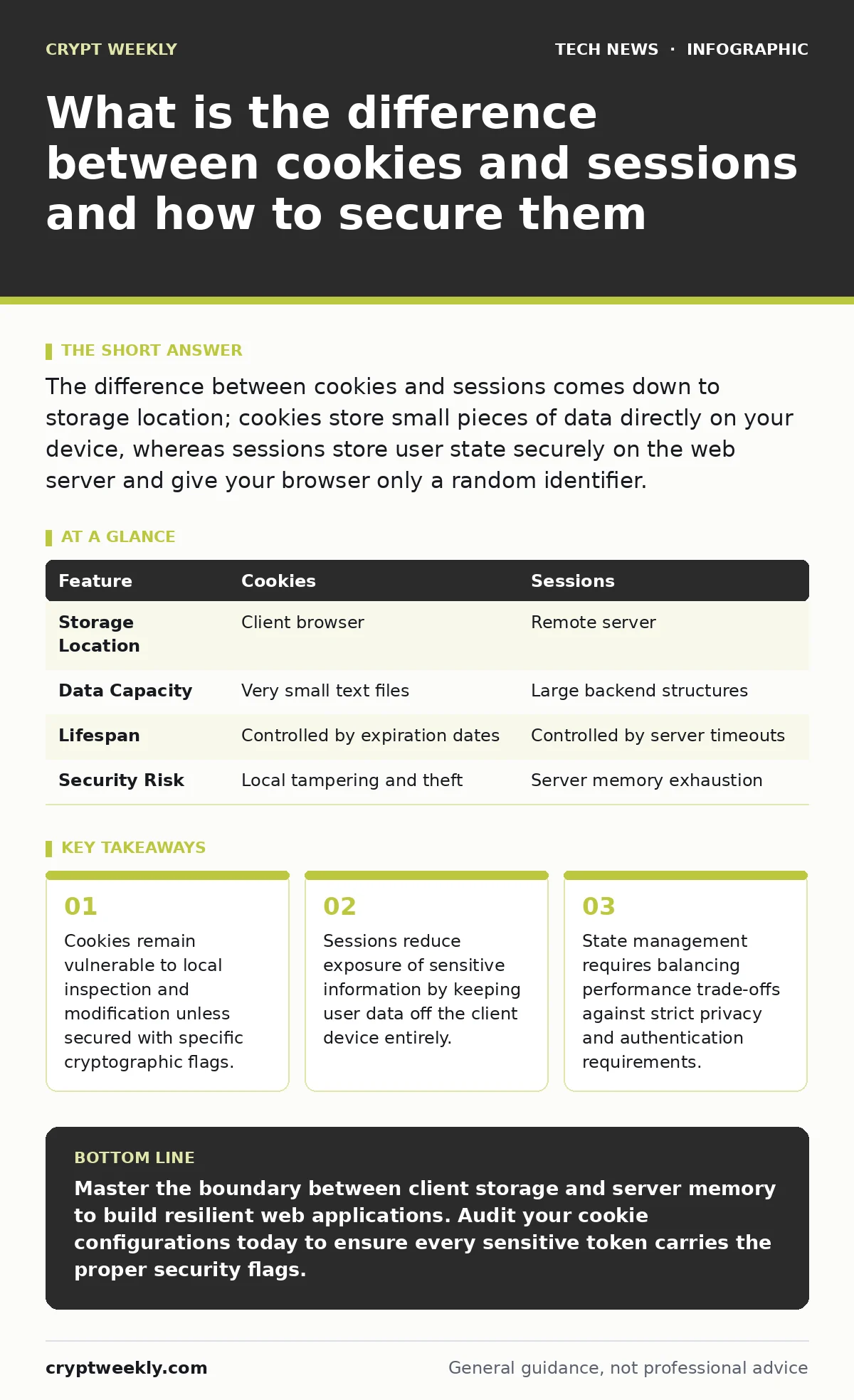
The difference between cookies and sessions comes down to storage location; cookies store small pieces of data directly on your device, whereas sessions store user state securely on the web server and give your browser only a random identifier.
What is the difference between cookies and sessions in web applications?
The difference between cookies and sessions involves a clear division between client-side persistence and server-side memory. Cookies are text files that a website places on your computer through a web browser. Sessions represent temporary interactive states managed entirely on the remote computer hosting the service.
Client devices control cookies directly, meaning anyone with physical or programmatic access can read or alter them. Servers govern sessions through encrypted identifiers, shielding the actual user data from unauthorized observation. Developers often combine both mechanisms by placing a session identifier inside a secure cookie to maintain user login states across multiple page loads.
How do browser cookies store state across multiple page requests?
Cookies store state by attaching small key-value pairs to every HTTP request sent toward a specific domain. Browsers automatically append these text files to outgoing traffic, allowing web applications to recognize returning visitors without requiring repeated logins.
Client storage mechanisms impose strict size limits, typically restricting individual cookies to 4 kilobytes of data. Developers rely on this persistence for tracking shopping carts, user interface preferences, and authentication tokens. Browsers drop expired cookies automatically based on timestamps set by the originating server during creation.
Where do server-side sessions keep sensitive data away from prying eyes?
Server-side sessions keep sensitive data inside isolated memory spaces or databases managed by the hosting infrastructure. Applications generate a unique random string when you authenticate successfully, handing that single token to your browser while retaining your actual profile data on the backend.
Backend storage prevents malicious actors from reading personal details directly from your local machine. Server memory constraints dictate how many active interactions a system can support simultaneously before purging old data. Virtual machines often handle this scaling by spinning up additional processing nodes when traffic surges unexpectedly.
What happens when a malicious actor steals an authentication token?
Stolen authentication tokens grant attackers complete impersonation rights over your active account without requiring your credentials. The target server cannot distinguish between legitimate traffic originating from your device and fraudulent requests sent by an adversary using your captured identifier.
Adversaries exploit this vulnerability through cross-site scripting flaws or compromised network paths. Public key cryptography helps mitigate this risk by ensuring token exchanges remain encrypted and unreadable to intermediate observers sniffing network traffic.
| Feature | Cookies | Sessions |
|---|---|---|
| Storage Location | Client browser | Remote server |
| Data Capacity | Very small text files | Large backend structures |
| Lifespan | Controlled by expiration dates | Controlled by server timeouts |
| Security Risk | Local tampering and theft | Server memory exhaustion |
Why do session timeouts fail to protect idle accounts?
Session timeouts fail to protect idle accounts when applications rely solely on activity timers rather than revoking tokens upon actual browser closure. Background scripts running in modern browser tabs can continuously ping the server, tricking the backend into believing you remain actively engaged at the keyboard.
Attackers take advantage of persistent background connections to maintain unauthorized access long after you step away from your device. Enterprise environments often pair idle timeouts with strict password policies to ensure compromised tokens expire alongside regular credential rotation schedules.
See also: What is password policies and how they protect systems
How do state mechanisms interact with API key security models?
State mechanisms interact with API key security models by replacing traditional browser cookies with stateless authorization headers. Application programming interfaces designed for machine-to-machine communication typically reject session cookies entirely, demanding cryptographic keys or JSON web tokens with every programmatic request.
Developers must design separate handling logic for human users navigating via web browsers versus automated clients querying backend endpoints. Mixing these two architectures carelessly introduces logic flaws that allow attackers to bypass standard access controls.
What steps secure your browser state against modern tracking?
Securing your browser state against modern tracking requires configuring strict attribute flags on every cookie your application emits. The HTTPOnly flag blocks client-side scripts from reading sensitive tokens, while the Secure flag ensures transmission happens exclusively over encrypted channels.
Setting the SameSite attribute to strict or lax prevents cross-site request forgery attacks by restricting when browsers attach cookies to third-party requests. Implementing these 3 defensive flags transforms standard storage into a resilient barrier against unauthorized data harvesting.
Key takeaways
- Cookies remain vulnerable to local inspection and modification unless secured with specific cryptographic flags.
- Sessions reduce exposure of sensitive information by keeping user data off the client device entirely.
- State management requires balancing performance trade-offs against strict privacy and authentication requirements.
Master the boundary between client storage and server memory to build resilient web applications. Audit your cookie configurations today to ensure every sensitive token carries the proper security flags.
Frequently asked questions
Can a server run sessions without using cookies at all?
Servers can maintain sessions without cookies by appending unique identifiers directly into every URL query string or embedding them within custom request headers.
Why do my cookies disappear when I close my browser window?
Browsers delete session cookies automatically upon exit because those specific files lack an explicit expiration date set by the server.
How much data can a single web application store in cookies?
Applications generally cannot exceed 4 kilobytes per individual cookie, and browsers enforce limits on the total number of cookies allowed per domain.
Are sessions completely safe from interception on public Wi-Fi?
Sessions remain vulnerable on public networks if the application transmits identifiers over unencrypted HTTP connections instead of forcing secure HTTPS tunnels.
How this guide was produced: written by the Crypt Weekly editorial team with AI assistance, checked against the public references listed below, and reviewed when the facts change. See our editorial policy or report an error.