
Treating input validation as a single filter creates blind spots where business logic flaws and side-channel attacks bypass your defenses entirely.
Input validation fails when developers treat it as a final gate rather than a continuous constraint. You must validate data at every boundary, enforce strict type checking, and separate parsing from processing. Security regression testing helps catch when new features break these rules.
Misreading: Input Validation Is Only for User Input
Correct reading: You must validate data from every external source, including internal APIs, databases, and configuration files. Attackers often bypass front-end checks by sending requests directly to back-end services. Imagine an internal microservice accepts JSON from another service without checking field lengths. A compromised upstream service can send malicious payloads that the downstream service executes. This is why you treat all data as untrusted until verified. Relying on the assumption that internal systems are safe creates a chain reaction of failures.
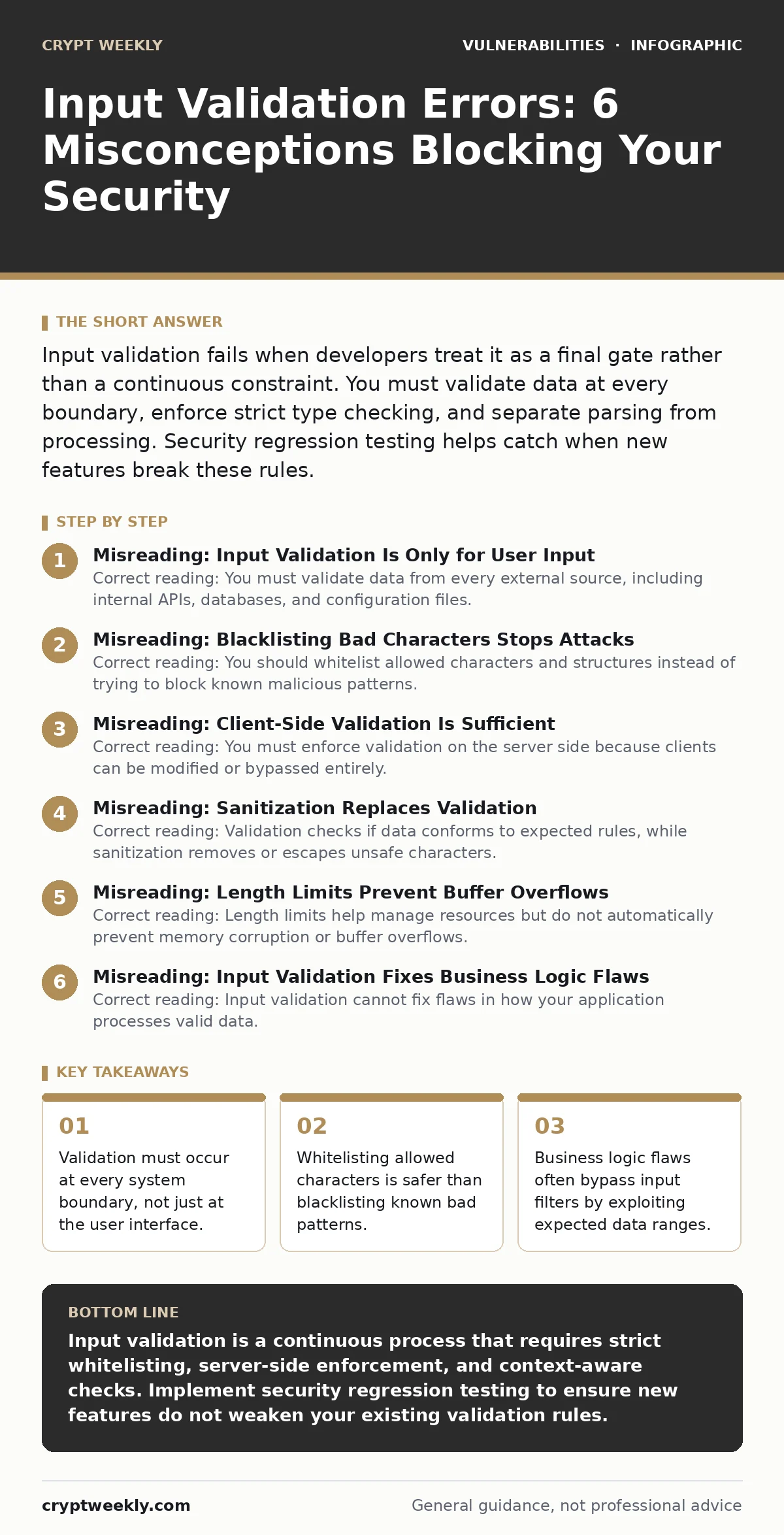
Misreading: Blacklisting Bad Characters Stops Attacks
Correct reading: You should whitelist allowed characters and structures instead of trying to block known malicious patterns. Attackers constantly find new ways to encode bad data to evade blacklists. Suppose you block the < and > symbols to prevent HTML injection. An attacker might use %3C encoding to bypass your filter. Whitelisting defines exactly what is safe, such as alphanumeric characters for a username field. This approach reduces the attack surface because anything outside the strict definition is rejected immediately.
Misreading: Client-Side Validation Is Sufficient
Correct reading: You must enforce validation on the server side because clients can be modified or bypassed entirely. Front-end checks provide a good user experience but offer zero security. Imagine a web form that prevents submission if a field is empty. A determined user can disable JavaScript or use a tool like curl to send the request directly to your server. If the server trusts the client’s validation, it processes incomplete or malicious data. Always repeat every check on the server before accepting the data. This redundancy is the only way to ensure integrity.
Misreading: Sanitization Replaces Validation
Correct reading: Validation checks if data conforms to expected rules, while sanitization removes or escapes unsafe characters. You need both, but they serve different purposes. Validation stops invalid data from entering your system. Sanitization ensures that valid data does not become dangerous when displayed or processed. Suppose you validate that an input is a number, but you do not sanitize it before inserting it into a query. If the context changes, that number could still cause issues. Use validation to enforce structure and sanitization to neutralize context-specific risks.
Misreading: Length Limits Prevent Buffer Overflows
Correct reading: Length limits help manage resources but do not automatically prevent memory corruption or buffer overflows. You must also ensure that the underlying code handles memory allocation correctly. Imagine you limit a text field to 100 characters. If the underlying C++ code allocates only 50 bytes for that buffer, the application will still crash or allow code execution. Length checks are a business rule, not a security control for memory safety. You need proper memory management and bounds checking in your code to truly prevent these errors.
See also: Browser Cookies Explained: How Tracking Works and How to Stop It
Misreading: Input Validation Fixes Business Logic Flaws
Correct reading: Input validation cannot fix flaws in how your application processes valid data. Business logic flaws occur when the application behaves incorrectly despite receiving valid input. Suppose a shopping cart allows a negative quantity. The input is a valid number, but the logic fails to reject it. An attacker can add negative items to reduce the total price to zero. This is a business logic flaw, not an input validation error. You must design your logic to handle edge cases and enforce rules beyond simple data types.
Misreading: Once Validated, Data Is Safe Forever
Correct reading: Data can become unsafe as it moves through different systems or contexts. You must re-validate or re-sanitize data when it crosses a new boundary. Imagine storing a user’s bio in a database. It is safe in the database, but if you display it on a public profile page, it becomes a cross-site scripting vector. The context changes from storage to rendering. Each context requires its own safety checks. Do not assume that because data was safe at ingestion, it remains safe everywhere else.
Misreading: Automated Tools Catch All Validation Errors
Correct reading: Static and dynamic analysis tools miss many logical errors and context-specific issues. You need manual review and penetration testing to find complex validation failures. Imagine an automated scanner checks for SQL injection patterns. It might miss a stored procedure that accepts valid input but executes it in a dangerous way. Tools are great for finding low-hanging fruit, but they cannot understand your application’s intent. Human review ensures that validation rules align with business requirements and security goals.
Misreading: Input Validation Is a One-Time Task
Correct reading: Input validation rules must evolve as your application grows and new features are added. You need security regression testing to ensure new code does not break existing checks. Imagine adding a new API endpoint that accepts file uploads. If you forget to apply the same validation rules as your existing endpoints, you create a new vulnerability. Regular testing ensures that your validation logic remains consistent across the entire application. Treat validation as a living part of your development process.
Key takeaways
- Validation must occur at every system boundary, not just at the user interface.
- Whitelisting allowed characters is safer than blacklisting known bad patterns.
- Business logic flaws often bypass input filters by exploiting expected data ranges.
- Separate data parsing from business execution to prevent injection attacks.
Input validation is a continuous process that requires strict whitelisting, server-side enforcement, and context-aware checks. Implement security regression testing to ensure new features do not weaken your existing validation rules.
Frequently asked questions
Does input validation prevent SQL injection?
Input validation reduces the risk by rejecting malformed data, but parameterized queries are the primary defense against SQL injection. Validation alone is not enough to stop all injection attacks.
How do I handle file uploads securely?
Validate file types by checking magic numbers, not just extensions. Store files outside the web root and set strict size limits. This prevents attackers from uploading executable scripts.
Is client-side validation useless?
Client-side validation improves user experience by providing immediate feedback. It does not provide security because attackers can bypass it. Always repeat validation on the server.
What is the difference between validation and sanitization?
Validation checks if data meets specific rules, such as length or format. Sanitization modifies data to make it safe for a specific context, like escaping HTML characters. Use both for comprehensive protection.
How this guide was produced: written by the Crypt Weekly editorial team with AI assistance, checked against the public references listed below, and reviewed when the facts change. See our editorial policy or report an error.