
Business logic flaws bypass standard security controls by exploiting the specific rules that define how an application is meant to function for users.
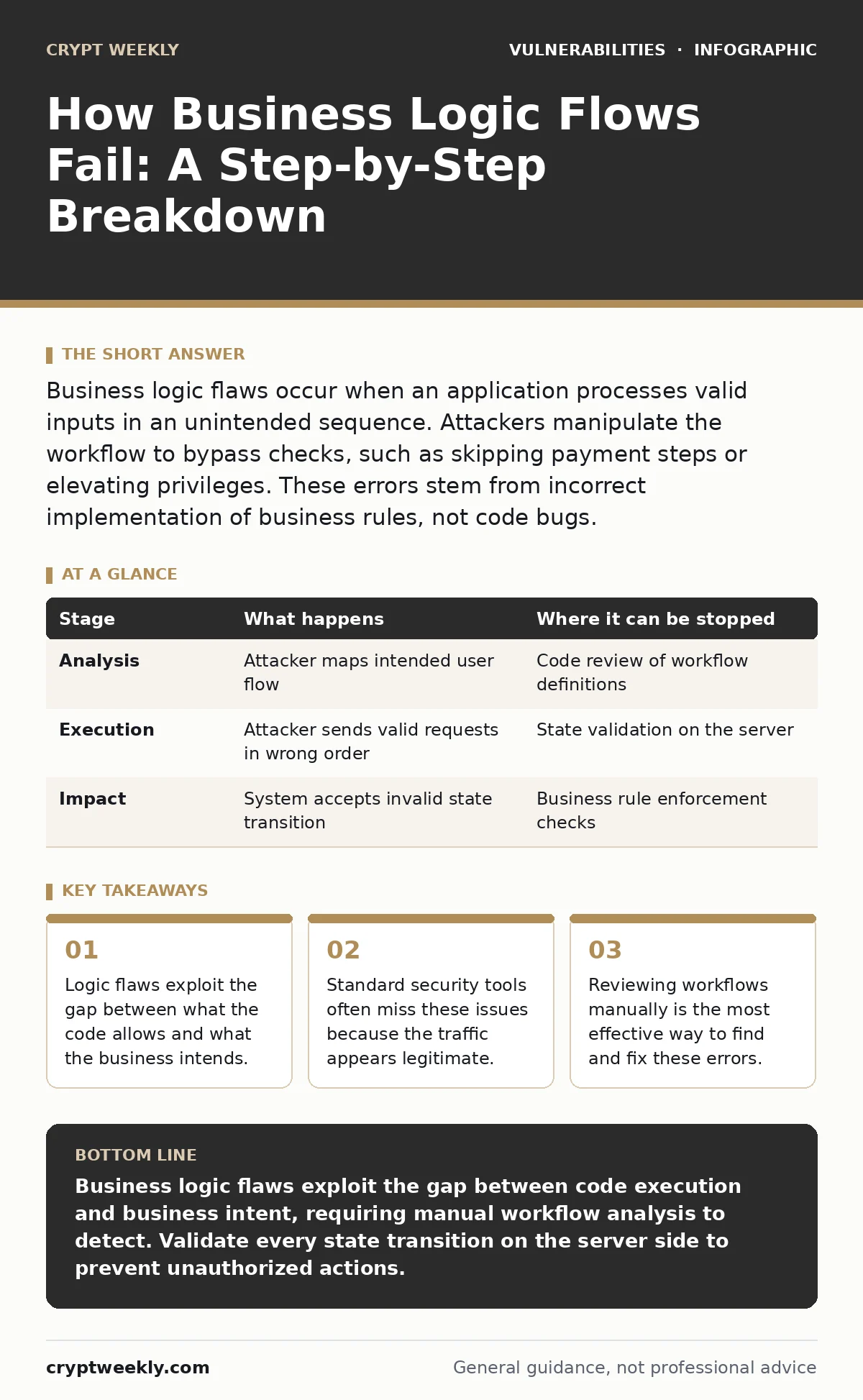
Business logic flaws occur when an application processes valid inputs in an unintended sequence. Attackers manipulate the workflow to bypass checks, such as skipping payment steps or elevating privileges. These errors stem from incorrect implementation of business rules, not code bugs.
Defining the Invisible Rules
Unlike injection or buffer overflow issues, there is no broken code to patch. The software executes exactly as written. The problem lies in the design of the workflow itself.
Imagine an online store that checks for a valid credit card before shipping an item. The code works. However, if the application does not verify that the user actually owns the credit card, an attacker can use a stolen number. The system processes the request successfully. The business suffers a loss, even though the security controls passed.
This disconnect between technical correctness and business intent creates a unique class of vulnerability. It requires understanding the application’s purpose, not just its syntax.
The Nature of the Error
These flaws rely on the complexity of human interaction with software. Applications must enforce rules about who can do what, when, and in what order. These rules are often called business logic. They define the state machine of the application.
A state machine tracks the current status of a process, such as a pending order or an active session. Transitions between states are triggered by user actions. If the application fails to validate a transition, an attacker can force the system into an invalid state.
For example, a user might be allowed to view an order summary before confirming it. If the application allows the user to skip the confirmation step and proceed directly to the "completed" state, the logic is flawed. The code accepted the input, but the business rule was violated.
Stage 1: Workflow Analysis
Mapping the Happy Path
The first stage involves understanding the intended flow. This is often called the happy path. It is the sequence of steps a legitimate user takes to complete a task. You must map every step, from login to final action.
Attackers study this path to identify dependencies. They look for steps that are optional or loosely enforced. If a step can be skipped without causing an error, it is a potential entry point.
| Stage | What happens | Where it can be stopped |
|---|---|---|
| Analysis | Attacker maps intended user flow | Code review of workflow definitions |
| Execution | Attacker sends valid requests in wrong order | State validation on the server |
| Impact | System accepts invalid state transition | Business rule enforcement checks |
Stage 2: Identifying Weak Dependencies
Finding the Gaps
Not all steps in a workflow are equally secure. Some steps rely on client-side controls, such as JavaScript. These controls are visible to the user and can be bypassed. An attacker can disable JavaScript or send requests directly to the server.
Server-side validation is the primary defense. If the server trusts the client to enforce order or completeness, the logic is fragile. You must assume that any data from the client can be manipulated.
This is where penetration testing becomes valuable. Automated scanners often miss these issues because they do not understand the context of the business rules. A human tester can identify when a step is missing or misordered.
Stage 3: Manipulating the Sequence
Breaking the Order
Once the workflow is mapped, the attacker attempts to break the sequence. This might involve skipping a step, repeating a step, or changing the order of steps. The goal is to achieve a result that the business did not intend.
Suppose a booking system requires a reservation before payment. An attacker might send a payment request without a valid reservation ID. If the server processes the payment without checking for an active reservation, the logic is flawed.
This manipulation relies on the server accepting valid data types in the wrong context. The data itself is not malicious. The context is what makes it dangerous.
See also: Medical Device Security Myths: 6 False Beliefs That Leave Patients Exposed
Stage 4: Exploiting State Transitions
Forcing Invalid States
Applications maintain state to track progress. This state is often stored in sessions or databases. If the application does not verify that a state transition is allowed, an attacker can force the system into an invalid state.
For instance, a user might be allowed to upgrade their account after paying. An attacker might try to trigger the upgrade action without the payment record. If the server only checks if the user exists, but not if they paid, the upgrade succeeds.
This is a classic logic flaw. The code works, but the business rule is ignored. It is a failure of design, not implementation.
Stage 5: Bypassing Authorization
Privilege Escalation
Logic flaws often intersect with authorization issues. An attacker might use valid credentials to perform an action they are not allowed to perform. This is not a hack of the authentication system. It is a bypass of the authorization logic.
Imagine an admin panel that requires a specific role. If the application checks the role only once at login, an attacker might change their role parameter in subsequent requests. If the server does not re-validate the role for each action, the attacker gains admin access.
This is why API vulnerabilities are often linked to logic flaws. APIs often expose endpoints that can be called in any order. If the API does not enforce strict state checks, an attacker can manipulate the workflow.
Interrupting the Attack
Stopping the Flow
You can interrupt this attack chain at several points. The most effective method is to enforce business rules on the server side. Every state transition must be validated against the business logic.
This means checking not just if the data is valid, but if the action is allowed at that moment. For example, before processing a payment, the server must verify that a valid cart exists and that the user has not already paid.
Preventing Logic Errors
Design for Security
Preventing business logic flaws requires a shift in mindset. Security must be considered during the design phase, not just during coding. Developers should map out all possible workflows, including edge cases.
This includes error paths and unexpected user behavior. What happens if a user submits a form twice? What happens if they change the quantity of an item in the cart after validation? These scenarios must be handled explicitly.
Security regression testing helps ensure that new features do not break existing logic. When changes are made to the workflow, tests should verify that the original business rules still hold.
The Human Element
Why Automation Fails
Automated tools struggle with business logic flaws. They can identify syntax errors or known patterns, but they cannot understand intent. They do not know that a payment must precede a shipment.
This is why manual review is necessary. A security engineer must understand the business domain to identify logic gaps. They must ask: "What should happen here?" and "What happens if I do it differently?"
This process is time-consuming but critical. It is the only way to catch flaws that do not look like code errors.
Conclusion of the Flow
The Final Check
Business logic flaws are persistent because they are inherent in the design. They do not disappear with a patch. They require a change in how the application is built and maintained.
You must treat business logic as a security control. Validate every transition. Enforce every rule. Test every path. The cost of fixing a logic flaw after deployment is far higher than the cost of designing it correctly from the start.
Key takeaways
- Logic flaws exploit the gap between what the code allows and what the business intends.
- Standard security tools often miss these issues because the traffic appears legitimate.
- Reviewing workflows manually is the most effective way to find and fix these errors.
Business logic flaws exploit the gap between code execution and business intent, requiring manual workflow analysis to detect. Validate every state transition on the server side to prevent unauthorized actions.
Frequently asked questions
Can automated scanners find business logic flaws?
Most automated scanners cannot find business logic flaws because they lack context about the application's intended workflow. They can detect technical errors, but not logical inconsistencies in business rules.
Can fixing a logic flaw break the application?
Yes, if the fix is too strict. You must ensure that the enforcement of business rules does not block legitimate user actions. Thorough **security regression testing** is needed to verify that the fix works without impacting normal use.
How this guide was produced: written by the Crypt Weekly editorial team with AI assistance, checked against the public references listed below, and reviewed when the facts change. See our editorial policy or report an error.