
Most cookies do not identify you by name but by behavior, creating a profile that persists even after you clear your history.
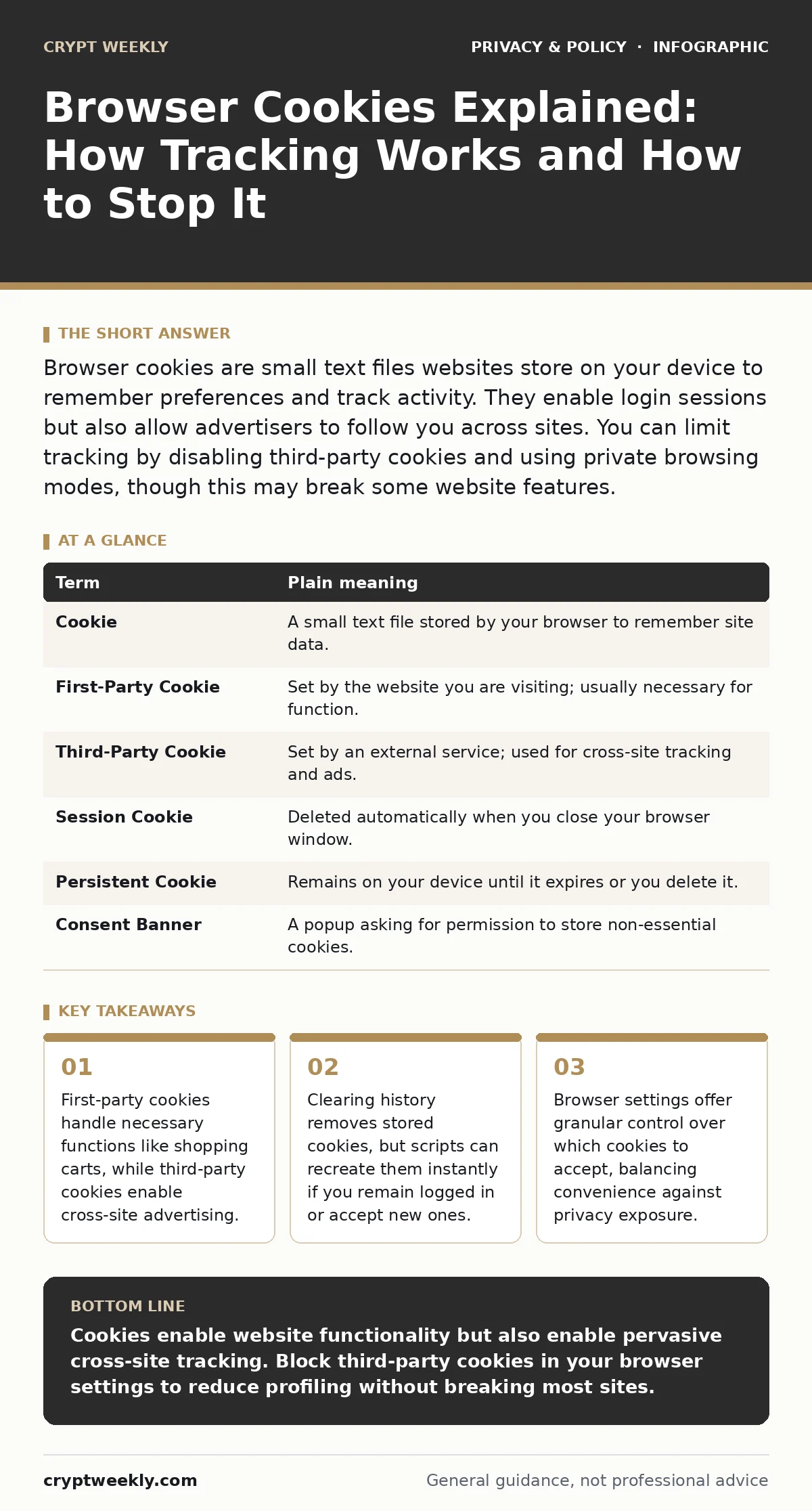
Browser cookies are small text files websites store on your device to remember preferences and track activity. They enable login sessions but also allow advertisers to follow you across sites. You can limit tracking by disabling third-party cookies and using private browsing modes, though this may break some website features.
The Library Card Analogy
Imagine you visit a large library. The librarian hands you a card with a number on it. This number is not your name, but the librarian uses it to know which books you checked out. If you visit a different branch, and they share records, they can see your entire reading history. This is how cookies work. They are small text files stored on your computer or phone by websites you visit.
They do not contain your name or address, but they contain a unique identifier. This identifier allows the website to recognize you when you return. It remembers your preferences, like language settings or items in a shopping cart. Without this mechanism, you would have to re-enter your preferences every single time you visited a site. The convenience is real, but the cost is visibility.
First-Party Versus Third-Party
Not all cookies serve the same purpose. You must distinguish between first-party and third-party cookies. A first-party cookie is set by the website you are directly visiting. If you read an article, the publisher sets this cookie to remember your reading progress. These are generally necessary for the site to function. A third-party cookie is set by a different domain, often an advertiser or analytics provider.
Imagine the library again. A third-party cookie is like a book club sponsor who follows you from branch to branch, noting which genres you prefer. They do not run the library, but they place their marker on your card. This allows them to build a profile of your interests across many different websites. This cross-site tracking is the primary privacy concern for most users.
The Hidden Cost of Convenience
Many users believe that deleting their browser history erases their digital footprint. This is a common misconception. When you clear your history, you remove the stored cookie files from your device. However, the next time you visit a site, the server can issue a new cookie. If you are logged into an account, the site will immediately re-establish its tracking identifiers.
The data collected from your previous session is already stored on remote servers. Deleting the local file does not delete the server-side record. This is why privacy tools focus on preventing the initial setting of cookies rather than just cleaning them up later. You are not hiding from the tracker; you are just asking it to start over.
Confusion Over Consent
When you visit a new website, a banner often asks for your permission to use cookies. This is known as cookie consent management. The design of these banners frequently obscures the reality of what you are agreeing to. Many banners make it easy to accept everything but difficult to customize settings. You might assume that clicking "Reject All" stops all tracking.
In reality, many sites claim certain cookies are "essential" for functionality, even if they are used for analytics. These essential cookies are exempt from consent requirements in many jurisdictions. You must look for the "Customize" or "Preferences" button to see the full list. This extra step reveals which trackers are truly optional.
Browser Controls and Trade-Offs
Your web browser gives you direct control over how cookies are handled. Most modern browsers allow you to block third-party cookies by default. This stops advertisers from following you across different sites. However, this setting can break embedded content. A video player or a comment section might rely on a third-party service. If you block that service, the feature may not load.
You must decide how much friction you are willing to tolerate. Some users prefer to use private browsing windows for sensitive activities. These windows delete cookies automatically when you close them. This prevents long-term tracking but requires you to log in to every site anew. It is a trade-off between security and convenience.
See also: Input Validation Errors: 6 Misconceptions Blocking Your Security
A Mini Glossary
| Term | Plain meaning |
|---|---|
| Cookie | A small text file stored by your browser to remember site data. |
| First-Party Cookie | Set by the website you are visiting; usually necessary for function. |
| Third-Party Cookie | Set by an external service; used for cross-site tracking and ads. |
| Session Cookie | Deleted automatically when you close your browser window. |
| Persistent Cookie | Remains on your device until it expires or you delete it. |
| Consent Banner | A popup asking for permission to store non-essential cookies. |
Try This Now
- Open your browser settings and locate the privacy or security section. Find the option to "Block third-party cookies" and enable it. This stops most cross-site advertising tracking immediately.
- Visit a news site and look for the cookie consent banner. Do not click "Accept All." Click "Customize" or "Preferences" to see which trackers are listed as essential versus optional.
- Use a private or incognito window for searching sensitive topics. Close the window when you are done. This ensures no persistent cookies remain on your device after the session.
Related Privacy Measures
Understanding cookies is only one part of digital privacy. You should also consider how other technologies collect data. For example, email tracking pixels work similarly to cookies by signaling when you open a message. This allows senders to know if you are engaged with their content. If you are concerned about data retention, you might explore data subject access requests to see what information companies hold about you.
For broader protection, privacy laws for small businesses may dictate how your data is handled if you interact with local vendors. Additionally, two-factor authentication for personal accounts adds a layer of security that cookies cannot provide, protecting your identity even if tracking occurs.
Key takeaways
- First-party cookies handle necessary functions like shopping carts, while third-party cookies enable cross-site advertising.
- Clearing history removes stored cookies, but scripts can recreate them instantly if you remain logged in or accept new ones.
- Browser settings offer granular control over which cookies to accept, balancing convenience against privacy exposure.
Cookies enable website functionality but also enable pervasive cross-site tracking. Block third-party cookies in your browser settings to reduce profiling without breaking most sites.
Frequently asked questions
Do cookies contain viruses or malware?
No, cookies are simple text files. They cannot carry code or execute programs on your device, though they can store session tokens that attackers might steal.
Does clearing cookies delete my saved passwords?
It depends. Password managers store credentials separately from cookies. Clearing cookies may log you out of websites, requiring you to re-enter passwords or use your manager.
Can websites still track me if I block cookies?
Yes, through techniques like fingerprinting, which analyzes your browser configuration, screen resolution, and fonts to create a unique identifier without using cookies.
Are first-party cookies safe?
They are generally safe and necessary for site function, but they can still track your behavior within that specific website. They do not share data with other sites unless explicitly programmed to do so.
How this guide was produced: written by the Crypt Weekly editorial team with AI assistance, checked against the public references listed below, and reviewed when the facts change. See our editorial policy or report an error.