
A single invisible pixel in an email can reveal your location, device type, and internal network structure without your knowledge.
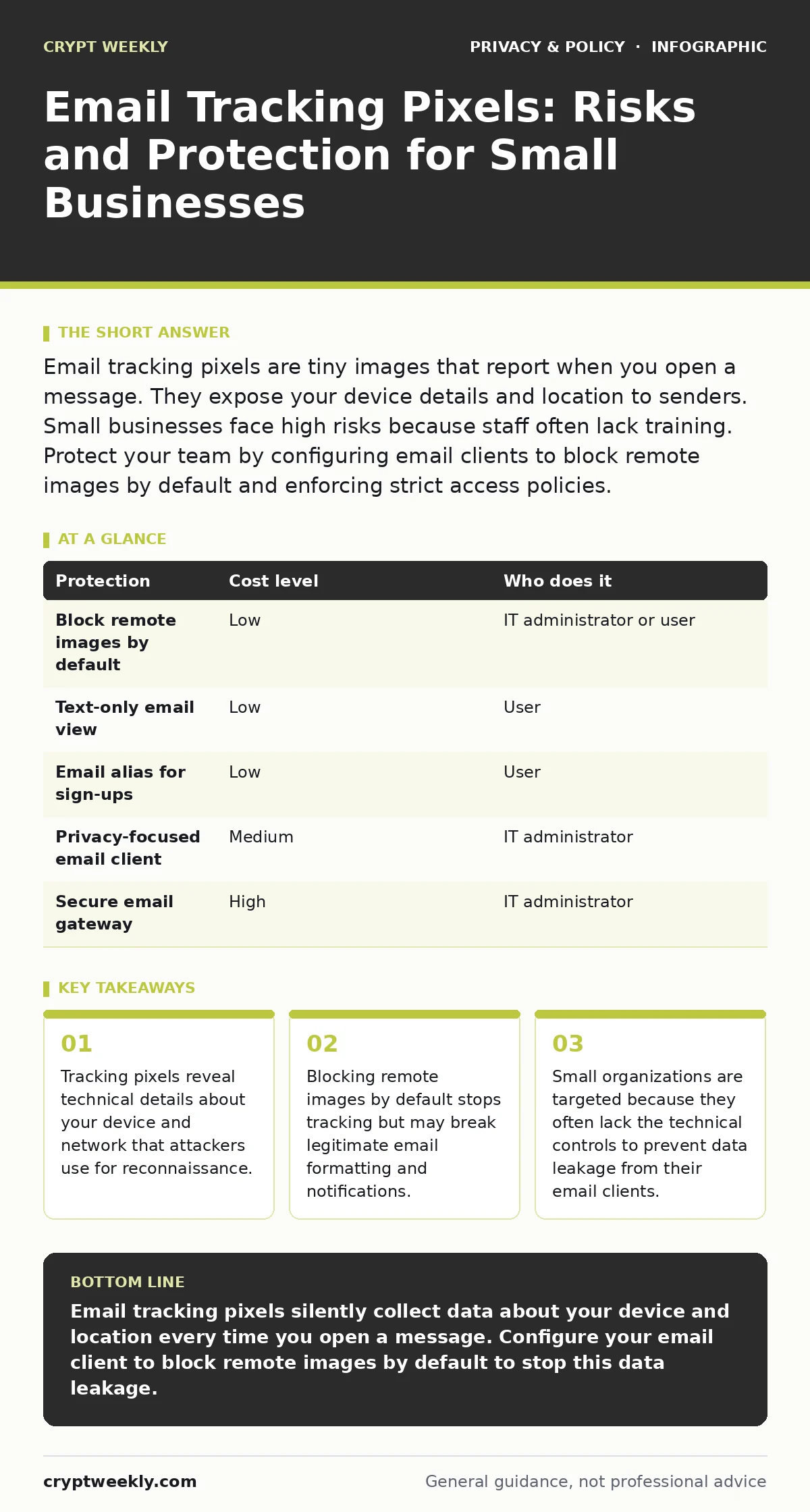
Email tracking pixels are tiny images that report when you open a message. They expose your device details and location to senders. Small businesses face high risks because staff often lack training. Protect your team by configuring email clients to block remote images by default and enforcing strict access policies.
The Invisible Eye in Your Inbox
An email tracking pixel is a tiny, often invisible, image embedded in the HTML of an email message. It is not a file stored on your computer. It is a request sent to a remote server every time the email client attempts to display the image. When your email client downloads this image, it sends metadata along with the request. This metadata includes your IP address, which reveals your approximate geographic location. It also includes the user-agent string, which tells the sender exactly what operating system and email software you are using.
This mechanism works because email clients are designed to display content richly. To show images, they must fetch them from the web. The tracking pixel exploits this standard behavior. The sender receives a log entry confirming that the email was opened. They also receive the technical fingerprint of the person who opened it. This happens instantly and silently. You see no pop-ups or prompts. The data leaves your device before you even read the subject line.
Why Small Organizations Are Exposed
Small businesses often assume that because they are small, they are not worth targeting. This assumption is incorrect. Attackers use automated tools to scan for vulnerabilities. A tracking pixel provides them with the specific information needed to tailor an attack. If the pixel reveals that your team uses an outdated version of an email client, an attacker can craft a message that exploits a known flaw in that software.
Small teams also lack the layered defenses of large corporations. Large firms often use secure email gateways that strip out malicious content before it reaches the user. Small firms usually rely on standard cloud email services with default settings. These defaults often allow remote images to load automatically. This convenience creates a security gap. Every employee becomes a potential sensor for the attacker. The more employees who open emails, the more data the attacker collects about your organization’s infrastructure.
Furthermore, small organizations often have flat hierarchies. An employee might open an email that appears to come from a trusted partner. The tracking pixel confirms the employee’s identity and role. The attacker now knows who to target for social engineering. They can send a follow-up message that appears to come from a colleague, asking for sensitive data. The initial tracking event provided the context needed to make the deception believable.
The Hidden Costs of Blocking Images
The simplest protection is to configure email clients to block remote images by default. This stops the tracking pixel from loading. However, this measure has a trade-off. Many legitimate emails rely on external images to display correctly. Newsletters, invoices, and notification emails may appear broken or empty. Users often become frustrated and click "Show Images" for every message. This habit defeats the security benefit.
There is also a privacy cost. When you block images, you hide your activity from the sender. This can be useful for privacy, but it may also hinder business communication. If a client expects you to see a visual report embedded in an email, blocking it delays your response. You must balance security with usability. The goal is not to block all images, but to control when and how they load.
Another hidden cost is the loss of context. Some email platforms use tracking to determine if a message was delivered or opened. If you block images, you may not know if your own emails are reaching recipients. This can affect marketing efforts or critical communications. You need a strategy that allows you to verify delivery without exposing your team to surveillance.
Low-Cost Protections for Your Team
You can implement several protections without significant expense. The first step is education. Teach your team to recognize that opening an email is not a neutral act. It is a data exchange. Encourage them to view emails in a text-only mode when possible. Most email clients have a setting for this. Text-only mode strips out HTML and images, preventing tracking pixels from loading.
Second, use a separate email alias for public or high-risk communications. If you sign up for newsletters or vendor updates, use an alias that forwards to your main inbox. If that alias is tracked, the data points to a disposable address, not your primary work account. This limits the damage if the alias is compromised. It also helps you filter unwanted tracking.
Third, consider using an email client that offers built-in privacy features. Some clients allow you to load images through a proxy service. This service fetches the image for you and strips out tracking data before displaying it. You see the image, but the sender does not see your IP address or device details. This adds a layer of anonymity to your email reading habits.
| Protection | Cost level | Who does it |
|---|---|---|
| Block remote images by default | Low | IT administrator or user |
| Text-only email view | Low | User |
| Email alias for sign-ups | Low | User |
| Privacy-focused email client | Medium | IT administrator |
| Secure email gateway | High | IT administrator |
What to Ask Your IT Provider
If you rely on an IT provider, you must ensure they understand the risks of email tracking. Do not assume they are addressing this issue. Ask specific questions to verify their approach.
- How do we configure email clients to block remote images by default?
- Do we use a secure email gateway that strips tracking scripts and pixels?
- Can we implement a policy that prevents automatic loading of external content?
- How do we train staff to recognize and handle emails with remote content?
- What logs do we keep to detect unusual email activity?
These questions force a conversation about technical controls and user behavior. A provider who cannot answer these questions may not be adequately protecting your organization. You need a partner who understands that email is not just a communication tool, but a potential attack surface.
See also: Encrypted Email: How It Works and Why It Fails
Beyond the Pixel: Related Privacy Risks
Email tracking is just one way your data is collected. You should also consider other forms of digital surveillance. For example, mobile app permission abuse can allow apps to track your location and contacts without your knowledge. This data can be combined with email tracking to build a detailed profile of your habits.
Similarly, cookie consent management is not just about websites. Many email platforms use cookies to track user behavior across different devices. If you do not manage these cookies, you may be tracked even when you are not actively reading email. Understanding how these technologies interact helps you build a stronger privacy posture.
You may also want to look into encrypted email for sensitive communications. Encryption ensures that even if your email is intercepted, the content remains unreadable. While this does not stop tracking pixels, it protects the message itself. Combining encryption with image blocking provides a more complete defense.
The Bottom Line on Email Privacy
Protecting your organization from email tracking requires a mix of technical controls and user awareness. There is no single solution that stops all tracking without impacting usability. You must choose the right balance for your business. Start by blocking remote images by default and educating your team. Then, consider more advanced tools like secure gateways or privacy-focused clients.
Remember that privacy is a continuous process. New tracking methods emerge regularly. Stay informed and adjust your policies accordingly. By taking proactive steps, you can reduce the risk of exposure and protect your organization’s data.
Key takeaways
- Tracking pixels reveal technical details about your device and network that attackers use for reconnaissance.
- Blocking remote images by default stops tracking but may break legitimate email formatting and notifications.
- Small organizations are targeted because they often lack the technical controls to prevent data leakage from their email clients.
Email tracking pixels silently collect data about your device and location every time you open a message. Configure your email client to block remote images by default to stop this data leakage.
Frequently asked questions
Can I disable tracking pixels in my email client?
Yes, most email clients allow you to block remote images. This prevents the pixel from loading and sending data to the sender.
Do tracking pixels work on smartphones?
Yes, mobile email clients often load images automatically. You may need to adjust settings to block them on your phone as well.
Is it illegal to use tracking pixels in emails?
Laws vary by region. Some jurisdictions require consent for tracking. Check local regulations to ensure compliance.
Can I tell if an email has a tracking pixel?
You can often see a reference to an external image in the email source code. However, this requires technical knowledge and is not always reliable.
How this guide was produced: written by the Crypt Weekly editorial team with AI assistance, checked against the public references listed below, and reviewed when the facts change. See our editorial policy or report an error.