
Most healthcare data leaks occur because systems trust internal users by default, meaning strict access boundaries matter more than perimeter firewalls.
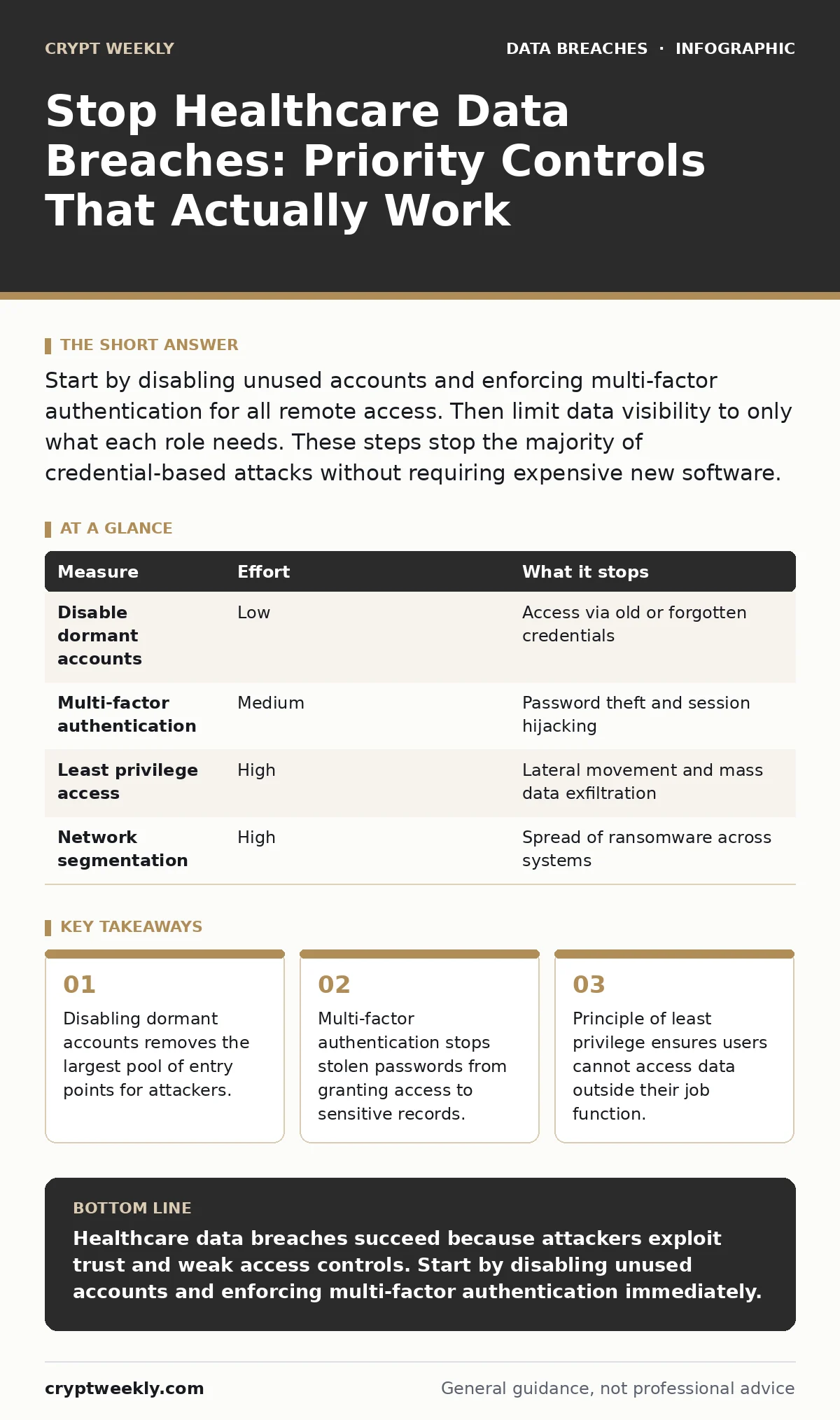
Start by disabling unused accounts and enforcing multi-factor authentication for all remote access. Then limit data visibility to only what each role needs. These steps stop the majority of credential-based attacks without requiring expensive new software.
The Hidden Cost of Trusted Access
Healthcare systems operate on a legacy assumption that anyone inside the network can be trusted. This model fails when an attacker steals a single password. Once inside, they move laterally through shared drives and database connections. You must treat internal access with the same suspicion as external traffic.
The biggest risk is not a sophisticated hacker breaking through a firewall. It is a compromised account moving freely because no one restricted its permissions. You need to shrink the attack surface by removing unnecessary access points.
Immediate Wins: Account Hygiene
Start with the accounts that no longer exist. Former employees, contractors, and interns often leave behind active logins. These dormant accounts are invisible to most monitoring tools until they are used maliciously.
- Identify all accounts that have not logged in during the last ninety days.
- Disable these accounts immediately.
- Archive the associated data if compliance requires retention.
This process is known as access reviews. It is a formal check of who has access to what. Doing this regularly prevents the accumulation of "ghost" accounts that serve as backdoors.
Enforcing Multi-Factor Authentication
A password is a single point of failure. If an attacker knows it, they are in. Multi-factor authentication requires a second form of verification, such as a code from a phone app or a hardware key. This stops stolen session tokens and password theft from working.
Implement this for all remote access first. Remote connections traverse the public internet, making them easier to intercept. Do not skip this step for administrative accounts. Admin credentials provide the keys to the entire kingdom.
Limiting Data Visibility
Giving everyone access to all patient records creates a massive risk. If one account is compromised, the attacker sees everything. You must implement the principle of least privilege. This means users only get access to the data they need to do their specific job.
A billing clerk does not need to read clinical notes. A nurse does not need to modify system settings. Segment your data storage so that roles are strictly separated. This limits the damage of any single breach.
| Measure | Effort | What it stops |
|---|---|---|
| Disable dormant accounts | Low | Access via old or forgotten credentials |
| Multi-factor authentication | Medium | Password theft and session hijacking |
| Least privilege access | High | Lateral movement and mass data exfiltration |
| Network segmentation | High | Spread of ransomware across systems |
Protecting Mobile and Remote Devices
Staff work from homes, hospitals, and transit. These devices connect to untrusted networks. You must use mobile device management to enforce security policies on these endpoints. This software ensures devices have encryption and up-to-date patches before they connect to your network.
Without this, a lost laptop or a phone connected to public Wi-Fi becomes a direct path to your patient database. Enforce encryption at rest. If a device is stolen, the data remains unreadable without the decryption key.
See also: What Does End-to-End Encryption Mean on Messenger: The Real Privacy Impact
The Myth of Password Rotation
Many organizations force users to change passwords every thirty or ninety days. This practice is counterproductive. Users respond by choosing simpler passwords or adding predictable patterns like "123" to the end. This makes passwords easier to guess, not harder.
Stop mandatory rotation unless you have evidence of a compromise. Instead, focus on detecting unusual login behavior. If an account logs in from a new country at 3 AM, block it. This is more effective than forcing a change every month.
Verifying Your Recovery Plan
You will eventually face a breach. The question is how fast you recover. Many organizations assume their backups work until they try to restore data. They often find the files are corrupted or incomplete.
You must perform backup testing regularly. Restore a sample of data to a isolated environment. Verify that the files open and the data is intact. This ensures you can recover from ransomware without paying the attacker. Follow the 3-2-1 backup rule: keep three copies of data, on two different media, with one offsite.
Maintaining Evidence Integrity
If a breach occurs, you must prove what happened. This requires a clear chain of custody for all digital evidence. Document who accessed the logs, when, and why. Tampering with evidence can invalidate legal proceedings and insurance claims.
Ensure your logging systems are write-once or append-only. This prevents attackers from deleting their tracks. Store logs in a separate system that attackers cannot reach. This separation is critical for forensic analysis.
Closing Checklist
Use this list to secure your environment today. These three steps provide the highest return on effort.
- Disable all user accounts that have not been used in the last ninety days.
- Enable multi-factor authentication for all remote access and administrative accounts.
- Verify that your most recent backup can be successfully restored to a test system.
Key takeaways
- Disabling dormant accounts removes the largest pool of entry points for attackers.
- Multi-factor authentication stops stolen passwords from granting access to sensitive records.
- Principle of least privilege ensures users cannot access data outside their job function.
Healthcare data breaches succeed because attackers exploit trust and weak access controls. Start by disabling unused accounts and enforcing multi-factor authentication immediately.
Frequently asked questions
Does encryption prevent data breaches?
Encryption protects data if it is stolen, but it does not stop the breach itself. Attackers can still disrupt your services or delete data. You need access controls to prevent the initial entry.
How do I handle medical identity theft prevention?
Focus on detecting unusual account activity. If a patient’s record shows a change of address or insurance details, verify it with the patient. This stops attackers from using stolen identities for fraud.
Is network segmentation necessary for small clinics?
Yes. Even small clinics have distinct networks for clinical data and administrative tasks. Separating them stops a virus on a billing computer from spreading to patient records.
What if we cannot afford advanced security tools?
Start with free or built-in features. Disable unused accounts and enforce multi-factor authentication. These steps require no new software and significantly reduce risk.
How this guide was produced: written by the Crypt Weekly editorial team with AI assistance, checked against the public references listed below, and reviewed when the facts change. See our editorial policy or report an error.