
Session tokens often bypass multi-factor authentication entirely, allowing attackers to act as legitimate users without triggering standard login alarms.
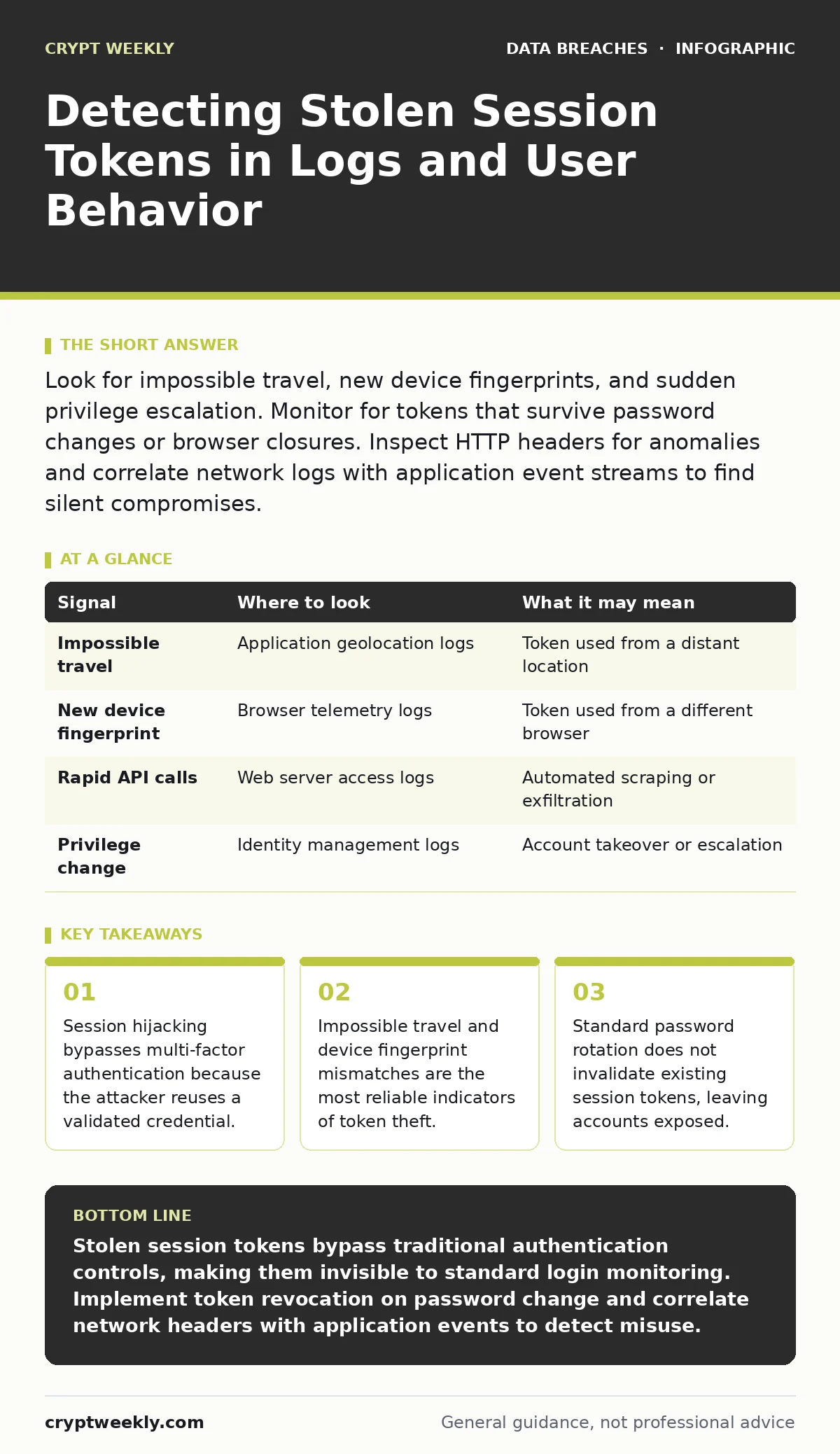
Look for impossible travel, new device fingerprints, and sudden privilege escalation. Monitor for tokens that survive password changes or browser closures. Inspect HTTP headers for anomalies and correlate network logs with application event streams to find silent compromises.
The Persistence Problem
Session tokens are digital receipts that prove you have already logged in. Once issued, they allow the application to recognize you without asking for your password again. This convenience creates a security gap. If an attacker steals this token, they do not need your password. They do not need to bypass multi-factor authentication. They simply present the token to the server.
Most security teams focus on the login event. They watch for failed password attempts or unusual login locations. This focus misses the attack window. The compromise happens after the login succeeds. The attacker captures the token from the network traffic or the browser memory. From that point forward, the application treats the attacker as you.
This persistence is the core challenge. A stolen token is valid until it expires or is revoked. Many applications set long expiration times. Some never expire until the user clicks logout. This means an attacker can maintain access for days or weeks. They can move slowly through the system. They can exfiltrate data without triggering volume-based alerts.
Network and Proxy Signals
The first place to look is the traffic itself. If you use a web proxy or a secure web gateway, inspect the HTTP headers. Look for the Cookie header or the Authorization header. These carry the session token.
Imagine you see a request from a known user. The IP address matches their office. The user-agent string matches their browser. But the TLS fingerprint is different. The cipher suite negotiation does not match the usual pattern. This suggests the request is not coming from the same browser instance. It might be coming from a script or a different machine.
Check for requests that bypass normal application flows. Legitimate users click buttons and follow links. Attackers often use automated tools to hit API endpoints directly. Look for high-frequency requests to data export functions. Look for requests that occur at odd hours. Even if the IP address is legitimate, the timing may not be.
Application Event Anomalies
Application logs provide the context that network logs lack. They show what the token was used to do. Look for actions that deviate from the user’s baseline.
Impossible travel is a strong signal. Suppose a user logs in from New York. Ten minutes later, the same session token is used to access a resource from London. The distance makes this physically impossible. The application should flag this. Many do not, by default.
Device fingerprinting helps here. Modern applications collect data about the browser. They note the screen resolution, the installed fonts, and the time zone. If the token is used from a device with a different fingerprint, the application should treat it as suspicious. Check your logs for changes in these attributes.
Look for privilege escalation. A standard user suddenly accesses administrative functions. A read-only account starts modifying records. These actions generate specific event codes. Monitor for these codes. Alert when they occur outside of normal maintenance windows.
| Signal | Where to look | What it may mean |
|---|---|---|
| Impossible travel | Application geolocation logs | Token used from a distant location |
| New device fingerprint | Browser telemetry logs | Token used from a different browser |
| Rapid API calls | Web server access logs | Automated scraping or exfiltration |
| Privilege change | Identity management logs | Account takeover or escalation |
Identity Management Blind Spots
Identity providers often create blind spots. They issue tokens but do not always track their usage. They assume the application handles security. This assumption is dangerous.
Password rotation does not stop stolen tokens. When you change your password, the old session token remains valid. The application does not know the password changed. It only knows the token is signed correctly. This is why attackers love session hijacking. It survives password resets. You must configure your identity provider to revoke tokens on password change. This is not always the default setting.
Single sign-on adds complexity. A token from one application might grant access to others. If one application is compromised, the attacker can pivot. They use the stolen token to access connected services. This expands the blast radius. You must monitor for cross-application token usage. Look for tokens that access resources outside their original scope.
Browser and Endpoint Evidence
The attack often starts at the endpoint. Malware can steal tokens from browser memory. It can read cookies from the disk. It can intercept traffic from the network interface.
Check for browser extension anomalies. Malicious extensions can read all data on a page. They can capture tokens as they are issued. Look for extensions that have been installed recently. Look for extensions that have broad permissions. Remove any that are not essential.
Mobile device management helps here. Mobile browsers often store tokens differently. They may use keychains or secure enclaves. If an attacker gains access to the mobile device, they can extract these tokens. Ensure your mobile policy includes remote wipe capabilities. Ensure it includes application-level encryption.
Imagine a user reports a strange email. They clicked a link. They logged in. Nothing seemed wrong. But the attacker already stole the token. The user thinks they are safe. They are not. The token is active. The attacker is inside.
See also: Mistakes That Trigger Tax Identity Theft and How to Stop Them · What Does Data Minimization Mean and How to Apply It
Common Detection Failures
Teams often fail to detect stolen tokens because they look in the wrong places. They focus on authentication events. They ignore session events. They assume that if the login was clean, the session is clean. This is false.
Another failure is log fragmentation. Network logs are in one system. Application logs are in another. Identity logs are in a third. Without correlation, you miss the story. You see a login. You see a data export. You do not see that they are the same session. You must build a pipeline that joins these logs. Use a common identifier, like the user ID or the session ID.
Building a Response Playbook
Detection is only half the battle. You must have a response plan. When you suspect a stolen token, you must act fast.
First, revoke the token. This forces the attacker to log out. It also forces you to log out. You must log back in with your credentials. This clears the compromised session.
Second, rotate secrets. Change the password. Change the API keys. Change any other credentials associated with the account. This prevents the attacker from generating new tokens.
Third, investigate the scope. What did the attacker do? What data did they access? Did they move laterally? Use the logs to trace their steps. This helps you understand the impact. It helps you close the gap.
Consider access reviews regularly. Check who has access to what. Remove unnecessary permissions. This limits the damage if a token is stolen. An attacker with read-only access can steal data. An attacker with write access can destroy it. Least privilege reduces the risk.
Remember that backup testing is part of defense. If an attacker encrypts your data, you need clean backups. If they delete your data, you need to restore it. Test your backups. Ensure they are usable. This does not stop the theft, but it limits the harm.
Key takeaways
- Session hijacking bypasses multi-factor authentication because the attacker reuses a validated credential.
- Impossible travel and device fingerprint mismatches are the most reliable indicators of token theft.
- Standard password rotation does not invalidate existing session tokens, leaving accounts exposed.
Stolen session tokens bypass traditional authentication controls, making them invisible to standard login monitoring. Implement token revocation on password change and correlate network headers with application events to detect misuse.
Frequently asked questions
Does changing my password invalidate an active session?
No, most systems keep the session active until it expires or is manually revoked. You must configure your system to revoke tokens upon password change.
How do I distinguish between a user switching devices and a stolen token?
Look for impossible travel times and mismatched device fingerprints. Legitimate users do not move between continents in minutes.
Can multi-factor authentication stop session hijacking?
No, MFA only protects the login. Once the session is established, the token allows access without further MFA challenges.
What is the best way to revoke a stolen token?
Force a logout for that user across all devices. This invalidates the current token and requires a new login with credentials.
How this guide was produced: written by the Crypt Weekly editorial team with AI assistance, checked against the public references listed below, and reviewed when the facts change. See our editorial policy or report an error.