
Your computer does not know addresses by name, so it relies on a distributed directory that translates human words into machine numbers every time you click a link.
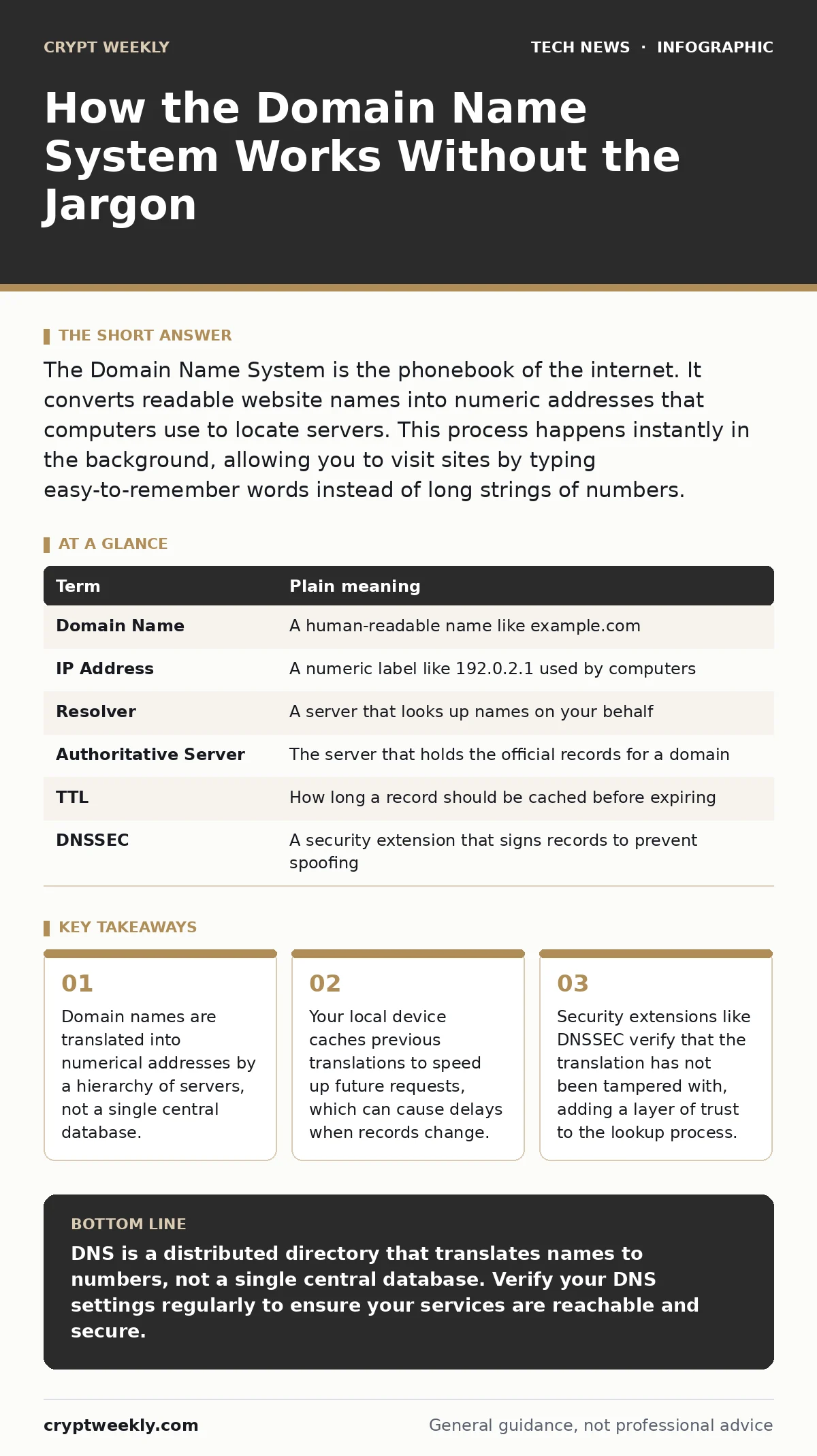
The Domain Name System is the phonebook of the internet. It converts readable website names into numeric addresses that computers use to locate servers. This process happens instantly in the background, allowing you to visit sites by typing easy-to-remember words instead of long strings of numbers.
The Library Card Analogy
Imagine you want to find a specific book in a massive library. You do not know the exact shelf number. You ask the librarian at the front desk. The librarian checks a master catalog and tells you which aisle and shelf to go to. You walk to that spot, find the book, and read it. The Domain Name System works exactly like that librarian. You provide a name, and the system provides the location.
From Names to Numbers
Computers communicate using IP addresses, which are numeric labels like 192.0.2.1. Humans are bad at remembering numbers, so we use domain names like example.com. The DNS translates these names into IP addresses. This translation is not stored in one place. It is distributed across thousands of servers worldwide. This distribution ensures that if one server fails, others can still answer your request.
The Recursive Lookup Process
When you type a URL into your browser, your computer first checks its local cache. If the answer is not there, it asks a recursive resolver. This is usually provided by your internet service provider or a public service. The resolver acts like a detective. It starts at the top of the DNS hierarchy and works its way down. It asks root servers, then top-level domain servers, and finally the authoritative name server for the specific domain.
Authoritative Servers and Zones
The authoritative name server holds the official record for a domain. Think of it as the final librarian who knows exactly where the book is. Domain owners configure these servers. They can point a name to different IP addresses. This allows companies to move servers or use load balancing. If the authoritative server is misconfigured, users cannot reach the site. This is a common cause of downtime.
Caching and Time to Live
To save time, every step in the process stores the answer for a while. This is called caching. The Time to Live value tells caches how long to keep the record. If you change a server IP, you must wait for the old cached records to expire. This delay is called DNS propagation. It is not a bug; it is a feature of the distributed system. You cannot force the entire internet to forget an old address immediately.
See also: What Is Virtual Machines: How Software Isolation Works
Security and Trust Issues
The basic DNS protocol does not verify that the answer is correct. An attacker could intercept your query and send a fake IP address. This is called DNS spoofing. It redirects you to a malicious site. DNSSEC adds digital signatures to DNS records. This allows your resolver to verify that the answer came from the legitimate domain owner. It prevents tampering but does not encrypt the query itself.
Common Points of Confusion
Many people think DNS is a single server. It is not. It is a hierarchy of delegated zones. Another confusion is the difference between a domain name and a website. The name is just an address. The website is the content hosted at that address. You can point the same name to different content based on time or location. This flexibility is powerful but complex.
| Term | Plain meaning |
|---|---|
| Domain Name | A human-readable name like example.com |
| IP Address | A numeric label like 192.0.2.1 used by computers |
| Resolver | A server that looks up names on your behalf |
| Authoritative Server | The server that holds the official records for a domain |
| TTL | How long a record should be cached before expiring |
| DNSSEC | A security extension that signs records to prevent spoofing |
Try This Now
- Open your command line interface. Type
nslookup example.comand press enter. Observe the IP address returned. This shows your resolver asking an authoritative server. - Change the TTL value on a test domain if you have one. Watch how quickly the change propagates to your local cache. This demonstrates the impact of caching settings.
- Use a DNS checker tool online. Enter a domain name and see different answers from servers around the world. This highlights the distributed nature of the system.
Key takeaways
- Domain names are translated into numerical addresses by a hierarchy of servers, not a single central database.
- Your local device caches previous translations to speed up future requests, which can cause delays when records change.
- Security extensions like DNSSEC verify that the translation has not been tampered with, adding a layer of trust to the lookup process.
DNS is a distributed directory that translates names to numbers, not a single central database. Verify your DNS settings regularly to ensure your services are reachable and secure.
Frequently asked questions
Why does it take time for DNS changes to propagate?
Changes take time because caches around the world hold old records until their TTL expires. You must wait for these caches to refresh before everyone sees the new address.
Can I host my own DNS server?
Yes, you can run your own authoritative server for your domains. However, you must manage security, redundancy, and software updates yourself. Most users rely on their registrar or a provider.
Does DNS encrypt my traffic?
Standard DNS does not encrypt queries or responses. Anyone on the network can see what domains you are looking up. Use DNS over HTTPS or DNS over TLS to encrypt these queries.
What happens if a DNS server goes down?
If a single server fails, other servers in the hierarchy can usually answer requests. The distributed design ensures high availability. However, misconfiguration can still cause outages.
How this guide was produced: written by the Crypt Weekly editorial team with AI assistance, checked against the public references listed below, and reviewed when the facts change. See our editorial policy or report an error.