The TLS handshake fails because your device and the server cannot agree on a shared encryption method, not because the network is down.
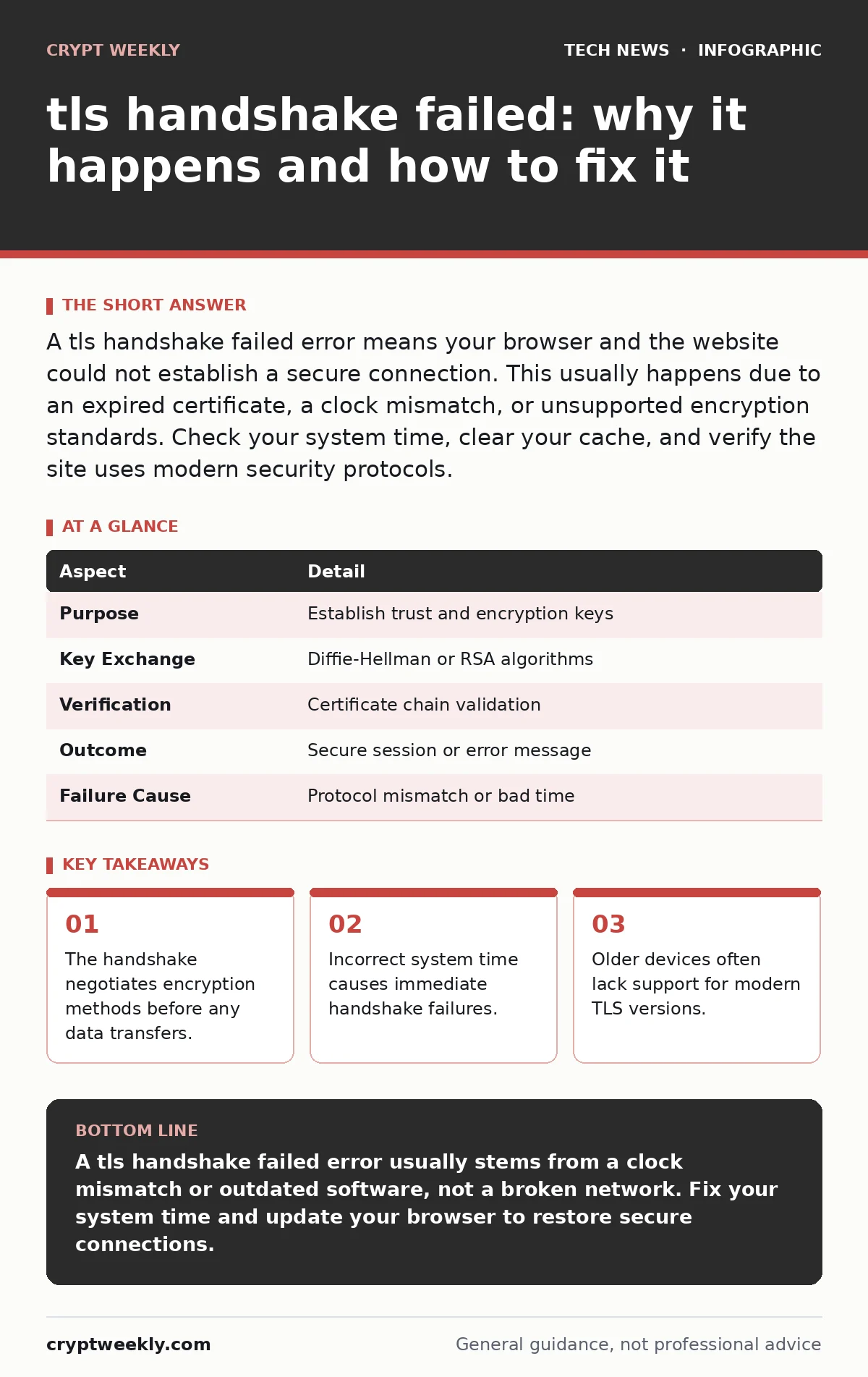
A tls handshake failed error means your browser and the website could not establish a secure connection. This usually happens due to an expired certificate, a clock mismatch, or unsupported encryption standards. Check your system time, clear your cache, and verify the site uses modern security protocols.
How the TLS handshake works
Imagine two strangers meeting in a noisy room. They must agree on a secret language before whispering their business. The Transport Layer Security protocol performs this negotiation. It is a series of messages exchanged between your computer and a server. The goal is to prove identity and agree on encryption keys.
The process starts with a client hello. Your device sends a list of supported encryption suites. The server responds with a server hello. It picks one suite from your list. If the server picks a suite you do not support, the connection stops. The server then sends its digital certificate. Your device checks this certificate against a list of trusted authorities. If the certificate is valid, both sides generate a shared secret key. This key encrypts all subsequent data.
| Aspect | Detail |
|---|---|
| Purpose | Establish trust and encryption keys |
| Key Exchange | Diffie-Hellman or RSA algorithms |
| Verification | Certificate chain validation |
| Outcome | Secure session or error message |
| Failure Cause | Protocol mismatch or bad time |
What causes a tls handshake failed
You see this error when the negotiation breaks down. The most common cause is a clock mismatch. Certificates have start and end dates. If your clock is wrong, the certificate looks expired or not yet valid. The handshake fails immediately.
Another cause is protocol version mismatch. Older devices may only support TLS 1.0. Modern servers often disable this version due to known weaknesses. When you try to connect, the server refuses the old protocol. Your device has no other options. The connection drops.
Poor network conditions can also interrupt the handshake. The handshake requires several round-trips. If packets are lost, the negotiation stalls. Firewalls sometimes block the specific ports or protocols used during the handshake. This is common in strict corporate environments. The firewall sees the initial hello message and drops it before the server responds.
The hidden cost of legacy support
Many administrators keep old protocols enabled to support legacy systems. This creates a false sense of security. Supporting TLS 1.0 does not help users with modern devices. It only exposes the server to older attacks. These attacks exploit weaknesses in the cipher suites used by older versions.
Keeping old standards alive increases the attack surface. You must maintain complex rules to allow old clients while blocking bad actors. This maintenance is expensive and error-prone. A misconfigured rule might block legitimate traffic. Or it might leave a gap for an attacker. The trade-off is clear. Modern security requires dropping support for outdated methods.
What people usually get wrong
Users often blame the internet connection. They restart their router. They try a different Wi-Fi network. The problem is rarely the network. The handshake happens at the application layer. The network path is usually fine. The issue is the software negotiation.
Another mistake is ignoring the certificate error. Browsers sometimes warn about certificate issues but allow you to proceed. This is dangerous. The certificate proves the server is who it says it is. If you bypass this warning, you talk to an unknown server. An attacker could be sitting in the middle. They can read and change your data. Never ignore certificate warnings.
Some users think clearing their browser cache fixes everything. Cache stores old pages. It does not store encryption keys or protocol capabilities. Clearing the cache might help if a bad certificate was cached. It will not fix a protocol mismatch or a clock error. You need to address the root cause.
How to fix the error
Start with your system clock. Check the date and time on your device. Set it to automatic synchronization. This ensures your clock matches the network time protocol. This fixes the majority of handshake errors. It is a simple step that solves a complex problem.
Next, check your browser settings. Ensure you are using a modern browser. Older browsers may not support current TLS versions. Update your browser to the latest version. This adds support for new encryption standards. It also fixes bugs in the handshake implementation.
If you are an administrator, check your server configuration. Ensure you support TLS 1.2 or higher. Disable TLS 1.0 and 1.1. These versions are deprecated. Use strong cipher suites. Avoid weak algorithms like RC4 or DES. Test your configuration with online tools. This helps you spot issues before users do.
See also: Network Monitoring Checklist: Detect Anomalies Before Breaches
Who is affected by these failures
This error affects anyone using encrypted connections. This includes web browsing, email, and remote access. Students accessing online courses may see this error. Professionals using cloud services encounter it too. The impact is universal.
Organizations with strict security policies are more likely to see these errors. They disable old protocols to reduce risk. This breaks connections from older devices. Users with outdated hardware or software get locked out. They cannot access resources until they update.
Developers building applications must handle these errors gracefully. If an app fails to negotiate TLS, it should tell the user why. Vague error messages cause frustration. Clear guidance helps users fix the issue. This improves the user experience and reduces support tickets.
Preventing future handshake issues
Regular updates are the best prevention. Keep your operating system and browsers current. This ensures you support the latest standards. It also patches security holes in the handshake code.
Monitor your certificate expiration dates. Set up alerts before certificates expire. Renew them early. This avoids last-minute panic. It also prevents downtime for your users.
Educate your users about clock settings. Many people change their time manually. This causes handshake failures. Encourage automatic time synchronization. It is a small setting with a big impact.
For deeper understanding of how keys are managed, read about public key cryptography. It explains the math behind the handshake. Understanding this helps you appreciate the security measures in place. It also helps you diagnose issues more effectively.
Summary of actions
Take these steps when you see a tls handshake failed error. Check your system time first. Update your browser if the time is correct. Clear your browser cache as a secondary step. If you manage the server, update your TLS configuration. Disable old protocols. Use strong cipher suites. Test your setup regularly. This keeps your connections secure and reliable.
Key takeaways
- The handshake negotiates encryption methods before any data transfers.
- Incorrect system time causes immediate handshake failures.
- Older devices often lack support for modern TLS versions.
A tls handshake failed error usually stems from a clock mismatch or outdated software, not a broken network. Fix your system time and update your browser to restore secure connections.
Frequently asked questions
Does a tls handshake failed error mean my data was stolen?
No, the error means the connection was never established. Data was not sent over an unencrypted channel. The negotiation failed before any sensitive information was exchanged.
Can a firewall cause this error?
Yes, some firewalls inspect traffic and block the initial handshake messages. This happens if the firewall does not support the TLS version you are using. You may need to adjust firewall rules.
Why does it work on my phone but not my laptop?
Your phone likely has a newer browser or operating system. It supports modern TLS versions. Your laptop may be running older software that lacks this support. Update your laptop software.
Is TLS the same as SSL?
No, TLS is the successor to SSL. SSL is deprecated and insecure. Most systems now use TLS. The terms are often used interchangeably, but TLS is the current standard.
How this guide was produced: written by the Crypt Weekly editorial team with AI assistance, checked against the public references listed below, and reviewed when the facts change. See our editorial policy or report an error.