
Browser hijackers persist because they exploit browser extension permissions, not just weak passwords, making extension audits more effective than traditional security scans.
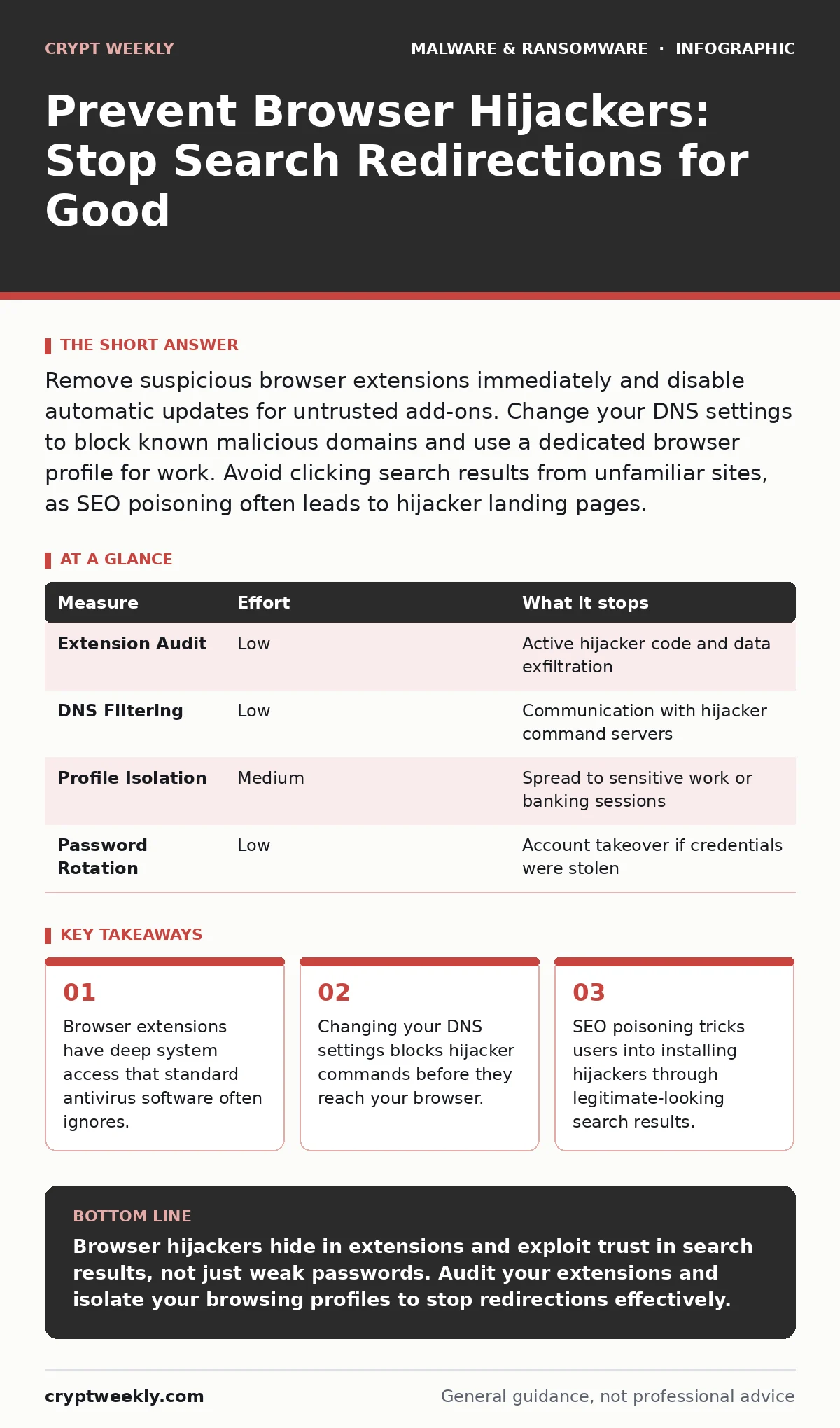
Remove suspicious browser extensions immediately and disable automatic updates for untrusted add-ons. Change your DNS settings to block known malicious domains and use a dedicated browser profile for work. Avoid clicking search results from unfamiliar sites, as SEO poisoning often leads to hijacker landing pages.
The Extension Trap
Browser hijackers rarely install as standalone programs. They hide inside browser extensions. These add-ons request permissions to "read and change all your data on websites." This permission allows the extension to inject code into every page you visit.
When you install a free PDF converter or a battery saver, you often grant this permission without reading the details. The hijacker then alters your search engine settings. It redirects your queries through a proxy that serves ads or tracks your behavior.
Standard antivirus software focuses on executable files on your disk. It often ignores the JavaScript code running inside your browser. This creates a blind spot. You can have a clean system report while your browser is fully compromised.
Audit Your Extensions
Your first line of defense is manual inspection. Open your browser’s extension manager. Look for tools you do not remember installing. Check the developer name. If it is a generic string of characters or a misspelled company name, remove it.
Even legitimate extensions can become malicious. If the developer stops maintaining it, it becomes a liability. Update your extensions regularly. An outdated extension may contain known vulnerabilities that hijackers exploit to escalate privileges.
| Measure | Effort | What it stops |
|---|---|---|
| Extension Audit | Low | Active hijacker code and data exfiltration |
| DNS Filtering | Low | Communication with hijacker command servers |
| Profile Isolation | Medium | Spread to sensitive work or banking sessions |
| Password Rotation | Low | Account takeover if credentials were stolen |
Secure Your DNS Settings
Domain Name System (DNS) translates website names into IP addresses. Hijackers often change your DNS settings to point your traffic to servers they control. This allows them to redirect you even if you type the correct URL.
Check your network adapter settings. Ensure your DNS servers are set to automatic or to a trusted public resolver. Public resolvers often block known malicious domains. This stops the hijacker from sending you to fake login pages or ad networks.
This measure is a quick win. It requires no software installation. It works at the network level, preventing the browser from ever connecting to the hijacker’s infrastructure. It does not remove the extension, but it cuts off its ability to redirect you.
Isolate Your Browsing Contexts
Imagine you use one browser profile for everything. You check email, shop for groceries, and visit forums. If a forum ad installs a hijacker, it has access to your email session. The hijacker can inject code into your email provider’s page.
Create separate browser profiles. Use one profile for general browsing and another for sensitive tasks like banking or work. Most browsers allow this natively. The profiles share the same browser engine but keep cookies and extensions separate.
If a hijacker infects your casual browsing profile, it cannot easily access your secure profile. This containment strategy limits the damage. It forces an attacker to breach each profile individually. It adds a layer of defense that costs nothing but a few clicks to set up.
Beware of SEO Poisoning
Search Engine Optimization poisoning is a technique where attackers rank malicious pages high in search results. You search for a common term, like "free tax software," and the top result is a site designed to install a hijacker.
These sites look professional. They mimic legitimate services. The hijacker installs when you click a "Download" button that actually runs a script. This is why your search intent matters. If you are looking for a tool, you are vulnerable.
Do not trust the position of a search result. Check the URL carefully. If the domain name is slightly off or uses a strange top-level domain, proceed with caution. This awareness complements technical controls. It stops the infection at the source.
See also: Browser Updates: Why They Are Your First Line of Defense · Browser Isolation for Small Business: Low Cost Protection
What Does Not Work
Many users believe that clearing their cache and cookies will remove a browser hijacker. This is a mistake. The hijacker is an extension or a setting change, not a temporary file. Clearing data resets your login states but leaves the malicious code intact.
Reinstalling the browser often fails too. If you do not uninstall the extension first, the browser may restore it from a backup or cloud sync. You must remove the extension before reinstalling. Otherwise, you just restart the infection cycle.
Another common failure is ignoring the operating system’s firewall. While a firewall blocks incoming connections, hijackers make outgoing connections to send your data away. A standard firewall rule set allows this traffic. You need specific outbound filtering to stop it, which is complex to configure.
Strengthen Application Controls
For advanced protection, consider application allowlisting. This security measure only permits approved applications to run. If a hijacker tries to launch a new process to change your settings, the system blocks it.
This is difficult to set up on personal computers. It requires maintaining a list of allowed programs. However, for work devices, it is highly effective. It prevents unauthorized scripts from executing, even if they bypass other defenses.
This approach aligns with the principle of least privilege. Your browser should not have the right to modify system settings. By restricting what the browser can do, you limit what a hijacker can do. It is a trade-off between convenience and security.
Immediate Action Checklist
You do not need to overhaul your entire setup today. Start with these three steps. They address the most common entry points for browser hijackers.
- Open your browser’s extension manager and remove any tool you do not use or trust.
- Check your DNS settings and switch to a public resolver that blocks malware domains.
- Create a separate browser profile for banking and work to isolate sensitive data.
These actions reduce your risk significantly. They take less than ten minutes. They stop the most common hijacker behaviors without requiring new software.
Key takeaways
- Browser extensions have deep system access that standard antivirus software often ignores.
- Changing your DNS settings blocks hijacker commands before they reach your browser.
- SEO poisoning tricks users into installing hijackers through legitimate-looking search results.
Browser hijackers hide in extensions and exploit trust in search results, not just weak passwords. Audit your extensions and isolate your browsing profiles to stop redirections effectively.
Frequently asked questions
How do I know if my browser is hijacked?
Look for unexpected changes to your homepage, new toolbars, or search results that lead to unfamiliar sites. Slow performance and frequent pop-ups are also common signs.
Can a browser hijacker steal my passwords?
Yes, if it has permission to read site data, it can capture keystrokes or access stored cookies. This is why isolating sensitive accounts in separate profiles is critical.
Do I need to reinstall my operating system?
No, in most cases. Removing the malicious extension and resetting browser settings is sufficient. Reinstalling the OS is overkill unless the hijacker has installed deep system-level malware.
How this guide was produced: written by the Crypt Weekly editorial team with AI assistance, checked against the public references listed below, and reviewed when the facts change. See our editorial policy or report an error.