
Tor hides your location from websites, but your internet provider still sees that you are using the Tor network, and your behavior inside the browser can leak your identity.
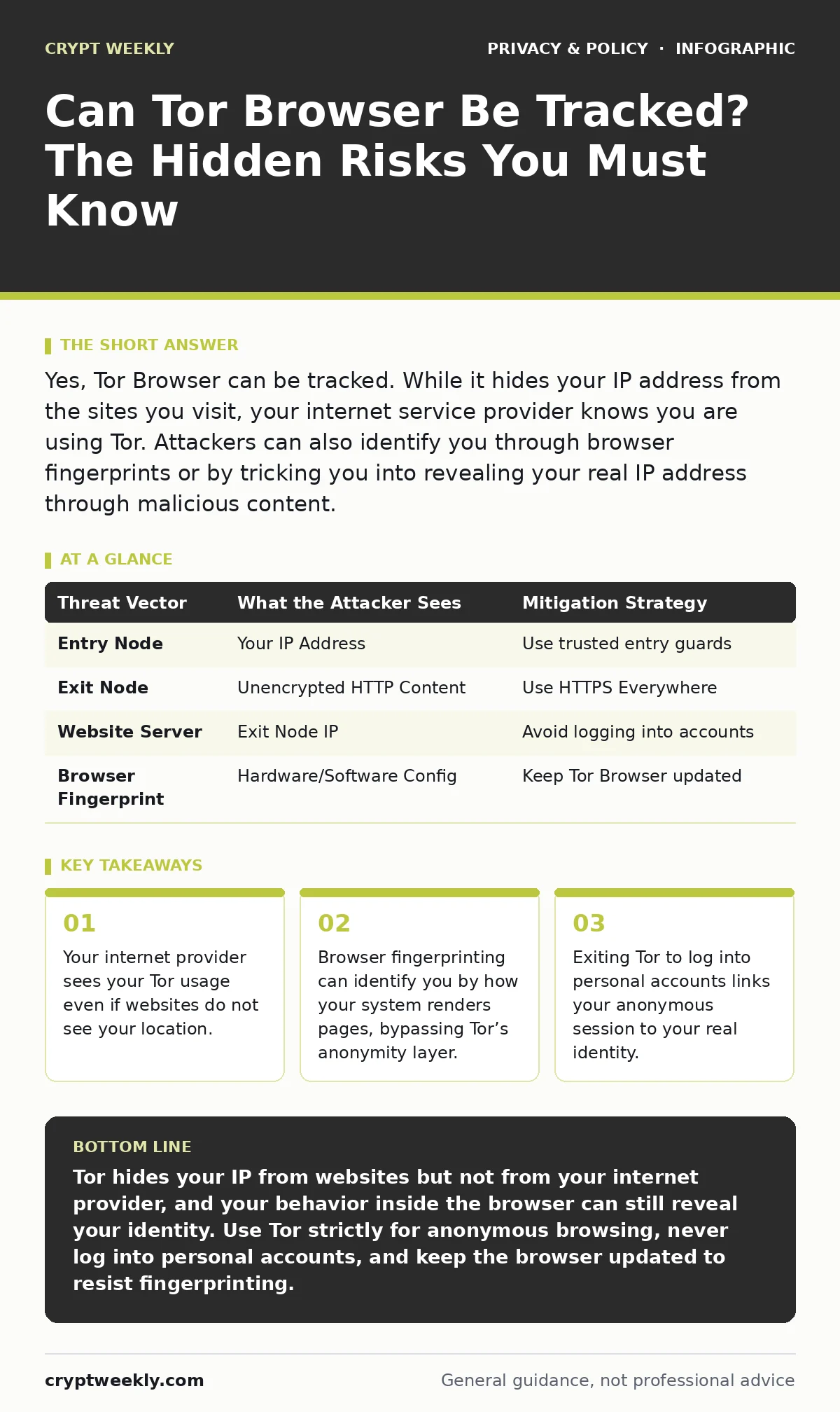
Yes, Tor Browser can be tracked. While it hides your IP address from the sites you visit, your internet service provider knows you are using Tor. Attackers can also identify you through browser fingerprints or by tricking you into revealing your real IP address through malicious content.
Can tor browser be tracked by websites?
No, websites cannot see your real IP address when you use Tor correctly. Tor routes your traffic through three random relays, encrypting it at each step. The final relay, called the exit node, sends your request to the target website. That website sees the exit node’s IP address, not yours. This mechanism breaks the direct link between your device and the destination. However, this protection only applies to traffic routed through the Tor network. If you use another browser or application simultaneously, those connections remain visible to the destination and your network. Tor does not protect your entire computer, only the traffic within the Tor Browser window.
Can my ISP see that I am using Tor?
Yes, your internet service provider can see that you are connecting to the Tor network. While your ISP cannot see the specific websites you visit inside Tor, they can see the destination IP addresses of the Tor entry nodes. These entry nodes are public and well-known. Your ISP sees encrypted packets flowing to these specific addresses. This pattern is distinct from normal web browsing. If your ISP monitors for known Tor node IPs, they will know you are using Tor. This is why some networks block Tor access entirely. Using Tor does not hide your usage of Tor from your network administrator or provider. It only hides the content of your traffic from the exit node and the destination site.
What is browser fingerprinting and how does it bypass Tor?
Browser fingerprinting identifies you by the unique combination of your system settings, rather than by your IP address. Websites collect data about your screen resolution, installed fonts, operating system version, and GPU capabilities. Even if two people use Tor, their hardware and software configurations differ. If your configuration is unique enough, the website can link your anonymous session to your previous non-anonymous sessions.
Tor Browser attempts to standardize these signals to make all users look the same. If you install extensions or change settings, you break this standardization. You become unique again. This allows trackers to follow you across different Tor sessions. The risk is higher if you use Tor on a device with rare hardware or customized software.
How do exit nodes expose your data?
Exit nodes decrypt the final layer of Tor encryption before sending your request to the public internet. This means the operator of the exit node can see the unencrypted content of your HTTP traffic. If you visit a website that does not use HTTPS, the exit node operator can read your data. They can also inject scripts or ads into the page you are viewing. Tor Browser forces HTTPS for many sites to mitigate this risk. However, not all sites support HTTPS. If you access unencrypted services, you are trusting the exit node operator not to steal your credentials or inject malware. You cannot verify the integrity of the exit node. This is a fundamental limitation of the Tor network architecture.
Why does logging into accounts destroy anonymity?
Logging into personal accounts links your anonymous Tor session to your real identity. Suppose you use Tor to browse news sites anonymously. Then you log into your email or social media account. The service provider now knows that the Tor exit node you are using belongs to you. If you later use that same account from your home IP address, the provider can correlate the two sessions. This correlation reveals that you used Tor. It also allows the service to build a profile of your anonymous activities. Anonymity requires separation. Mixing identified accounts with anonymous browsing breaks that separation. You must treat Tor as a separate identity, not as a mask for your real self.
See also: Browser Updates: Why They Are Your First Line of Defense
How do JavaScript exploits compromise Tor users?
JavaScript can execute code within your browser that bypasses Tor’s network protections. Malicious websites can use JavaScript to trigger requests to your local network or to measure the timing of your requests. Timing attacks can correlate your traffic with traffic seen at the exit node, potentially de-anonymizing you.
JavaScript can also access your webcam or microphone if you grant permission. Tor Browser disables JavaScript by default on many sites to prevent these exploits. If you enable JavaScript on untrusted sites, you expose yourself to these risks. The convenience of interactive web features often comes at the cost of security. You must balance usability with the need for strict isolation.
| Threat Vector | What the Attacker Sees | Mitigation Strategy |
|---|---|---|
| Entry Node | Your IP Address | Use trusted entry guards |
| Exit Node | Unencrypted HTTP Content | Use HTTPS Everywhere |
| Website Server | Exit Node IP | Avoid logging into accounts |
| Browser Fingerprint | Hardware/Software Config | Keep Tor Browser updated |
Can malware on my device bypass Tor?
Yes, malware installed on your device can bypass Tor entirely. If your computer is infected with a keylogger, spyware, or a rootkit, the malware can capture your data before it enters the Tor network. It can also record your screen or steal files directly from your hard drive. Tor protects your network traffic, not your local system. A compromised device is a compromised identity. You cannot trust Tor if your underlying operating system is untrusted. Regular updates and careful software selection are necessary to maintain a clean environment. Using a virtual machine or a dedicated live operating system can help isolate your browsing from the main system.
How do I use Tor safely without being tracked?
You must follow strict operational security practices to minimize tracking risks. First, never install extensions or plugins. These break the browser’s fingerprinting protection. Second, do not open files downloaded in Tor. Executing a file runs it on your local system, where Tor offers no protection. Third, avoid torrenting or streaming. These protocols often leak your real IP address. Fourth, keep Tor Browser updated to patch known vulnerabilities. Finally, use a secure operating system that isolates your browsing session. These steps reduce the attack surface significantly. They do not eliminate risk, but they make successful tracking much harder for an attacker.
Key takeaways
- Your internet provider sees your Tor usage even if websites do not see your location.
- Browser fingerprinting can identify you by how your system renders pages, bypassing Tor’s anonymity layer.
- Exiting Tor to log into personal accounts links your anonymous session to your real identity.
Tor hides your IP from websites but not from your internet provider, and your behavior inside the browser can still reveal your identity. Use Tor strictly for anonymous browsing, never log into personal accounts, and keep the browser updated to resist fingerprinting.
Frequently asked questions
Does Tor hide my browsing history from my ISP?
No, your ISP sees that you are using Tor, but it cannot see the specific websites you visit inside the Tor network.
Is Tor safer than a VPN for privacy?
Tor provides better anonymity from websites, but a VPN may be simpler to use and faster. Tor hides your IP from the destination, while a VPN hides it from your ISP.
Can I use Tor on my phone?
Yes, the Orbot and Orfox apps provide Tor access on Android. iOS support is more limited due to platform restrictions.
Does Tor slow down my internet?
Yes, routing traffic through three random relays adds significant latency. Expect slower page loads and reduced streaming quality.
How this guide was produced: written by the Crypt Weekly editorial team with AI assistance, checked against the public references listed below, and reviewed when the facts change. See our editorial policy or report an error.