See how browser updates patch memory flaws, block new attacks, and fit into a wider security stack to keep your data safe.
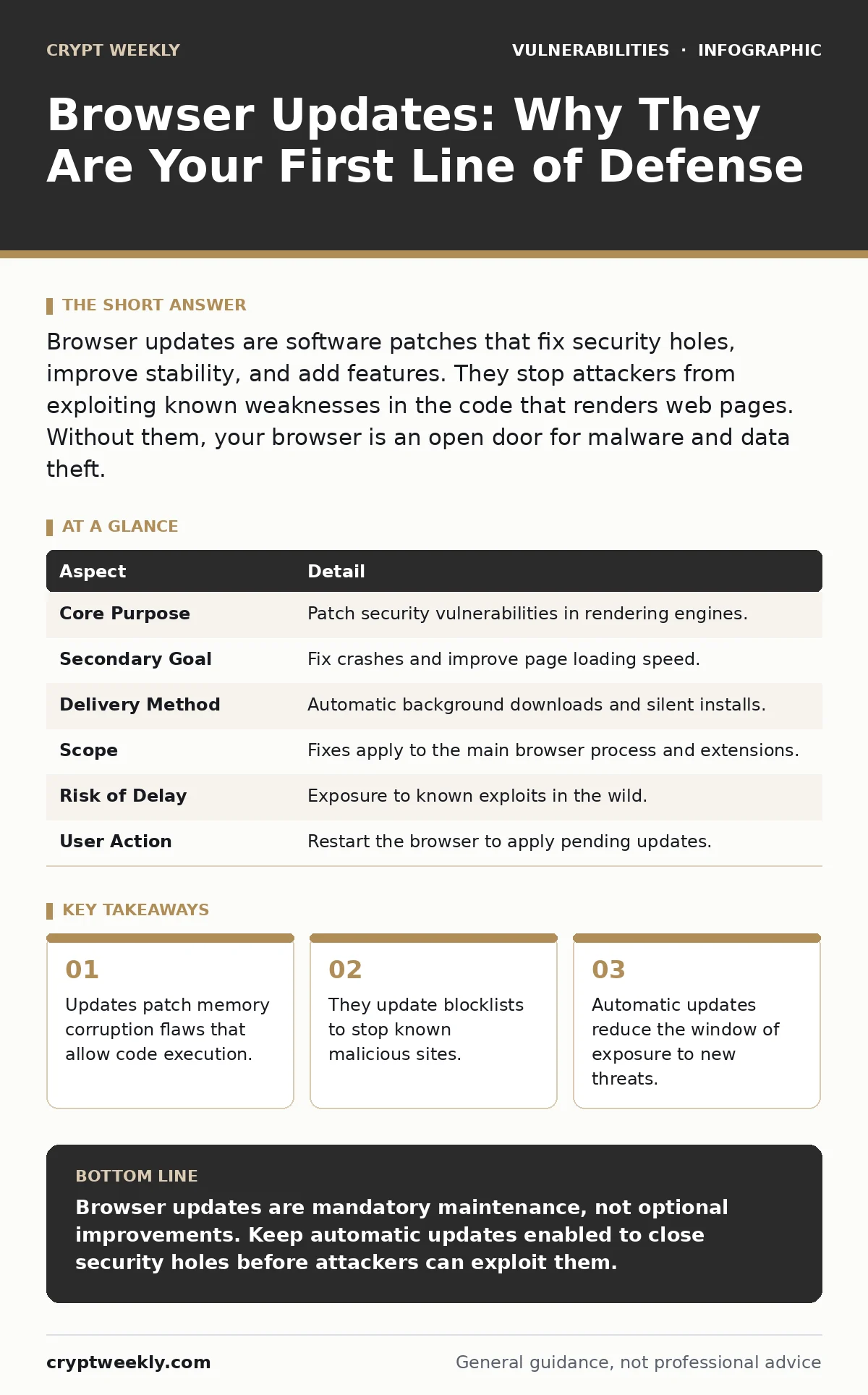
Browser updates are software patches that fix security holes, improve stability, and add features. They stop attackers from exploiting known weaknesses in the code that renders web pages. Without them, your browser is an open door for malware and data theft.
The Digital Locksmith Analogy
Imagine you rent a secure storage unit. The landlord installs a high-quality lock. One day, a locksmith discovers a flaw in that lock design. With a simple tool, anyone can pick it. The landlord does not wait for you to ask. They send a technician to replace the lock mechanism with a newer, uncrackable model.
Your browser is that storage unit. It holds your banking sessions, emails, and personal files. The "lock" is the complex code that renders web pages. When researchers find a way to break that code, the browser vendor issues an update. This update replaces the vulnerable mechanism with a fixed one.
You do not need to understand the flaw to benefit from the fix. You only need to ensure the new lock is installed. Delaying the update is like leaving the old, pickable lock on the door. It assumes no one will try to enter. That assumption is rarely correct.
What Browser Updates Actually Do
A browser update is a package of code changes. It does not just add new icons or change the color scheme. The primary purpose is security. The secondary purpose is stability and performance.
Security updates address vulnerabilities. These are bugs in the code that allow an attacker to do something they should not. They might read your memory, execute code on your machine, or bypass privacy settings. The update patches the hole so the attack no longer works.
Stability fixes resolve crashes. If a specific website causes your browser to close unexpectedly, an update may include a fix for that interaction. Performance updates make pages load faster or use less battery. These improvements keep the tool usable.
| Aspect | Detail |
|---|---|
| Core Purpose | Patch security vulnerabilities in rendering engines. |
| Secondary Goal | Fix crashes and improve page loading speed. |
| Delivery Method | Automatic background downloads and silent installs. |
| Scope | Fixes apply to the main browser process and extensions. |
| Risk of Delay | Exposure to known exploits in the wild. |
| User Action | Restart the browser to apply pending updates. |
The Rendering Engine Problem
Browsers are complex software. They must interpret HTML, CSS, and JavaScript from any website on the internet. This task requires a rendering engine. The engine parses code and draws pixels on your screen.
This complexity creates a large surface area for errors. A mistake in how the engine handles a specific type of image or script can lead to a memory corruption flaw. Memory corruption occurs when the program writes data to the wrong place in memory. This can allow an attacker to run their own code on your computer.
These flaws are not theoretical. Attackers write malicious code specifically to trigger them. They host this code on compromised websites or send it in phishing emails. When you visit the site, the browser tries to render it. The flaw triggers. The attacker gains control.
Updates fix these specific flaws. They change how the engine handles that specific type of data. The malicious code no longer causes a crash or code execution. It simply fails. The attack is neutralized before it starts.
Beyond Code: Blocklists and Policies
Updates do not only fix code bugs. They also update internal security policies. Browsers maintain blocklists of known malicious domains. These are websites that host malware or phishing scams.
When a browser updates, it downloads a fresh list of these domains. If you try to visit a site on the list, the browser blocks the connection. It shows a warning page. This prevents you from downloading harmful files or entering credentials on a fake login page.
Updates also change default security settings. A vendor might decide that a certain type of script is too risky. They update the browser to block that script by default. This raises the baseline security for all users. You do not need to change any settings. The update enforces the stricter policy automatically.
The Automation Advantage
Human behavior is the weakest link in security. People forget to check for updates. They click "Remind Me Later" and never return. They assume their system is secure because it works.
Automatic updates remove this friction. The browser checks for new versions in the background. It downloads the update when you are not using the browser. It installs the update the next time you restart. You do not need to take any action.
This automation shrinks the window of exposure. A vulnerability is discovered. The fix is released. Your browser installs it within hours or days. If you wait weeks, you are vulnerable for weeks. Attackers target these windows. They know many users delay updates.
Automatic updates also ensure consistency. Every user on the latest version has the same security baseline. This makes it harder for attackers to target a specific, outdated version. They must find a new, unknown flaw to affect the majority.
See also: Prevent Browser Hijackers: Stop Search Redirections for Good · Dependency Scanning Best Practices for Secure Software Supply Chains
Where Browser Security Fits
Browser updates are not a silver bullet. They are one layer in a defense stack. They protect the application layer. They do not protect the operating system or the network.
If your operating system has a vulnerability, an attacker might bypass browser defenses entirely. They could install keyloggers or rootkits. These tools run at a lower level than the browser. Browser updates cannot remove them.
Network security is also separate. If your Wi-Fi is unencrypted, attackers on the same network can intercept your traffic. Browser updates cannot fix a weak network. You need a firewall and encrypted connections.
Think of it as a house. The browser update fixes the door lock. The operating system update reinforces the walls. The network security guards the perimeter. You need all three. A strong lock does not help if the roof collapses or the fence is down.
Common Misconceptions About Updates
Many users believe that only security updates matter. They ignore updates that add features or improve performance. This is a mistake. Feature updates often include underlying security improvements. They may deprecate old, insecure protocols. They may introduce new sandboxing techniques.
Another misconception is that updates break things. Some users fear that a new version will not work with their favorite extensions or websites. While compatibility issues can occur, they are rare. Most updates are backward compatible. The risk of a security breach far outweighs the inconvenience of a broken extension.
Some users think that using a "secure" browser means they do not need updates. No browser is immune to flaws. Even the most secure browsers have vulnerabilities. The difference is in how quickly they are found and fixed. Updates are the mechanism for that fix. Without them, even the best browser becomes insecure.
The Hidden Cost of Stagnation
There is a hidden cost to delaying updates. It is not just the risk of a breach. It is the accumulation of technical debt. Older versions of browsers may no longer support modern web standards. This can lead to compatibility issues with banking sites, work portals, and communication tools.
You may find that certain features do not work. You may see errors on secure sites. This is because the site expects a level of security or functionality that your old browser cannot provide. The site may refuse to load to protect your data.
Updating regularly avoids this drift. You stay compatible with the modern web. You benefit from performance improvements. You maintain a strong security posture. The cost of updating is minimal. The cost of not updating is high.
Key takeaways
- Updates patch memory corruption flaws that allow code execution.
- They update blocklists to stop known malicious sites.
- Automatic updates reduce the window of exposure to new threats.
- Browser security complements, but does not replace, OS and network defenses.
Browser updates are mandatory maintenance, not optional improvements. Keep automatic updates enabled to close security holes before attackers can exploit them.
Frequently asked questions
Do I need to restart my browser after an update?
Yes, most updates require a restart to apply the new code. The browser will usually prompt you to relaunch.
Can updates remove my bookmarks or history?
No, standard security updates do not delete your personal data. They only change the browser software.
Are browser updates free?
Yes, security and feature updates for mainstream browsers are always free. Never pay for a browser update.
What if an update breaks an extension?
You can usually disable the problematic extension. Update the extension or wait for a compatibility fix from the developer.
How this guide was produced: written by the Crypt Weekly editorial team with AI assistance, checked against the public references listed below, and reviewed when the facts change. See our editorial policy or report an error.