
Attackers manipulate search rankings to place malicious links at the top, making dangerous sites look like trusted resources you would normally visit.
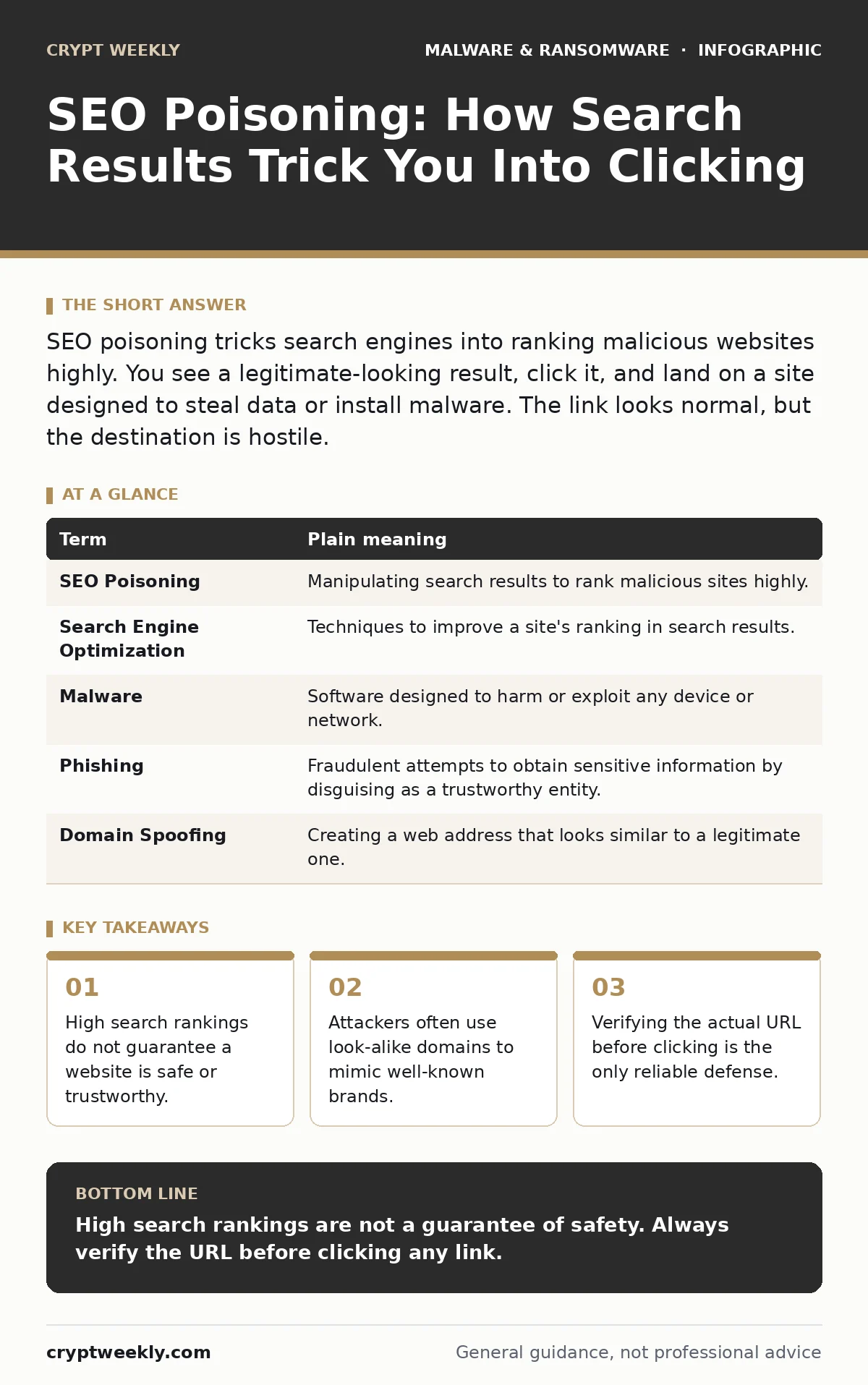
SEO poisoning tricks search engines into ranking malicious websites highly. You see a legitimate-looking result, click it, and land on a site designed to steal data or install malware. The link looks normal, but the destination is hostile.
The Broken Storefront Analogy
Imagine a busy city street where every shop has a sign pointing to its location. You trust these signs because they are usually accurate. Now imagine someone paints a fake sign that says "City Bank," pointing to a dark alley. You follow the sign because it looks official. The sign is the search result. The alley is the malicious website. The city planner is the search engine.
How Search Engines Get Tricked
Search engines use algorithms to rank pages based on relevance and authority. Attackers exploit this by creating content that mimics popular topics. They might create a page about tax software that looks identical to the real vendor. They then use artificial links and keyword stuffing to boost its rank. The search engine sees the activity and assumes the page is valuable. It moves the fake page to the top of the list.
| Term | Plain meaning |
|---|---|
| SEO Poisoning | Manipulating search results to rank malicious sites highly. |
| Search Engine Optimization | Techniques to improve a site's ranking in search results. |
| Malware | Software designed to harm or exploit any device or network. |
| Phishing | Fraudulent attempts to obtain sensitive information by disguising as a trustworthy entity. |
| Domain Spoofing | Creating a web address that looks similar to a legitimate one. |
The Hidden Cost of Trust
You rely on search engines to filter out bad sites. This reliance creates a blind spot. When a result appears at the top, your brain registers it as safe. You skip the verification step. This is the hidden cost of convenience. You trade security for speed. The attacker knows this. They do not need to trick you with complex code. They only need to trick the search engine. Once the engine trusts them, you trust them by default.
What It Means for You
When you click a poisoned link, you land on a site that looks legitimate. It might ask for a login. It might offer a free download. The design is clean. The text is professional. But the backend is hostile. The site may install browser hijackers that change your homepage and inject ads. It may serve malicious documents that execute code when you open them. You are now inside their trap. The damage happens before you realize the URL was wrong.
The Non-Obvious Consequence
Most users focus on the content of the page. They check if the text makes sense. This is the wrong focus. The content is often copied from legitimate sources. The real indicator is the domain name. Attackers register domains that differ by one letter or use different top-level extensions. You might expect to see a site ending in .com, but the poisoned link points to .net or .org. This subtle change is invisible during a quick scan. It is the primary vector for ransomware backups failure, as users may inadvertently download corrupted or fake backup tools from these sites.
See also: Sandboxing Misconceptions: What Static Analysis Actually Misses · Memory Forensics Misconceptions: What Analysts Get Wrong
Simple Safety Habits
You can protect yourself without advanced technical skills. The key is to slow down. Do not click the first result you see. Look at the address bar before you interact with the page. Check for subtle misspellings. If you are looking for a specific company, type the known URL directly into the browser. This bypasses the search engine entirely. This habit breaks the chain of trust that the attacker relies on.
Try This Now
- Find a recent search result you clicked. Look at the URL closely. Does it match the brand name exactly?
- Practice typing the full URL of a trusted service into your browser bar instead of searching for it.
- Install a browser extension that warns you about suspicious domains, but do not rely on it as your only defense.
Beyond Basic Protection
Technical tools help, but they are not a silver bullet. Antivirus software can catch known malware signatures, but it may miss new or customized threats delivered via SEO poisoning. Application allowlisting prevents unauthorized programs from running, which limits the damage if you do click a bad link. However, the best defense is behavioral. Understanding macro security settings in office documents is also vital, as poisoned sites often distribute files that require macros to execute. If you ever face a serious infection, having a ransomware recovery plan in place ensures you can restore your data without paying a ransom.
Key takeaways
- High search rankings do not guarantee a website is safe or trustworthy.
- Attackers often use look-alike domains to mimic well-known brands.
- Verifying the actual URL before clicking is the only reliable defense.
High search rankings are not a guarantee of safety. Always verify the URL before clicking any link.
Frequently asked questions
Can SEO poisoning affect mobile devices?
Yes, mobile search results are also manipulated. The same tactics used on desktop apply to mobile browsers.
How do I know if a site is spoofed?
Look closely at the domain name for misspellings or unusual extensions. Compare it to the official site URL you know.
Does HTTPS protect me from SEO poisoning?
No, HTTPS only encrypts the connection. It does not verify that the website itself is legitimate or safe.
What should I do if I clicked a poisoned link?
Disconnect from the internet, run a full security scan, and change your passwords from a clean device.
How this guide was produced: written by the Crypt Weekly editorial team with AI assistance, checked against the public references listed below, and reviewed when the facts change. See our editorial policy or report an error.