
Your cloud provider holds your decryption keys by default, meaning they can read your files even if hackers cannot.
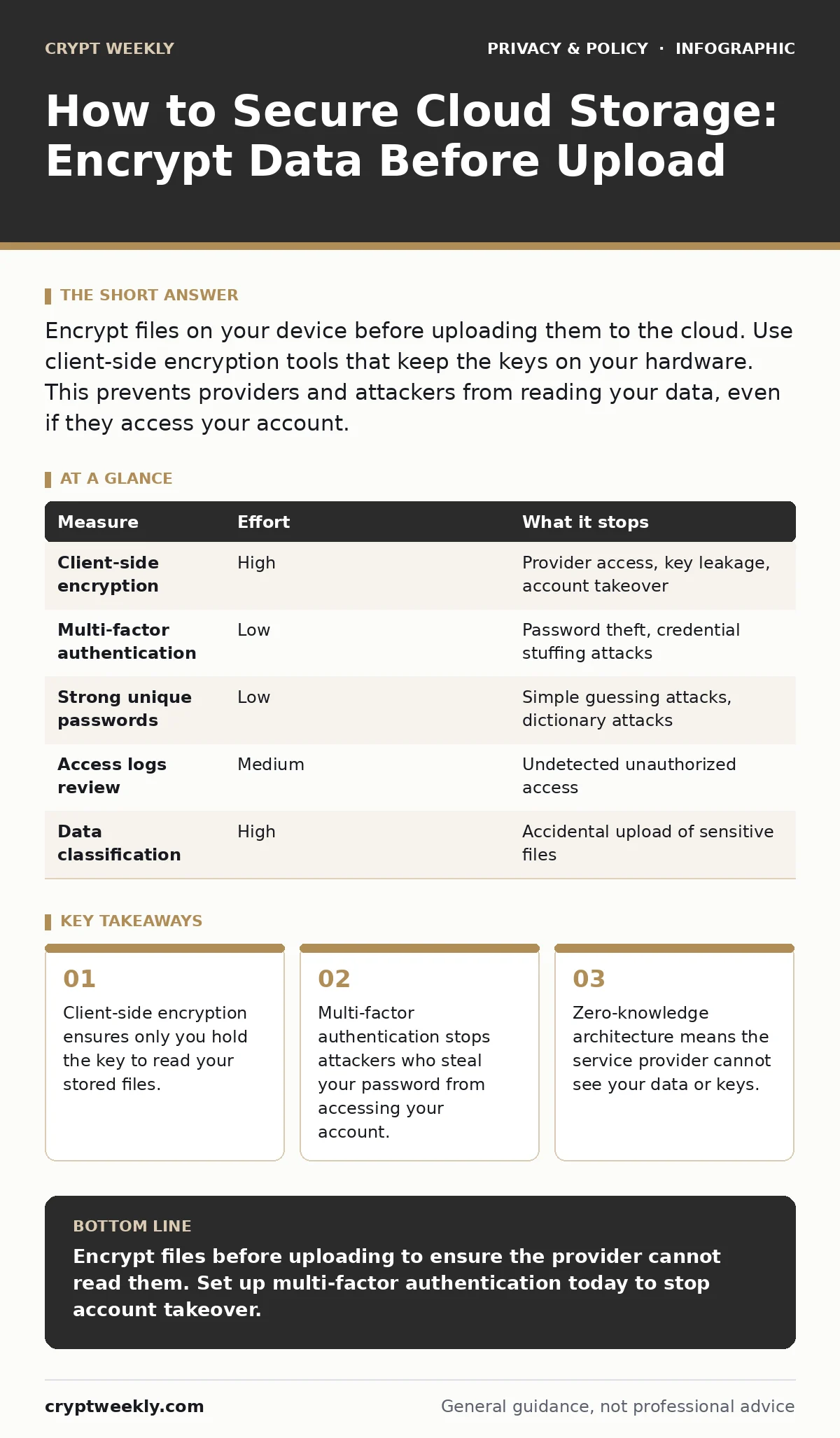
Encrypt files on your device before uploading them to the cloud. Use client-side encryption tools that keep the keys on your hardware. This prevents providers and attackers from reading your data, even if they access your account.
How to Secure Cloud Storage with Client-Side Encryption
The most effective way to how to secure cloud storage is to encrypt files before they leave your device. Most cloud services offer server-side encryption, which protects data at rest on their disks. This protects against physical theft of hard drives, but it does not protect you from the provider itself. The provider holds the decryption keys. They can scan your files for malware, copyright infringement, or legal compliance.
If a hacker steals your login credentials, they get immediate access to your decrypted files. Client-side encryption changes this dynamic. You encrypt the data locally. The cloud service only sees scrambled gibberish. Even if the provider wants to read your files, they cannot. This approach shifts the security boundary from the provider’s servers to your own device. It requires more effort but provides true privacy.
The Zero-Knowledge Architecture Advantage
Zero-knowledge architecture means the service provider has no way to access your plaintext data. They do not hold your encryption keys. You generate the keys on your device. You upload the encrypted files. If you lose your password, you lose your data. The provider cannot reset it because they never knew it. This is the gold standard for privacy. Many popular services claim to offer encryption, but they do not use zero-knowledge protocols.
They encrypt your data for transit and storage, but they keep the keys. This allows them to help you recover lost passwords. It also allows them to comply with law enforcement requests to hand over your files. True zero-knowledge services cannot comply with such requests because they have nothing to hand over. Choosing a provider with this architecture removes the risk of the provider being compromised or coerced.
Priority Measures for Risk Reduction
Not all security measures are equal. Some remove most of the risk with little effort. Others provide marginal benefits. You should prioritize measures that stop the most common attacks. The table below ranks common measures by the risk they remove.
| Measure | Effort | What it stops |
|---|---|---|
| Client-side encryption | High | Provider access, key leakage, account takeover |
| Multi-factor authentication | Low | Password theft, credential stuffing attacks |
| Strong unique passwords | Low | Simple guessing attacks, dictionary attacks |
| Access logs review | Medium | Undetected unauthorized access |
| Data classification | High | Accidental upload of sensitive files |
Client-side encryption requires the most effort but removes the most risk. It stops the provider from seeing your data. Multi-factor authentication is easy to set up and stops most automated attacks. You should implement both. Do not rely on passwords alone. Passwords are often reused across sites. A breach on another site can expose your cloud password. Multi-factor authentication adds a second layer. Even if the password is stolen, the attacker cannot log in without the second factor. This combination provides a strong defense against common threats.
What Does Not Work On Its Own
Many people believe that enabling "encryption" in their cloud settings is enough. This is a dangerous misconception. Server-side encryption protects data from physical theft of the provider's hardware. It does not protect data from the provider's employees or from hackers who steal your login credentials. If you only use server-side encryption, you are trusting the provider completely. You are trusting that their internal controls are perfect.
You are trusting that their key management is flawless. History shows that large providers make mistakes. Employees with bad intent can access data. Key management systems can be misconfigured. When these failures happen, server-side encryption offers no protection. Your data is readable by anyone with account access. You must add client-side encryption to remove this trust dependency. This ensures that even if the provider is compromised, your data remains safe.
Managing Keys and Access Control
Encryption is only as strong as your key management. If you store your encryption keys in the cloud, you have not gained much. The provider can still access your data if they steal the keys. You must keep the keys on your device. Use a hardware security key or a secure password manager. These tools store keys in a way that is resistant to theft. Do not write keys down on paper. Do not store them in plain text files.
If you lose the keys, your data is gone forever. There is no recovery. This is the trade-off for true privacy. You gain security, but you lose convenience. You must have a reliable backup strategy for your keys. Store copies in separate physical locations. Test your recovery process regularly. Ensure you can decrypt your files before you need to. This prevents data loss due to key mismanagement.
See also: Password Manager vs Browser Saved Passwords: Security Differences
Detecting and Responding to Breaches
Even with strong encryption, you must monitor for unauthorized access. Enable login notifications and access logs. Review them regularly. Look for logins from unfamiliar locations or devices. If you see suspicious activity, change your password immediately. Enable multi-factor authentication if it is not already on. Revoke access for any third-party apps you do not recognize. These apps may have access to your files.
They can be a source of leakage. Regular audits of your connected apps are necessary. Remove any that you no longer use. This reduces the attack surface. It prevents a breach in a third-party app from compromising your cloud storage. Monitoring is a continuous process. It helps you catch problems early. Early detection limits the damage. It allows you to react before sensitive data is exfiltrated.
Integrating Privacy into Your Workflow
Security is not a one-time setup. It is a daily habit. You must integrate privacy into your workflow. Classify your data before uploading. Identify which files are sensitive. Encrypt only those files. This saves time and storage. Not all data needs the highest level of protection. Public files can remain unencrypted. Sensitive files must be encrypted. Use consistent naming conventions.
This makes it easy to find and manage encrypted files. Automate where possible. Use scripts or tools to encrypt files automatically. This reduces the chance of human error. Consistency is key. If you skip encryption for one file, you create a vulnerability. Attackers look for the weakest link. Make every file equally strong. This forces attackers to find another target. It raises the cost of attacking you. High costs deter most attackers.
Key takeaways
- Client-side encryption ensures only you hold the key to read your stored files.
- Multi-factor authentication stops attackers who steal your password from accessing your account.
- Zero-knowledge architecture means the service provider cannot see your data or keys.
Encrypt files before uploading to ensure the provider cannot read them. Set up multi-factor authentication today to stop account takeover.
Frequently asked questions
Does using Tor Browser help secure my cloud storage?
Tor Browser anonymizes your internet traffic, but it does not encrypt your files before they reach the cloud. You still need client-side encryption for data privacy.
Can I use encrypted messaging apps to transfer files securely?
Yes, encrypted messaging apps provide end-to-end encryption for file transfers. However, they are not designed for long-term storage. Use them for sharing, not storing.
How do privacy policies affect my cloud storage security?
Privacy policies explain how the provider uses your data. They do not provide technical security. Read them to understand data sharing, but implement encryption for actual protection.
Do password managers for families improve cloud security?
Password managers generate and store unique passwords. This prevents credential stuffing attacks. They do not encrypt your cloud files, so you still need client-side encryption.
How this guide was produced: written by the Crypt Weekly editorial team with AI assistance, checked against the public references listed below, and reviewed when the facts change. See our editorial policy or report an error.