A new tool lets users modify RTX graphics card settings without flashing firmware, reducing the risk of permanent hardware damage during customization.
Key points
- Developer Panchovix released a VBIOS configurator for RTX 30-to-50-series cards on GitHub.
- The tool uses an Nvidia register key to override settings, avoiding risky flash processes.
- Users can apply custom fan curves and power limits without overwriting the physical flash chip.
A solo developer has released a new utility that allows users to modify graphics card firmware settings without performing dangerous flash operations. This tool targets Nvidia RTX cards and offers a safer alternative to traditional VBIOS editing methods.
What happened
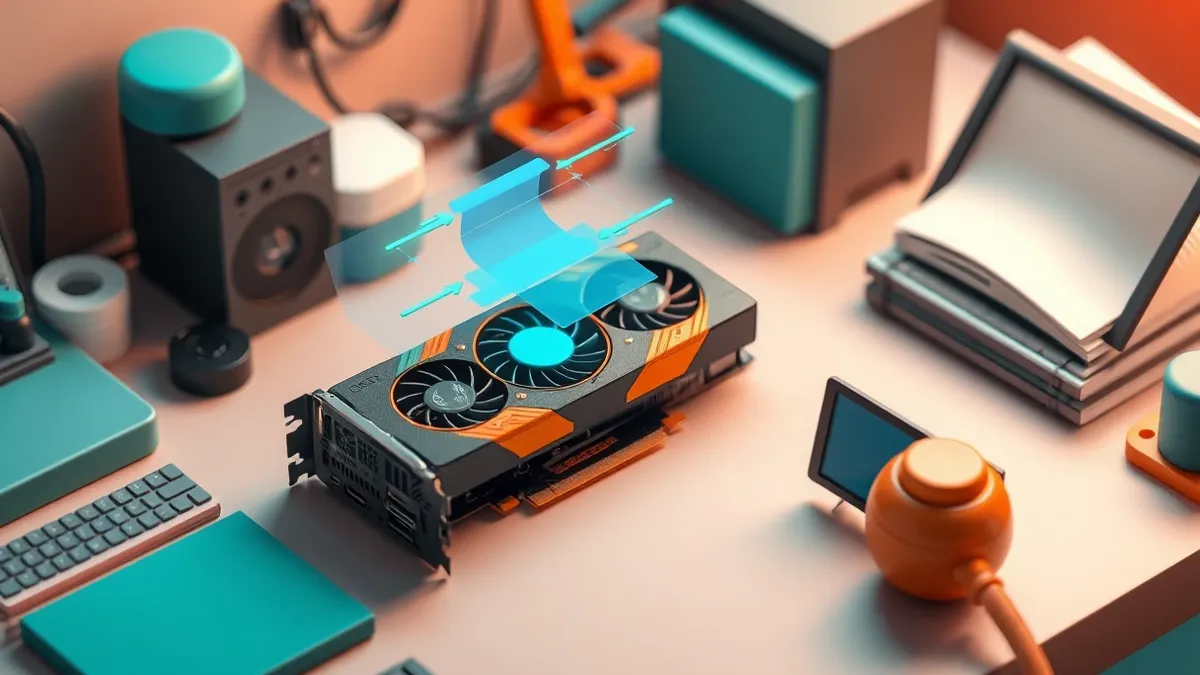
Panchovix recently published a VBIOS configurator on GitHub designed for Nvidia GeForce RTX 30-series through RTX 50-series graphics cards, according to Tom's Hardware. The software provides a user interface for adjusting settings that typically require flashing the video BIOS. Traditional VBIOS modification involves overwriting the physical flash chip on the graphics card, a process that carries a significant risk of bricking the GPU if interrupted or done incorrectly. This new loader avoids that risk entirely. Instead of writing to the hardware chip, the tool stores the modified VBIOS image in an Nvidia register key.
When the Nvidia driver starts up, it detects this override and applies the custom settings. The original firmware on the card remains untouched. The utility is available for both Windows and Linux systems. It allows users to push their GPUs beyond the hard limits set by manufacturers, similar to how BIOS settings are changed in a boot menu. However, the developer warns that extreme settings can still damage electrical components. The tool simply makes the configuration process safer and easier to reverse if instability occurs.
Why it matters
Modifying firmware directly on hardware components carries inherent risks. When users flash a BIOS, they are rewriting the low-level instructions that tell the hardware how to operate. If this process fails, the device becomes unusable, or "bricked," because it no longer knows how to initialize. This tool bypasses that danger by using a software-level override.
It tells the operating system driver to ignore the physical chip's instructions and use a custom set instead. This approach is reversible and does not require specialized hardware programmers to recover from mistakes. However, it does not protect against physical damage caused by pushing voltage or power limits too high. Understanding this distinction helps users appreciate the safety benefit while recognizing that electrical limits remain unchanged.
The fix
No fix has been confirmed yet as this is a new release rather than a vulnerability patch.
Why it matters
Teams managing hardware configurations usually prefer stable, verified settings over experimental tweaks. Check whether your organization's hardware policies allow for firmware-level modifications. This kind of tool is best suited for individual users who understand power delivery and voltage tables. It is not recommended for general production environments where stability is paramount. The primary value here is convenience and reduced risk of permanent hardware failure during testing. Users should always back up their original settings before applying any overrides.
Background: Firmware
Firmware is the low-level software that initializes hardware. If attackers control it, they can hide malware that survives operating system reinstalls. You must verify firmware integrity using cryptographic signatures to ensure the hardware starts only with trusted code.
Read the full guide: Why Firmware Security Determines Your Device's True Attack Surface
What to do and how to stay safe: Nvidia
- Back up your current VBIOS settings before attempting any modifications with this tool.
- Test extreme voltage or power settings cautiously, as they can still destroy hardware components.
- Monitor your GPU temperatures and stability closely after applying new default settings.
- Verify that your Nvidia drivers are up to date to ensure the registry key override functions correctly.
Step-by-step guide: What is password policies and how they protect systems
General security guidance from the Crypt Weekly newsroom. It is not confirmed advice from the organisations named in this story.
Frequently asked questions
Does this tool brick my GPU?
No, it avoids bricking risks by using a register key override instead of flashing the physical chip.
Which cards are supported?
The configurator supports Nvidia GeForce RTX 30-series through RTX 50-series graphics cards.
Is this safe for beginners?
The developer warns against using it unless you are familiar with power delivery and voltage tables.