
Unused network ports remain open by default on many systems, creating hidden entry points that attackers exploit before administrators notice the exposure.
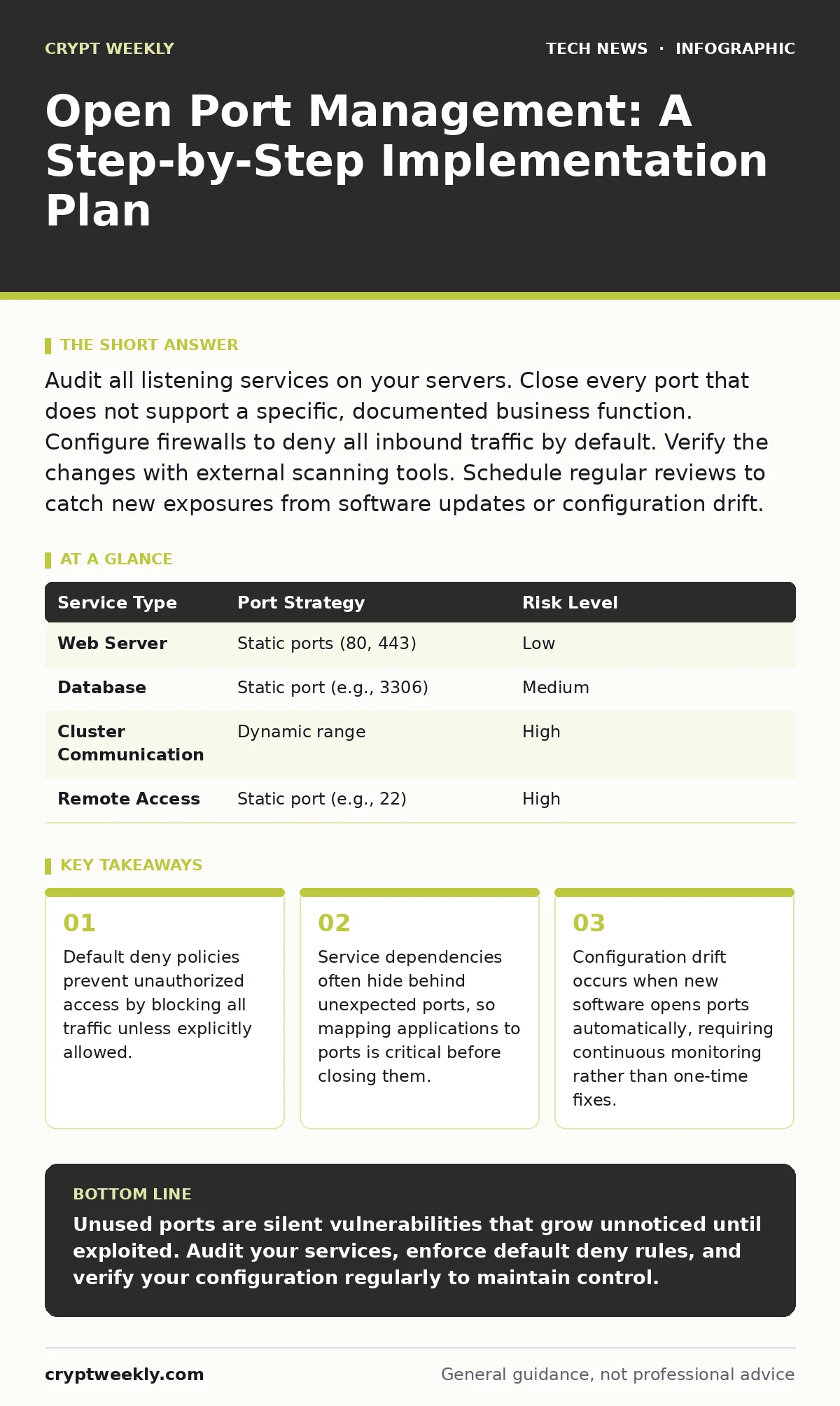
Audit all listening services on your servers. Close every port that does not support a specific, documented business function. Configure firewalls to deny all inbound traffic by default. Verify the changes with external scanning tools. Schedule regular reviews to catch new exposures from software updates or configuration drift.
Define the Baseline Before Closing Anything
You cannot manage what you do not know exists. Most security failures in port management happen because administrators close ports without understanding which services depend on them. This leads to broken applications, not just closed doors. You must identify every service running on your servers and the specific ports they use for communication.
Start by listing all applications and their required network connections. Document the purpose of each service. Is it for internal database replication? External web access? Remote administration? If you cannot define the business reason for a port being open, it should be closed. This documentation becomes your source of truth when troubleshooting connectivity issues later.
Audit Current Listening Services
Before changing any firewall rules, you need an accurate picture of your current state. Use system tools to list all active connections and listening ports. On Linux systems, the netstat or ss commands provide this data. On Windows, netstat serves the same purpose. Look for ports in the "LISTENING" state.
Compare this output against your baseline documentation. Any port that appears in the system output but not in your documentation is a candidate for closure. Be careful with ephemeral ports, which are temporary ports used for outbound connections. These are typically high-numbered ports and are not the same as service ports. Focus your audit on well-known ports and any custom ports your applications use.
Implement Default Deny Firewall Rules
The core of open port management is a default deny policy. This means your firewall blocks all inbound traffic unless a rule explicitly allows it. Many systems ship with default allow rules or permissive configurations that assume trust. You must reverse this assumption.
Configure your host-based firewalls and network firewalls to deny all incoming connections by default. Then, create specific allow rules only for the ports you documented in the baseline. For example, if a web server only needs to serve HTTP and HTTPS, allow only those ports. Block everything else. This approach ensures that if a new service starts unexpectedly, it cannot accept connections until you explicitly permit it.
Roll Out Changes in Phases
Do not apply restrictive firewall rules to all systems at once. A misconfigured rule can lock you out of your own servers or break critical business processes. Start with a small group of non-critical systems. Apply the default deny policy and the specific allow rules. Monitor these systems for any connectivity issues or application errors.
Once you confirm the configuration works without side effects, expand to other groups. Test remote access, application performance, and logging. If a service fails, check if it was using an undocumented port or protocol. Update your baseline and add the necessary rule before proceeding. This phased approach minimizes risk and gives you time to adjust.
Step 1: Isolate a Test Environment
Select a few servers that host non-critical services. Apply the default deny firewall configuration to these systems. Ensure you have an out-of-band management access method, such as a console connection or a separate management network, in case you lock yourself out. Verify that only the documented ports remain accessible.
Step 2: Validate Application Functionality
Check that all services on the test servers are functioning correctly. Attempt to connect to the allowed ports from both internal and external networks. Verify that blocked ports are indeed inaccessible. If an application fails, determine if it relies on a secondary port or protocol that was not documented. Update your baseline accordingly.
Step 3: Expand to Production Systems
Apply the same configuration to production systems one group at a time. Monitor system logs and application performance closely during the rollout. If you encounter issues, revert the changes for that specific group and investigate. Do not proceed to the next group until the current group is stable.
Verify the Configuration Works
After implementing the rules, you must verify that they are effective. Internal checks are not enough because they may not reflect how external attackers see your system. Use external scanning tools to probe your public-facing IP addresses. These tools simulate an attacker’s perspective and identify any ports that are still open.
Compare the scan results with your baseline. Any open port not in your documentation is a security risk. Investigate why it is open. Is it a legacy rule? A misconfigured application? Close it immediately. Regular verification ensures that your firewall rules remain aligned with your security policy. It also helps you detect configuration drift, where changes accumulate over time.
See also: Network Access Control System: How It Works and What It Checks
Establish Ongoing Upkeep Procedures
Open port management is not a one-time task. Software updates, new applications, and configuration changes can open new ports or modify existing ones. You must establish a process for reviewing your firewall rules and listening services regularly. Schedule quarterly reviews to compare current configurations against your baseline.
Integrate port scanning into your continuous monitoring strategy. Automated tools can alert you when new ports open unexpectedly. This allows you to respond quickly to potential threats. Also, review your baseline documentation whenever you deploy new software or change network configurations. Keep it accurate and up-to-date.
Handle Exceptions and Complex Dependencies
Some applications use dynamic ports or multiple ports for a single function. For example, database replication or cluster communication may require a range of ports. In these cases, you cannot simply close all ports. You must identify the specific range or mechanism the application uses.
Document these exceptions clearly. Justify why the broader range is necessary. If possible, configure the application to use specific, static ports instead of dynamic ones. This reduces the attack surface. If dynamic ports are unavoidable, restrict access to these ports to specific IP addresses or subnets. This limits exposure while maintaining functionality.
| Service Type | Port Strategy | Risk Level |
|---|---|---|
| Web Server | Static ports (80, 443) | Low |
| Database | Static port (e.g., 3306) | Medium |
| Cluster Communication | Dynamic range | High |
| Remote Access | Static port (e.g., 22) | High |
Key takeaways
- Default deny policies prevent unauthorized access by blocking all traffic unless explicitly allowed.
- Service dependencies often hide behind unexpected ports, so mapping applications to ports is critical before closing them.
- Configuration drift occurs when new software opens ports automatically, requiring continuous monitoring rather than one-time fixes.
Unused ports are silent vulnerabilities that grow unnoticed until exploited. Audit your services, enforce default deny rules, and verify your configuration regularly to maintain control.
Frequently asked questions
How often should I review my open ports?
Review your open ports at least quarterly. More frequent reviews are necessary if you deploy software or change configurations often. Automated monitoring can provide continuous alerts for new exposures.
Can I close all ports on a server?
Only if the server does not need to accept any incoming connections. Most servers require at least one port for management or service delivery. Identify the minimum necessary ports and close the rest.
What is the difference between a firewall and a host-based firewall?
A network firewall protects the entire network at the perimeter. A host-based firewall protects individual servers regardless of their location. Both are necessary for defense in depth.
Do I need to manage IPv6 ports separately?
Yes. IPv6 uses a different address space and may have separate firewall rules. Ensure your default deny policy applies to both IPv4 and IPv6 traffic to prevent bypasses.
How this guide was produced: written by the Crypt Weekly editorial team with AI assistance, checked against the public references listed below, and reviewed when the facts change. See our editorial policy or report an error.