
IPv6 enables direct host-to-host communication that bypasses traditional network address translation, creating new attack surfaces that standard firewalls often miss.
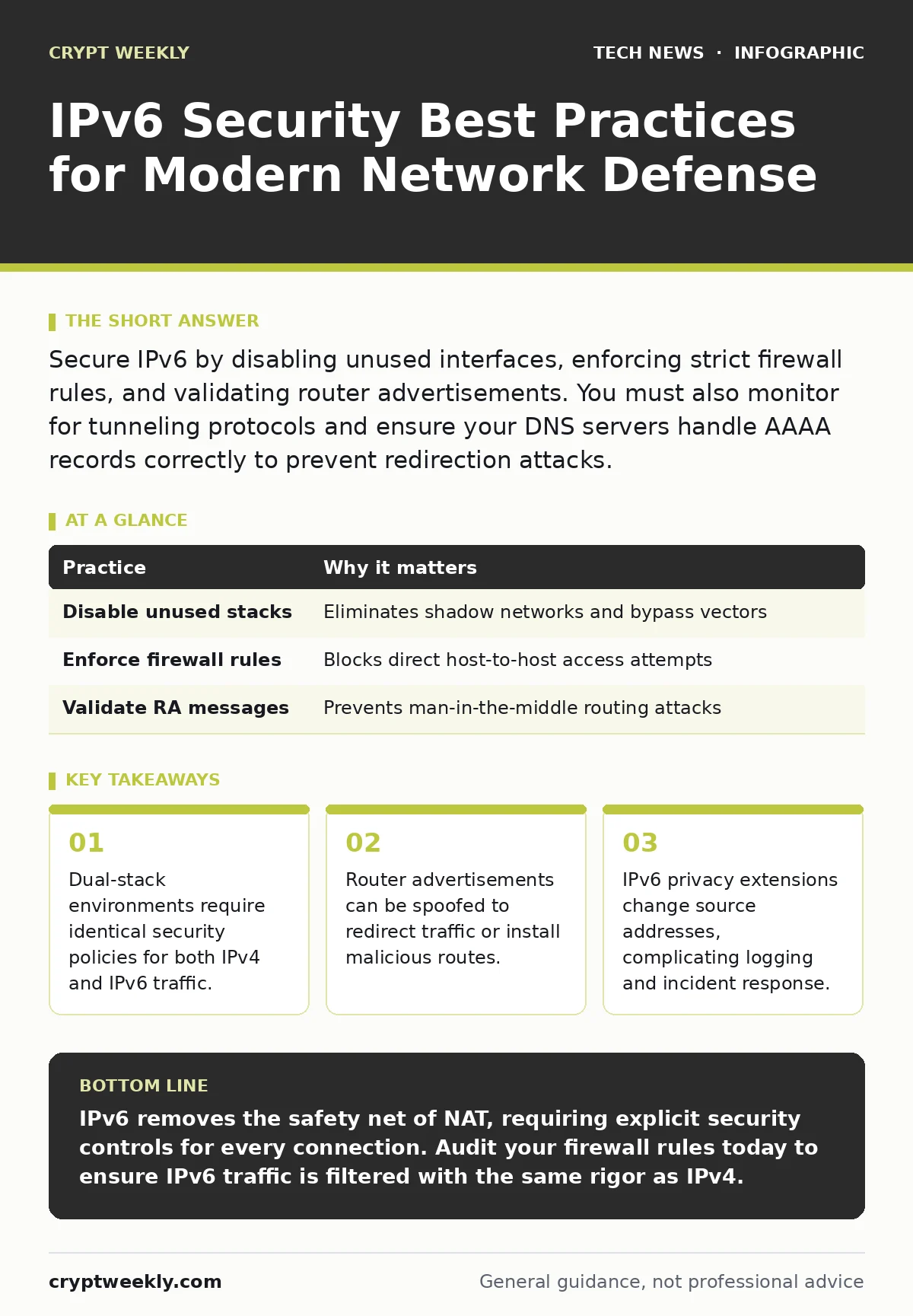
Secure IPv6 by disabling unused interfaces, enforcing strict firewall rules, and validating router advertisements. You must also monitor for tunneling protocols and ensure your DNS servers handle AAAA records correctly to prevent redirection attacks.
The End of NAT Protection
Network Address Translation, or NAT, hid internal devices behind a single public IPv4 address. This masquerading provided a layer of obscurity that blocked many unsolicited inbound connections. IPv6 removes this barrier by assigning every device a globally unique address. This design allows any device on the internet to reach your host directly, provided the firewall permits it. You lose the implicit protection of being hidden behind a gateway. Your defense strategy must shift from relying on topology to enforcing strict stateful inspection. Every port and service must be explicitly allowed or denied.
Imagine a laptop connecting to a public Wi-Fi network. In an IPv4-only world, the router might block inbound scans. With IPv6 enabled, the laptop receives a public address. If a service is listening on an unexpected port, an attacker can connect directly. This is not a theoretical risk. It is the default behavior of the protocol. You must treat every IPv6 interface as if it were exposed to the public internet.
1. Disable IPv6 Where Unused
The most effective security control is removing the attack surface entirely. If your infrastructure does not require IPv6, disable the stack on all endpoints and network devices. Many operating systems enable IPv6 by default, even when only IPv4 is configured. This creates a dual-stack environment where you must manage two sets of rules. Disabling it eliminates the risk of misconfiguration in the secondary stack. It also prevents attackers from bypassing IPv4 firewalls by switching to IPv6.
Check your operating system settings to ensure the protocol is turned off at the kernel level. A simple network toggle is often insufficient. You must verify that no background services bind to IPv6 addresses. This practice reduces complexity and ensures your security tools only monitor one protocol.
| Practice | Why it matters |
|---|---|
| Disable unused stacks | Eliminates shadow networks and bypass vectors |
| Enforce firewall rules | Blocks direct host-to-host access attempts |
| Validate RA messages | Prevents man-in-the-middle routing attacks |
2. Implement Stateful Firewall Rules
You cannot rely on default-deny policies that work for IPv4. IPv6 firewalls must inspect traffic at the connection state level. Stateless filters often drop legitimate traffic or allow malicious packets that mimic valid protocols. Stateful firewalls track the context of each connection. They ensure that inbound packets are responses to outbound requests initiated by your users. This prevents unsolicited traffic from reaching your hosts.
Configure your firewall to drop all inbound traffic that does not match an established session. Be specific with your allow rules. Avoid broad permits that cover entire subnets. Define rules for specific services and ports. This granular approach limits the damage if a service is compromised. It also makes auditing easier because you know exactly what traffic is expected.
3. Secure Router Advertisements
Router Advertisements, or RAs, are messages sent by routers to inform hosts about network configuration. These messages tell devices how to route traffic and which DNS servers to use. Attackers can send spoofed RAs to redirect traffic to a malicious server. This technique is known as RA spoofing. It allows an attacker to intercept communications or install a default route to their own machine.
Use RA Guard on your network switches. This feature filters RA messages so only trusted routers can send them. Ensure that access ports, where user devices connect, do not forward RAs. This containment prevents rogue devices from influencing network routing. It is a critical control for wireless networks where physical access is harder to control.
4. Monitor for Tunneling Protocols
IPv6 traffic can be encapsulated inside IPv4 packets to traverse networks that do not support IPv6. This process is called tunneling. While useful for transition, it allows attackers to bypass IPv4-only firewalls. They can hide malicious IPv6 traffic within seemingly benign IPv4 packets. Common tunneling protocols include 6to4, Teredo, and ISATAP. These protocols often use specific ports or protocols that legacy firewalls ignore.
Inspect your traffic for known tunneling signatures. Block unnecessary tunneling protocols at your perimeter. Only allow tunnels that are explicitly required for business operations. This reduces the risk of covert channels being used to exfiltrate data or command compromised hosts. It forces all traffic to pass through your primary inspection points.
See also: Open Port Management: A Step-by-Step Implementation Plan
5. Handle Privacy Extensions Carefully
IPv6 hosts often use privacy extensions to generate random temporary addresses. This protects user privacy by changing the source address periodically. However, it complicates security monitoring. Logs become difficult to correlate because the same device has different addresses over time. Incident response teams may struggle to track the activity of a specific host.
Balance privacy with observability. Configure your logging systems to track the stable interface identifier alongside the temporary address. Use host-based agents that report a consistent identity to your security information and event management system. This ensures you can attribute actions to specific devices without exposing long-term tracking data to external observers.
6. Validate DNS AAAA Records
The Domain Name System translates names to addresses. In IPv6, this uses AAAA records. If your DNS servers are misconfigured, they may return incorrect IPv6 addresses. Attackers can hijack these records to redirect users to malicious sites. This is a form of DNS poisoning. It undermines the trust in name resolution.
Ensure your DNS servers are configured to resolve AAAA records correctly. Implement DNSSEC to sign your records and prevent spoofing. DNSSEC adds a layer of cryptographic verification to the resolution process. This ensures that the address you receive is the one intended by the domain owner. It is a foundational control for maintaining the integrity of your network communications.
7. Audit Dual-Stack Consistency
Many organizations run both IPv4 and IPv6 simultaneously. This dual-stack setup often leads to inconsistent security policies. An administrator might secure IPv4 traffic but forget to apply the same rules to IPv6. This creates a shadow network where traffic flows unchecked. Attackers exploit this gap to move laterally within the network.
Regularly audit your security policies to ensure parity between the two stacks. Use automated tools to compare firewall rules for both protocols. Identify and remediate any discrepancies. This consistency ensures that your security posture does not degrade when new protocols are introduced. It also simplifies compliance and auditing efforts.
8. Control Neighbor Discovery
The Neighbor Discovery Protocol, or NDP, replaces ARP in IPv6. It allows hosts to discover each other on the same link. NDP is vulnerable to spoofing and cache poisoning. An attacker can send fake neighbor advertisements to associate their MAC address with another host's IP address. This allows them to intercept traffic destined for that host.
Enable Secure NDP on your network devices. This feature validates NDP messages and prevents spoofing. It ensures that only legitimate neighbors can establish communications. This control is vital for preventing local network attacks. It protects the integrity of link-layer communications.
For deeper insights into related infrastructure controls, see our guides on data center security and certificate management. Understanding how these systems interact helps you build a more resilient defense.
Key takeaways
- Dual-stack environments require identical security policies for both IPv4 and IPv6 traffic.
- Router advertisements can be spoofed to redirect traffic or install malicious routes.
- IPv6 privacy extensions change source addresses, complicating logging and incident response.
IPv6 removes the safety net of NAT, requiring explicit security controls for every connection. Audit your firewall rules today to ensure IPv6 traffic is filtered with the same rigor as IPv4.
Frequently asked questions
Do I need a different firewall for IPv6?
Not necessarily, but your firewall must support stateful inspection for IPv6. Ensure it can process IPv6 headers and tunneling protocols correctly.
Is IPv6 less secure than IPv4?
No, but it is different. IPv6 has built-in security features like IPsec, but they are often not enabled by default. The lack of NAT requires stricter firewall policies.
How do I detect IPv6 attacks?
Monitor for unusual tunneling traffic and validate router advertisements. Look for discrepancies in DNS resolution and unexpected inbound connections.
Should I disable IPv6 on my home router?
If you do not use it, yes. Disabling it reduces the attack surface. If you need it, ensure your router firmware is updated and RA Guard is enabled.
How this guide was produced: written by the Crypt Weekly editorial team with AI assistance, checked against the public references listed below, and reviewed when the facts change. See our editorial policy or report an error.