
Attackers use public DNS servers to flood your network with traffic that is dozens of times larger than the initial request, exploiting the trust inherent in open resolver configurations.
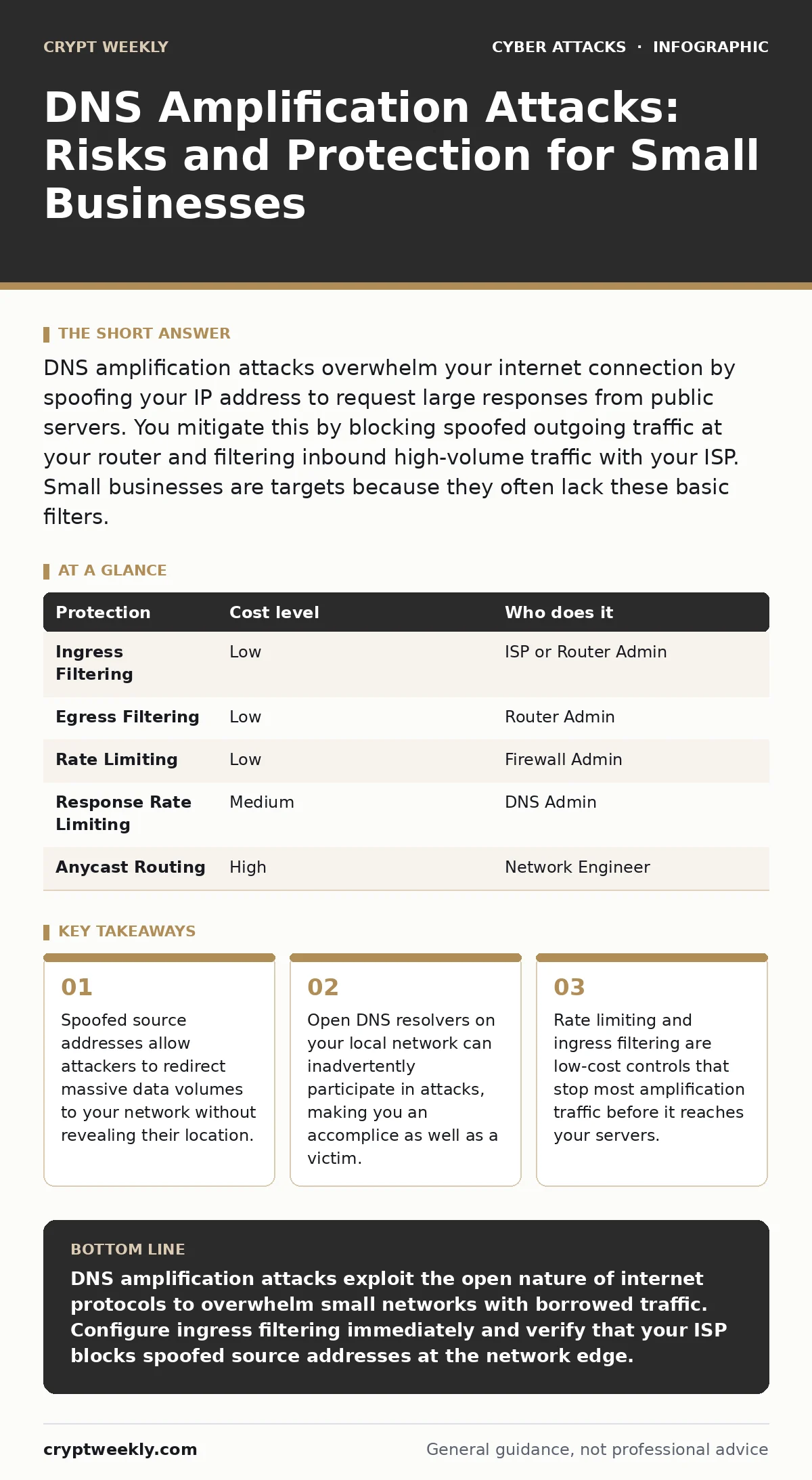
DNS amplification attacks overwhelm your internet connection by spoofing your IP address to request large responses from public servers. You mitigate this by blocking spoofed outgoing traffic at your router and filtering inbound high-volume traffic with your ISP. Small businesses are targets because they often lack these basic filters.
The Anatomy of a Flood
Imagine a ten-person marketing agency. Their internet connection is a standard business lease, sufficient for video calls and file sharing. One Tuesday, the connection drops. The website goes dark. Email servers stop accepting messages. The IT provider says the pipe is full.
This is not a glitch. It is a DNS amplification attack. The Domain Name System translates human-readable names like "example.com" into machine-readable IP addresses. Attackers exploit the fact that DNS responses are often much larger than the requests that trigger them.
The attacker sends a tiny query to a public DNS server. They forge the source address to match the victim’s IP. This is called IP spoofing. The public server thinks the victim asked for the data. It sends a large response to the victim. The victim’s connection drowns in traffic they did not request.
Why Small Organizations Are Exposed
Large enterprises have dedicated network teams and expensive scrubbing services. Small organizations usually rely on a managed service provider or an internal generalist. This gap creates vulnerability.
Your internet service provider may not filter spoofed outgoing traffic. If your router allows packets to leave with a fake source IP, attackers can use your network to launch attacks against others. This makes you a source of noise. Worse, you become a target when attackers scan for networks that accept such traffic.
Small businesses often run their own DNS resolvers for local name resolution. If these resolvers are configured to answer queries from the internet, they become open resolvers. Attackers can use your own server to amplify attacks against you or others. This configuration error is common in default router settings.
The Hidden Cost of Trust
The core mechanism relies on the trust DNS servers place in incoming queries. The protocol does not verify the true origin of the request. It only looks at the header. This design choice prioritizes speed and simplicity over verification.
This creates a hidden cost for defenders. You cannot simply block the attacker’s IP because you do not know it. The traffic appears to come from legitimate DNS infrastructure. Blocking public DNS servers would break your own internet access.
The trade-off is clear. You must distinguish between legitimate DNS traffic and amplified flood traffic. This requires inspecting packet sizes and request rates. Small networks often lack the bandwidth to inspect every packet at line speed. This forces you to rely on upstream filtering.
Low-Cost Protections You Can Implement
You do not need expensive hardware to mitigate these attacks. Basic configuration changes provide significant defense. The goal is to prevent your network from being used as a source and to limit the impact of incoming floods.
| Protection | Cost level | Who does it |
|---|---|---|
| Ingress Filtering | Low | ISP or Router Admin |
| Egress Filtering | Low | Router Admin |
| Rate Limiting | Low | Firewall Admin |
| Response Rate Limiting | Medium | DNS Admin |
| Anycast Routing | High | Network Engineer |
Ingress filtering blocks incoming traffic with spoofed source addresses. This stops attackers from using your network to launch attacks. Your ISP can enable this, or you can configure it on your edge router. It requires proper Border Gateway Protocol configuration or access control lists.
Egress filtering ensures that traffic leaving your network has a valid source IP. This prevents your users or compromised devices from being used in reflection attacks. It also reduces the chance that your network is flagged as malicious.
Rate limiting restricts the number of DNS queries your network can send or receive per second. This slows down the attack. It does not stop a massive flood, but it prevents small-scale tests from succeeding. This buys time for your ISP to react.
What to Ask Your IT Provider
Your IT provider is your first line of defense. They manage the connection to the internet. They must understand the specific risks of amplification attacks. Ask them direct questions about their filtering capabilities.
- Do you implement BCP38 or BCP84 ingress filtering on all customer connections?
- How do you detect and mitigate volumetric floods that exceed our contracted bandwidth?
- Is our DNS resolver configured to respond only to internal networks?
- What is the procedure for blackholing traffic during a sustained attack?
- Do you provide logs of incoming traffic volumes for forensic analysis?
See also: IPv6 Security Best Practices for Modern Network Defense · OAuth Consent Phishing: How Attackers Bypass Login Screens
Beyond Basic Firewalls
Standard firewalls inspect packet headers and ports. They are not designed to handle volumetric floods. A firewall that drops every packet above a certain threshold will drop legitimate traffic too. This is a blunt instrument.
You need stateful inspection. The firewall should track the state of connections. If a large DNS response arrives without a corresponding outgoing query, the firewall should drop it. This is called connection tracking. It requires more processing power but provides better accuracy.
Consider the interaction with other attack vectors. Attackers often combine DNS amplification with other methods. They might use phishing to compromise a device inside your network. That device then acts as a beacon. Or they might exploit API abuse to generate internal load. Defense must be layered.
The Role of Upstream Providers
You cannot solve this problem alone. The traffic originates outside your network. Your ISP sits between you and the source. They have the visibility and the capacity to filter traffic.
Ask your ISP about their DDoS mitigation services. Some include basic filtering at no extra cost. Others charge for dedicated scrubbing centers. Compare the cost of mitigation against the cost of downtime. For a small business, even an hour of downtime can be devastating.
Ensure your contract includes service level agreements for availability during attacks. Some ISPs disconnect customers who exceed bandwidth limits. This turns a security incident into a service interruption. Clarify who pays for the extra bandwidth during a flood.
Long-Term Resilience
Mitigation is not a one-time fix. Attackers adapt. They find new amplification vectors. They target different protocols. You must maintain your configurations.
Regularly audit your DNS servers. Ensure they are not open resolvers. Update your router firmware to patch known vulnerabilities. Review your firewall rules quarterly. Remove rules that are no longer needed.
Educate your staff. They may not understand DNS, but they can report unusual network behavior. A slow computer or a dropped call can be an early sign. Encourage them to report these issues immediately.
Key takeaways
- Spoofed source addresses allow attackers to redirect massive data volumes to your network without revealing their location.
- Open DNS resolvers on your local network can inadvertently participate in attacks, making you an accomplice as well as a victim.
- Rate limiting and ingress filtering are low-cost controls that stop most amplification traffic before it reaches your servers.
DNS amplification attacks exploit the open nature of internet protocols to overwhelm small networks with borrowed traffic. Configure ingress filtering immediately and verify that your ISP blocks spoofed source addresses at the network edge.
Frequently asked questions
Can a home internet connection suffer from DNS amplification attacks?
Yes, but home connections usually have lower bandwidth and are less attractive targets. However, if your router allows spoofed traffic out, you may be used in attacks against others.
Does using a CDN protect against DNS amplification?
A Content Delivery Network can absorb some traffic, but it does not stop the flood at your origin. If the attack exceeds the CDN’s capacity, your origin server will still be exposed.
How do I know if my DNS server is an open resolver?
You can test this using online tools that check for open resolvers. If the tool returns a result for your IP, your server is open to the internet and needs configuration changes.
Is IPsec a solution for DNS amplification?
IPsec encrypts traffic between two points, but it does not prevent the volume of traffic from reaching your network. It adds overhead and complexity without stopping the flood at the source.
How this guide was produced: written by the Crypt Weekly editorial team with AI assistance, checked against the public references listed below, and reviewed when the facts change. See our editorial policy or report an error.