
Your internet service provider sees every website you visit unless you use encryption, allowing them to build detailed profiles of your online behavior.
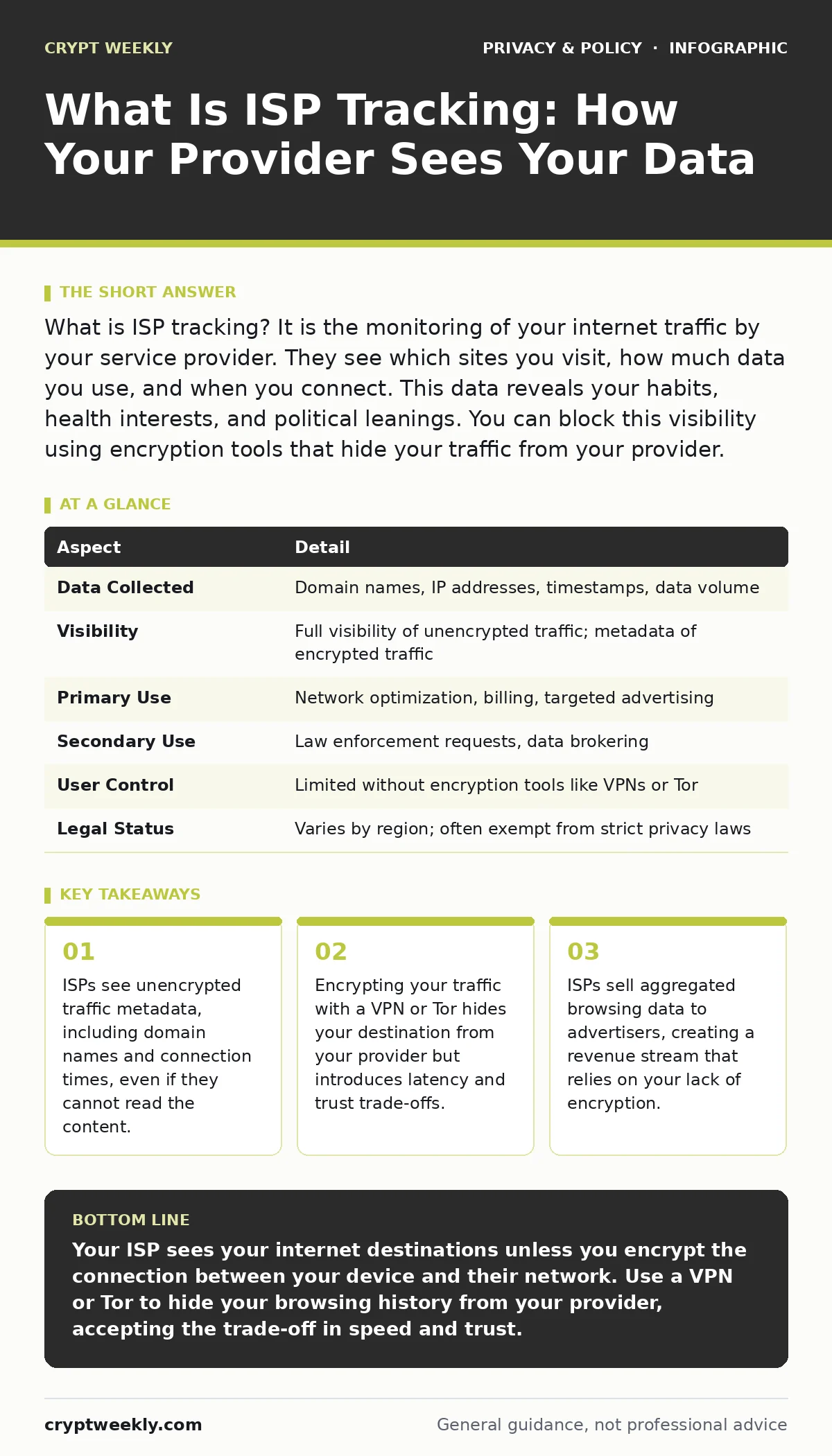
What is ISP tracking? It is the monitoring of your internet traffic by your service provider. They see which sites you visit, how much data you use, and when you connect. This data reveals your habits, health interests, and political leanings. You can block this visibility using encryption tools that hide your traffic from your provider.
What is ISP Tracking
What is ISP tracking is the process by which your internet service provider records and analyzes your network traffic. When you connect to the internet, your data passes through your provider's infrastructure. They can log the websites you visit, the time of day you connect, and the volume of data you transfer. This logging creates a detailed map of your digital life. The provider uses this information for network management, billing, and often for selling to third parties.
| Aspect | Detail |
|---|---|
| Data Collected | Domain names, IP addresses, timestamps, data volume |
| Visibility | Full visibility of unencrypted traffic; metadata of encrypted traffic |
| Primary Use | Network optimization, billing, targeted advertising |
| Secondary Use | Law enforcement requests, data brokering |
| User Control | Limited without encryption tools like VPNs or Tor |
| Legal Status | Varies by region; often exempt from strict privacy laws |
How The Mechanism Works
Your device sends requests to servers on the internet. These requests travel through your ISP's routers before reaching their final destination. The ISP sits at the gateway between your home network and the wider internet. They can inspect the headers of your data packets. These headers contain the source and destination addresses. Even if the content of your message is encrypted, the headers usually reveal where you are going. The ISP records these destination addresses in large databases. They correlate this data with your account information. This allows them to link specific browsing habits to your physical address and identity.
The mechanism relies on the lack of end-to-end encryption for the connection between you and your provider. Most websites use HTTPS, which encrypts the content of your page view. However, the initial handshake and the domain name resolution often remain visible. The ISP sees the domain name you are trying to reach. They can also see the size of the data transferred. Large data transfers suggest video streaming or file downloads. Small, frequent transfers suggest browsing or messaging. This pattern analysis allows the ISP to infer your activities with high accuracy.
Who Is Affected
Every person who uses a fixed-line or mobile internet connection is affected. You cannot opt out of this tracking unless you change your provider or use encryption. The impact varies based on your location and local laws. In some regions, ISPs are required to delete logs after a short period. In others, they can retain them indefinitely. The data is often aggregated and sold to data brokers. These brokers combine ISP data with other sources to create detailed consumer profiles. You are affected even if you do not use social media. Your browsing history is a standalone source of personal information.
The financial sector is particularly vulnerable. ISPs can detect visits to banking or investment sites. This reveals your financial status and habits. Health-conscious individuals are also at risk. Visits to health forums or pharmacies reveal medical conditions. Political activists may find their affiliations exposed through visits to news sites or advocacy groups. The ISP does not need to understand the content to sell the context. The context is often more valuable to advertisers than the content itself. This creates a hidden cost for your privacy that is rarely discussed in monthly bills.
What People Usually Get Wrong
Many users believe that using Incognito mode or private browsing protects them from ISP tracking. This is incorrect. Private browsing only prevents your local device from saving history. It does not hide your traffic from your internet provider. The ISP sees the exact same requests as they would in a normal window. Another common mistake is assuming that HTTPS encryption hides all activity. HTTPS hides the page content, but not the destination domain. The ISP still knows which sites you visit.
Some users believe that using a different browser changes their visibility. The browser is just a client application. It sends requests through the same network path. The ISP intercepts the requests regardless of the software used. Users also misunderstand the role of DNS. Domain Name System queries translate domain names to IP addresses. If you use your ISP's default DNS, they see every domain you look up. Using a public DNS like Google or Cloudflare can hide some queries, but the ISP can still infer destinations from the IP addresses you connect to.
How To Reduce Visibility
You can reduce what your ISP sees by encrypting your traffic before it leaves your device. A Virtual Private Network creates a secure tunnel between your device and a remote server. The ISP sees only an encrypted connection to the VPN server. They cannot see the websites you visit inside that tunnel. This hides your browsing history from the provider. However, the VPN provider now sees your traffic. You are trading trust in one entity for trust in another. You must choose a VPN provider with a strict no-logs policy.
Using the Tor network is another option. Tor routes your traffic through multiple volunteer-operated relays. Each relay decrypts a layer of encryption, revealing only the next hop. The ISP sees only a connection to the nearest Tor entry node. They cannot see your final destination. Tor provides strong anonymity but significantly slows down your connection. It is also often blocked by some networks and websites. This trade-off between speed and privacy is critical to understand.
You can also use encrypted email services that do not rely on standard ports. Standard email protocols often send data in plain text. Encrypted services use HTTPS for all communications. This prevents the ISP from reading the content of your emails. However, they can still see that you are connected to the email provider's servers. The metadata of your communication patterns remains visible. Combining multiple privacy tools provides better protection than relying on a single solution.
See also: Public Wi-Fi Finder Apps Exposed and How They Track You
The Trade-Offs Of Privacy
Privacy tools introduce friction into your online experience. VPNs can slow down your internet connection due to encryption overhead. Tor can make streaming or downloading nearly impossible. Secure DNS may fail to resolve some local network addresses. You must accept these performance costs to gain privacy. There is no free lunch in cybersecurity. Every layer of security adds complexity. You must manage subscriptions, configurations, and potential connectivity issues.
The trust model shifts when you use privacy tools. You trust the VPN provider not to log your activity. You trust the Tor project to maintain its network integrity. You trust the DNS resolver to not sell your queries. This requires research into the policies and technical reputation of these services. You cannot simply install software and forget it. You must stay informed about their practices. The burden of verification falls on you. This is a significant time investment that many users are unwilling to make.
Related Privacy Concepts
Understanding ISP tracking helps you grasp other privacy issues. For instance, cookie consent management deals with how websites track you after you arrive. The ISP tracks you before you even reach the website. These two layers of tracking combine to create a complete profile. Similarly, browser fingerprinting identifies you based on your device configuration. The ISP identifies you based on your network location. Both methods are used by advertisers to target you.
Encrypted cloud storage protects your files from being read by unauthorized parties. However, the ISP can still see that you are uploading or downloading large files. They may infer that you are using cloud storage based on the data volume. End-to-end encryption protects the content of your messages in chat applications. The ISP cannot read the messages, but they can see that you are using the application.
Encrypted email offers similar protection for correspondence. Anonymization techniques can strip personal identifiers from data sets. This is often used by data brokers to sell ISP data without violating certain legal standards. GDPR and similar regulations impose rules on how this data can be processed. These laws vary in strength and enforcement.
What To Do Next
Start by auditing your current privacy settings. Check if your router is using the ISP's default DNS. Switch to a secure DNS resolver if possible. Consider using a reputable VPN for sensitive activities. Do not rely on browser privacy modes for network-level protection. Understand that no single tool provides complete anonymity. Layer your defenses. Use encryption for your data and your connection. Stay informed about changes in privacy laws and ISP policies. Your digital footprint is a valuable commodity. Protect it with deliberate choices.
Key takeaways
- ISPs see unencrypted traffic metadata, including domain names and connection times, even if they cannot read the content.
- Encrypting your traffic with a VPN or Tor hides your destination from your provider but introduces latency and trust trade-offs.
- ISPs sell aggregated browsing data to advertisers, creating a revenue stream that relies on your lack of encryption.
Your ISP sees your internet destinations unless you encrypt the connection between your device and their network. Use a VPN or Tor to hide your browsing history from your provider, accepting the trade-off in speed and trust.
Frequently asked questions
Can my ISP see my passwords?
No, if the website uses HTTPS encryption, your ISP cannot see your passwords or the content of your pages. They can only see that you are connected to the website's domain.
Does using a VPN hide my IP address from the ISP?
Yes, your ISP sees the VPN server's IP address instead of the websites you visit. The ISP knows you are using a VPN, but not what you are doing on it.
Is ISP tracking legal?
Laws vary by country. In many places, ISPs are allowed to collect and sell aggregated browsing data. Some regions have stricter privacy laws that limit this practice.
Can I stop my ISP from tracking me completely?
You cannot stop them from seeing that you are connected to the internet. You can hide the details of your traffic using encryption tools like VPNs or Tor, but some metadata may still be visible.
How this guide was produced: written by the Crypt Weekly editorial team with AI assistance, checked against the public references listed below, and reviewed when the facts change. See our editorial policy or report an error.