
Public Wi-Fi finder apps harvest and sell your location history while promising to keep your mobile data connection secure.
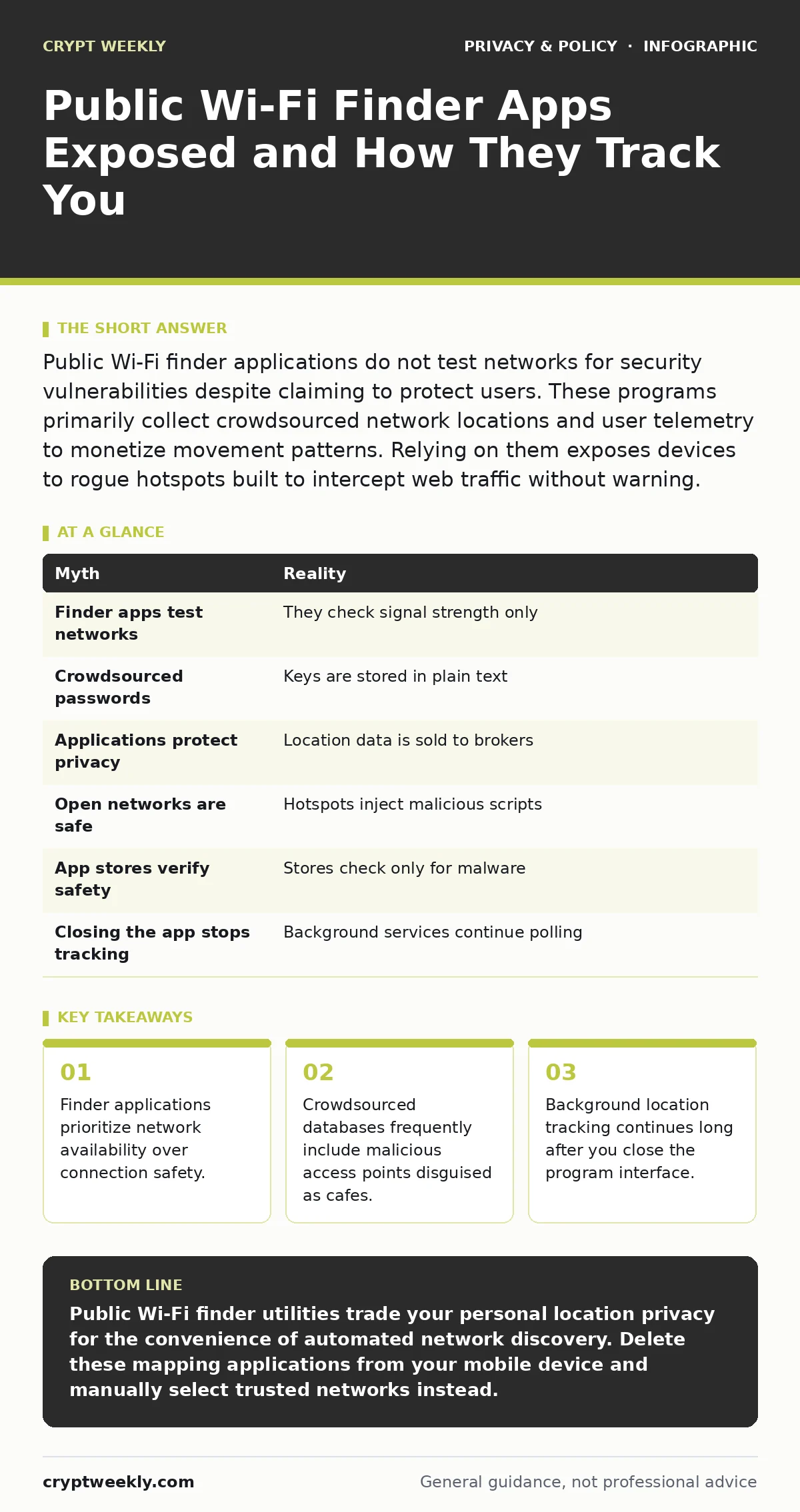
Public Wi-Fi finder applications do not test networks for security vulnerabilities despite claiming to protect users. These programs primarily collect crowdsourced network locations and user telemetry to monetize movement patterns. Relying on them exposes devices to rogue hotspots built to intercept web traffic without warning.
Myth: Finder apps test networks for safety
Reality: Software designed to locate wireless access points checks only signal strength and captive portal presence, leaving actual traffic encryption completely unverified. Network discovery mechanisms look for SSID availability rather than cryptographic handshakes or certificate validity. Suppose you connect to a coffee shop network flagged as secure by a popular directory. Your device might still communicate over an open channel because the directory database recorded the name, not the current security configuration.
Actual packet inspection requires active probing tools that consumer utilities lack by design. Software developers prioritize speed and convenience over security audits to ensure broad device compatibility. Users frequently mistake a green checkmark on a map interface for an encrypted tunnel, assuming third-party apps audit router configurations. Professional penetration testers rely on dedicated protocol analyzers rather than community-driven mapping software to evaluate wireless risk.
Myth: Crowdsourced passwords are secure
Reality: Stored Wi-Fi keys shared within community databases often use plain text storage or weak hashing algorithms that expose administrative credentials to unauthorized parties. Community platforms aggregate pre-shared keys to automate logins for travelers seeking free internet access. Imagine a disgruntled former employee uploading a corporate router password to a public repository. Every user running that specific finder tool automatically inherits administrative access to a vulnerable local network.
Database administrators rarely audit shared credentials for policy compliance or default factory settings. Security teams recommend using Tor Browser over untrusted networks instead of trusting community-supplied router credentials. Hardcoded passwords remain active on thousands of municipal access points worldwide, creating systemic vulnerabilities that discovery platforms actively propagate to millions of mobile devices.
Myth: These applications protect your privacy
Reality: Mobile mapping tools monetize user location telemetry by selling movement histories to data brokers who correlate physical paths with digital identifiers. Background data collection persists long after you finish browsing nearby cafes or transit hubs. Software permissions request continuous GPS access under the guise of finding nearby signals, yet harvest continuous telemetry for advertising networks.
Privacy policies buried inside installation prompts explicitly grant developers the right to share geographic coordinates with third-party marketers. Sophisticated tracking mechanisms link physical location data with browser fingerprinting attributes collected during web browsing sessions. Regulatory frameworks enforced by data protection officers attempt to limit this harvest, but international data transfers complicate enforcement across multiple legal jurisdictions.
Myth: Open networks marked safe have no tracking
Reality: Free wireless hotspots recommended by utility programs frequently inject malicious scripts into unencrypted web traffic or redirect users to phishing portals. Hotspot operators capture HTTP requests to display mandatory login pages or inject advertisements directly into browsing sessions. Suppose you attempt to log into your favorite encrypted messaging apps while connected to a verified public router. The local gateway operator can intercept DNS queries and present convincing fake authentication screens to harvest credentials.
Network operators maintain complete visibility over unencrypted DNS lookups even when web traffic uses transport layer security. Modern operating systems display warnings about captive portals, but automated finder programs often bypass these alerts to establish seamless connections. Users sacrifice visibility into local network routing tables for the convenience of automated connection scripts.
Myth: Official app stores verify safety
Reality: Application marketplace review processes test primarily for software stability and policy compliance rather than deep cryptographic security or telemetry practices. Automated scanning tools check for malicious payloads and known malware signatures, missing legitimate telemetry modules that harvest location metadata. Developers package tracking software inside seemingly benign utility tools to bypass initial vetting procedures.
Marketplace verification provides zero assurance regarding how third-party servers handle uploaded location telemetry. Software suppliers routinely update their privacy terms after initial store approval, activating aggressive background tracking capabilities in subsequent patches. Independent security audits remain the only reliable method for identifying unauthorized data collection routines hidden inside mobile applications.
See also: Anti-Facial-Recognition Gear: 6 Costly Mistakes
Myth: Turning off the app stops location collection
Reality: Background services embedded within utility packages continue polling GPS hardware and Wi-Fi chipsets even when the primary graphical interface is closed. Operating system background refresh settings frequently fail to terminate persistent background daemons designed to maintain continuous mapping databases. Mobile devices broadcast probe requests containing unique hardware identifiers continuously, allowing nearby sensors to track movement regardless of active application states.
Hardware manufacturers implement randomized MAC address rotation to mitigate passive tracking, but poorly coded utilities often leak permanent hardware identifiers. Security professionals advise revoking location permissions entirely within operating system settings rather than relying on application-level toggle switches. Complete removal of tracking utilities remains the single effective method for halting persistent telemetry transmission.
Myth: Ratings reflect network security
Reality: Star ratings assigned within finder applications measure user satisfaction regarding internet speed or captive portal ease, reflecting zero actual measurements of network security. Community reviewers praise fast bandwidth while remaining completely unaware of unencrypted packet sniffing occurring on the local subnet. Imagine a malicious actor setting up a high-speed open hotspot that quickly accumulates five-star ratings for performance while quietly harvesting user credentials.
Scoring algorithms prioritize popularity metrics over cryptographic validation to drive user engagement within the software interface. Security analysts find that higher-rated public access points often attract more surveillance due to predictable connection traffic volumes. Relying on peer reviews for safety guarantees creates a false sense of security during wireless browsing sessions.
| Myth | Reality |
|---|---|
| Finder apps test networks | They check signal strength only |
| Crowdsourced passwords | Keys are stored in plain text |
| Applications protect privacy | Location data is sold to brokers |
| Open networks are safe | Hotspots inject malicious scripts |
| App stores verify safety | Stores check only for malware |
| Closing the app stops tracking | Background services continue polling |
Key takeaways
- Finder applications prioritize network availability over connection safety.
- Crowdsourced databases frequently include malicious access points disguised as cafes.
- Background location tracking continues long after you close the program interface.
Public Wi-Fi finder utilities trade your personal location privacy for the convenience of automated network discovery. Delete these mapping applications from your mobile device and manually select trusted networks instead.
Frequently asked questions
Why do finder apps require persistent location access?
Discovery applications harvest continuous geographic coordinates to build and sell crowdsourced maps of wireless access points.
Are paid network finder versions more secure?
Premium utility tiers remove advertisements but retain identical telemetry collection frameworks and underlying network discovery mechanisms.
How do malicious hotspots steal personal information?
Rogue access points capture unencrypted traffic, manipulate DNS responses, and inject phishing login portals to intercept credentials.
Can virtual private networks prevent all public Wi-Fi risks?
Encrypted tunnels protect data in transit from local eavesdroppers, but cannot stop malicious captive portals or device telemetry leaks.
How this guide was produced: written by the Crypt Weekly editorial team with AI assistance, checked against the public references listed below, and reviewed when the facts change. See our editorial policy or report an error.