
Patch testing reveals hidden regressions that automated scanners miss, but it consumes engineering hours that could build new features.
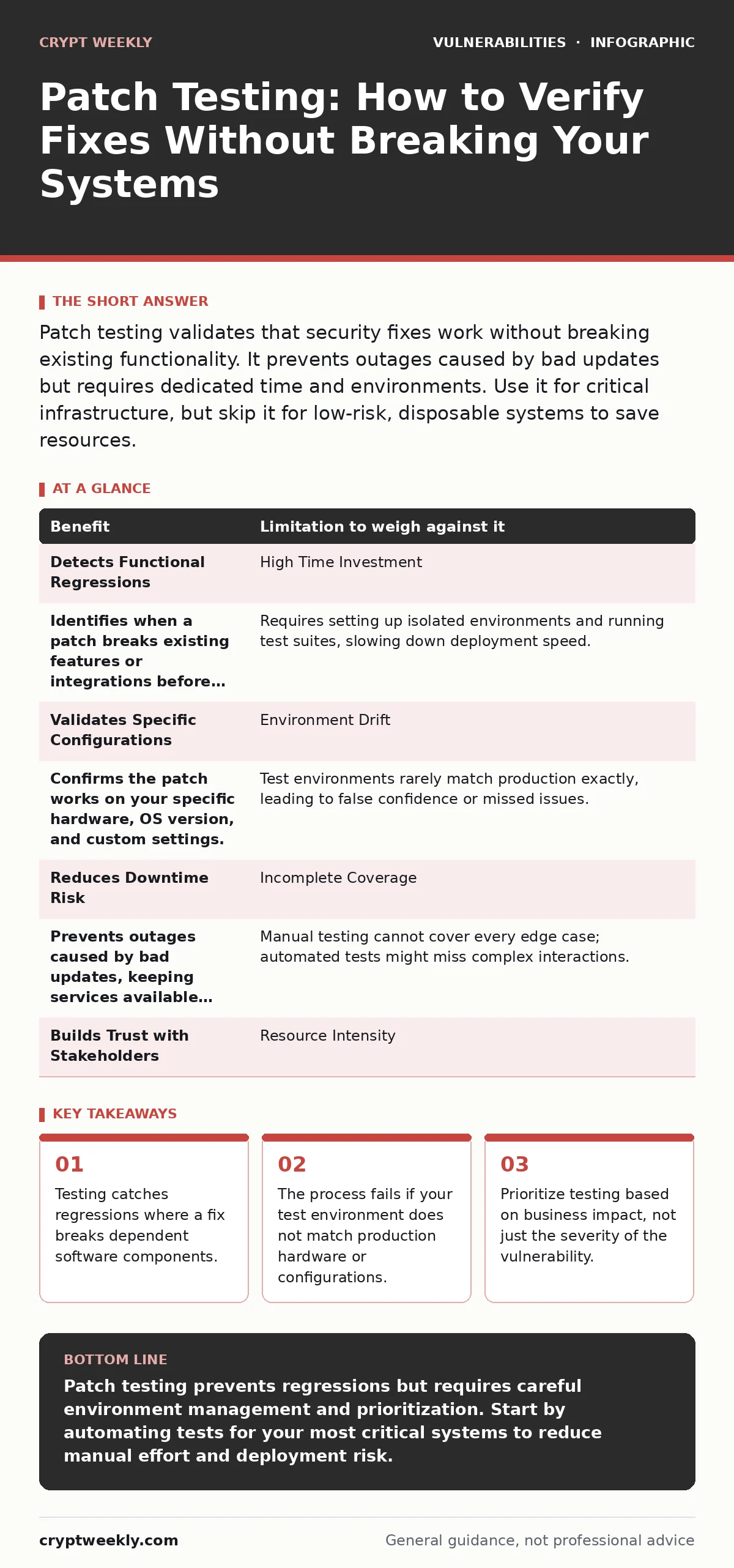
Patch testing validates that security fixes work without breaking existing functionality. It prevents outages caused by bad updates but requires dedicated time and environments. Use it for critical infrastructure, but skip it for low-risk, disposable systems to save resources.
The Hidden Cost of Quick Fixes
You apply a security patch to close a known hole in your software. The vulnerability disappears. That part is straightforward. The problem is that software systems are interconnected webs of dependencies. A change in one module often ripples through others, causing unexpected failures. This is called a regression. A regression is a bug that reappears or emerges after a code change, even if the original feature worked before.
Patch testing is the process of verifying that an update resolves the security issue without introducing these regressions. It is not just about checking if the vulnerability is closed. It is about ensuring the system still behaves as intended. Many organizations skip this step to save time. They assume the vendor tested the patch thoroughly. Vendor testing verifies the specific fix, not how that fix interacts with your unique configuration.
Imagine you run a web server with a specific custom plugin. The vendor patches a memory leak in the core server software. In their lab, it works perfectly. In your environment, the patch changes how memory is allocated. Your custom plugin expects the old allocation pattern. It crashes the server. This is a classic regression. Patch testing catches this before you push the update to production.
Benefits and Limitations Side by Side
Every security control has a cost. Patch testing is no different. You gain confidence and stability, but you pay with time and complexity. The table below weighs the primary benefit against its direct limitation.
| Benefit | Limitation to weigh against it |
|---|---|
| Detects Functional Regressions | High Time Investment |
| Identifies when a patch breaks existing features or integrations before users notice. | Requires setting up isolated environments and running test suites, slowing down deployment speed. |
| Validates Specific Configurations | Environment Drift |
| Confirms the patch works on your specific hardware, OS version, and custom settings. | Test environments rarely match production exactly, leading to false confidence or missed issues. |
| Reduces Downtime Risk | Incomplete Coverage |
| Prevents outages caused by bad updates, keeping services available for users. | Manual testing cannot cover every edge case; automated tests might miss complex interactions. |
| Builds Trust with Stakeholders | Resource Intensity |
| Demonstrates due care to management and clients by proving updates are safe. | Requires skilled staff who understand both the application and the security context. |
When It Is Worth It
You should invest in rigorous patch testing when the cost of failure exceeds the cost of testing. This is usually the case for core business systems. If your company relies on a specific database server for transactions, a crash means lost revenue. Here, the extra hour of testing is cheap insurance.
Consider systems that handle sensitive data or critical infrastructure. A failure here leads to data loss or service interruption that damages your reputation. You need to know that the patch does not inadvertently open a new door or break encryption routines. This is where security regression testing becomes valuable. It specifically checks that security controls remain effective after a change.
Also, test patches for software with complex dependencies. If your application relies on a library that has known API vulnerabilities, a patch to that library might change how it handles requests. You need to verify that your application still communicates correctly. The interaction between your code and the patched component is where hidden bugs live.
When It Is Not Worth It
Not every patch requires a full test cycle. If you run disposable containers or ephemeral workloads, the risk is lower. These environments are created, used, and destroyed quickly. If a patch breaks them, the impact is limited to that single instance. You can often rely on automated health checks instead of manual testing.
Skip deep testing for low-risk internal tools. If an application is used by only five employees and has no access to customer data, a brief outage is an annoyance, not a crisis. Spending days testing a patch for a minor internal wiki is a poor use of engineering time. The return on investment is negative.
Furthermore, do not test patches for software you are planning to decommission soon. If you have a migration plan to replace a legacy system, investing in testing its patches is wasted effort. Focus your resources on the new system. This is where maintaining a software bill of materials (SBOM) helps. It tells you exactly what is running, so you can decide what is worth protecting and what is ready for retirement.
The Trap of Environment Drift
The biggest failure in patch testing is not the patch itself. It is the test environment. Your test server is never identical to your production server. They have different hardware, network configurations, and data loads. This difference is called environment drift.
A patch might work in your clean test environment but fail in production due to high load or specific network latency. You cannot test every possible condition. You must accept this limitation. To mitigate it, automate as much of the testing as possible. Use scripts to simulate load and check responses.
This is where fuzz testing can help. Fuzz testing involves sending random, malformed data to an application to see if it crashes. It helps find edge cases that manual testing misses. However, fuzzing is resource-intensive. Use it selectively on components that handle external input, not on every patch.
See also: Browser Update Mistakes That Leave You Vulnerable · Security Regression Testing Checklist: Catch Hidden Flaws
Integrating Testing into Your Workflow
Do not treat patch testing as a separate, occasional task. Integrate it into your deployment pipeline. When a new patch is available, trigger an automated test suite. This suite should check basic functionality, security controls, and performance.
If the tests pass, deploy to a small subset of production servers. This is called a canary deployment. Monitor these servers closely. If metrics look normal, roll out to the rest. If something breaks, roll back immediately. This approach limits the blast radius of a bad patch.
Remember that penetration testing is different from patch testing. Penetration testing tries to break into your system to find weaknesses. Patch testing verifies that a fix works and does not break things. They serve different purposes. Use penetration testing to find new vulnerabilities. Use patch testing to validate fixes.
Common Mistakes to Avoid
One common mistake is trusting vendor release notes blindly. Vendors describe the fix, not the side effects. You must verify the impact yourself. Another mistake is testing only the happy path. Check error handling. What happens if the patched component fails? Does the system degrade gracefully or crash?
Avoid testing in isolation. Test the patch in the context of the whole system. Check integrations with other services. A patch to a web server might break communication with a database or a cache layer. These integration points are where regressions often hide.
Balancing Speed and Safety
Security requires speed. Vulnerabilities are exploited quickly. You cannot afford to wait weeks to test every patch. You must balance speed with safety. Prioritize patches based on risk. Critical vulnerabilities in exposed systems get immediate testing. Low-risk internal tools wait.
Use automation to speed up the process. Automate the setup of test environments. Automate the execution of test cases. This reduces the time from patch release to deployment. However, automation is not a silver bullet. It needs maintenance. If your test scripts are outdated, they give false positives or negatives.
Finally, document your testing results. Record what you tested, how you tested it, and the outcome. This creates a history. When an issue arises later, you can look back to see if a patch might be the cause. This traceability is invaluable for incident response.
Key takeaways
- Testing catches regressions where a fix breaks dependent software components.
- The process fails if your test environment does not match production hardware or configurations.
- Prioritize testing based on business impact, not just the severity of the vulnerability.
Patch testing prevents regressions but requires careful environment management and prioritization. Start by automating tests for your most critical systems to reduce manual effort and deployment risk.
Frequently asked questions
How do I know if a patch is critical enough to test?
Evaluate the exposure of the system and the severity of the vulnerability. Exposed systems with critical flaws require immediate testing. Internal, low-risk systems can wait.
Can automated testing replace manual patch testing?
Automated testing handles repetitive checks but misses complex integration issues. Use automation for speed and manual testing for complex, high-risk scenarios.
What is the difference between patch testing and penetration testing?
Patch testing verifies that a fix works and does not break functionality. Penetration testing attempts to exploit vulnerabilities to find weaknesses. They are complementary.
How often should I update my patch testing procedures?
Update them whenever your infrastructure changes significantly. New dependencies, hardware, or configurations require new test cases to ensure accuracy.
How this guide was produced: written by the Crypt Weekly editorial team with AI assistance, checked against the public references listed below, and reviewed when the facts change. See our editorial policy or report an error.