Free themes often contain hidden backdoors that bypass standard security checks, while outdated dependencies create silent entry points for attackers.
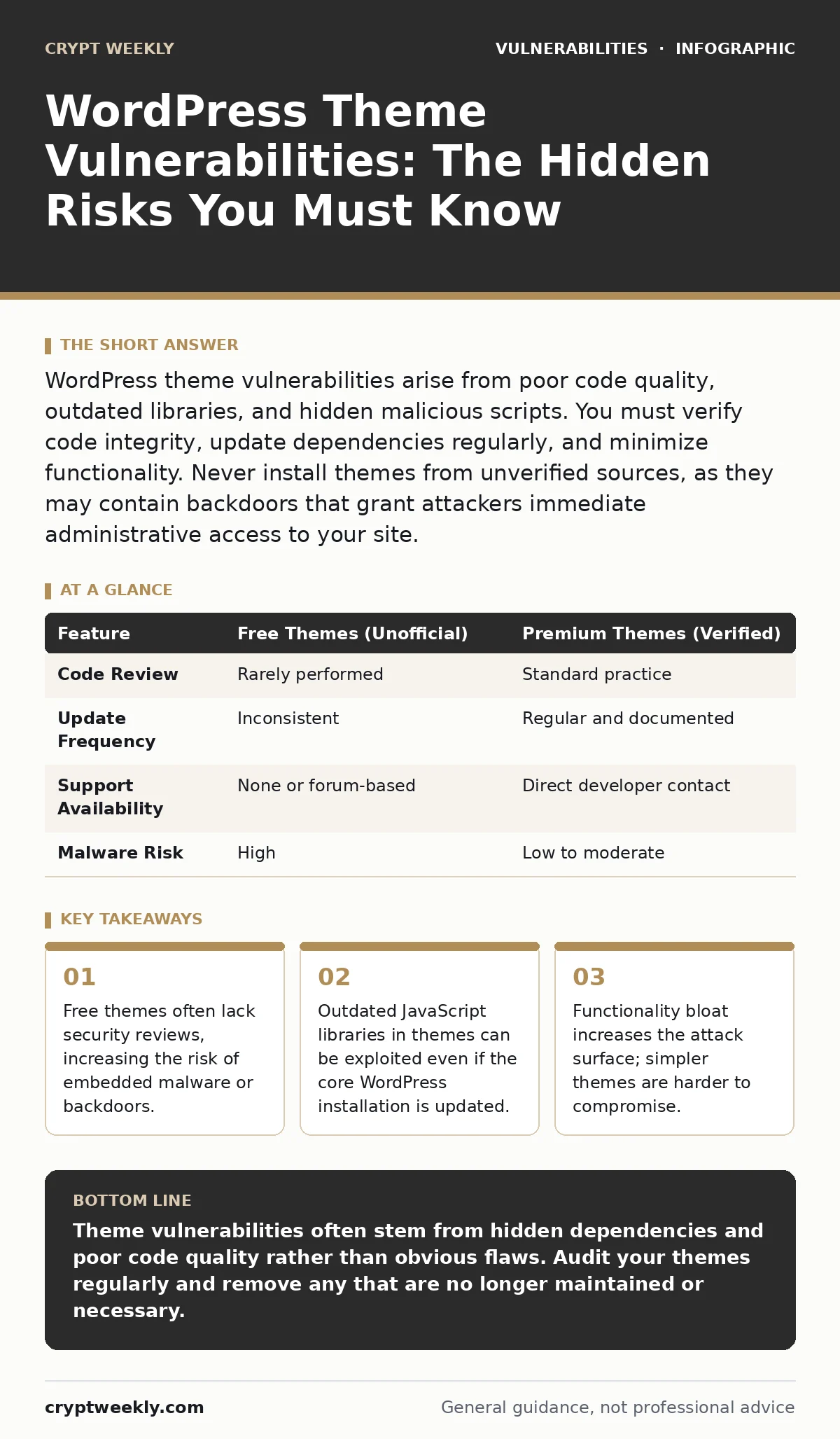
WordPress theme vulnerabilities arise from poor code quality, outdated libraries, and hidden malicious scripts. You must verify code integrity, update dependencies regularly, and minimize functionality. Never install themes from unverified sources, as they may contain backdoors that grant attackers immediate administrative access to your site.
Why do WordPress themes introduce security risks?
WordPress themes introduce security risks because they execute server-side code and load external resources that you do not directly control. A theme is not just a visual layer; it contains PHP scripts that interact with the database and render dynamic content. If a theme developer does not follow secure coding practices, the code may allow unauthorized data manipulation. You inherit every flaw in that code when you activate the theme, making the theme a potential entry point for attackers regardless of your core software version.
How do attackers exploit vulnerable themes?
Attackers exploit vulnerable themes by finding functions that fail to sanitize user input or verify permissions. Common techniques include cross-site scripting, where malicious scripts are injected into pages, and SQL injection, which allows direct database manipulation. Suppose a theme allows users to submit comments without filtering special characters. An attacker could inject a script that runs when an administrator views the comments. This script can steal session cookies or create new admin accounts, giving the attacker persistent access to your site without needing to guess passwords.
Are free themes less secure than premium ones?
Free themes are not inherently less secure, but they often lack the rigorous code review processes that premium themes undergo. Many free themes are distributed through unofficial channels where anyone can upload files without verification. These unofficial sources may include hidden backdoors or malicious redirects that are difficult to detect. Premium themes from reputable sources usually have dedicated security teams, but even they can contain vulnerabilities. You should always verify the source of any theme, regardless of price, and check for consistent update history.
| Feature | Free Themes (Unofficial) | Premium Themes (Verified) |
|---|---|---|
| Code Review | Rarely performed | Standard practice |
| Update Frequency | Inconsistent | Regular and documented |
| Support Availability | None or forum-based | Direct developer contact |
| Malware Risk | High | Low to moderate |
What is the danger of theme bloat?
Theme bloat refers to themes that include excessive features, such as page builders, sliders, and custom post types, beyond basic styling. Each added feature increases the attack surface by introducing more code that must be maintained and secured. Complex themes often rely on numerous third-party plugins and libraries, creating a dependency chain that is hard to monitor. If one small component has a flaw, the entire theme becomes vulnerable. You reduce risk by choosing minimal themes that rely on separate, well-maintained plugins for specific functions rather than bundling everything into one package.
How do outdated dependencies affect security?
Outdated dependencies affect security because themes often bundle older versions of JavaScript libraries or CSS frameworks that contain known vulnerabilities. Even if you update your WordPress core and plugins, the theme may still load an old version of a library like jQuery or Bootstrap. Attackers scan for these specific outdated versions to execute exploits. You must check the theme’s source code for references to external libraries and ensure they are updated. This requires regular audits of your theme’s composition, as automatic updates rarely patch bundled dependencies within a theme file.
See also: Medical Device Security Myths: 6 False Beliefs That Leave Patients Exposed
Can a single theme compromise the entire site?
A single theme can compromise the entire site if it contains a remote code execution vulnerability. This type of flaw allows an attacker to run arbitrary commands on your server through the theme’s functionality. Imagine a theme that allows image uploads without proper file type validation. An attacker could upload a PHP script disguised as an image. When accessed, the script executes on the server, potentially allowing the attacker to read, modify, or delete any file on the system. This goes beyond the theme’s scope and affects the entire hosting environment, making isolation difficult.
How do you verify a theme’s code integrity?
You verify a theme’s code integrity by inspecting the source files for obfuscated code, unexpected external connections, and improper function usage. Look for functions that handle user input without sanitization or escaping. Check for hardcoded credentials or API keys that could be stolen. Compare the theme’s files with the original release from the developer to detect unauthorized modifications. If you find code that is difficult to read or understand, it may be hiding malicious intent. Regular code audits are necessary to ensure that updates do not introduce new vulnerabilities or revert previous security fixes.
What is the role of responsible disclosure in theme security?
Responsible disclosure allows security researchers to report vulnerabilities to theme developers privately before making them public. This process gives developers time to patch the issue without alerting attackers. For theme users, this means that vulnerabilities discovered through responsible disclosure are often fixed quickly and quietly. However, if a developer ignores reports or fails to respond, the vulnerability may remain unpatched for extended periods. You should check if a theme developer has a documented security policy and a history of addressing reported issues promptly.
How do you mitigate risks from third-party themes?
You mitigate risks from third-party themes by limiting functionality, keeping all components updated, and monitoring for unusual activity. Install only themes from trusted sources with active maintenance records. Remove unused themes and plugins to reduce the attack surface. Use security plugins that scan for malware and suspicious code changes. Implement strict file permissions to prevent unauthorized modifications. Regular backups ensure you can restore your site if a compromise occurs. By treating every theme as a potential risk, you maintain control over your site’s security posture.
Key takeaways
- Free themes often lack security reviews, increasing the risk of embedded malware or backdoors.
- Outdated JavaScript libraries in themes can be exploited even if the core WordPress installation is updated.
- Functionality bloat increases the attack surface; simpler themes are harder to compromise.
Theme vulnerabilities often stem from hidden dependencies and poor code quality rather than obvious flaws. Audit your themes regularly and remove any that are no longer maintained or necessary.
Frequently asked questions
How often should I check for theme vulnerabilities?
Check for theme vulnerabilities every time you update your site or install a new feature. Regular monthly audits are recommended to catch emerging threats and ensure dependencies remain secure.
Can I fix a vulnerable theme myself?
You can fix simple issues by updating the theme or applying patches provided by the developer. Complex vulnerabilities require professional assistance or replacing the theme entirely to avoid further risks.
Do security plugins protect against theme vulnerabilities?
Security plugins can detect some vulnerabilities and block known attacks, but they cannot fix flawed code. They provide an additional layer of defense but do not replace the need for secure themes and regular updates.
What should I do if I find a backdoor in my theme?
If you find a backdoor, disable the theme immediately and scan your site for other signs of compromise. Change all passwords and restore from a clean backup if necessary. Report the issue to the developer for responsible disclosure.
How this guide was produced: written by the Crypt Weekly editorial team with AI assistance, checked against the public references listed below, and reviewed when the facts change. See our editorial policy or report an error.