
Unverified backups are digital liabilities that consume storage while providing zero protection against data loss or ransomware encryption.
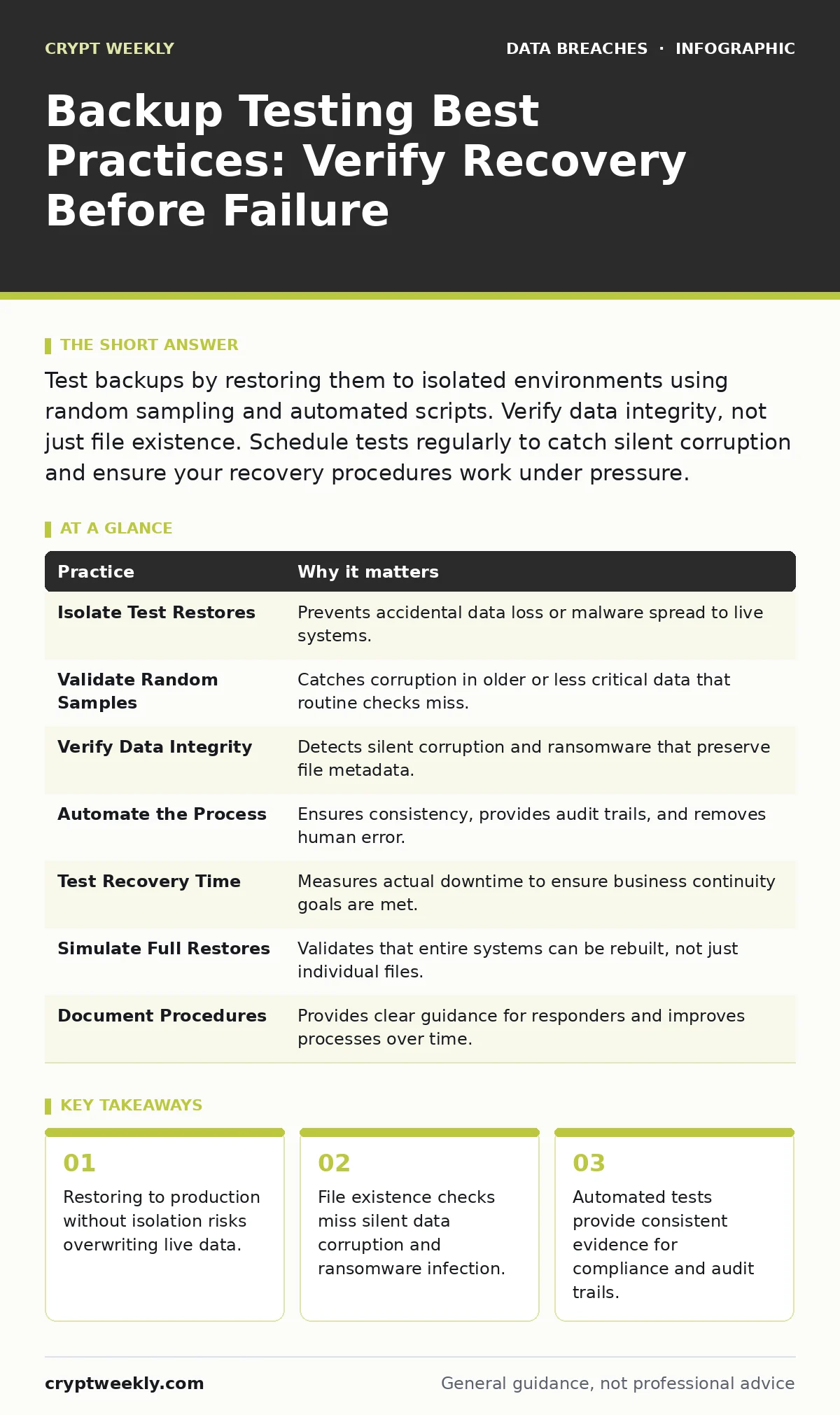
Test backups by restoring them to isolated environments using random sampling and automated scripts. Verify data integrity, not just file existence. Schedule tests regularly to catch silent corruption and ensure your recovery procedures work under pressure.
The Illusion of Safe Data
You believe your data is safe because the backup software reports success every night. This confidence is misplaced. A successful backup job only confirms that data moved from source to destination. It does not prove the data is readable, complete, or free from corruption. Many organizations discover their backups are useless only when they attempt to restore data after a catastrophic event.
Testing is the only mechanism that validates the integrity of your stored data. Without verification, you are managing a liability, not an asset. This process ensures that when disaster strikes, your recovery plan functions as intended.
1. Isolate Test Restores
Restoring data to a production environment to test it is dangerous. If the test data contains malware or if the restore process corrupts live files, you create a new incident while trying to validate your safety net. You must restore backups to an isolated environment that has no network connectivity to your live systems.
Tip: Use a disconnected air-gapped virtual machine or a separate cloud account for all restore tests. This prevents any potential malware in the backup from jumping to your active network.
2. Validate Random Samples
Restoring your most recent or most critical databases is predictable and insufficient. Attackers and corruption often target specific file types or timeframes. If you always test the same data, you will miss failures in older archives or less frequently accessed files. Random sampling exposes weaknesses in long-term retention and archival integrity.
Tip: Write a script that selects random files or records from different dates and restores them. This approach reveals gaps in your storage strategy that manual checks miss.
3. Verify Data Integrity, Not Just Existence
Checking that a file exists and has the correct size is a superficial test. Silent data corruption can alter bits within a file without changing its size or name. Ransomware can also encrypt files while keeping their original names and sizes, making them appear normal in a directory listing. You must open the files and verify their content.
Tip: Calculate checksums or hashes of the original data before backup and compare them to the restored data. If the hashes match, the data is bit-for-bit identical. This method detects subtle corruption that visual inspection misses.
4. Automate the Testing Process
Manual testing is inconsistent and prone to human error. People skip steps, forget to document results, or rush through the process. Automation ensures that every test follows the same rigorous procedure. It also provides an audit trail that proves you performed the tests, which is often required for compliance frameworks.
Tip: Schedule automated scripts to run weekly or monthly. These scripts should attempt a restore, verify the data, and send a report. If the test fails, the system should alert you immediately.
See also: Password Rotation Myths: Why Changing Passwords Regularly Weakens Security · Mistakes That Trigger Tax Identity Theft and How to Stop Them
5. Test Recovery Time Objectives
Knowing that you can restore data is different from knowing how long it takes. During a breach, every minute of downtime costs you reputation and revenue. If your restoration process takes days, your business may not survive the outage. You need to measure the actual time required to recover critical systems.
Tip: Time your restore tests from initiation to full usability. Record these metrics and adjust your infrastructure or backup strategy if the times exceed your acceptable limits. This practice aligns your technical capabilities with business continuity needs.
6. Simulate Full System Restores
File-level restores are easier and faster, but they are not enough. You must test restoring entire systems, including operating systems, applications, and configurations. Ransomware and logic bombs often target system files and registries. If you cannot rebuild a server from scratch, your file-level backups are insufficient.
Tip: Perform a bare-metal restore test at least once a year. This involves wiping a test server and rebuilding it entirely from your backups. This validates that your image-level backups contain all necessary dependencies.
7. Document and Review Procedures
A test that reveals a failure is useless if no one knows how to fix it. Documentation provides a clear path for responders during a crisis. Without written procedures, staff members may panic or make errors under pressure. Regular reviews ensure that the documentation stays current as your infrastructure changes.
Tip: Update your runbooks after every test. If a step was unclear or failed, document the fix. This turns each test into an improvement cycle for your disaster recovery plan.
| Practice | Why it matters |
|---|---|
| Isolate Test Restores | Prevents accidental data loss or malware spread to live systems. |
| Validate Random Samples | Catches corruption in older or less critical data that routine checks miss. |
| Verify Data Integrity | Detects silent corruption and ransomware that preserve file metadata. |
| Automate the Process | Ensures consistency, provides audit trails, and removes human error. |
| Test Recovery Time | Measures actual downtime to ensure business continuity goals are met. |
| Simulate Full Restores | Validates that entire systems can be rebuilt, not just individual files. |
| Document Procedures | Provides clear guidance for responders and improves processes over time. |
Beyond Basic Verification
Testing backups is not a standalone task. It connects to other security practices. For example, your 3-2-1 backup rule ensures you have multiple copies across different media and locations. Testing validates that these copies are usable. If you manage remote workers, your mobile device management policies must include backup verification for endpoint devices. These devices often leave the corporate network, making them vulnerable to loss or theft.
Consider how access reviews impact your backup security. If former employees retain access to backup repositories, they can delete or corrupt your safety net. Regularly auditing who can touch your backups is as important as testing the backups themselves.
The Hidden Cost of Neglect
Imagine you rely on password rotation to secure your accounts. You change passwords frequently, but you never test if your backups are accessible with the new credentials. When you need to restore data, you find the backup system locked out due to expired service accounts. This is a common failure mode. Backup systems often use service accounts that do not rotate passwords, creating a static point of failure.
Similarly, stolen session tokens can allow attackers to access your backup console. If you do not test your restoration process, you may not notice that an attacker has already corrupted your backups. By the time you attempt a restore, the data is gone.
Integrating Testing into Security
Backup testing must be part of your broader security hygiene. It is not a one-time project. It is a continuous cycle of verification and improvement. By treating backups as a critical security control, you reduce the risk of data loss.
Do not rely on vendor assurances. Vendors sell the promise of safety, but they cannot guarantee your specific implementation. You must verify that your configuration works. This requires effort, but the cost of a failed restore is far higher.
Final Considerations
Your backups are your last line of defense. If they fail, you have no recourse. Testing transforms them from a theoretical safety net into a verified capability. Start small. Test one system, then another. Build momentum. The goal is not just to check boxes, but to ensure that your data survives any event.
Remember that chain of custody matters for forensic investigations. If you need to restore data for an investigation, you must prove it has not been tampered with. Testing helps establish this trust by verifying integrity regularly.
Key takeaways
- Restoring to production without isolation risks overwriting live data.
- File existence checks miss silent data corruption and ransomware infection.
- Automated tests provide consistent evidence for compliance and audit trails.
Frequently asked questions
How often should I test my backups?
Test critical systems monthly and less critical systems quarterly. Automate these tests to ensure consistency and catch failures early.
Can I use the same environment for testing as production?
No. Using the same environment risks overwriting live data or spreading malware. Always use an isolated, disconnected environment for restore tests.
What if my backup vendor offers testing services?
Vendor services can help, but they often test generic scenarios. You must test your specific configurations and data to ensure your unique setup works.
Does cloud storage eliminate the need for testing?
No. Cloud storage is still subject to corruption, misconfiguration, and deletion. Testing is required regardless of where your backups are stored.
How this guide was produced: written by the Crypt Weekly editorial team with AI assistance, checked against the public references listed below, and reviewed when the facts change. See our editorial policy or report an error.